
This page is not an official page of the app or its developer, but an independent editorial publication created for informational and commentary purposes. Unless expressly stated otherwise, neither the app nor its developer is affiliated with, endorsed by, sponsored by, authorized by, or otherwise officially connected with MWM, Apple, Google Play, the app publisher, or the app's developer, and nothing on this page implies that the app was developed using MWM's services. Any trademarks, logos, screenshots, and other content remain the property of their respective owners.


Beastcam - Pro Camera
Unlock the full potential of your iPhone with 10-bit ProRes, high-bitrate recording, and advanced filmmaking tools designed for the most demanding prosumer workflows.
Downloads
231K+User Rating
Total Ratings
600Publisher
Category
Photo & VideoLocales
1Latest Version
1.23Size
25.8 MBFirst Released
Jun 17, 2020Cinematography Without Compromise
The most advanced camera app for creators who demand professional-grade manual controls, high-fidelity bitrates, and seamless hardware integration.
Complete Manual Precision
Master every shot with granular control over ISO, shutter speed, and focus peaking using an intuitive interface designed for professional mobile filmmakers.
Cinematic Image Quality
Unlock 10-bit ProRes and Apple Log recording with full support for anamorphic lenses and direct-to-SSD recording for maximum production flexibility.
The following screenshots and description are sourced directly from the app's official store listing and are the property of the app developer.
App Store
Screenshots
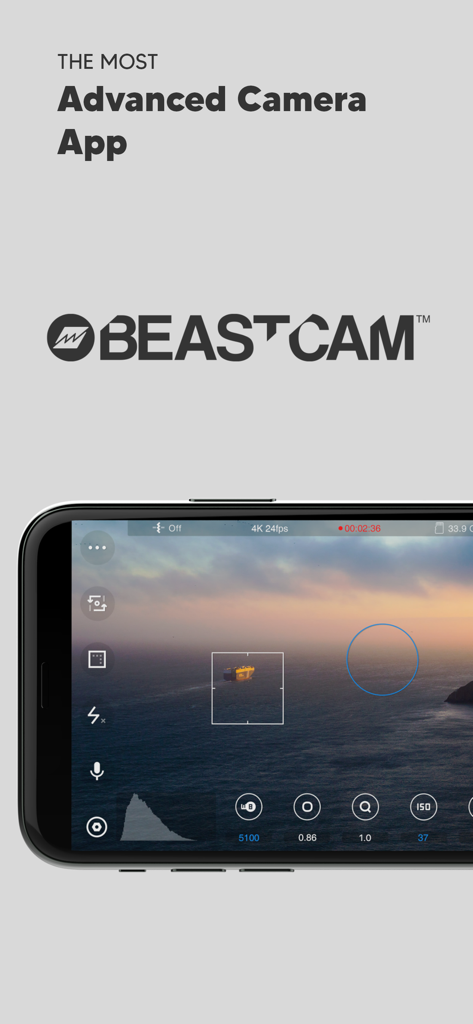
Beastcam Pro Camera app interface on an iPhone showing manual cinematography controls and cinematic sunset view
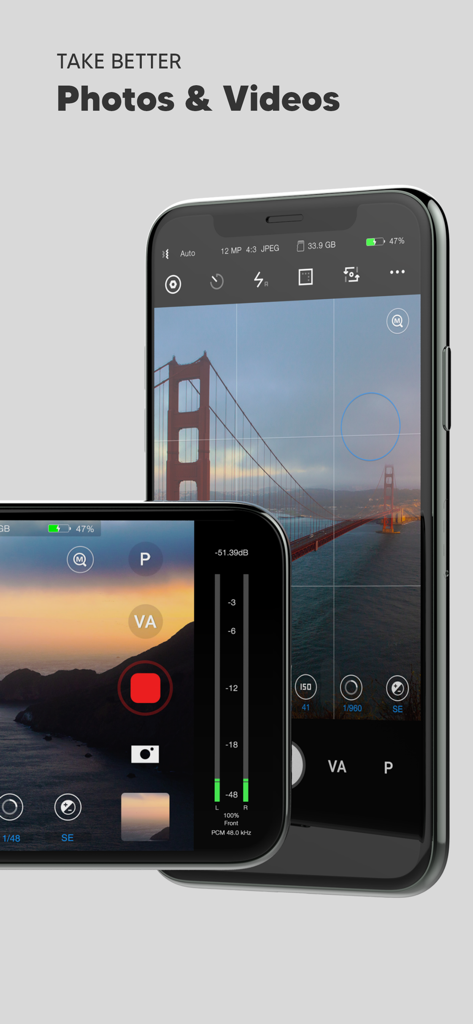
Beastcam Pro Camera app interface on iPhone showing manual controls for professional photography and videography
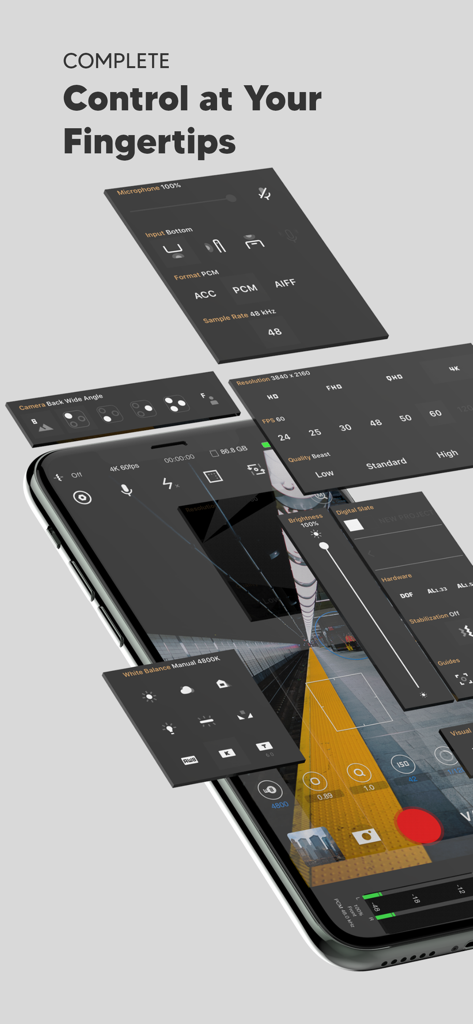
Isometric view of Beastcam app interface showing professional manual camera and audio control panels
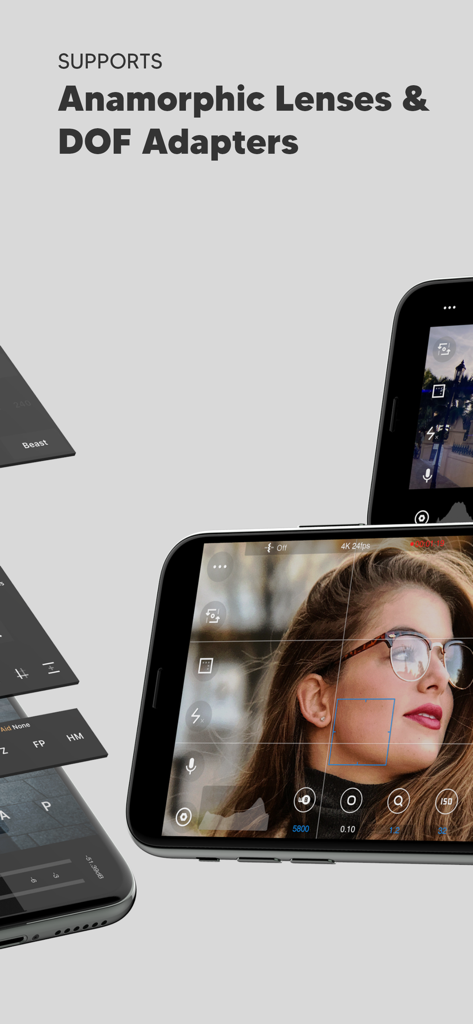
Beastcam app screen highlighting support for anamorphic lenses and DOF adapters with manual camera controls
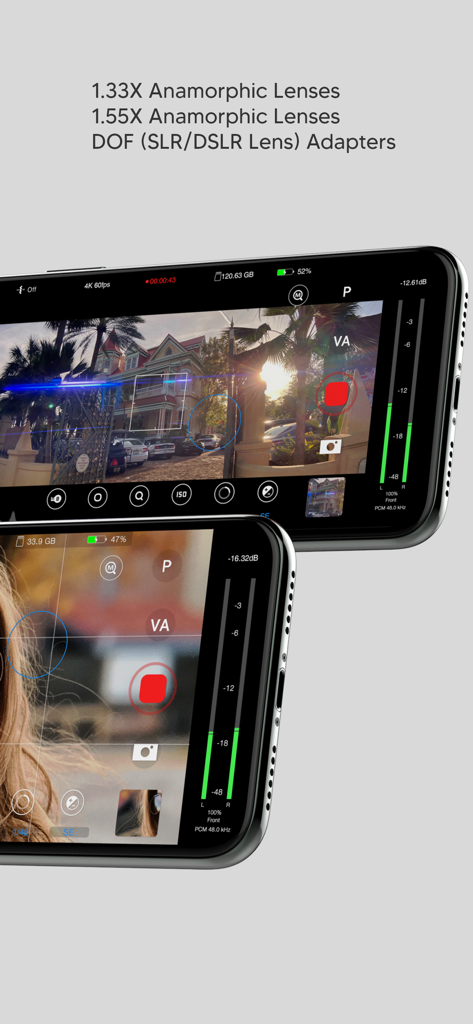
Beastcam app interface highlighting support for anamorphic lenses and DOF adapters with manual pro camera controls
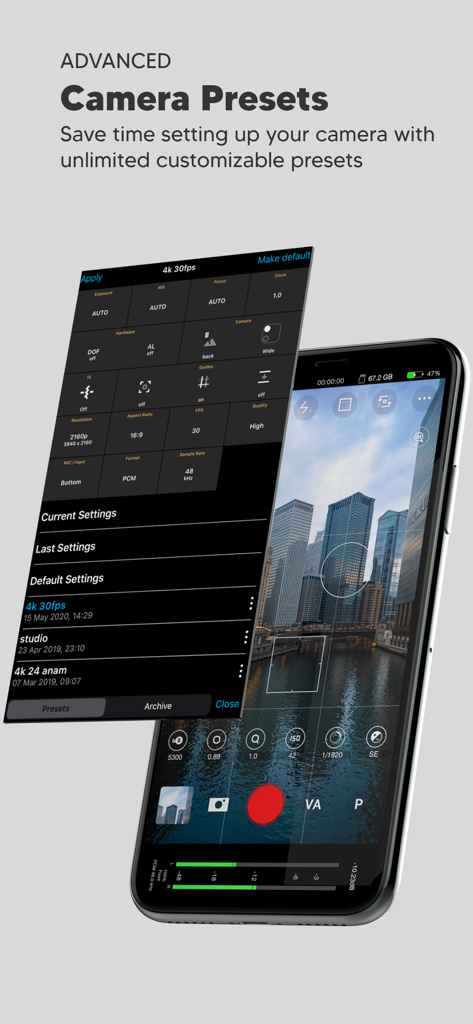
Smartphone screen showing the Beastcam app interface with a customizable camera presets menu overlaying a city skyline view
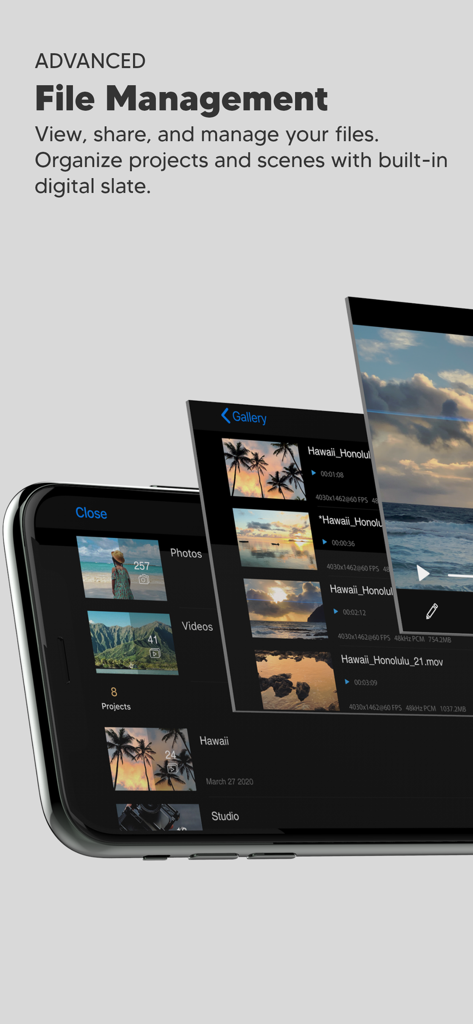
Interface of the Beastcam Pro Camera app showing the advanced file management gallery for organized video projects and scenes.
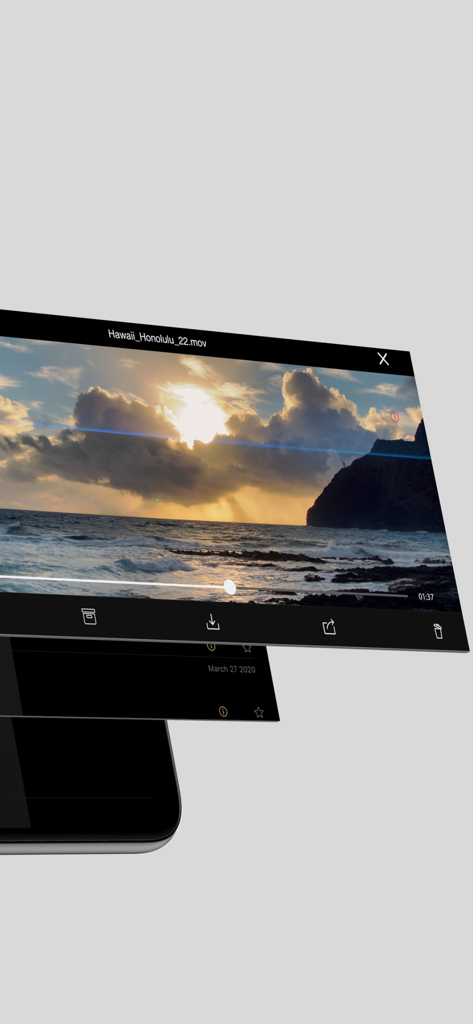
Beastcam app interface displaying video playback and file management options for organized filmmaking workflows
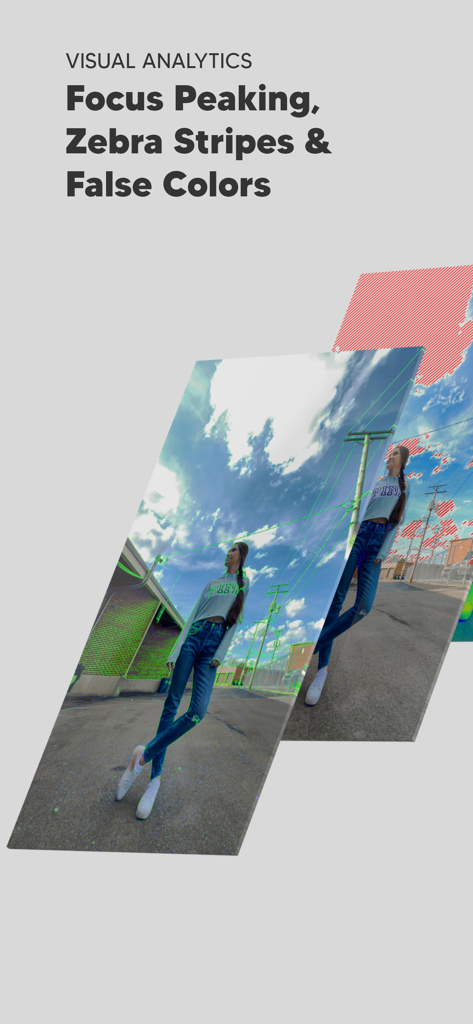
Professional visual analytics tools like focus peaking and zebra stripes in the Beastcam app
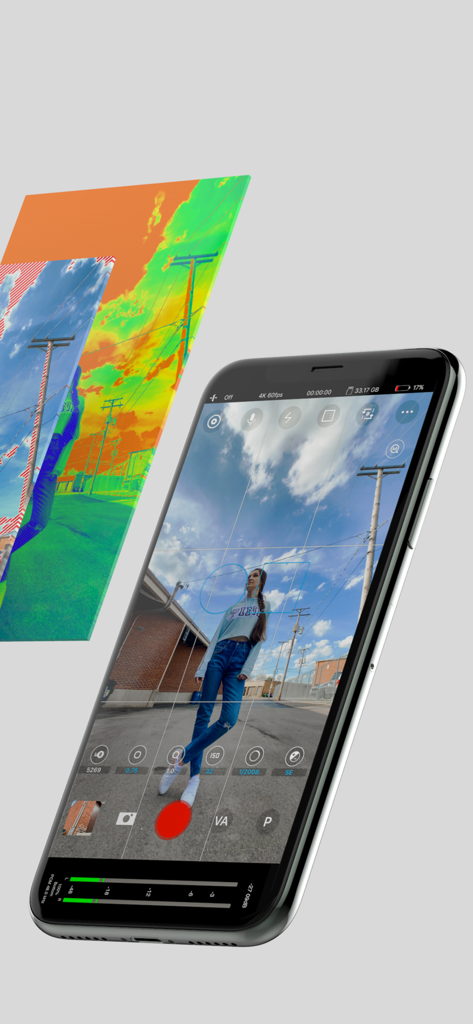
Beastcam app interface on iPhone showing manual camera controls and professional exposure tools like false color
Description
Download
More Like This
Top-ranked apps in the same category

CapCut: Photo & Video Editor
BYTEDANCE PTE. LTD.

Instagram, Inc.

YouTube
Google LLC

Canva: AI Photo & Video Editor
Canva Pty Ltd

Snapchat
Snap, Inc.

快手
Beijing Kwai Technology Co., Ltd.

Edits: Video Editor
Instagram, Inc.

Meitu- AI Photo & Video Editor
Xiamen Meitu Technology Co., Ltd.

Google Photos: Backup & Edit
Google LLC
This page is not an official page of the app or its developer, but an independent editorial publication created for informational and commentary purposes. Unless expressly stated otherwise, neither the app nor its developer is affiliated with, endorsed by, sponsored by, authorized by, or otherwise officially connected with MWM, Apple, Google Play, the app publisher, or the app's developer, and nothing on this page implies that the app was developed using MWM's services. Any trademarks, logos, screenshots, and other content remain the property of their respective owners.