BIM Scanner

BIM Scanner

Download on App Store
Logo of BIM Scanner

BIM Scanner: Professional Scan-to-BIM and 3D Modeling in Minutes

Ditch the $1,500 laser scans and days of manual drafting. Capture high-precision 3D models and export BIM-ready IFC or DXF files for Revit and AutoCAD instantly. 100% on-device, private, and built for AEC professionals.

Download on App Store

Publisher

Solebo LTD

Category

Utilities

Downloads

100

User Rating

5.0/5

Total Ratings

0

Locales

8

Precision in View

Discover the interface used by 100 users.
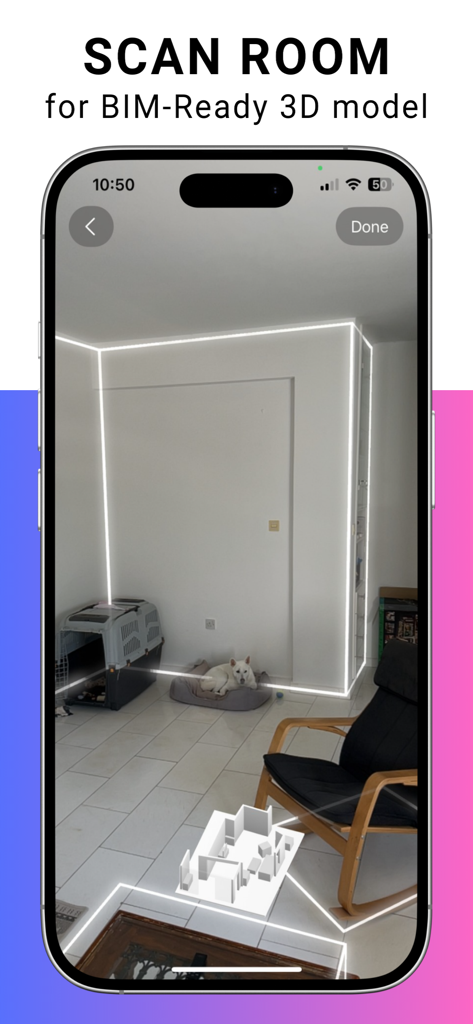
BIM Scanner app interface scanning a room for a BIM ready 3D model

BIM Scanner app interface scanning a room for a BIM ready 3D model

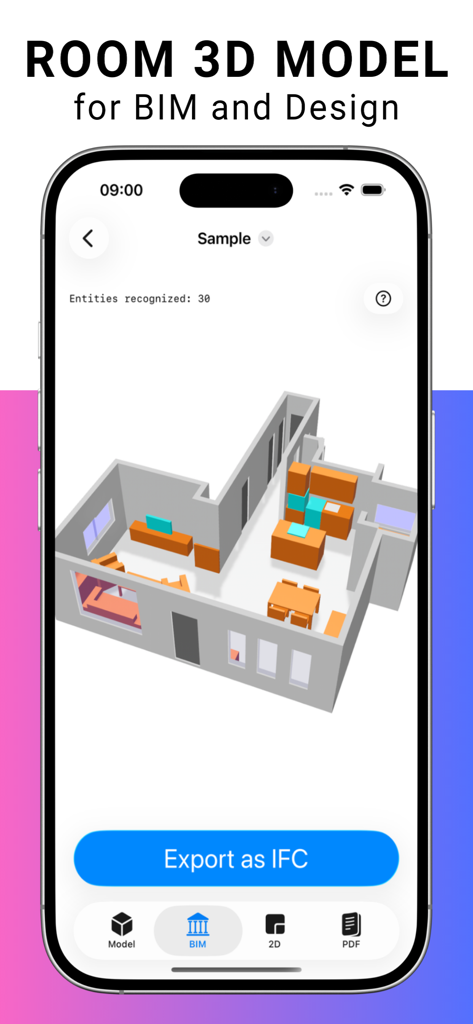
BIM Scanner app interface showing a 3D room model with an Export as IFC button

BIM Scanner app interface showing a 3D room model with an Export as IFC button

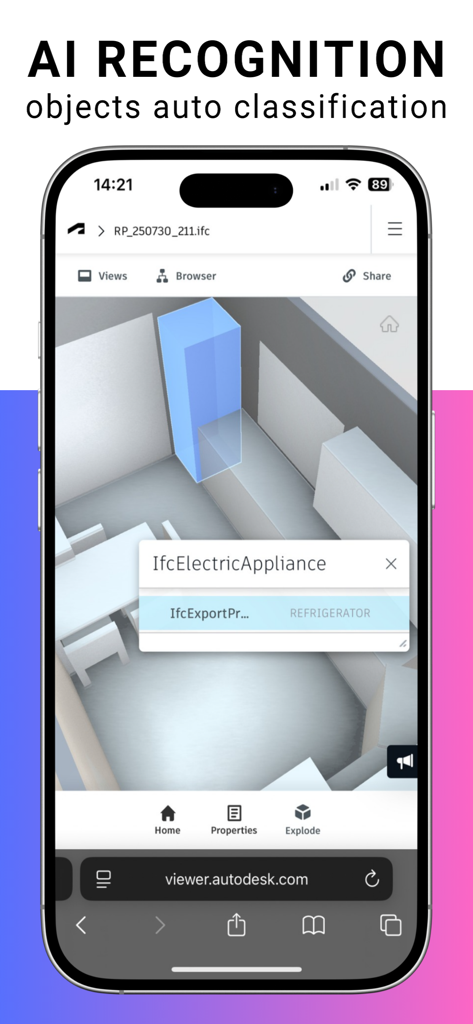
BIM Scanner mobile app showing AI recognition and automatic classification of a refrigerator as an IFC electric appliance in a 3D model

BIM Scanner mobile app showing AI recognition and automatic classification of a refrigerator as an IFC electric appliance in a 3D model

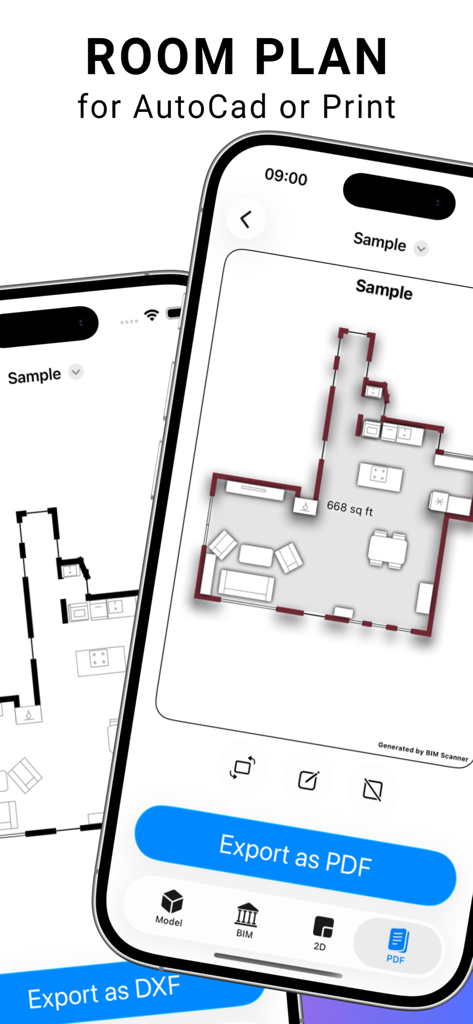
BIM Scanner app displaying a 2D floor plan on an iPhone with options to export for AutoCAD or print

BIM Scanner app displaying a 2D floor plan on an iPhone with options to export for AutoCAD or print

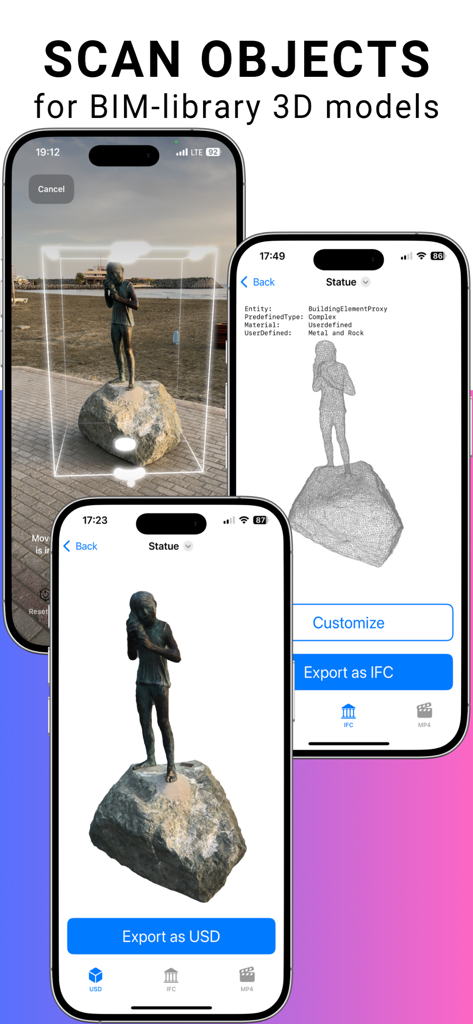
BIM Scanner app interface showing the process of scanning a statue into a professional 3D BIM model with IFC and USD export options

BIM Scanner app interface showing the process of scanning a statue into a professional 3D BIM model with IFC and USD export options

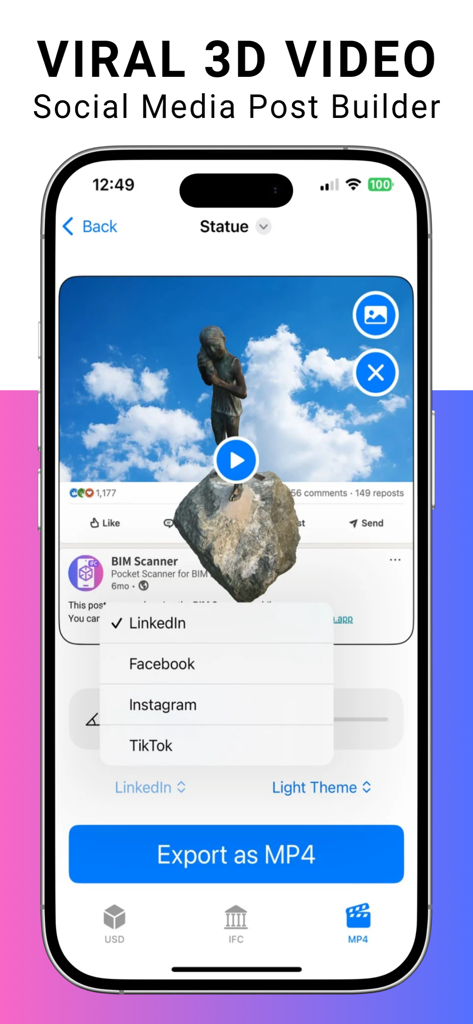
BIM Scanner mobile app interface showing the viral 3D video builder for social media marketing on LinkedIn and Instagram

BIM Scanner mobile app interface showing the viral 3D video builder for social media marketing on LinkedIn and Instagram

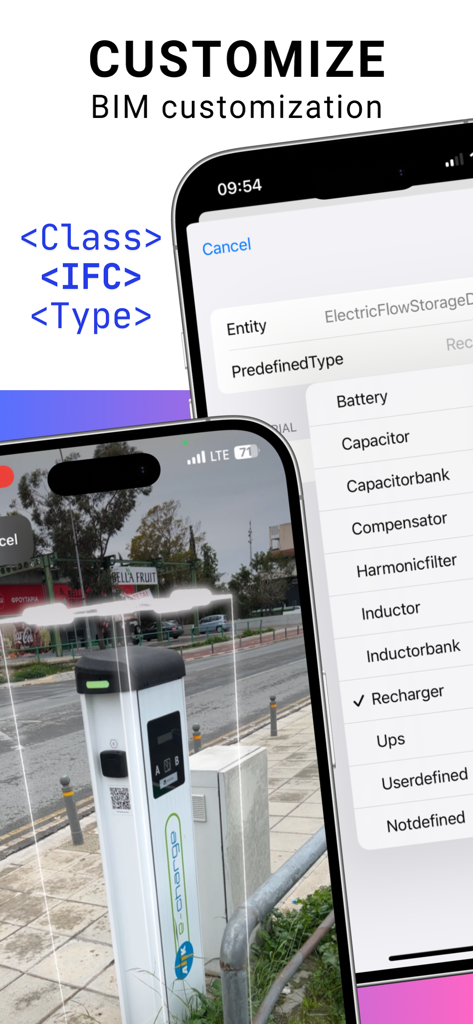
iPhone screen showing the BIM Scanner app with IFC classification options for a scanned object

iPhone screen showing the BIM Scanner app with IFC classification options for a scanned object

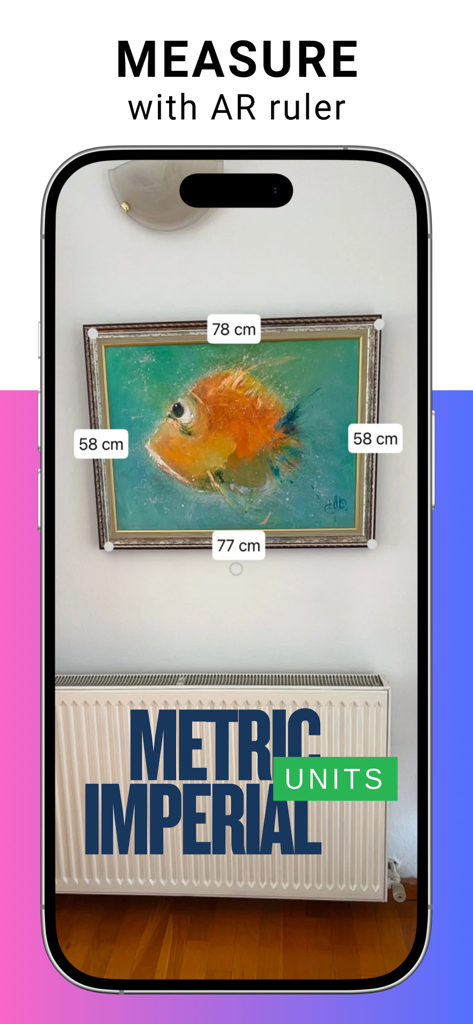
Augmented reality ruler in BIM Scanner app measuring a wall frame in metric units

Augmented reality ruler in BIM Scanner app measuring a wall frame in metric units

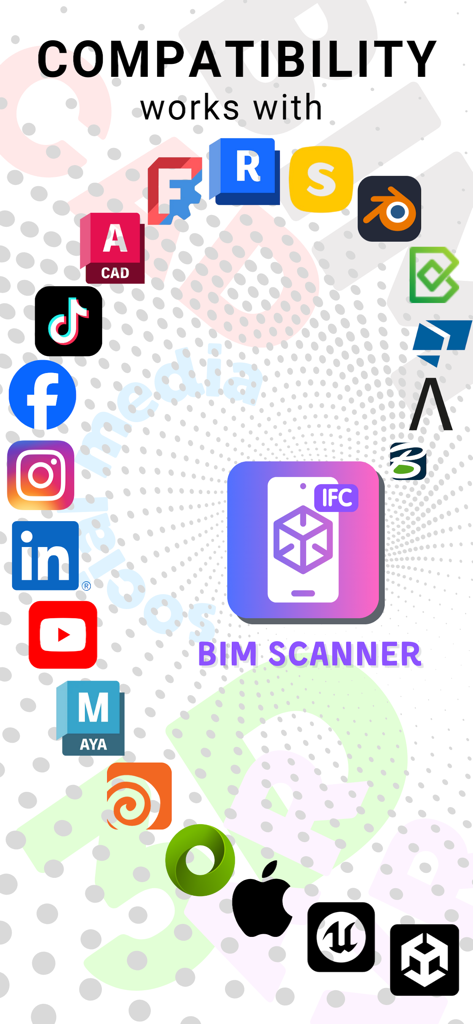
BIM Scanner integration with AEC software and social media icons

BIM Scanner integration with AEC software and social media icons

Professional BIM Workflows in Your Pocket

The tools that make this app stand out, trusted by 100 users.

Instant Scan-to-BIM

Turn any room into a parametric BIM model in minutes. Automatically detect walls, doors, and furniture with professional accuracy at a fraction of the cost.

📂

Industry-Standard Exports

Bridge the gap between site visits and design. Export IFC 4.3, DXF, and PDF files that integrate perfectly with Revit, AutoCAD, and Solibri.

🔒

Privacy-First Processing

Handle sensitive projects with confidence. All data is processed 100% on your device with no cloud dependencies or external uploads.

About the app

Everything you need to know about BIM Scanner.

Description

BIM Scanner Scan. Design. Share. Room Scan — Your Space, Digitized Turn any room into a BIM-ready 3D model in just a few taps. AI instantly detects walls, doors, windows, openings, furniture, appliances, and sanitary units, delivering a precise 2D plan, 3D model, or parametric BIM. With BIM Scanner, a 100 m² Scan-to-BIM workflow takes just a few minutes and costs less than one cent, instead of several days of work and up to $1,500 using traditional laser scanning and manual modeling. You can export fixed-layout Room Plans as PDF, ensuring plans and drawings are shared exactly as intended. Export in DXF, PDF, USD, or IFC (4.0 and 4.3) — fully compatible with AutoCAD, Revit, Solibri, Blender, Allplan, Tekla, and more. Create BIM Components 4–5× Faster Reduce the time to build BIM library elements by up to 80%. Scan furniture, products, or small architectural details and get accurate geometry, classification, and attributes — ready for your BIM workflow. Export components in USD or IFC, with improved DXF support for CAD-based pipelines. Unlimited Galleries — Free for Everyone Store unlimited models and measurements, even in the free version. Scan rooms, objects, and take AR-based measurements without worrying about limits. Preview social media post creation directly in the app. Unlock All Access Weekly, monthly, or annual subscription 7-day free trial available with annual plan Includes: • Full Room Scan exports (DXF, PDF, USD, IFC) • Full Object Scan exports (USD, IFC, MP4) • IFC classification and attribute editing • IFC 4.0 export support for legacy BIM software • IFC 4.3 support • Full Viral Social Media Post Builder Privacy First 100% data processing on the device. No cloud uploads. No external dependencies. Requirements iPhone 12 Pro or newer iPad Pro with LiDAR iOS 18 or newer Terms of Use: https://bimscan.app/terms-and-conditions/ From rooms to reels. From laser to plans. BIM Scanner is ready.

Latest Version

1.5.1

Size

60.6 MB

First Released

Feb 11, 2025

Ready to revolutionize your Scan-to-BIM workflow?

Turn site visits into precise 3D models in minutes, not days. Join the pros saving thousands with on-device processing and instant IFC exports. Start your 7-day free trial today.

Download on App Store

App information, icons, screenshots, and descriptions displayed on this page are sourced from the Apple App Store and are the property of their respective developers. Download estimates and rankings are based on MWM's proprietary models and may not reflect actual figures. This page is provided for informational and analytical purposes only.

Believe this page infringes your intellectual property? File a dispute