
This page is not an official page of the app or its developer, but an independent editorial publication created for informational and commentary purposes. Unless expressly stated otherwise, neither the app nor its developer is affiliated with, endorsed by, sponsored by, authorized by, or otherwise officially connected with MWM, Apple, Google Play, the app publisher, or the app's developer, and nothing on this page implies that the app was developed using MWM's services. Any trademarks, logos, screenshots, and other content remain the property of their respective owners.


Blip!
No more guesswork. The app grants total oversight of your workforce, wherever they are.
Downloads
500k+User Rating
Total Ratings
4.9KPublisher
Category
BusinessLocales
1Latest Version
4.28.2Size
50.5 MBFirst Released
Jul 27, 2018An analytical overview of Blip!'s core functionalities for efficient employee management.
Key Features of Blip! App for SMBs
Geofence Time Tracking
The app provides automatic clock-in/out prompts based on virtual boundaries set around workplaces, ensuring accurate location-based attendance records.
Multiple Location Support
This tool allows businesses to set up and manage geofences for multiple work sites, simplifying attendance tracking across various locations.
Real-time Location and Hours
It enables managers to instantly view employee work hours and current locations, providing immediate oversight of their workforce.
Employee Break Tracking
The app facilitates easy logging of employee breaks, allowing businesses to monitor downtime and ensure compliance with labor laws.
QR Code Clock-in/out
It offers an alternative method for recording work hours via QR code scanning, suitable for static workplaces where geofencing might be less practical.
Manual Time Adjustments
This tool allows HR managers to quickly correct incorrect shift or break times, ensuring data accuracy and flexibility.
Work History Viewing
It provides a comprehensive view of an employee's past work hours and allows for easy filtering by date range for review and record-keeping.
Data Export
The app allows businesses to export individual or team work history data into spreadsheets, facilitating payroll processing and external record-keeping.
Frequently Asked Questions
Everything you need to know about Blip!
Is the Blip! app free to use?
Yes, Blip! is a free application. It is exclusively available for use by existing BrightHR customers as an add-on service.
What does the Blip! app do?
The Blip! app tracks employees' work hours and locations. It enables employers to monitor clock-ins, clock-outs, and breaks using either geofencing technology or QR code scanning.
How does Blip! use geofencing?
Blip! uses geofencing to create virtual boundaries around workplaces. When employees enter or leave this geofence, the app detects their location and prompts them to clock in or out.
Can employees clock in with QR codes using Blip!?
Yes, Blip! allows employees to clock in and out using QR codes. Staff scan a designated QR code upon arrival and departure, which instantly registers their work time.
Does Blip! track employee break times?
Yes, Blip! tracks employee breaks. Staff can log the start and end of their breaks with a tap, allowing employers to monitor the duration and frequency of downtime.
Can I view past work hours in Blip!?
Yes, Blip! displays a full history of an employee’s work hours. Users can filter the date range for specific periods and export the data as a spreadsheet.
Is it possible to manage multiple locations with Blip!?
Yes, Blip! supports multiple work locations. The app allows creation of separate geofences or QR code systems for each site, enabling easy tracking of employees across different workplaces.
Can I edit an incorrect shift in Blip!?
Yes, Blip! allows users to change incorrect shift or break times. This adjustment can be performed directly within the app in a few quick taps.
The following screenshots and description are sourced directly from the app's official store listing and are the property of the app developer.
App Store
Screenshots
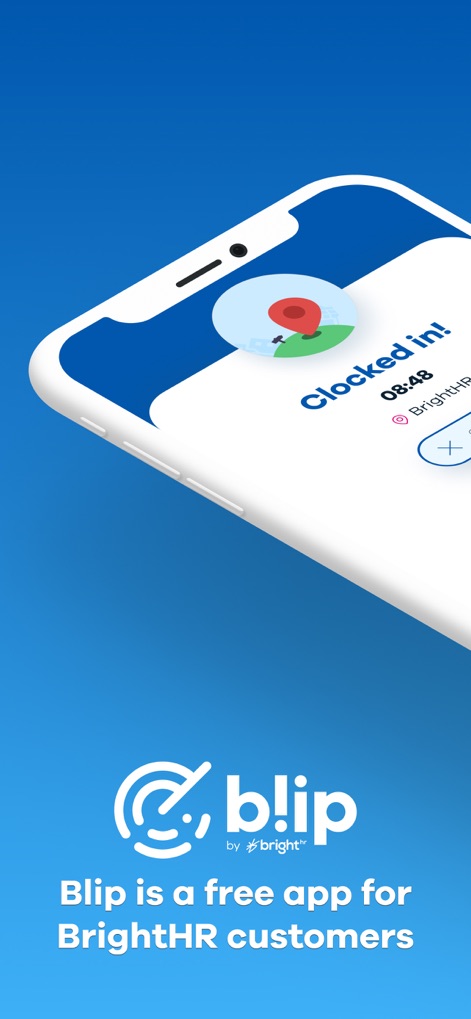
See how Blip! provides immediate 'Clocked in!' status and displays the BrightHR integration for seamless management.
Instant Clock-in View
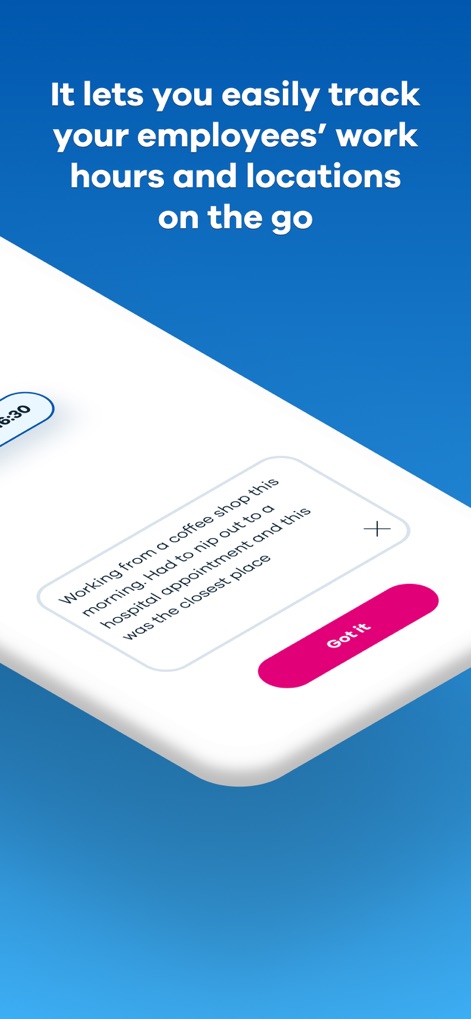
This tool captures important work details through contextual messages and offers a clear 'Got it' confirmation button.
Location Tracking Insight

Users can define custom geofence boundaries on a detailed map interface and easily 'Clock in' from within the zone.
Geofence Creation Made Easy
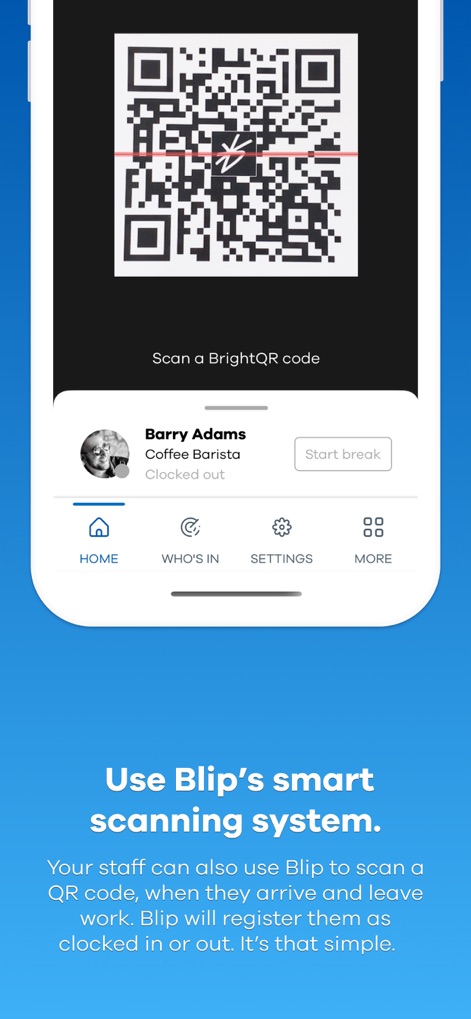
The app features a simple QR code scanner for quick clock-ins and displays current employee status and navigation options.
QR Code Scanning
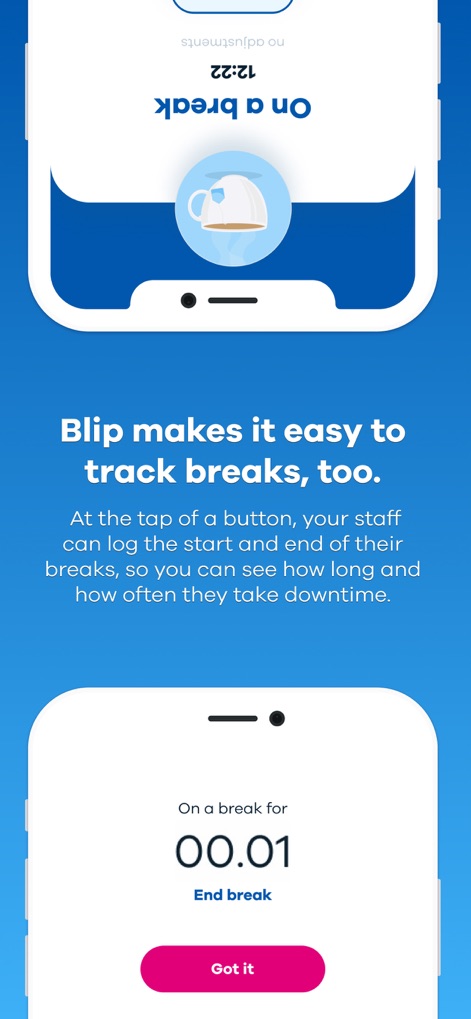
Employees can effortlessly log break times with a tap and view a live countdown of their current break duration.
Break Tracking Simplicity

Review detailed employee shift logs, including 'Clock in' and 'Clock out' times, and filter the date range for specific periods.
Comprehensive Work History
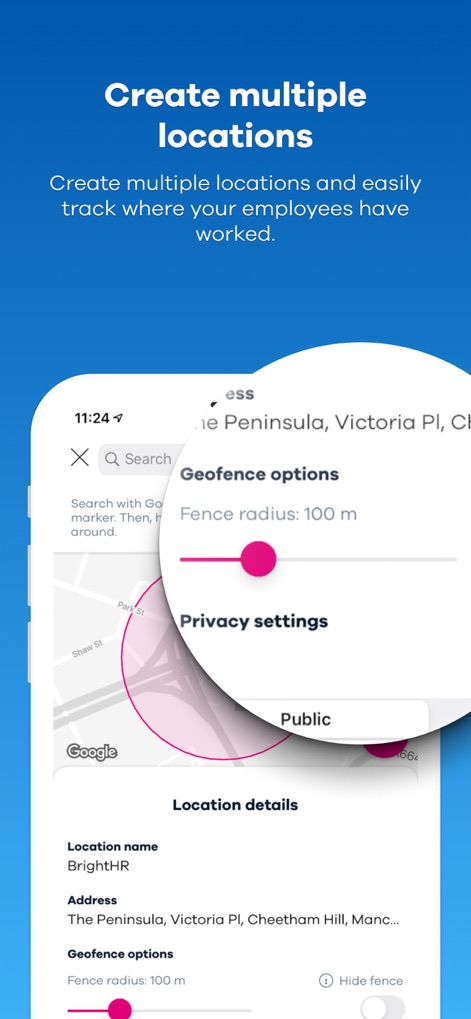
Configure multiple location settings with precise geofence radius adjustments and manage privacy preferences for each site.
Advanced Location Settings
Description
Download
More Like This
Apps with similar features and user experience

Connecteam Team Management App
Connecteam, Inc.

Homebase: Team Management
Pioneer Works, Inc.
7shifts: Employee Scheduling
7shifts, Inc.
When I Work Staff Scheduling
When I Work, Inc.

Jibble: Attendance Tracker
Jibble Tech Sdn Bhd

Legion Workforce Engagement
Legion Technologies Inc.

Crunchtime Teamworx
CrunchTime Information Systems
Restaurant365
Dynamic Methods, Inc

AxisCare Mobile
Centex Axiscare Inc
This page is not an official page of the app or its developer, but an independent editorial publication created for informational and commentary purposes. Unless expressly stated otherwise, neither the app nor its developer is affiliated with, endorsed by, sponsored by, authorized by, or otherwise officially connected with MWM, Apple, Google Play, the app publisher, or the app's developer, and nothing on this page implies that the app was developed using MWM's services. Any trademarks, logos, screenshots, and other content remain the property of their respective owners.