
This page is not an official page of the app or its developer, but an independent editorial publication created for informational and commentary purposes. Unless expressly stated otherwise, neither the app nor its developer is affiliated with, endorsed by, sponsored by, authorized by, or otherwise officially connected with MWM, Apple, Google Play, the app publisher, or the app's developer, and nothing on this page implies that the app was developed using MWM's services. Any trademarks, logos, screenshots, and other content remain the property of their respective owners.


#blockit: Block distractions
The surgical website blocker for Apple users who need to stay connected without falling down the rabbit hole of infinite feeds. Regain your focus while keeping access to the tools you actually need.
Downloads
6K+User Rating
Total Ratings
400Publisher
Category
ProductivityLocales
1Latest Version
4.10.0Size
25.9 MBFirst Released
Jan 18, 2020Master Your Attention Without Losing Your Tools
Stop fighting the algorithm and start using the web on your terms. #blockit removes the addictive traps of social media while keeping the essential features you need for work and life.
Surgical Feed Removal
Kill the infinite scroll on Facebook, YouTube, and LinkedIn while keeping access to notifications, messages, and events for your professional life.
Complete Apple Ecosystem Sync
Set your focus rules once and stay productive everywhere. Your settings automatically sync across iPhone, iPad, and Mac via iCloud.
The following screenshots and description are sourced directly from the app's official store listing and are the property of the app developer.
App Store
Screenshots
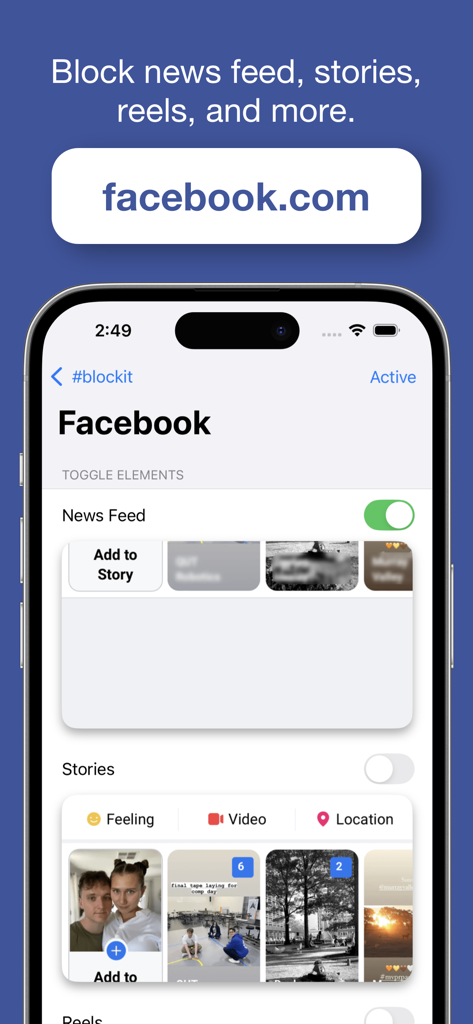
A mobile app interface showing toggles to surgically block the Facebook News Feed and Stories while keeping the rest of the site functional.
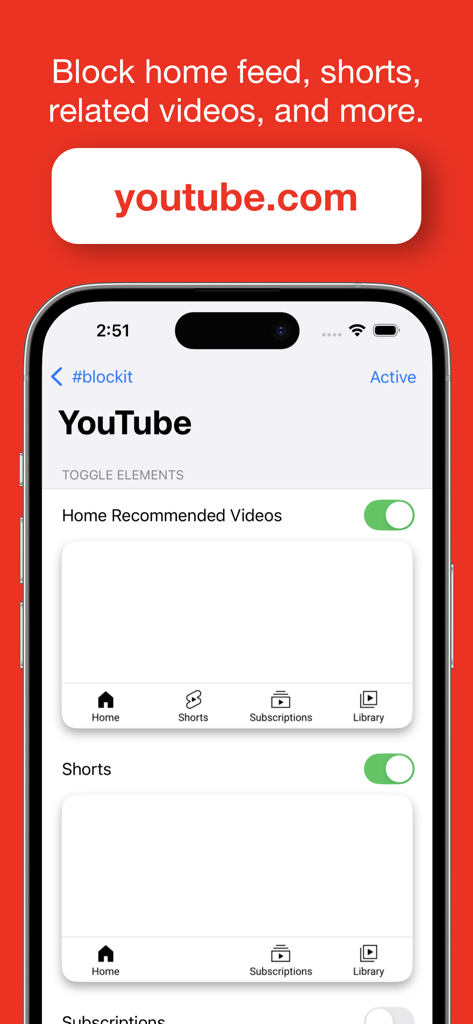
Interface of the blockit app on an iPhone showing toggle settings to block YouTube recommended videos and shorts for better focus.
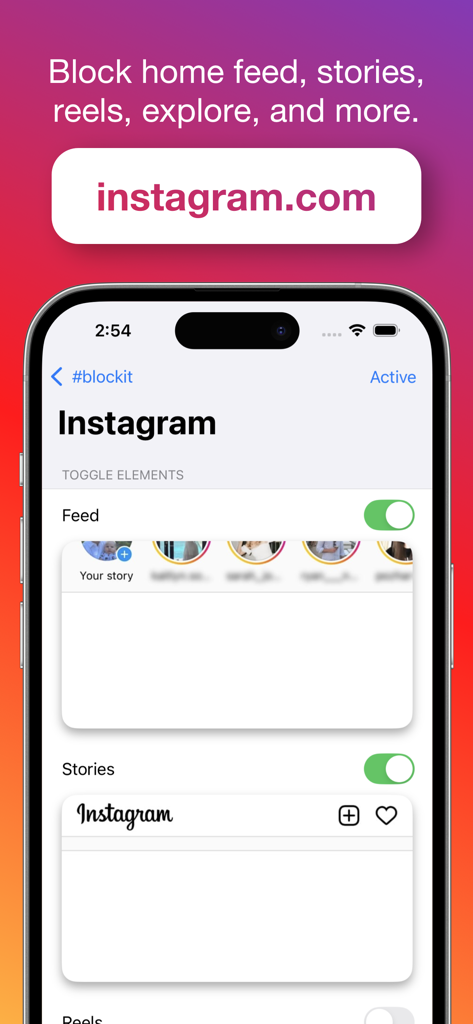
iPhone screen showing blockit app settings to hide the Instagram feed and stories
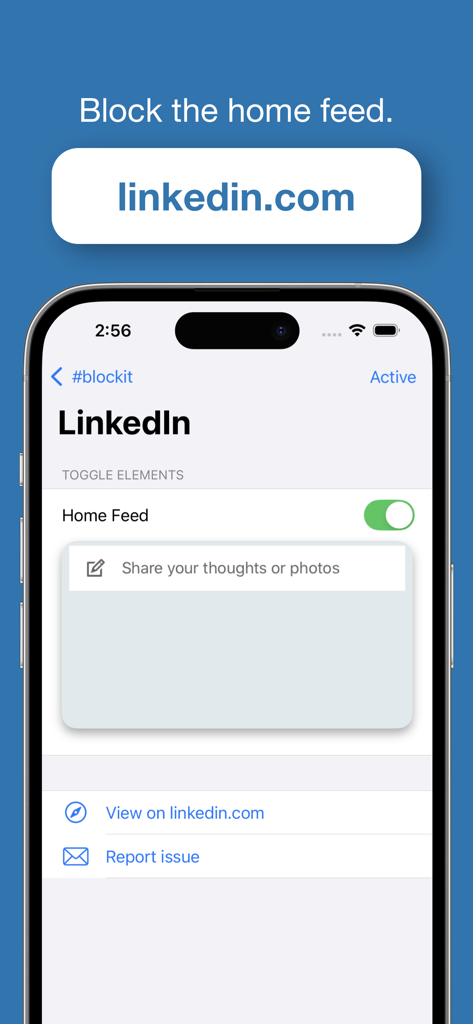
iPhone screenshot of the blockit app interface showing a toggle to block the LinkedIn home feed
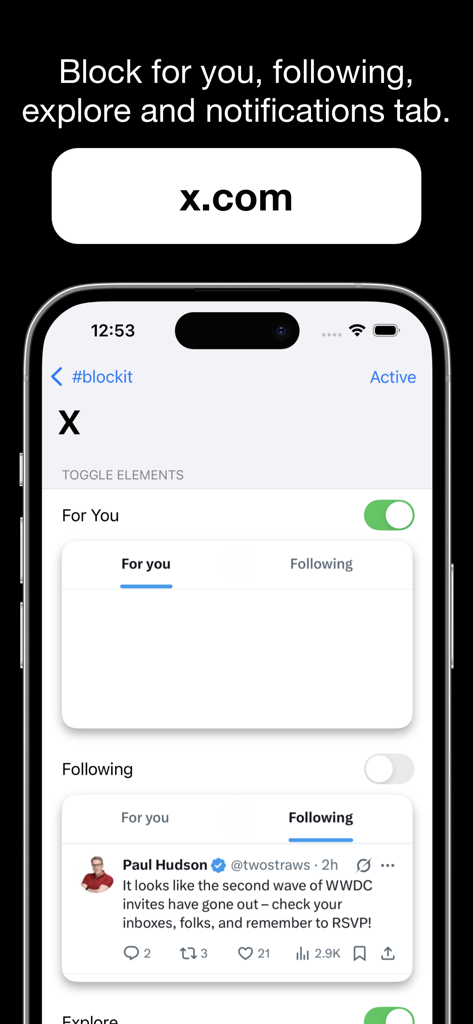
#blockit app settings for X showing options to block the For You and Following feeds.
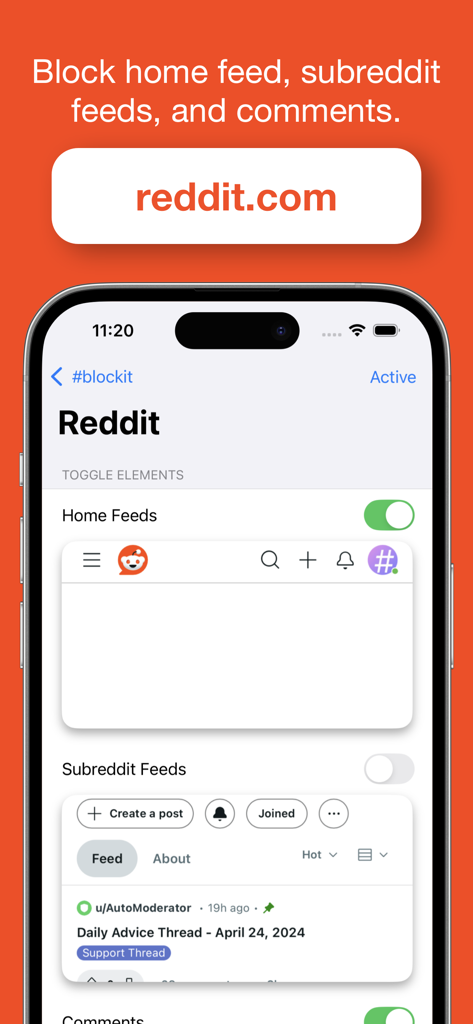
Screenshot of the #blockit app showing settings to toggle off Reddit home feeds, subreddit feeds and comments to improve focus
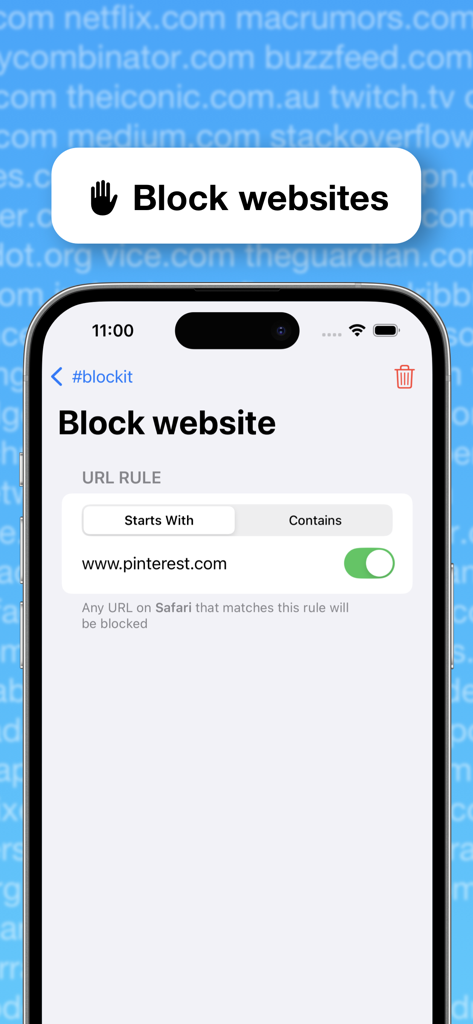
iPhone screen showing the blockit app interface to block a specific website URL
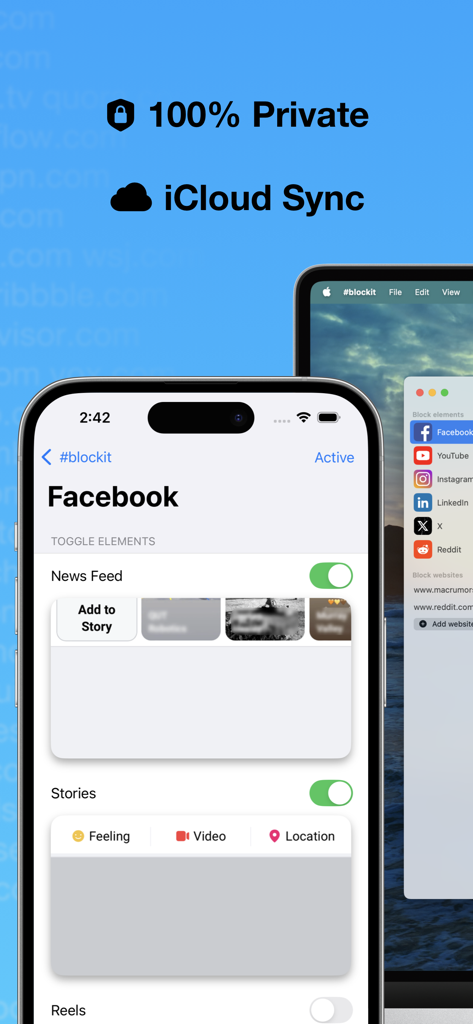
Blockit app interface showing privacy and iCloud sync features with options to block Facebook news feed and stories
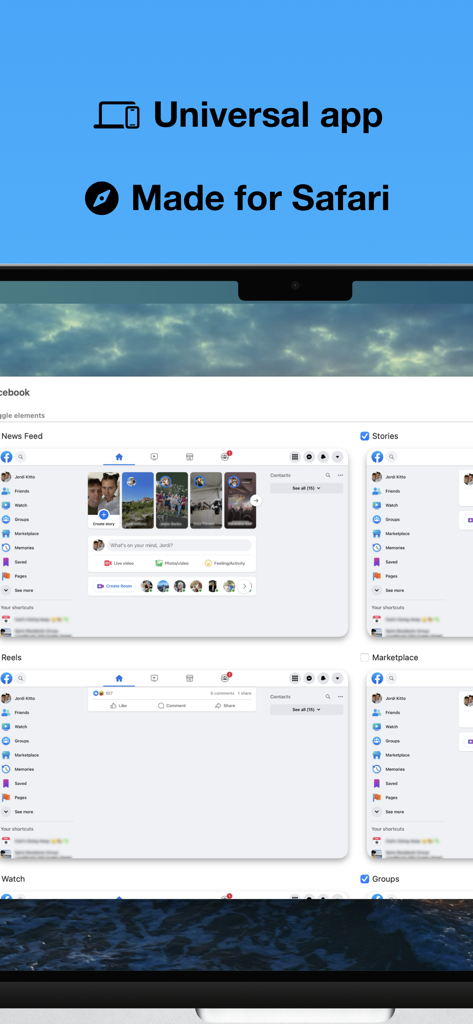
Interface of blockit for Safari on Mac showing options to block Facebook News Feed and Reels
Description
Download
More Like This
Top-ranked apps in the same category

ChatGPT
OpenAI OpCo, LLC

Google Gemini
Google LLC

Grok
X.AI Corporation

Gmail - Email by Google
Google LLC

千问 - 阿里最强大模型官方AI助手
Shanghai Zhixin Puhui Technology Co., Ltd.

Google Drive
Google LLC

Microsoft Authenticator
Microsoft Corporation

Google Sheets
Google LLC

Google Docs
Google LLC
This page is not an official page of the app or its developer, but an independent editorial publication created for informational and commentary purposes. Unless expressly stated otherwise, neither the app nor its developer is affiliated with, endorsed by, sponsored by, authorized by, or otherwise officially connected with MWM, Apple, Google Play, the app publisher, or the app's developer, and nothing on this page implies that the app was developed using MWM's services. Any trademarks, logos, screenshots, and other content remain the property of their respective owners.