
This page is not an official page of the app or its developer, but an independent editorial publication created for informational and commentary purposes. Unless expressly stated otherwise, neither the app nor its developer is affiliated with, endorsed by, sponsored by, authorized by, or otherwise officially connected with MWM, Apple, Google Play, the app publisher, or the app's developer, and nothing on this page implies that the app was developed using MWM's services. Any trademarks, logos, screenshots, and other content remain the property of their respective owners.

BlueTools Bluetooth Assistant
Streamline your IoT development with a high-efficiency toolkit for real-time packet analysis, multi-format data visualization, and precision RSSI device tracking.
Downloads
104K+User Rating
Total Ratings
100Publisher
Category
Developer ToolsLocales
16Latest Version
4.0.3Size
40.0 MBFirst Released
Aug 8, 2020Built for Developers and IoT Engineers
Streamline your hardware development workflow with professional-grade BLE debugging, real-time signal analysis, and multi-format data communication.
Advanced Data Debugging
Switch instantly between Hex, Binary, String, and Numeric formats to send and listen for data packets with professional precision.
Visual RSSI Tracking
Visualize signal strength and device direction in real-time charts to pinpoint lost hardware or diagnose connectivity dead zones.
The following screenshots and description are sourced directly from the app's official store listing and are the property of the app developer.
App Store
Screenshots
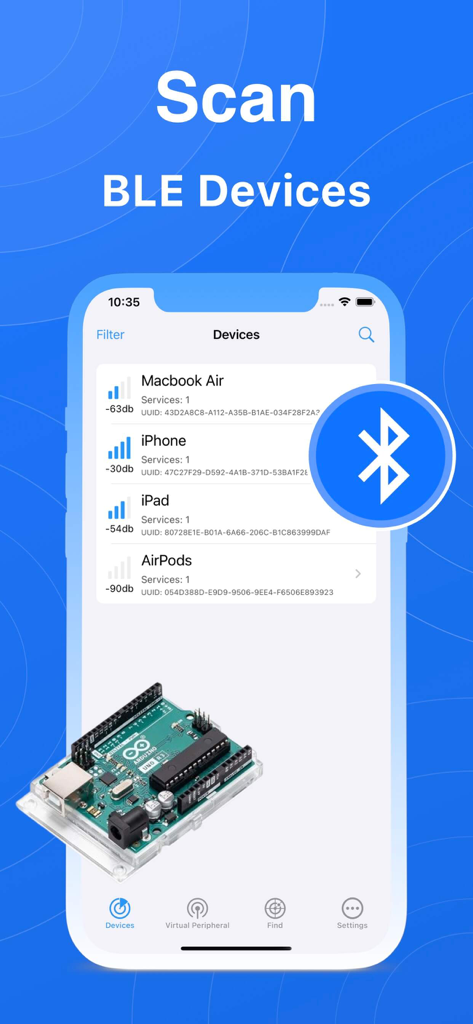
BlueTools app screen showing a list of scanned Bluetooth devices with signal strength
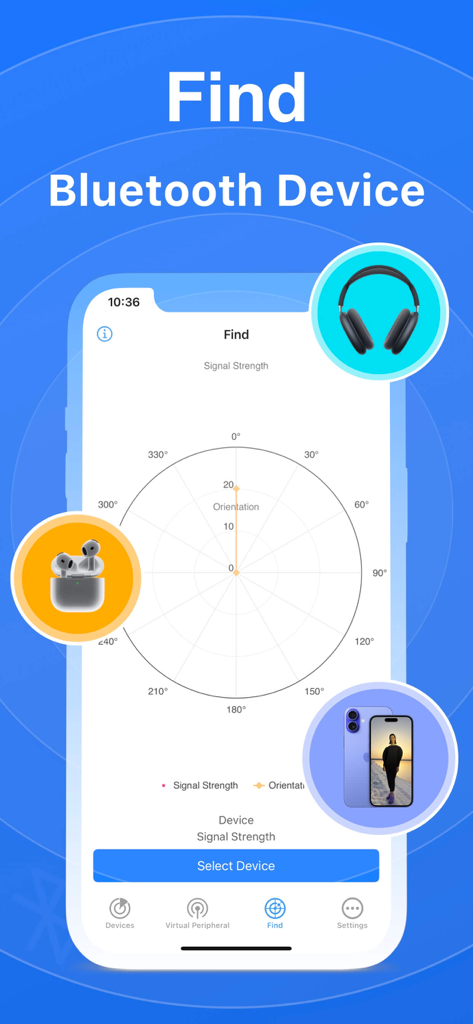
Radar chart interface for finding bluetooth devices by signal strength and orientation
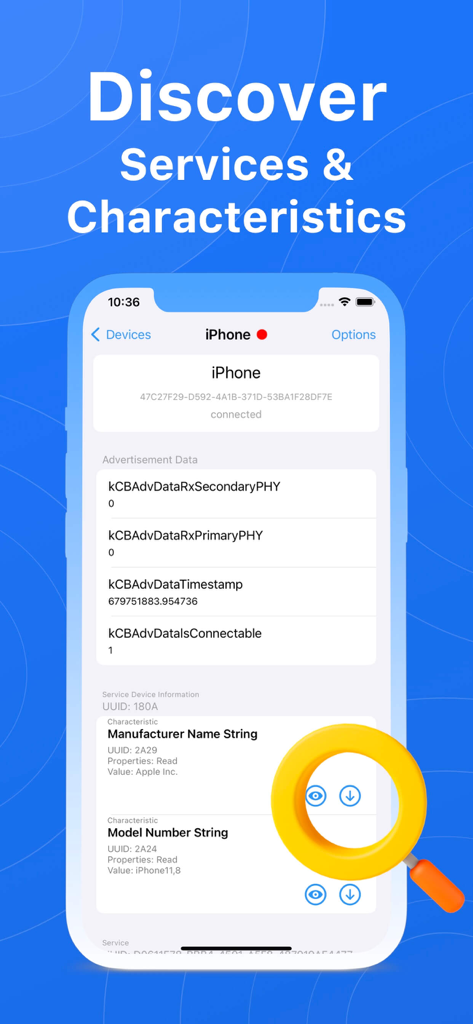
BlueTools screen showing discovered Bluetooth services and characteristics
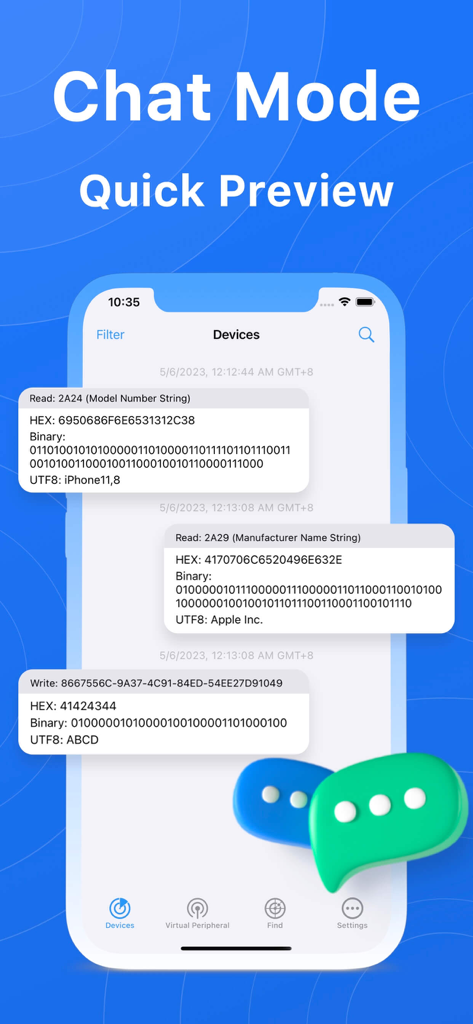
BlueTools Bluetooth Assistant Chat Mode displaying real time device communication logs
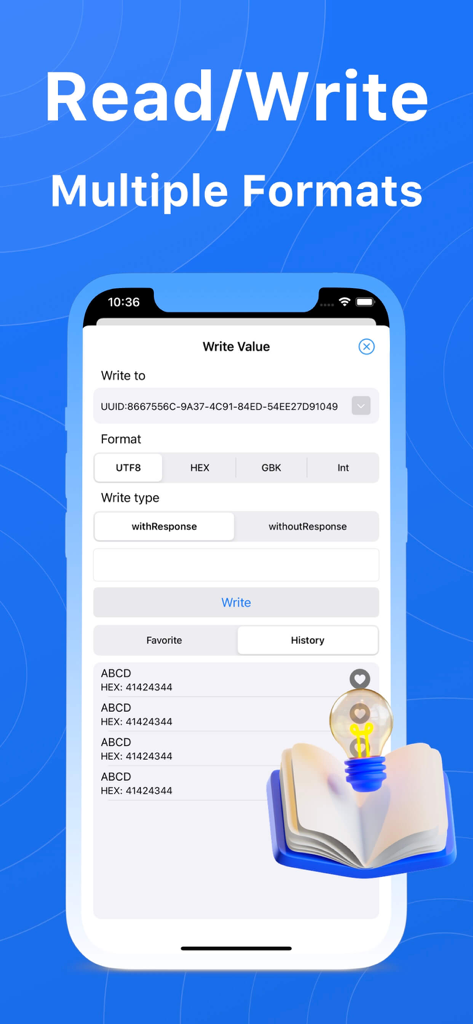
Interface for writing Bluetooth Low Energy data in multiple formats including UTF8 and HEX.
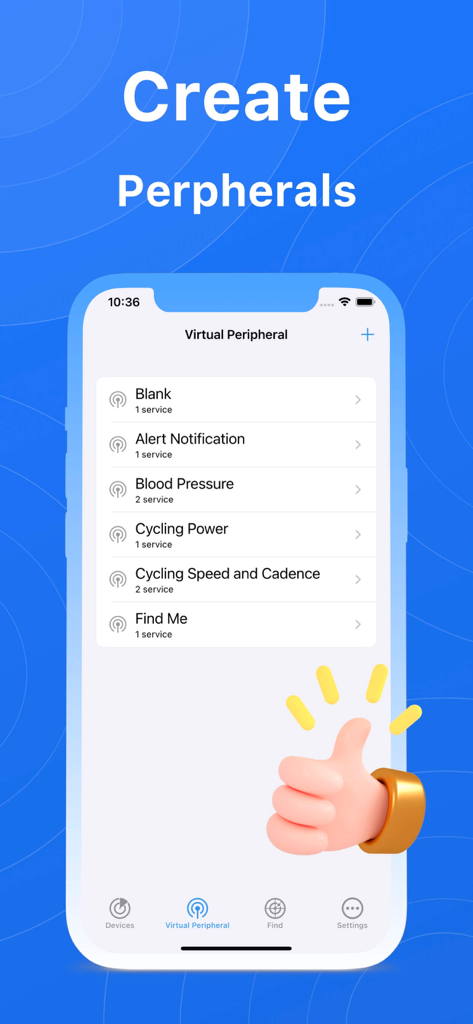
Mobile interface for creating virtual Bluetooth peripherals with options like Alert Notification and Blood Pressure
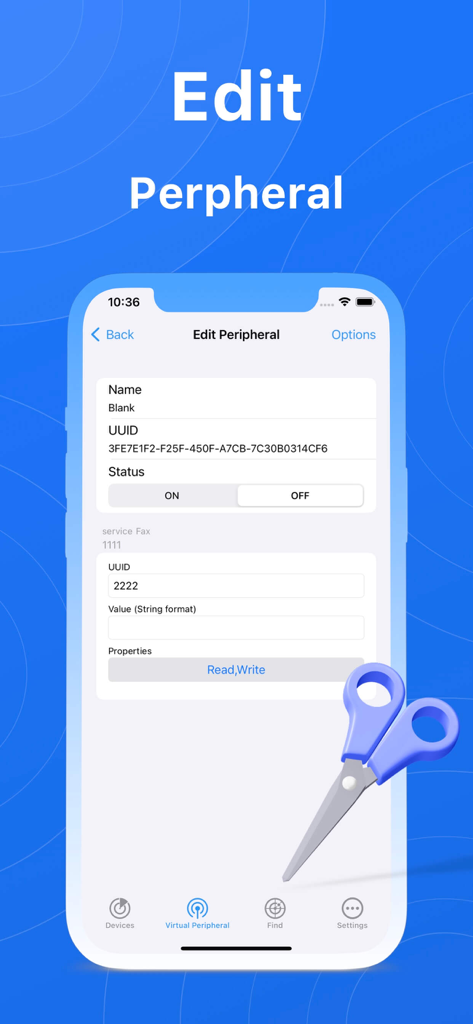
BlueTools Bluetooth Assistant app screen for editing virtual peripheral details such as UUID and status.
Description
Download
More Like This
Top-ranked apps in the same category

TestFlight
Apple Inc.

Replit: Vibe Code Apps
Replit, Inc

GitHub
GitHub

O-KAM Pro
Shenzhen VeePai IoT Intelligent Technology LLC

Apple Developer
Apple Inc.

Expo Go
650 Industries, Inc.

Scriptable
Simon Stovring

App Store Connect
Apple Inc.

Sekai: Create · Remix · Play
Versa AI, Inc.
This page is not an official page of the app or its developer, but an independent editorial publication created for informational and commentary purposes. Unless expressly stated otherwise, neither the app nor its developer is affiliated with, endorsed by, sponsored by, authorized by, or otherwise officially connected with MWM, Apple, Google Play, the app publisher, or the app's developer, and nothing on this page implies that the app was developed using MWM's services. Any trademarks, logos, screenshots, and other content remain the property of their respective owners.