
This page is not an official page of the app or its developer, but an independent editorial publication created for informational and commentary purposes. Unless expressly stated otherwise, neither the app nor its developer is affiliated with, endorsed by, sponsored by, authorized by, or otherwise officially connected with MWM, Apple, Google Play, the app publisher, or the app's developer, and nothing on this page implies that the app was developed using MWM's services. Any trademarks, logos, screenshots, and other content remain the property of their respective owners.

Bluetooth Explorer:AI Terminal
Stop wasting hours on cryptic logs. The developer-first toolkit for protocol validation and real-device diagnostics that turns raw GATT data into actionable insights using our advanced AI assistant.
Downloads
0User Rating
Total Ratings
0Publisher
Category
Developer ToolsLocales
21Latest Version
1.1Size
34.9 MBFirst Released
Feb 22, 2026Precision Tools for BLE Engineering
Accelerate your IoT development cycle with a professional-grade mobile terminal that replaces manual log scanning with AI-driven diagnostics.
AI-Powered Log Analysis
Stop guessing why a GATT write failed. Our AI assistant summarizes complex event logs to highlight root causes and actionable debugging steps instantly.
Multi-Mode Serial Terminal
Execute repeatable QA routines with a developer-first terminal supporting hex, binary, and text formats with batch-send capabilities for rapid testing.
The following screenshots and description are sourced directly from the app's official store listing and are the property of the app developer.
App Store
Screenshots
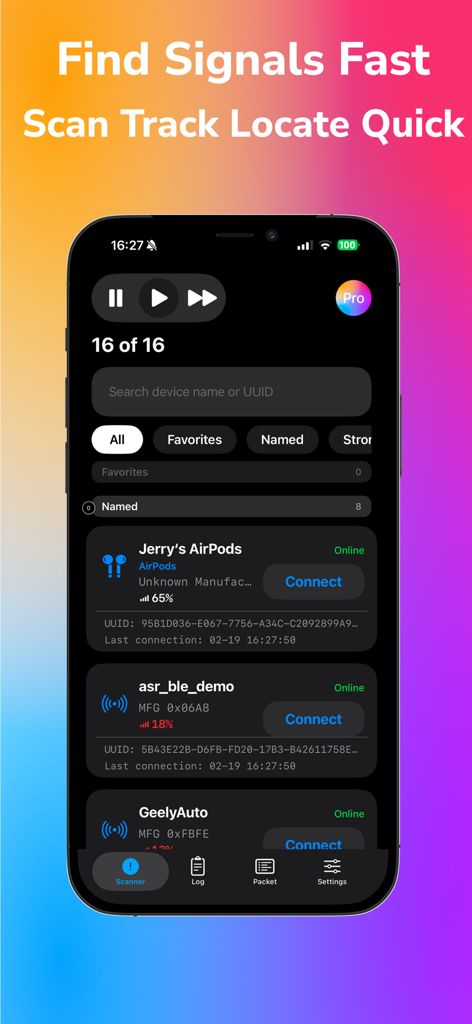
Interface of the Bluetooth Explorer app showing a list of discovered BLE devices with signal strength and connection options
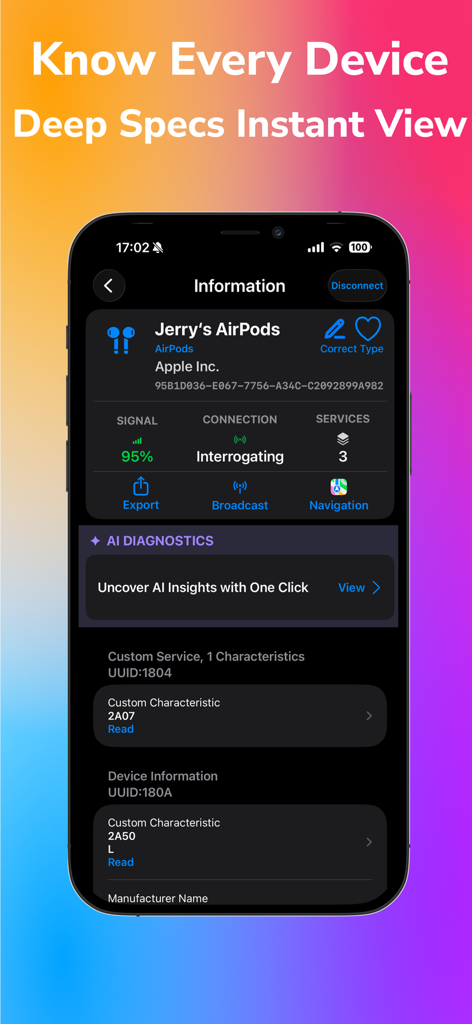
A detailed technical view of a BLE device in the Bluetooth Explorer app showing signal strength connection status and AI diagnostic options
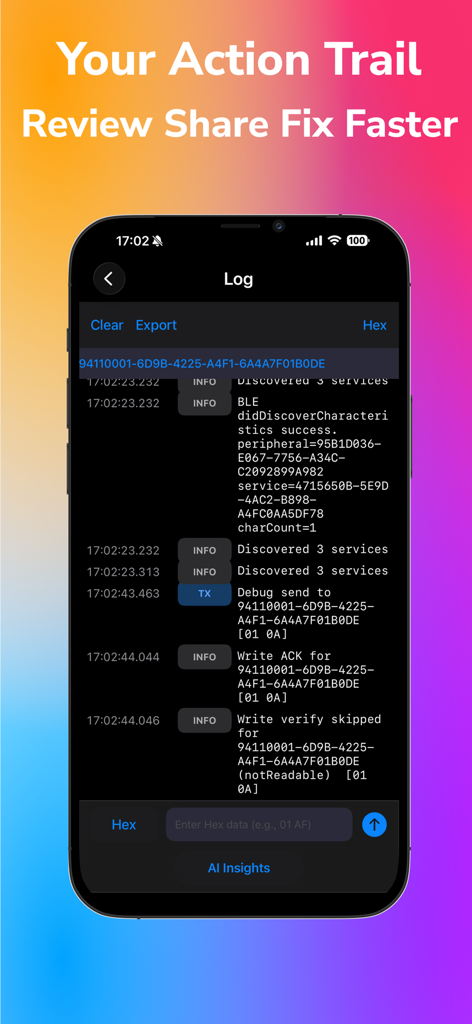
Log screen of Bluetooth Explorer AI Terminal showing real time BLE communication logs and technical debugging data
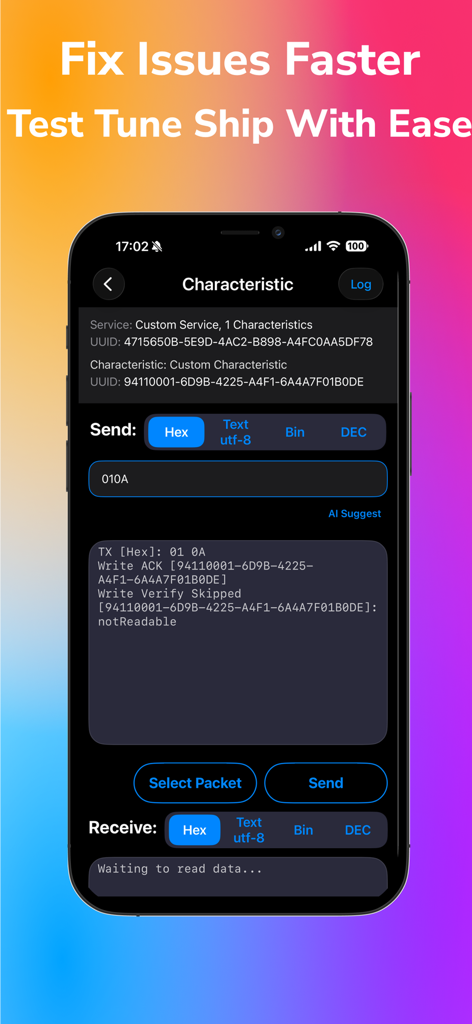
Interface of Bluetooth Explorer AI Terminal showing BLE characteristic debugging with data transmission logs and hex input options
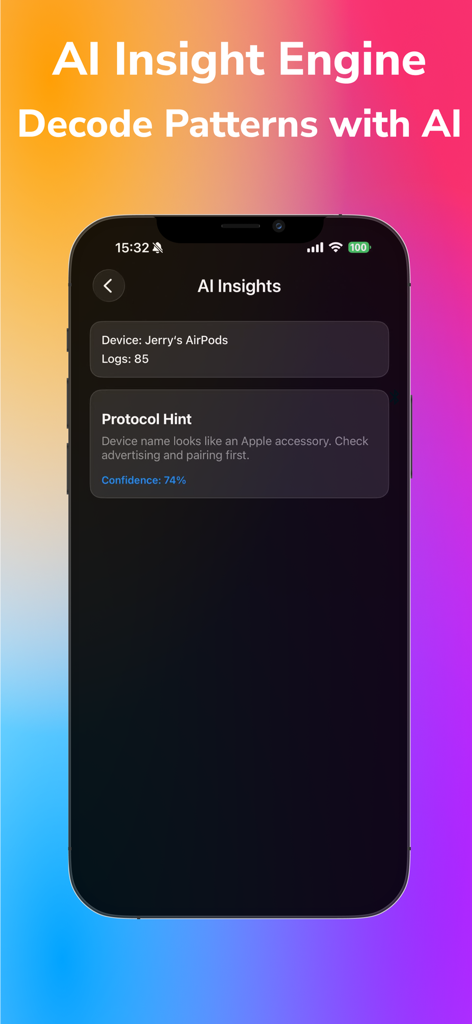
Screenshot of Bluetooth Explorer AI Terminal app showing AI-generated protocol hints and device insights on an iPhone screen
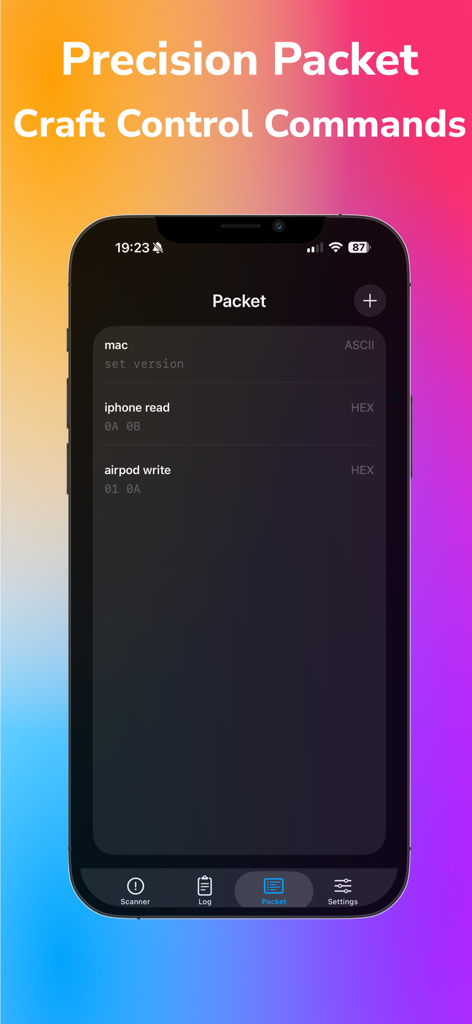
A mobile interface for crafting and managing precision BLE packet commands in HEX and ASCII formats.
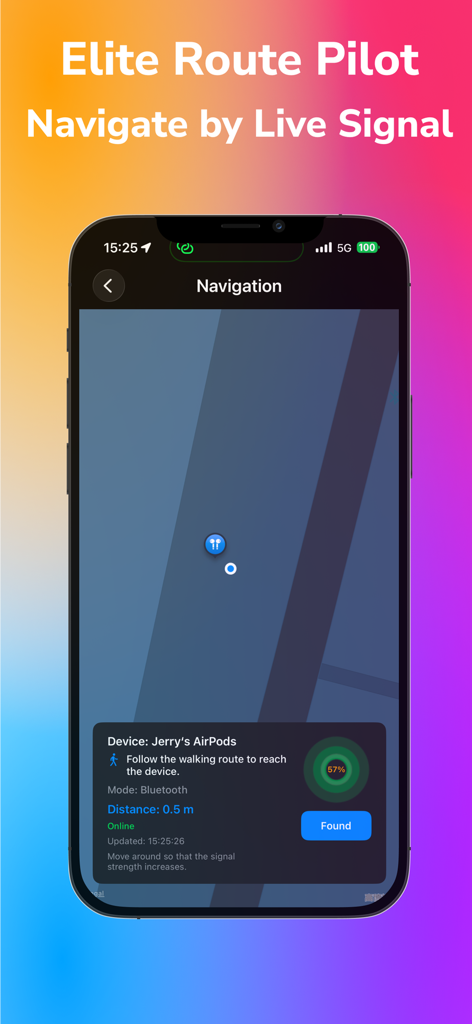
Bluetooth Explorer app navigation interface showing real time signal strength and distance tracking for a BLE device
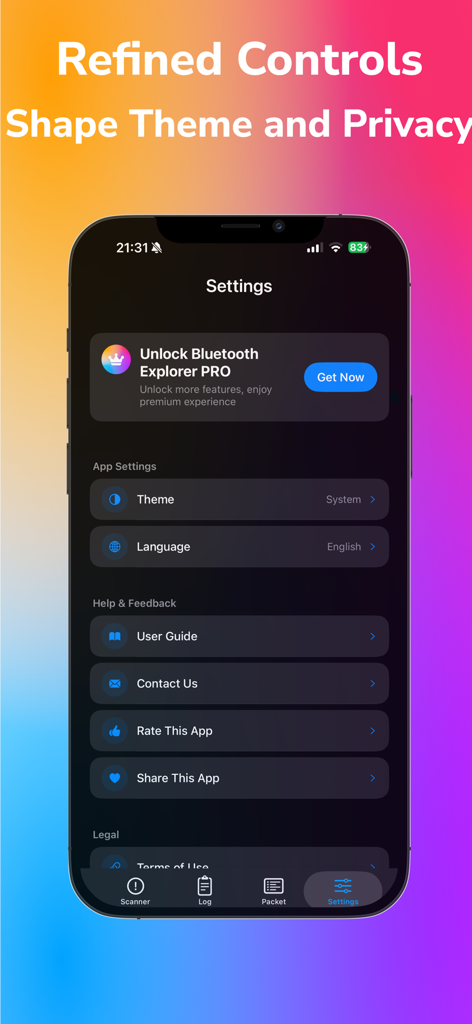
Settings screen of Bluetooth Explorer AI Terminal app showing theme language and help options.
Description
Download
More Like This
Top-ranked apps in the same category

TestFlight
Apple Inc.

Replit: Vibe Code Apps
Replit, Inc

GitHub
GitHub

O-KAM Pro
Shenzhen VeePai IoT Intelligent Technology LLC

Apple Developer
Apple Inc.

Expo Go
650 Industries, Inc.

Emergent AI: Vibe Code Apps
Emergent Labs Inc

Scriptable
Simon Stovring

ProxyPin - Open Source Capture
Minimalist Network Co., Ltd.
This page is not an official page of the app or its developer, but an independent editorial publication created for informational and commentary purposes. Unless expressly stated otherwise, neither the app nor its developer is affiliated with, endorsed by, sponsored by, authorized by, or otherwise officially connected with MWM, Apple, Google Play, the app publisher, or the app's developer, and nothing on this page implies that the app was developed using MWM's services. Any trademarks, logos, screenshots, and other content remain the property of their respective owners.