Blur & Mosaic Photo editor

Blur & Mosaic Photo editor

Download on App Store
Logo of Blur & Mosaic Photo editor

Blur & Mosaic Photo editor: AI-Powered Privacy for Every Post

Instantly protect sensitive details and faces using intelligent offline AI. Transform privacy into a creative statement with stylish filters like frosted glass, designed for safe and aesthetic social media sharing.

Download on App Store

Publisher

Yoshinobu Ikeda

Category

Utilities

Downloads

26K+

User Rating

4.8/5

Total Ratings

2K+

Locales

44

Precision in Every Pixel

Discover the interface used by 26K+ users.
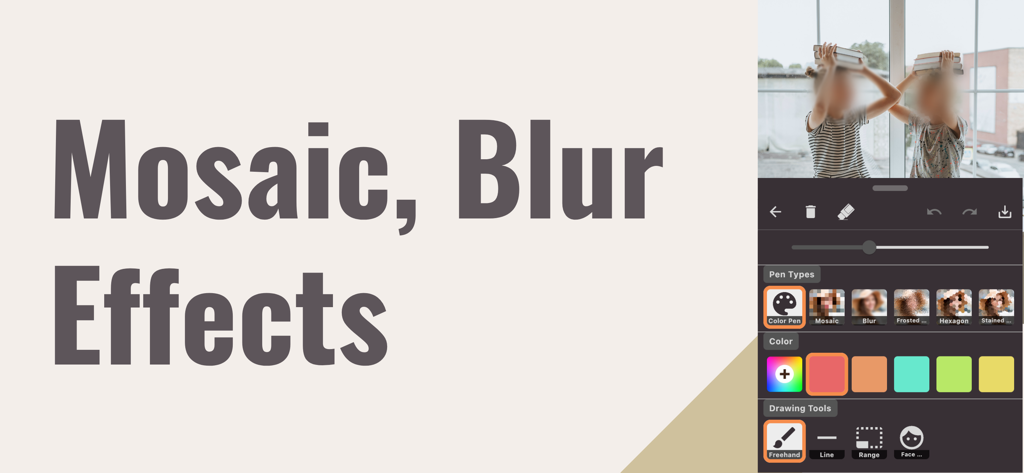
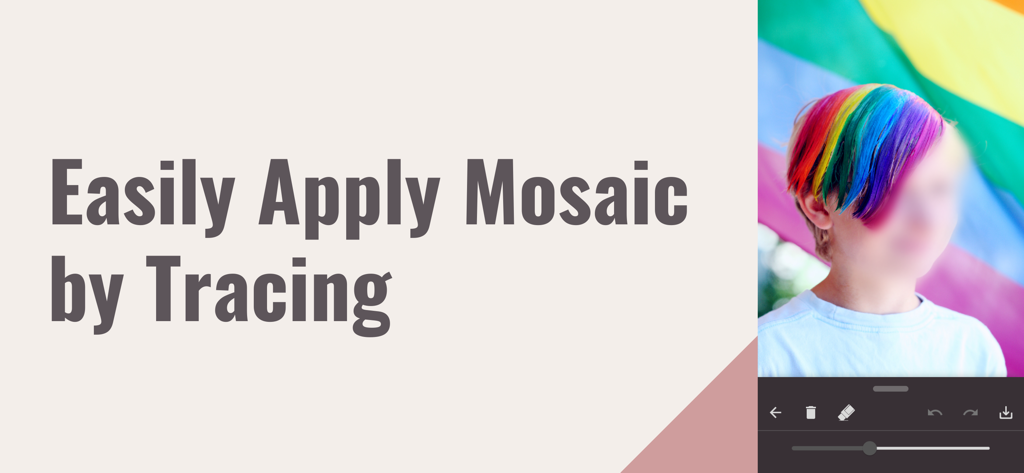
The user interface of the Blur and Mosaic Photo editor app showing face blurring tools and mosaic filters

The user interface of the Blur and Mosaic Photo editor app showing face blurring tools and mosaic filters

Screenshot of the Blur and Mosaic app demonstrating how to blur a face by tracing.

Screenshot of the Blur and Mosaic app demonstrating how to blur a face by tracing.

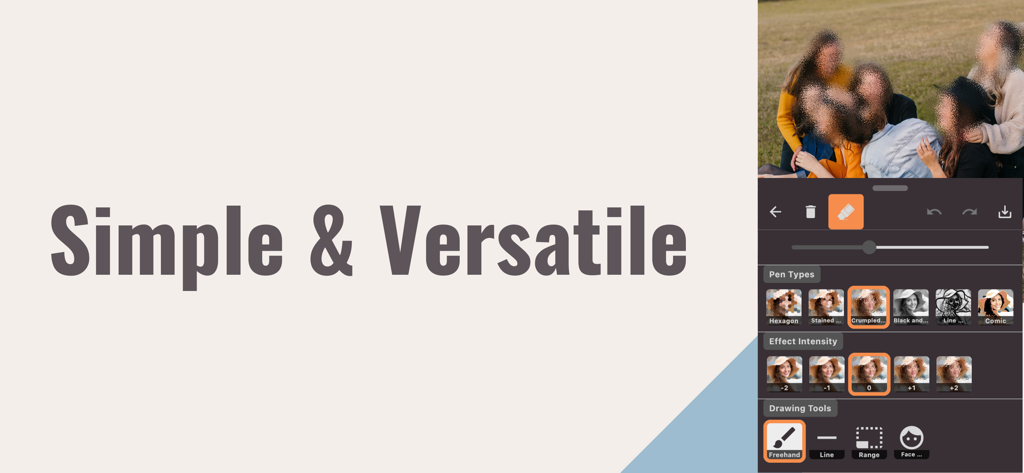
Interface of the Blur and Mosaic Photo editor app showing a group photo with blurred faces and various filter options like hexagon and comic style.

Interface of the Blur and Mosaic Photo editor app showing a group photo with blurred faces and various filter options like hexagon and comic style.

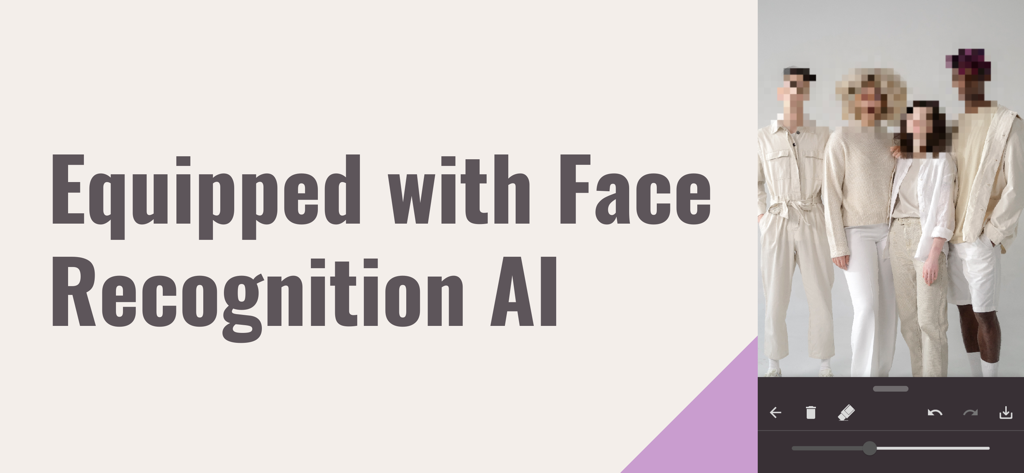
Group of four people with pixelated faces demonstrating the AI face recognition feature in the photo editor.

Group of four people with pixelated faces demonstrating the AI face recognition feature in the photo editor.

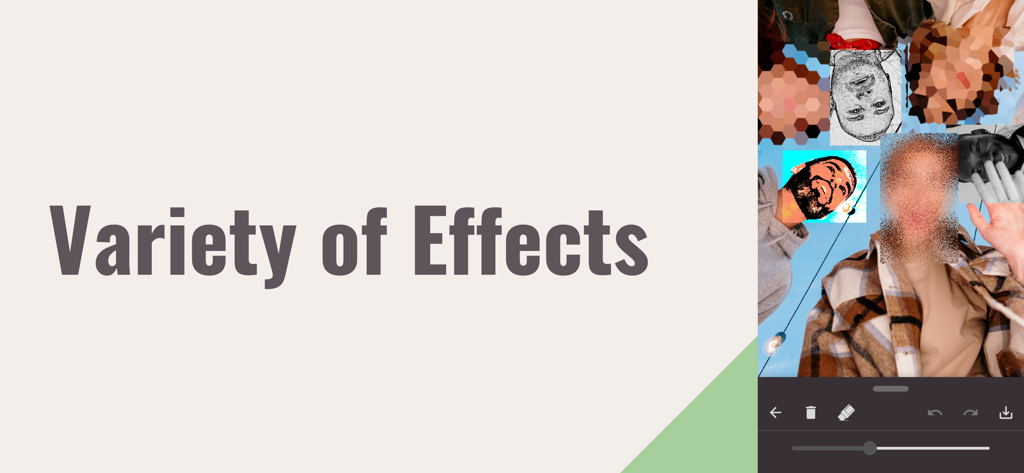
A collage showing different privacy filters and mosaic effects applied to faces in the app

A collage showing different privacy filters and mosaic effects applied to faces in the app

Smart Privacy, Creative Expression

The tools that make this app stand out, trusted by 26K+ users.

🛡️

Private Offline AI

Protect faces instantly with local AI recognition that never sends your personal photos to a server, ensuring total data security.

🎨

Aesthetic Mosaic Styles

Transform privacy into a design choice with frosted glass, hexagons, or comic effects that keep your feed looking beautiful and on-brand.

Post-Ready in Seconds

A streamlined interface and easy-trace tools allow you to blur sensitive info and share to your social stories with zero friction.

About the app

Everything you need to know about Blur & Mosaic Photo editor.

Description

Trace photos to easily apply mosaic or blur effects. This is a multifunctional yet user-friendly mosaic editing app that is intuitive to use with simple operations. Utilize the offline AI facial recognition feature to automatically apply filters to faces. Equipped with many image filters, you can also carry out frosted glass or stained-glass style mosaic effects. It's the perfect app for editing photos for social media posts or sharing with friends. Features: - Easy tracing for mosaic - Auto mosaic with facial recognition AI - Multiple image filters - Color pen tool - Selectable selection tools - Simple and understandable control panel - Effect strength settings - Undo and redo functionality - Quality save options - Supports saving in PNG, JPG formats - Photo save history gallery - Photo sharing feature - Beautifully refined app design - Image filters: - Mosaic Blur - Frosted Glass - Hexagon - Stained Glass - Paper - Black & White - Line-art - Comic Terms of Service https://alpaca-782a6.web.app/terms/photo-mosaic.html Privacy Policy https://alpaca-782a6.web.app/privacypolicy/photo-mosaic.html

Latest Version

2.2.2

Size

91.9 MB

First Released

Nov 3, 2023

Protect Your Privacy, Maintain Your Aesthetic

Join thousands of creators who share safely. Download now to use offline AI facial recognition and artistic blur effects for the perfect, social-media-ready finish.

Download on App Store

App information, icons, screenshots, and descriptions displayed on this page are sourced from the Apple App Store and are the property of their respective developers. Download estimates and rankings are based on MWM's proprietary models and may not reflect actual figures. This page is provided for informational and analytical purposes only.

Believe this page infringes your intellectual property? File a dispute