
This page is not an official page of the app or its developer, but an independent editorial publication created for informational and commentary purposes. Unless expressly stated otherwise, neither the app nor its developer is affiliated with, endorsed by, sponsored by, authorized by, or otherwise officially connected with MWM, Apple, Google Play, the app publisher, or the app's developer, and nothing on this page implies that the app was developed using MWM's services. Any trademarks, logos, screenshots, and other content remain the property of their respective owners.


Box: The Content Cloud
Capture, scan, and share your projects with enterprise-grade security. Join millions of high-performers who manage their entire digital workspace seamlessly on any device, starting with 10GB of free storage.
Downloads
7M+User Rating
Total Ratings
295K+Publisher
Category
ProductivityLocales
20Latest Version
5.53.0Size
285.6 MBFirst Released
Feb 12, 2019Elevate Your Professional Productivity
The all-in-one Content Cloud designed for secure collaboration, advanced document management, and seamless mobile workflows for the modern high-performer.
Enterprise-Grade Security
Protect your intellectual property with file-level encryption and industry-leading compliance standards like HIPAA and FINRA.
Smart Mobile Scanning & OCR
Instantly convert physical receipts and contracts into searchable PDFs with high-quality OCR technology for a truly paperless office.
Frequently Asked Questions
Everything you need to know about Box: The Content Cloud
What is Box AI and what does it do?
Box AI allows users to ask questions, summarize documents, and automate workflows directly within the Box app. It facilitates insight extraction and workflow optimization.
Can I use Box AI on my mobile phone?
Yes, Box AI is accessible on mobile devices. This feature requires a Business, Business Plus, or any Enterprise plan to use.
Does Box provide offline access to my content?
Yes, Box offers offline access to files and folders. Users can work with their content anywhere, anytime, even without an internet connection.
How do I scan documents using the Box app?
Box allows users to scan documents directly within the app. It utilizes OCR to convert documents into searchable PDFs and also captures photos, videos, and audio.
Is Box secure for business content and sensitive data?
Yes, Box ensures enterprise-grade protection with enterprise-level security, compliance, and file encryption. It prevents data leaks across both company and personal devices.
Does Box support real-time collaboration on documents?
Yes, Box facilitates easy collaboration. Users can securely share files, co-edit Box Notes in real-time, annotate documents, and transcribe handwriting using Apple Pencil on iPad.
Does my Box subscription renew automatically?
Yes, your Box subscription automatically renews monthly. Payment processes through your iTunes Account within 24 hours prior to the current period's end.
How can I cancel my Box subscription?
You can turn off auto-renewal for your Box subscription in your Account Settings after purchase. However, cancellation is not permitted during the active subscription period.
What file types are supported by Box?
Box can upload, view, and search hundreds of file types. This includes common formats like PDFs, Microsoft Office documents, and Google Workspace files.
Can I approve or reject assigned tasks within Box?
Yes, Box enables users to view, approve, or reject tasks directly from their Inbox. This feature supports efficient management of workloads and e-signing documents on the go.
The following screenshots and description are sourced directly from the app's official store listing and are the property of the app developer.
App Store
Screenshots
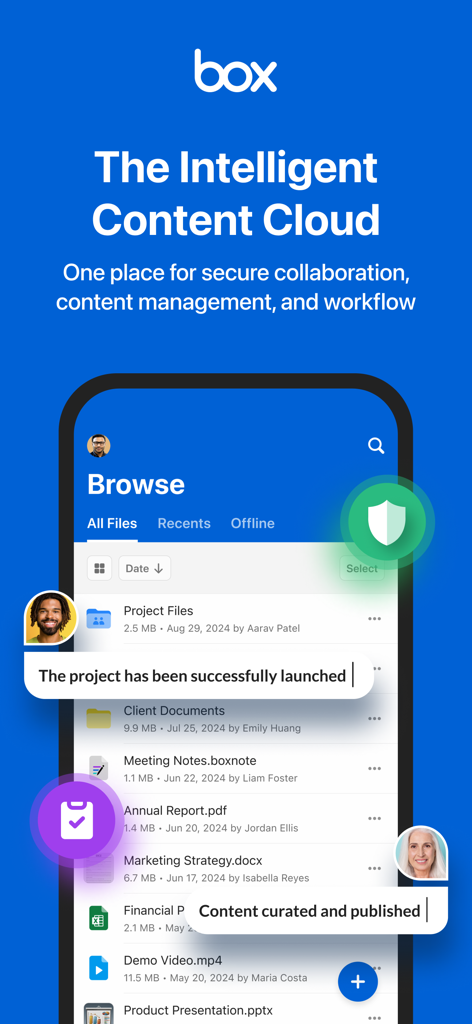
Box mobile app interface displaying secure file storage and team collaboration tools
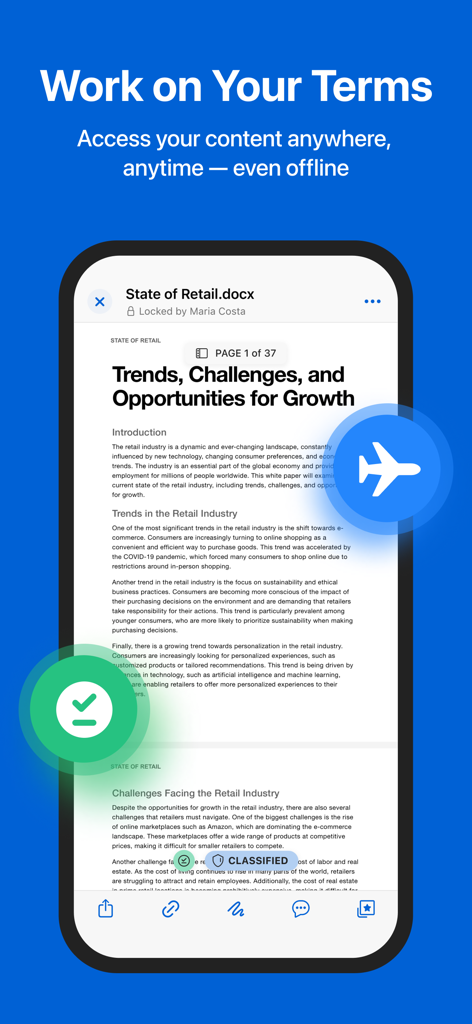
A business document opened in the Box app showing offline access and security features
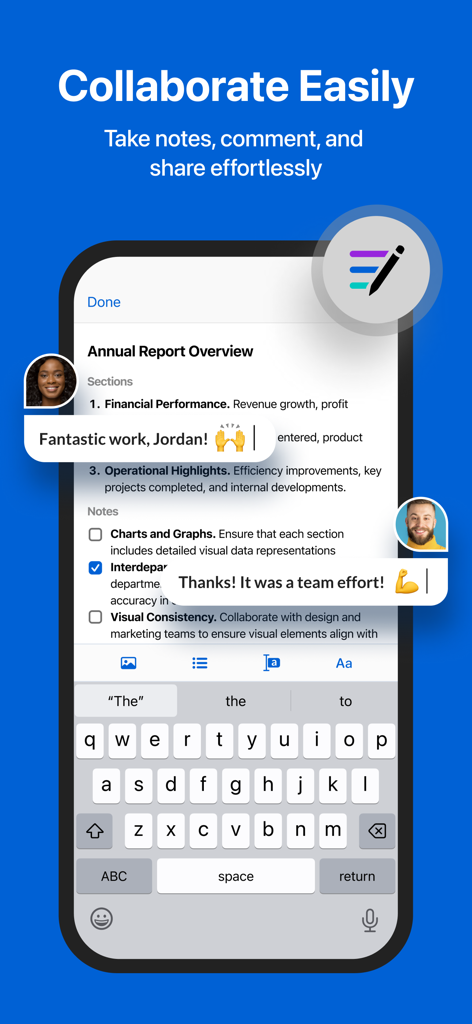
Box app interface showing mobile document collaboration with real-time comments and notes
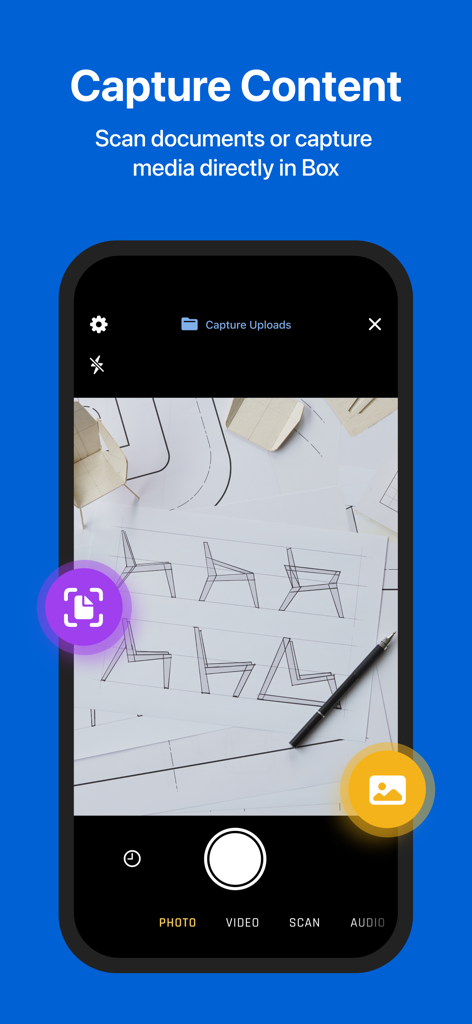
Box mobile app interface showing the document scanning and content capture feature
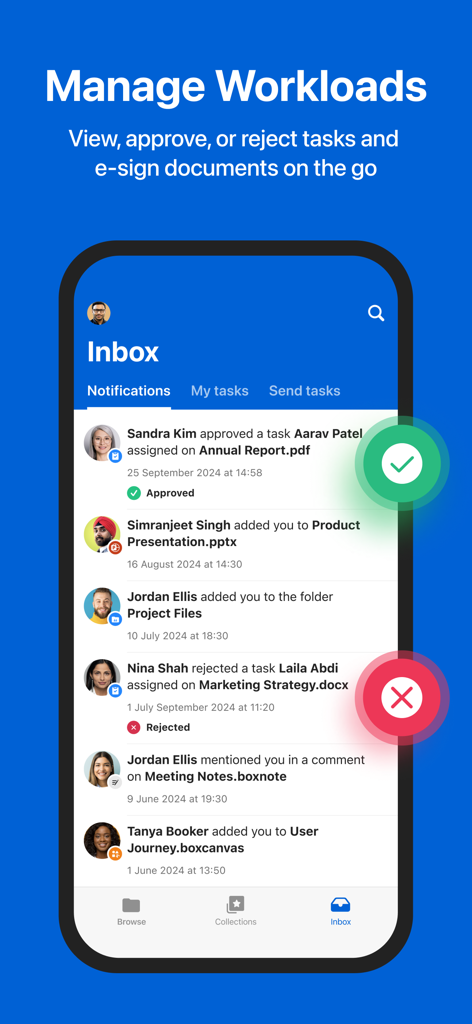
Box mobile app inbox screen displaying workload management and task notifications
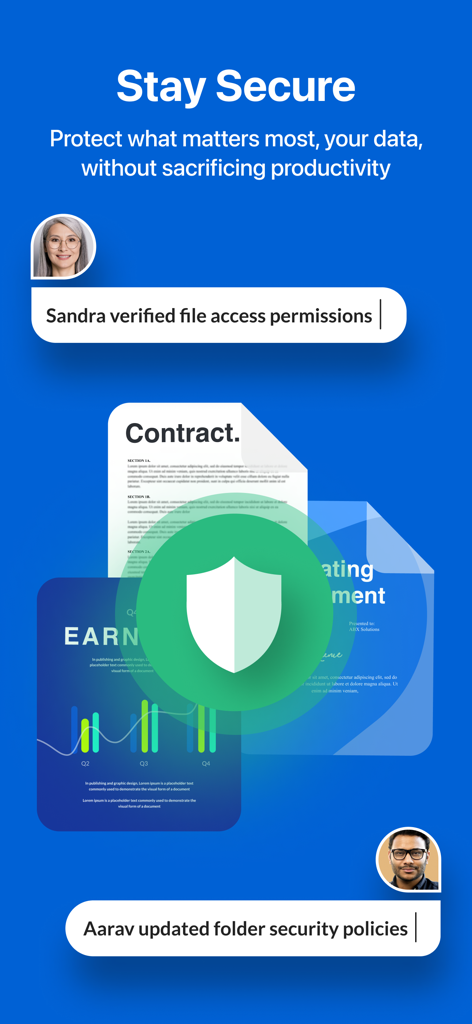
Box app interface displaying secure document management with a shield icon and user permission activity logs.
Description
Download
More Like This
Apps with similar features and user experience

MEGA
Mega Limited

Microsoft SharePoint
Microsoft Corporation

Zoho WorkDrive
Zoho Corporation

阿里邮箱
Alibaba Cloud Computing Ltd.

Dropbox EMM
Dropbox, Inc.

Syncer
ARCTERA AM, LLC

SeaTalk
SEATALK PRIVATE LIMITED

Signet
SIGNET TECHNOLOGY PLATFORM COMPANY LIMITED

WPS会议
Zhuhai Kingsoft Office Software Co.,Ltd
This page is not an official page of the app or its developer, but an independent editorial publication created for informational and commentary purposes. Unless expressly stated otherwise, neither the app nor its developer is affiliated with, endorsed by, sponsored by, authorized by, or otherwise officially connected with MWM, Apple, Google Play, the app publisher, or the app's developer, and nothing on this page implies that the app was developed using MWM's services. Any trademarks, logos, screenshots, and other content remain the property of their respective owners.