
This page is not an official page of the app or its developer, but an independent editorial publication created for informational and commentary purposes. Unless expressly stated otherwise, neither the app nor its developer is affiliated with, endorsed by, sponsored by, authorized by, or otherwise officially connected with MWM, Apple, Google Play, the app publisher, or the app's developer, and nothing on this page implies that the app was developed using MWM's services. Any trademarks, logos, screenshots, and other content remain the property of their respective owners.


Breadpad - SPICE Simulator
Design, test, and analyze professional-grade circuits with desktop-class precision. Experience advanced simulations, 3D visualization, and real-time analysis across your favorite Apple devices.
Downloads
89K+User Rating
Total Ratings
0Publisher
Category
Developer ToolsLocales
35Latest Version
1.203Size
40.1 MBFirst Released
Sep 29, 2023A Professional Electronics Lab in Your Pocket
Bridge the gap between theory and reality with a desktop-class SPICE simulator designed for the modern engineer, student, and hobbyist.
Interactive Digital Breadboard
Design and test circuits as if they were right in front of you. Wire up 400+ integrated circuits and components with a tactile interface that replaces messy physical wires.
Advanced SPICE Simulation
Run industry-standard analyses including Monte Carlo, six-sigma distributions, and temperature sensitivity with the precision required for professional hardware development.
The following screenshots and description are sourced directly from the app's official store listing and are the property of the app developer.
App Store
Screenshots
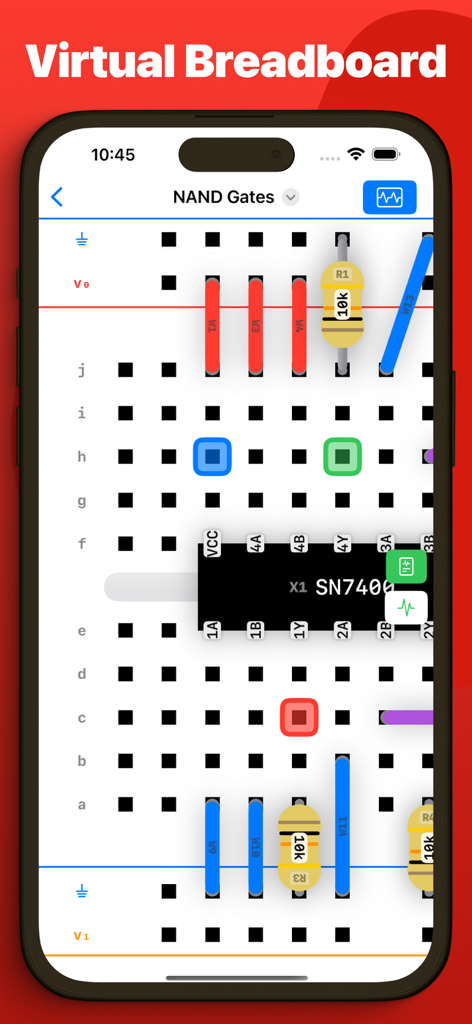
A smartphone screen displaying a virtual breadboard with electronic components like resistors and a NAND gate chip for circuit simulation
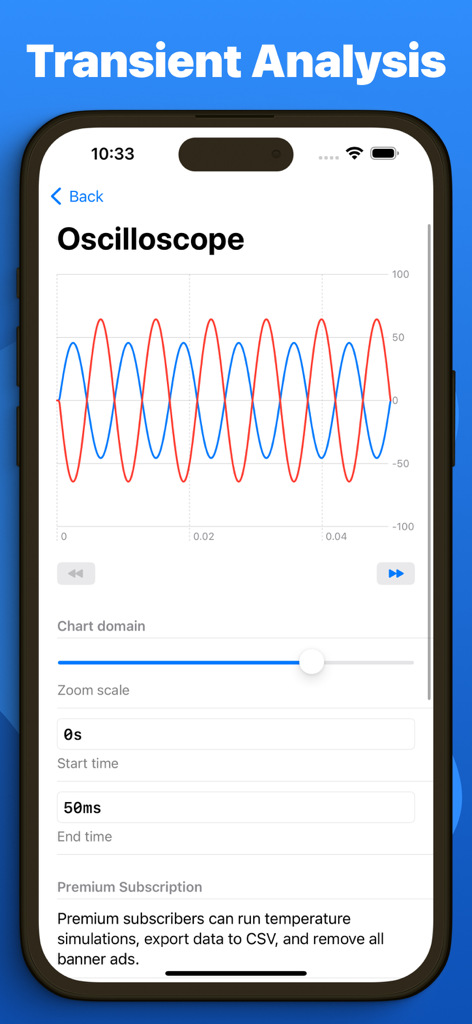
A virtual oscilloscope showing sine wave transient analysis in the Breadpad SPICE simulator app
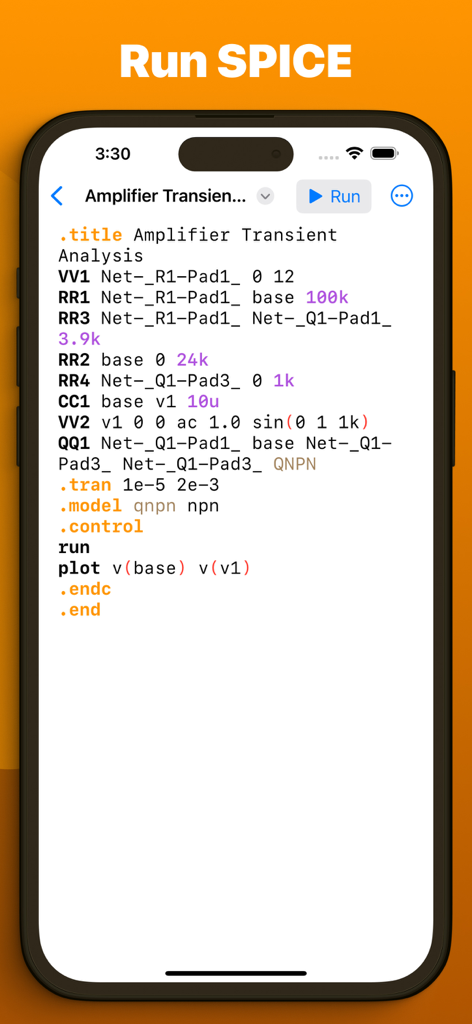
SPICE netlist for amplifier transient analysis on the Breadpad mobile app
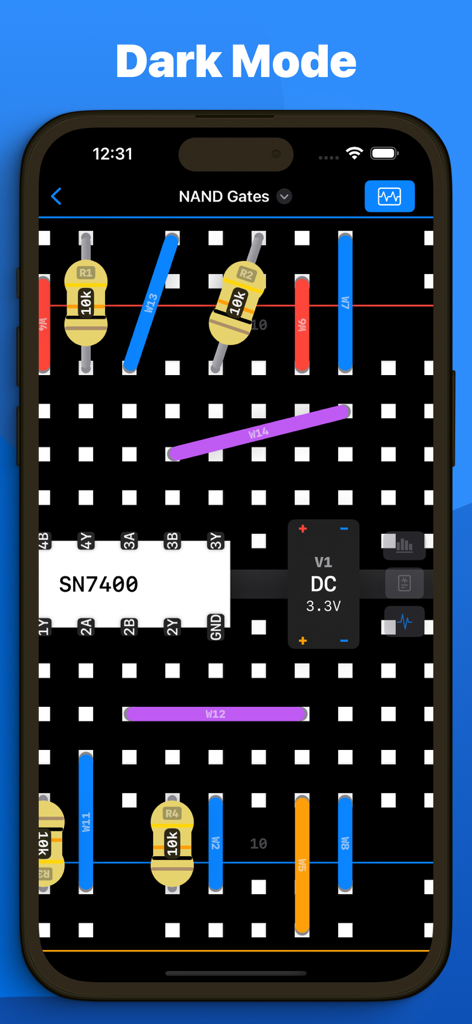
Breadpad app interface showing an electronic circuit on a breadboard in dark mode.
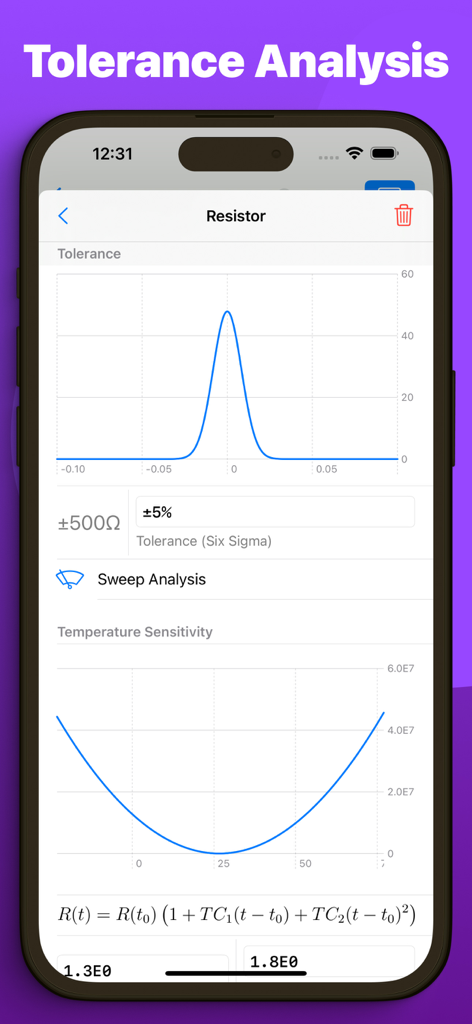
Breadpad app interface showing resistor tolerance analysis and temperature sensitivity graphs
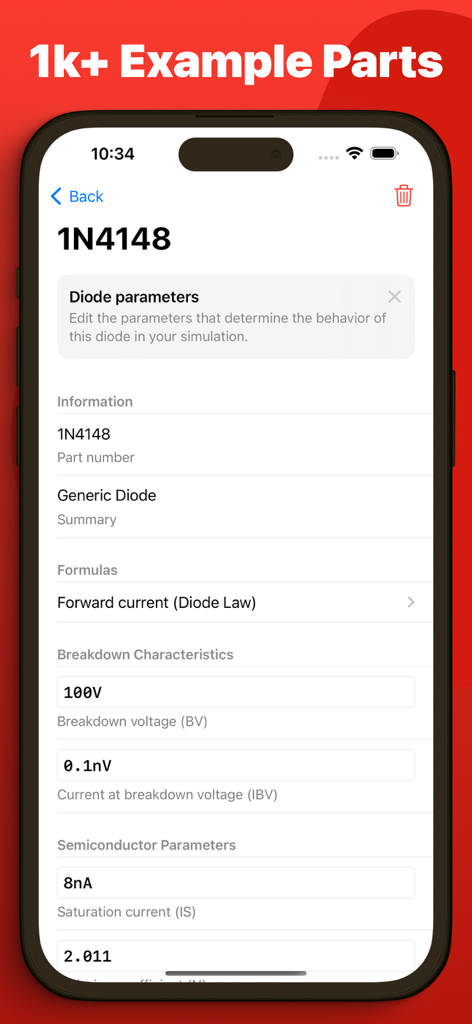
Interface of Breadpad app displaying technical parameters for a 1N4148 diode
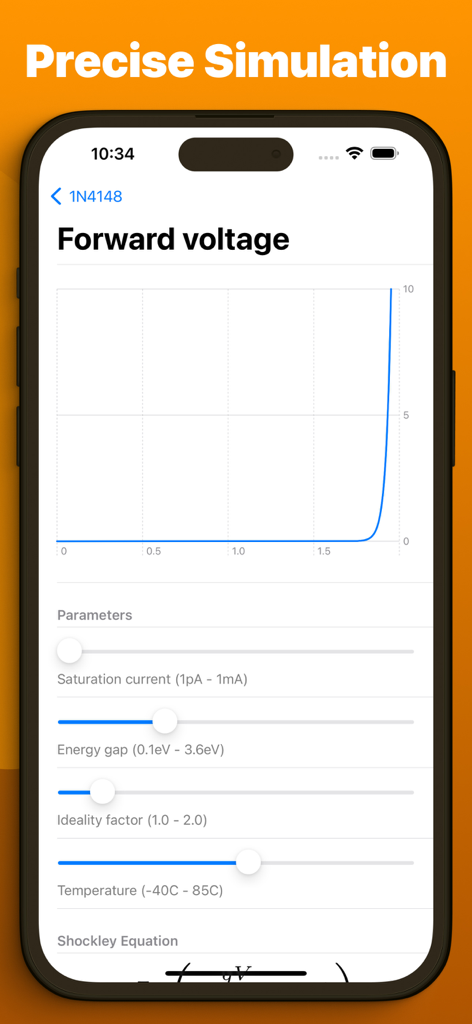
A circuit simulation graph showing forward voltage with adjustable parameters like temperature and saturation current
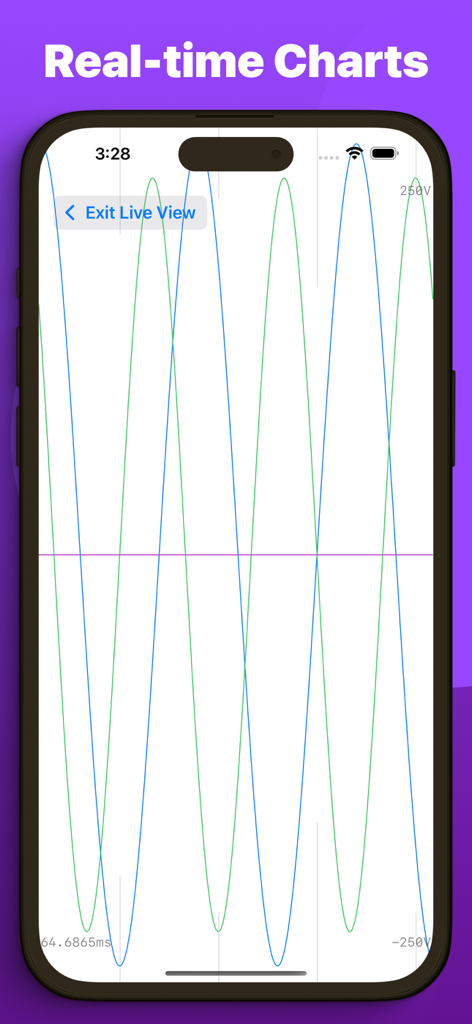
Real-time waveform charts displaying circuit simulation data on a smartphone.
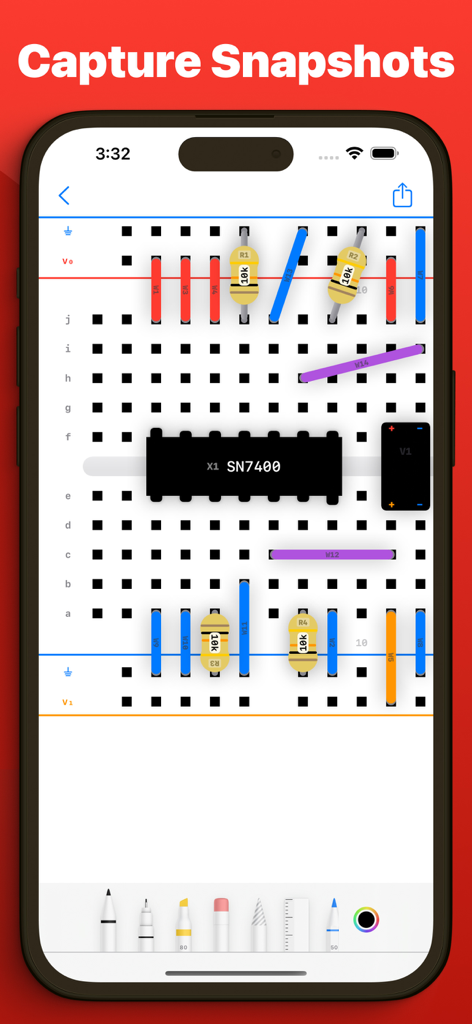
iPhone screen showing a digital breadboard with a SN7400 chip and resistors being annotated with drawing tools
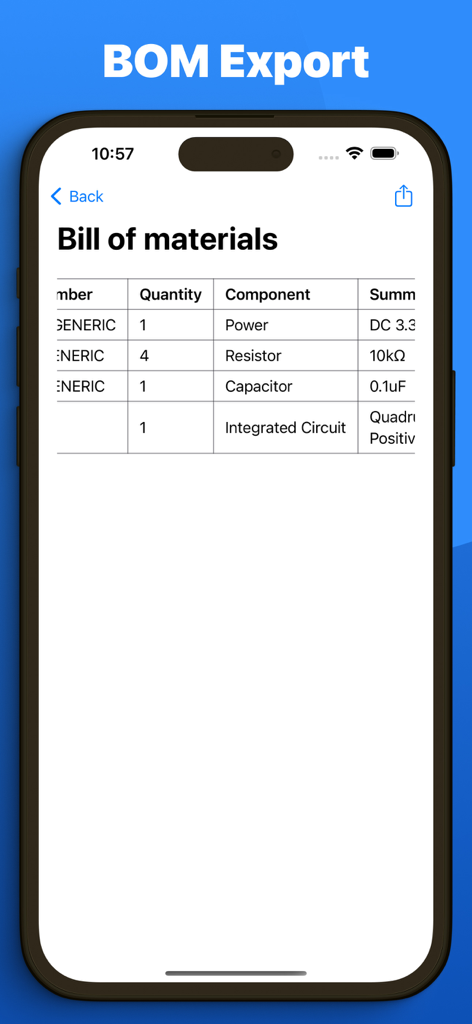
Breadpad app bill of materials export screen showing a list of electronic components and quantities
Description
Download
More Like This
Top-ranked apps in the same category

TestFlight
Apple Inc.

Replit: Vibe Code Apps
Replit, Inc

GitHub
GitHub

O-KAM Pro
Shenzhen VeePai IoT Intelligent Technology LLC

Apple Developer
Apple Inc.

Expo Go
650 Industries, Inc.

Scriptable
Simon Stovring

App Store Connect
Apple Inc.

Sekai: Create · Remix · Play
Versa AI, Inc.
This page is not an official page of the app or its developer, but an independent editorial publication created for informational and commentary purposes. Unless expressly stated otherwise, neither the app nor its developer is affiliated with, endorsed by, sponsored by, authorized by, or otherwise officially connected with MWM, Apple, Google Play, the app publisher, or the app's developer, and nothing on this page implies that the app was developed using MWM's services. Any trademarks, logos, screenshots, and other content remain the property of their respective owners.