
This page is not an official page of the app or its developer, but an independent editorial publication created for informational and commentary purposes. Unless expressly stated otherwise, neither the app nor its developer is affiliated with, endorsed by, sponsored by, authorized by, or otherwise officially connected with MWM, Apple, Google Play, the app publisher, or the app's developer, and nothing on this page implies that the app was developed using MWM's services. Any trademarks, logos, screenshots, and other content remain the property of their respective owners.

Brighten A Dark Photo PRO
Don't let poor lighting ruin your favorite moments. Instantly fix dark photos and see faces clearly without the complexity of professional editing software.
Downloads
400User Rating
Total Ratings
0Publisher
Category
Photo & VideoLocales
13Latest Version
1.1.2Size
29.3 MBFirst Released
Jul 28, 2023Bring Your Dark Photos to Life
Designed for simplicity. Instantly fix dark, shadowy, or poorly lit photos so you can see every detail of your favorite memories without the technical headache.
Instant One-Tap Brightening
No complex sliders or confusing settings. Just tap once to automatically transform dark indoor shots or night views into clear, bright images.
Rescue Backlit Faces
Stop losing faces to heavy shadows. Our smart adjustment brings out the details in people's faces, even when the background is too bright.
The following screenshots and description are sourced directly from the app's official store listing and are the property of the app developer.
App Store
Screenshots
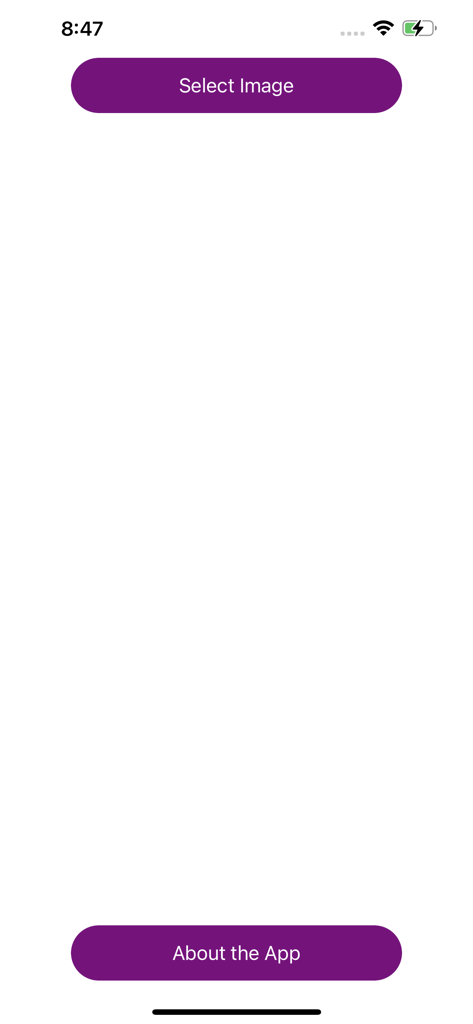
The simple home screen of the Brighten A Dark Photo PRO app featuring a Select Image button.
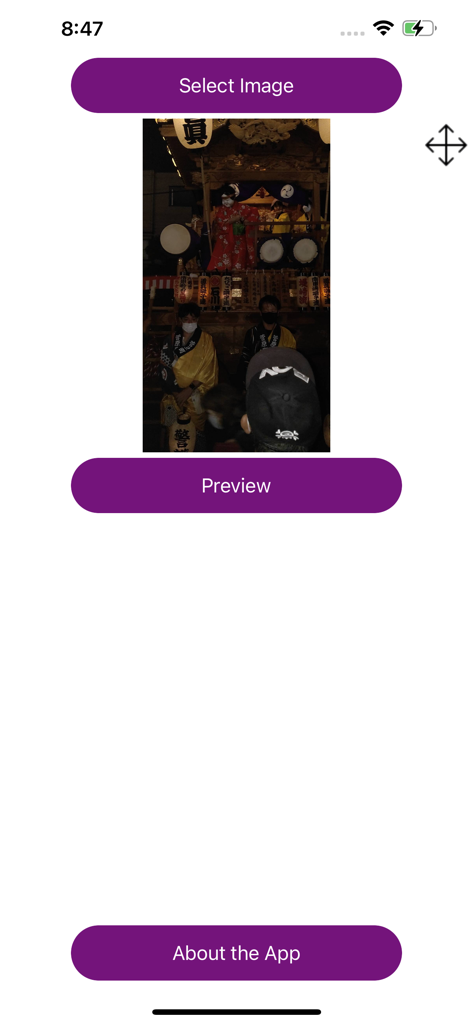
The main interface of Brighten A Dark Photo PRO showing a dark photo with Select Image and Preview buttons
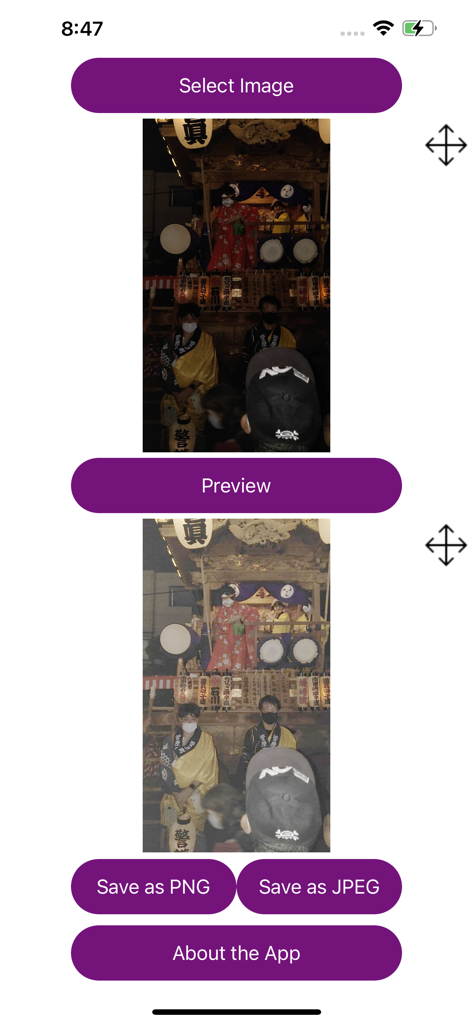
App interface showing a before and after comparison of a brightened festival photo
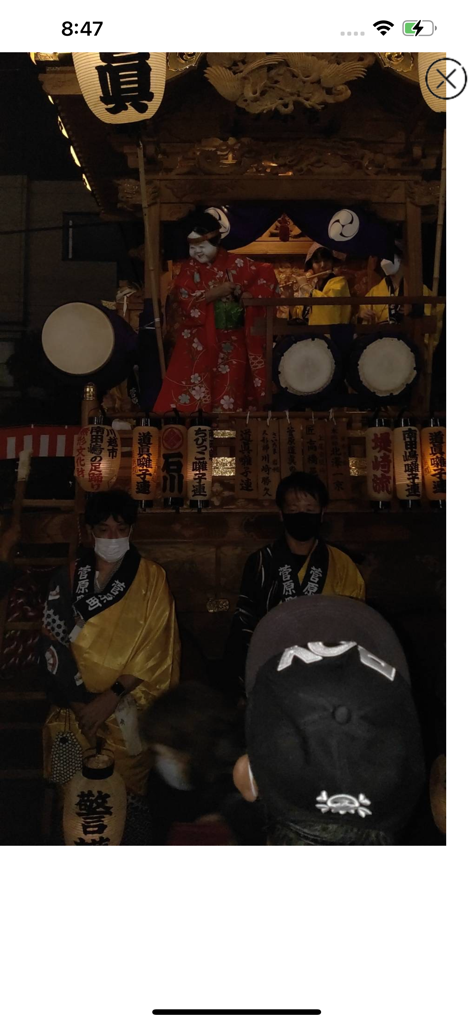
A dark and underexposed photo of a traditional Japanese festival float at night.
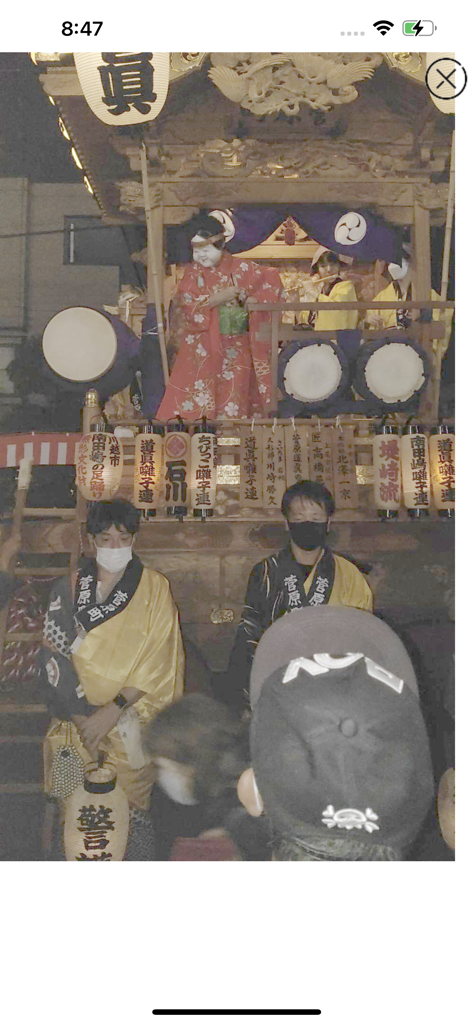
A dark night scene of a Japanese festival brightened for clear visibility
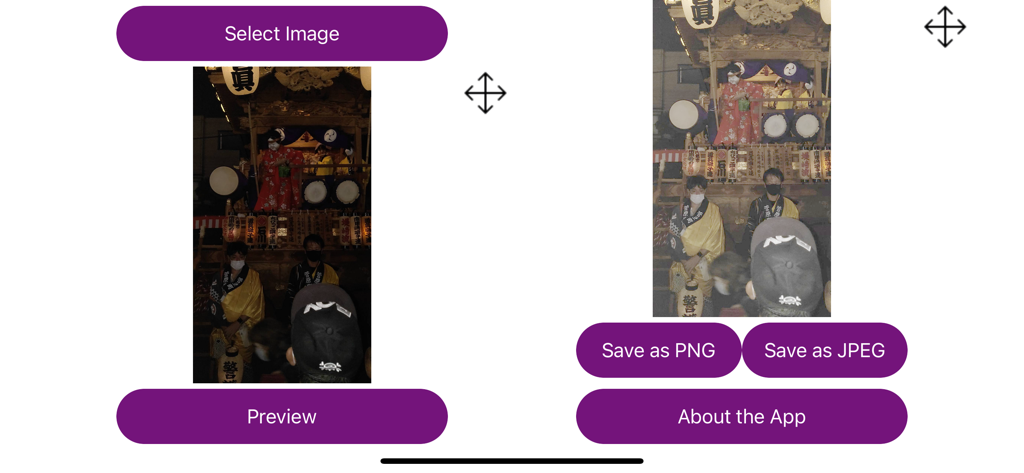
Side by side comparison showing a dark night photo before and after being brightened within the app
Description
Download
More Like This
Top-ranked apps in the same category

CapCut: Photo & Video Editor
BYTEDANCE PTE. LTD.

Instagram, Inc.

YouTube
Google LLC

Canva: AI Photo & Video Editor
Canva Pty Ltd

Snapchat
Snap, Inc.

快手
Beijing Kwai Technology Co., Ltd.

Edits: Video Editor
Instagram, Inc.

Meitu- AI Photo & Video Editor
Xiamen Meitu Technology Co., Ltd.

Google Photos: Backup & Edit
Google LLC
This page is not an official page of the app or its developer, but an independent editorial publication created for informational and commentary purposes. Unless expressly stated otherwise, neither the app nor its developer is affiliated with, endorsed by, sponsored by, authorized by, or otherwise officially connected with MWM, Apple, Google Play, the app publisher, or the app's developer, and nothing on this page implies that the app was developed using MWM's services. Any trademarks, logos, screenshots, and other content remain the property of their respective owners.