
This page is not an official page of the app or its developer, but an independent editorial publication created for informational and commentary purposes. Unless expressly stated otherwise, neither the app nor its developer is affiliated with, endorsed by, sponsored by, authorized by, or otherwise officially connected with MWM, Apple, Google Play, the app publisher, or the app's developer, and nothing on this page implies that the app was developed using MWM's services. Any trademarks, logos, screenshots, and other content remain the property of their respective owners.

C2 Flanker Task
Measure response times with millisecond accuracy, analyze the Flanker Effect, and export your raw data to CSV. The clinical-grade tool designed for researchers and biohackers seeking objective focus metrics.
Downloads
1K+User Rating
Total Ratings
0Publisher
Category
ProductivityLocales
2Latest Version
1.0.2Size
1.3 MBFirst Released
Jun 22, 2022Master Your Cognitive Focus with Scientific Precision
A clinical-grade tool designed for biohackers, researchers, and high-performance professionals to measure inhibitory control and task conflict with millisecond accuracy.
Millisecond Precision Tracking
Capture exact response times from stimulus display to touch-down, providing the high-fidelity data required for professional cognitive assessment.
Seamless CSV Data Export
True to the 'Quantified Self' mindset, you can export your raw data directly to Excel for deep-dive analysis and longitudinal performance tracking.
The following screenshots and description are sourced directly from the app's official store listing and are the property of the app developer.
App Store
Screenshots
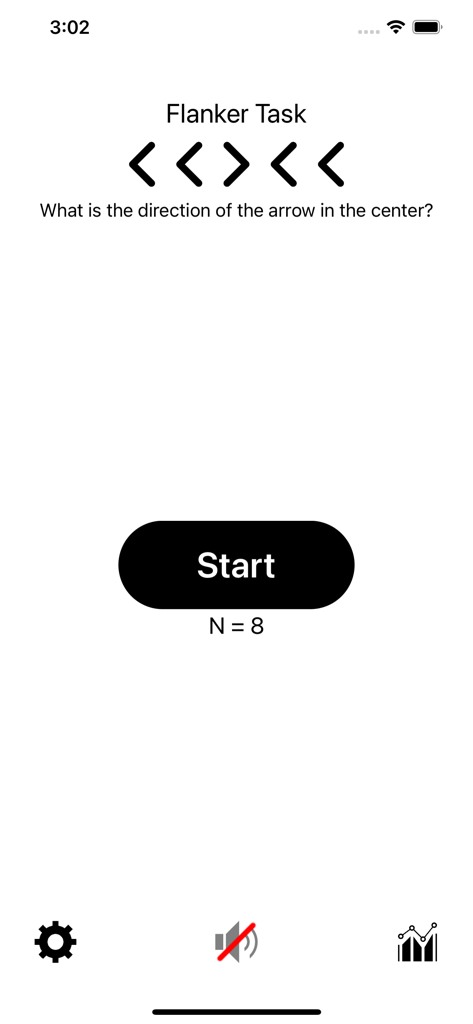
Start screen of the C2 Flanker Task app showing a directional arrow test pattern and a start button
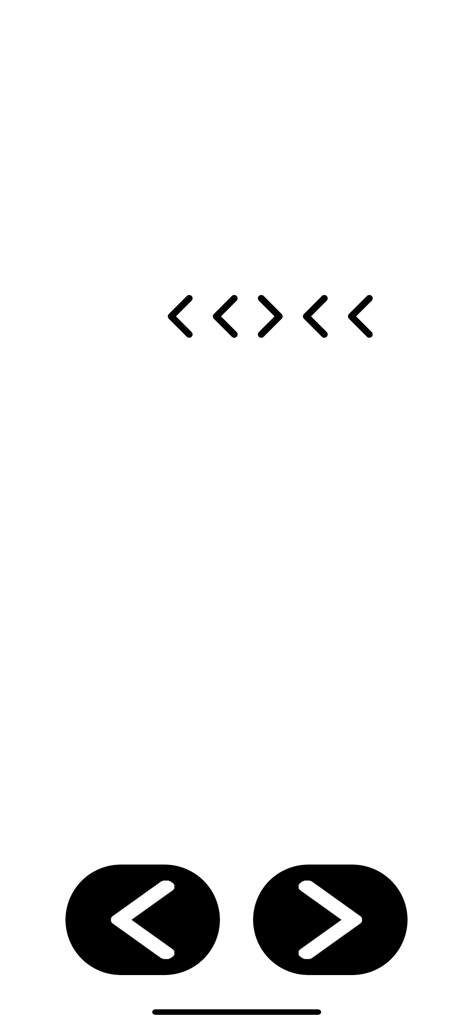
Interface of the C2 Flanker Task app showing a sequence of directional arrows and response buttons for cognitive testing.
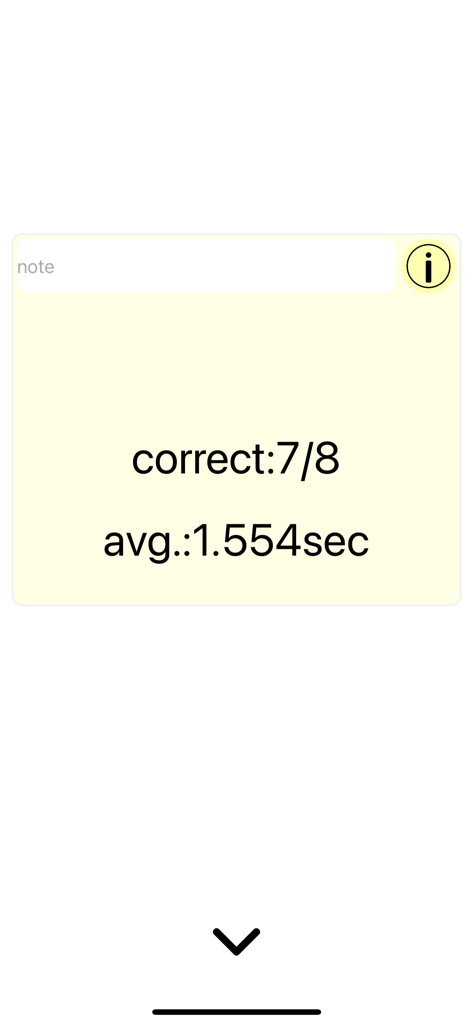
Summary screen of the C2 Flanker Task showing accuracy of 7 out of 8 and average response time of 1.554 seconds
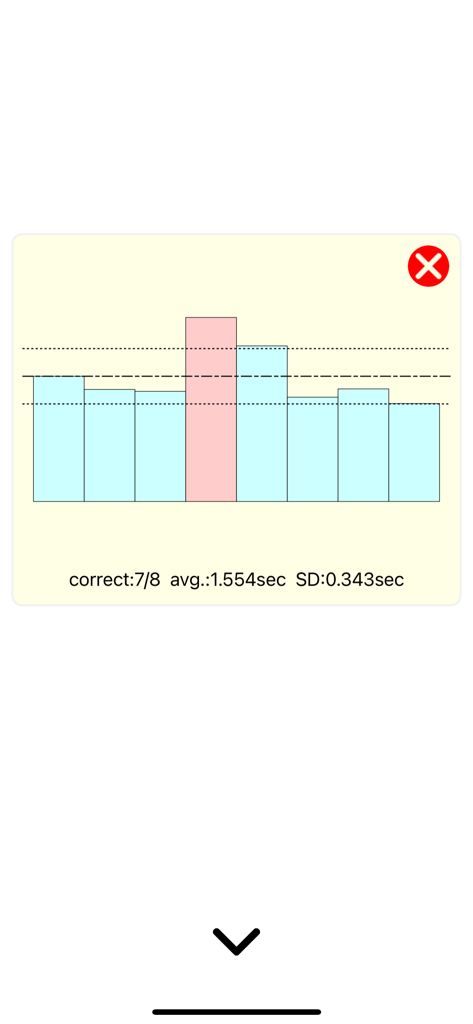
A bar chart displaying reaction time results with accuracy and average speed metrics.
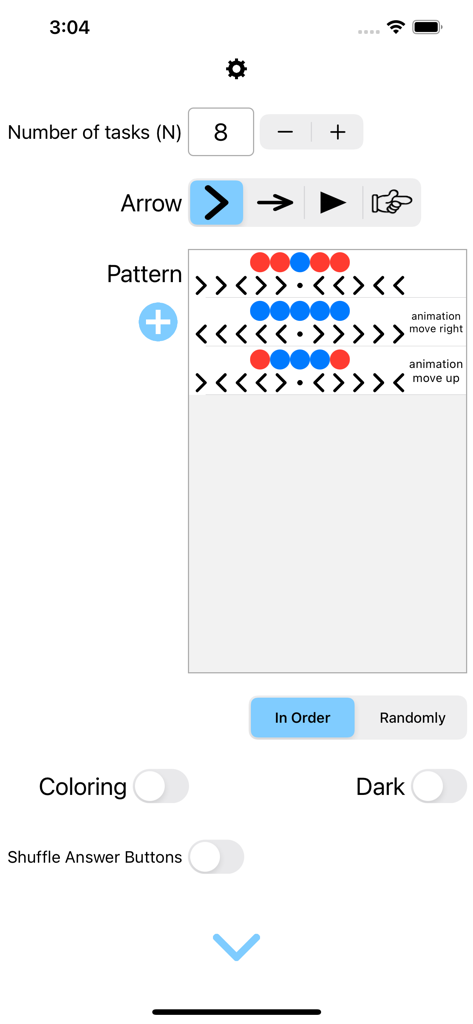
Settings screen of the C2 Flanker Task app showing options for customizing arrow styles patterns and task parameters
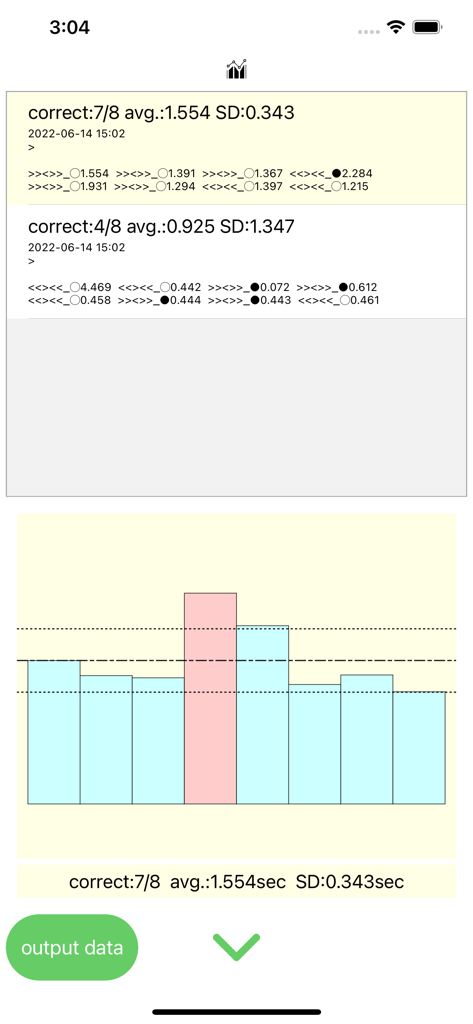
C2 Flanker Task results screen featuring a bar chart and detailed response time statistics for cognitive performance analysis
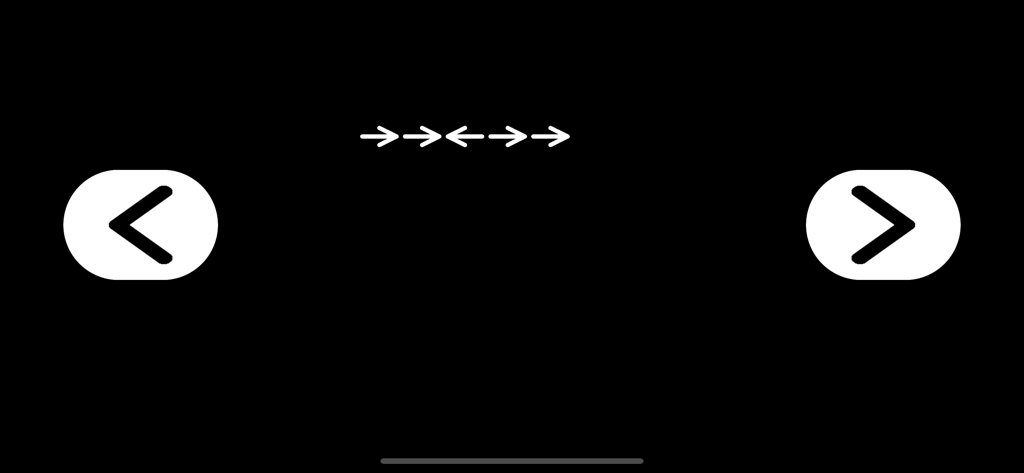
Flanker task screen with arrows and directional response buttons on a black background
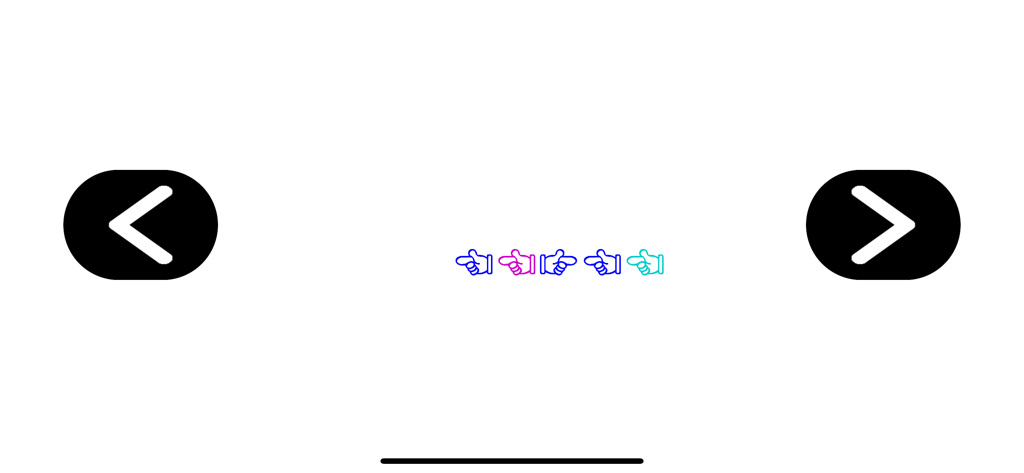
Interface of the Flanker Task showing a row of colored hand icons and large directional response buttons.
Description
Download
More Like This
Top-ranked apps in the same category

ChatGPT
OpenAI OpCo, LLC

Google Gemini
Google LLC

Grok
X.AI Corporation

Gmail - Email by Google
Google LLC

千问 - 阿里最强大模型官方AI助手
Shanghai Zhixin Puhui Technology Co., Ltd.

Google Drive
Google LLC

Microsoft Authenticator
Microsoft Corporation

Google Sheets
Google LLC

Google Docs
Google LLC
This page is not an official page of the app or its developer, but an independent editorial publication created for informational and commentary purposes. Unless expressly stated otherwise, neither the app nor its developer is affiliated with, endorsed by, sponsored by, authorized by, or otherwise officially connected with MWM, Apple, Google Play, the app publisher, or the app's developer, and nothing on this page implies that the app was developed using MWM's services. Any trademarks, logos, screenshots, and other content remain the property of their respective owners.