CalcMe Calculator

CalcMe Calculator

Download on App Store
Logo of CalcMe Calculator

CalcMe Calculator: The Elegant Evolution of the Scientific Powerhouse

Stop carrying legacy hardware. Master complex equations with intuitive 2D notation, real-time plotting, and interactive sliders—all wrapped in a sophisticated, professional interface designed for the modern STEM workflow.

Download on App Store

Publisher

Edoardo Orzes

Category

Utilities

Downloads

1K+

User Rating

1.0/5

Total Ratings

0

Locales

8

Precision in Every Pixel

Discover the interface used by 1K+ users.
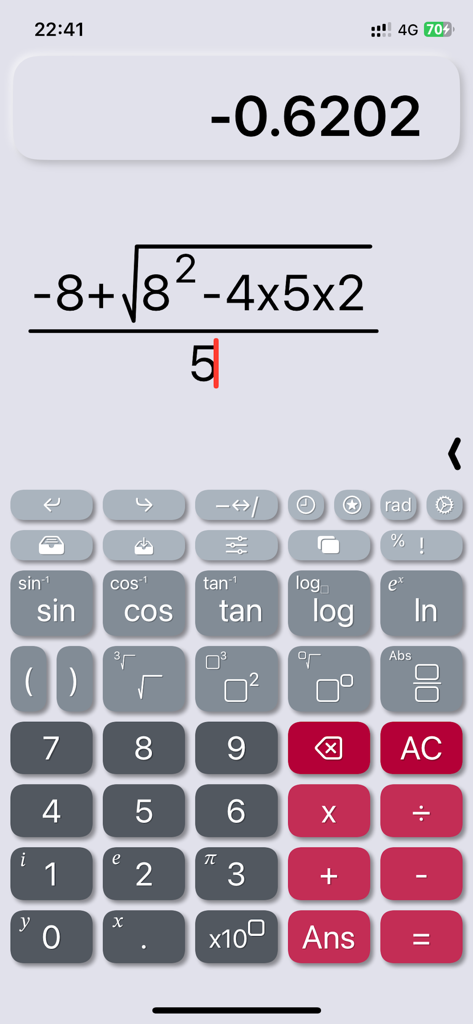
CalcMe app interface displaying a complex algebraic formula using natural notation

CalcMe app interface displaying a complex algebraic formula using natural notation

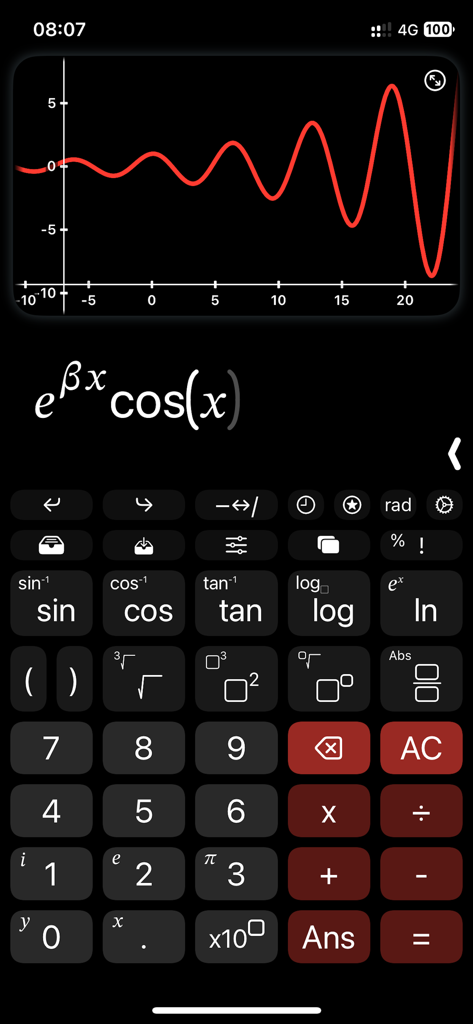
CalcMe scientific calculator interface showing a function graph and natural notation formula

CalcMe scientific calculator interface showing a function graph and natural notation formula

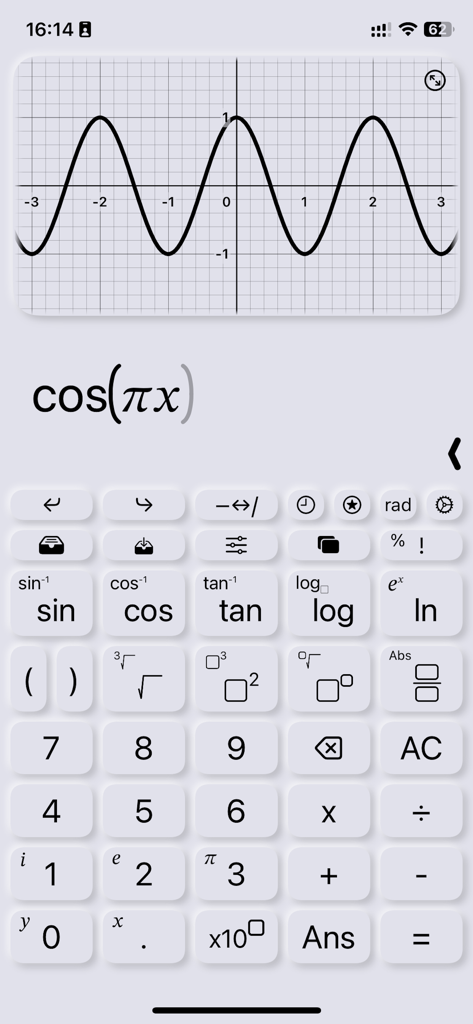
Graph of a cosine function displayed on the CalcMe scientific calculator app interface

Graph of a cosine function displayed on the CalcMe scientific calculator app interface

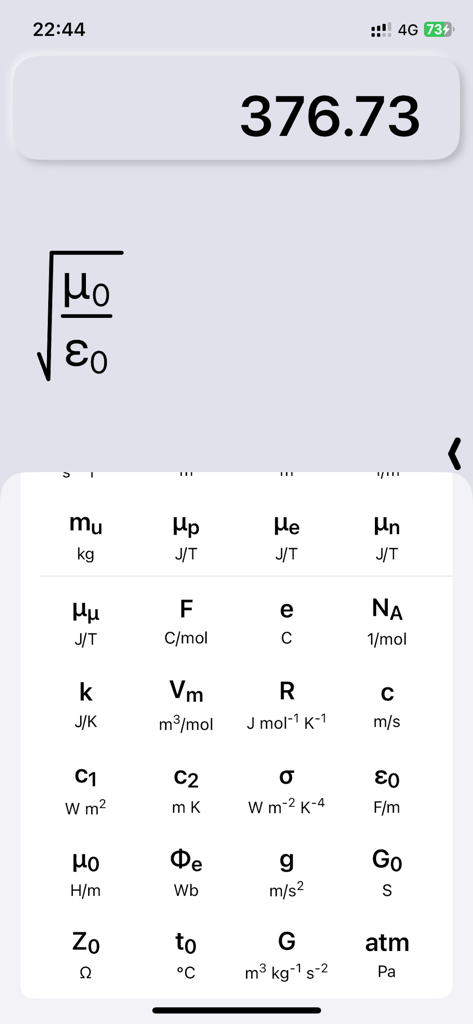
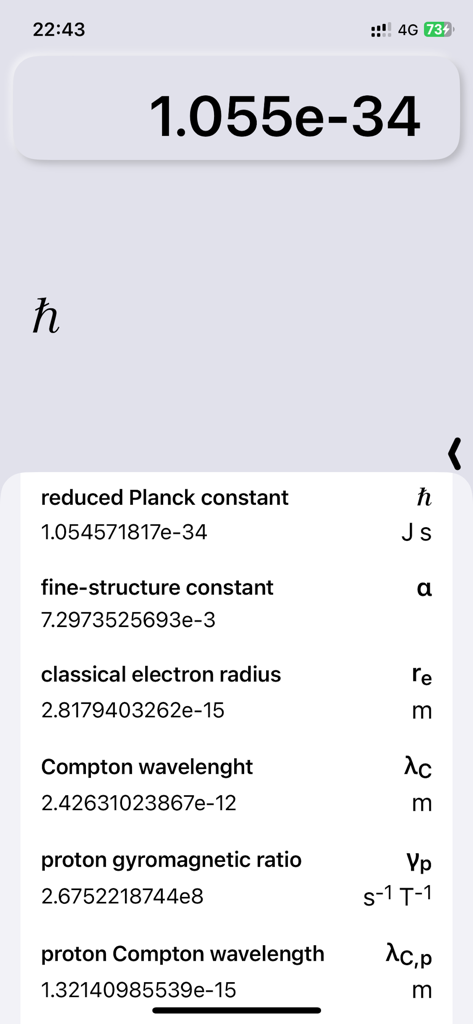
CalcMe app displaying a library of physics constants and a formula in natural mathematical notation

CalcMe app displaying a library of physics constants and a formula in natural mathematical notation

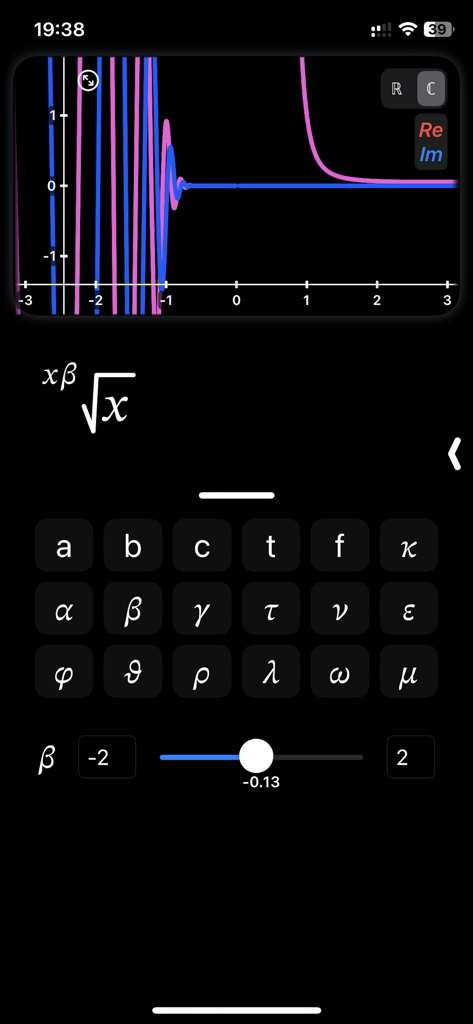
CalcMe Calculator app interface showing a complex function graph with an interactive slider for adjusting parameters.

CalcMe Calculator app interface showing a complex function graph with an interactive slider for adjusting parameters.

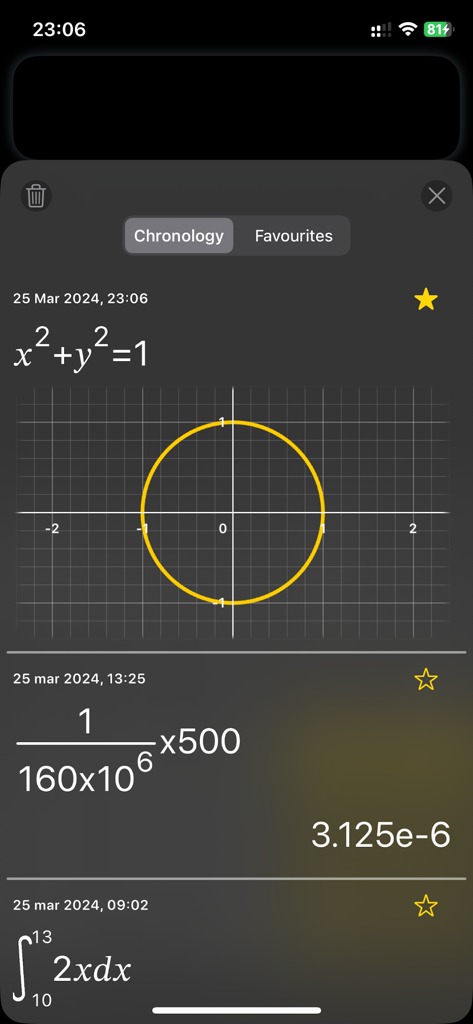
Screenshot of the CalcMe Calculator chronology screen showing a circle graph, fraction calculations in natural notation, and a definite integral.

Screenshot of the CalcMe Calculator chronology screen showing a circle graph, fraction calculations in natural notation, and a definite integral.

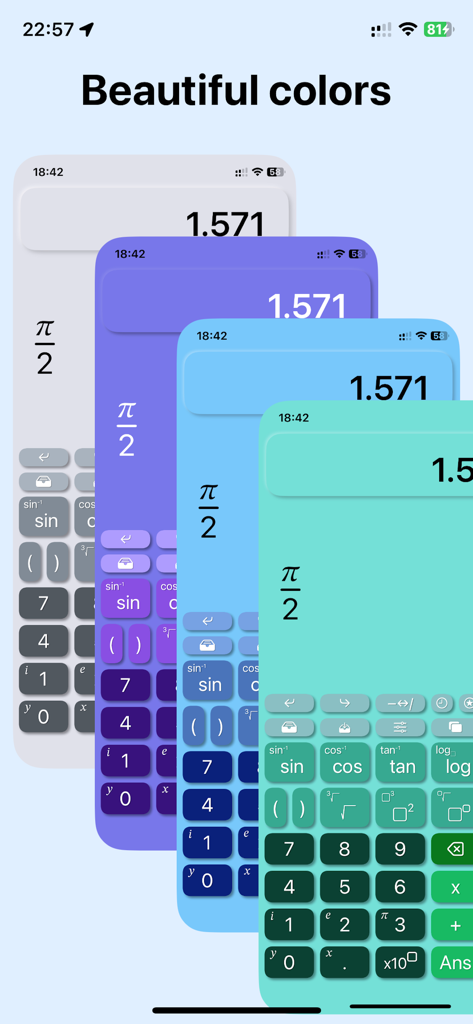
Elegant and modern color themes for the CalcMe scientific calculator

Elegant and modern color themes for the CalcMe scientific calculator

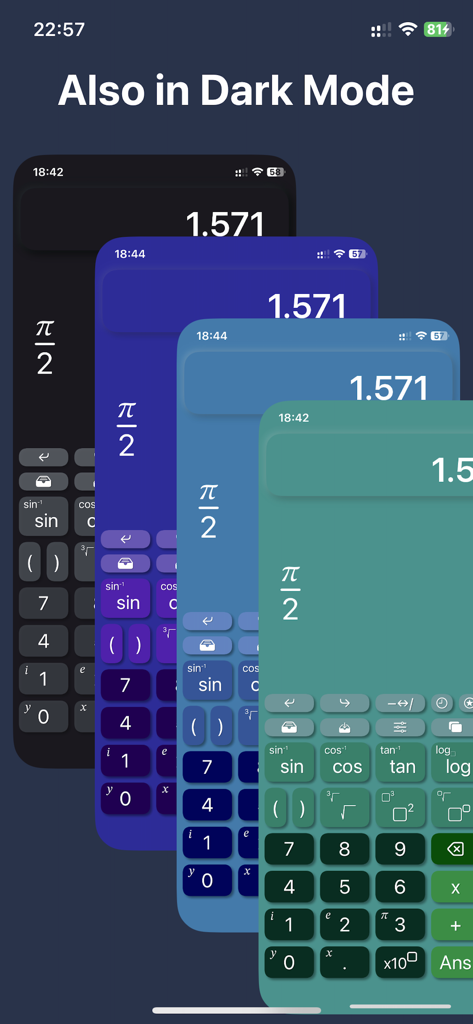
CalcMe scientific calculator displaying multiple elegant color themes and dark mode options on iOS

CalcMe scientific calculator displaying multiple elegant color themes and dark mode options on iOS

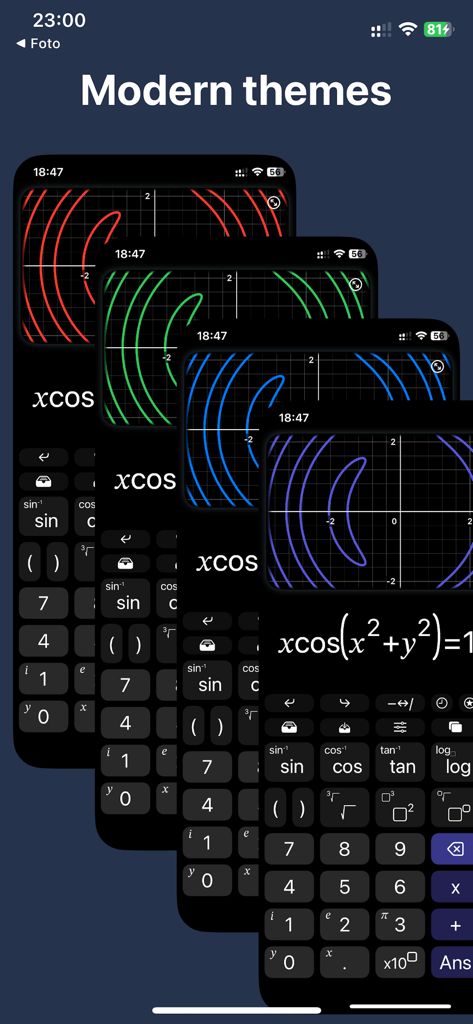
Four overlapping screens of the CalcMe calculator app showcasing different modern color themes for graph plots on a dark UI.

Four overlapping screens of the CalcMe calculator app showcasing different modern color themes for graph plots on a dark UI.

A list of fundamental physics constants with values and units displayed in the CalcMe scientific calculator app

A list of fundamental physics constants with values and units displayed in the CalcMe scientific calculator app

Professional Math, Reimagined

The tools that make this app stand out, trusted by 1K+ users.

📐

Natural 2D Notation

Write and edit complex fractions, powers, and roots exactly as they appear in your textbooks—no more confusing one-line strings.

📈

Interactive Sliders & Plots

Visualize concepts instantly. Adjust parameters with sliders and watch your plots evolve in real-time to gain deeper intuitive insights.

⚛️

Built for STEM Rigor

Access 40 fundamental physics constants and native complex number support without switching modes or digging through menus.

About the app

Everything you need to know about CalcMe Calculator.

Description

This scientific calculator has been created to overcome the lack of a both good and nice looking calculator on App Store. I spent my high school and university periods using hardware calculators, they were very quick to use, but I always thought why should I carry around a second device while I have my phone in the pocket. So I searched for years for a good calculator app that was able to replace the hardware one, but I never found one, they were all too unhandy to use, with important buttons on a second page, annoying to reach when you need them often; with a complex interface and very difficult to tap and edit directly on the calculation. I thought it's crazy that no one have exploited the amazing system provided by Apple to not only create a really good scientific calculator, but to make it even easier to use and interact with than the hardware ones. So I decided to do it. What CalcMe offers: - Nice looking interface, intuitive, immediate and able to not only replace, but to enrich hardware calculators. - Elegant and modern themes and colors to choose from, all included in the first purchase. - A little magic feature: in scientific notation, swipe over the result to move the decimal dot and see the ten power change :) - All scientific function (sin, cos, tan, ..., log, ln, exp, ..., atan2). - Calculation structured in 2D, with fractions, powers, roots, brackets and so on, with very easy to nest operations, no limits! - Tap on the calculation to place the cursor and write. - Undo/Redo buttons - A catalog with 40 physics fundamentals constants, with name and unit of measure, ready to be inserted. - Possibility to store values. - Chronology. - Sliders: yes, you can insert many parameters and change them swiping on a slider to see the effect in real time. - Spaces: access to up to 4 spaces on which you can edit and keep calculations, useful also to superpose different plots. - Joystick mode: swipe over the buttons to move the cursor (still in beta). - Plots: inserting a variable, like x or y, the calculator automatically generates the plot. - Locus of points: if you insert both a variable and the = symbol, instead of showing the function of the variable, it is shown the locus of points. - Complex numbers: the app automatically uses complex numbers when needed, no need to set the complex mode. - Plots also support for complex values. - Integrals and derivatives (in the future also limits). - Export plot and calculation as image/PDF, copy result as text Enjoy! I wish this app existed while I was a student.

Latest Version

3.1

Size

8.2 MB

First Released

Jan 3, 2023

Ready to Replace Your Hardware Calculator?

Join thousands of STEM professionals and students who have traded clunky legacy devices for the most elegant, powerful, and intuitive scientific tool on iOS. Download CalcMe today and experience math in high definition.

Download on App Store

App information, icons, screenshots, and descriptions displayed on this page are sourced from the Apple App Store and are the property of their respective developers. Download estimates and rankings are based on MWM's proprietary models and may not reflect actual figures. This page is provided for informational and analytical purposes only.

Believe this page infringes your intellectual property? File a dispute