Call Recorder ℡

Call Recorder ℡

Download on App Store
Logo of Call Recorder ℡

Call Recorder ℡: Your Professional Digital Paper Trail

Never miss a detail or forget a verbal agreement again. Record unlimited incoming and outgoing calls with high-fidelity audio, passcode protection, and seamless cloud integration for a smarter workflow.

Download on App Store

Publisher

TapMedia Ltd

Category

Utilities

Downloads

398K+

User Rating

3.8/5

Total Ratings

200

Locales

1

Capture Every Word

Discover the interface used by 398K+ users.
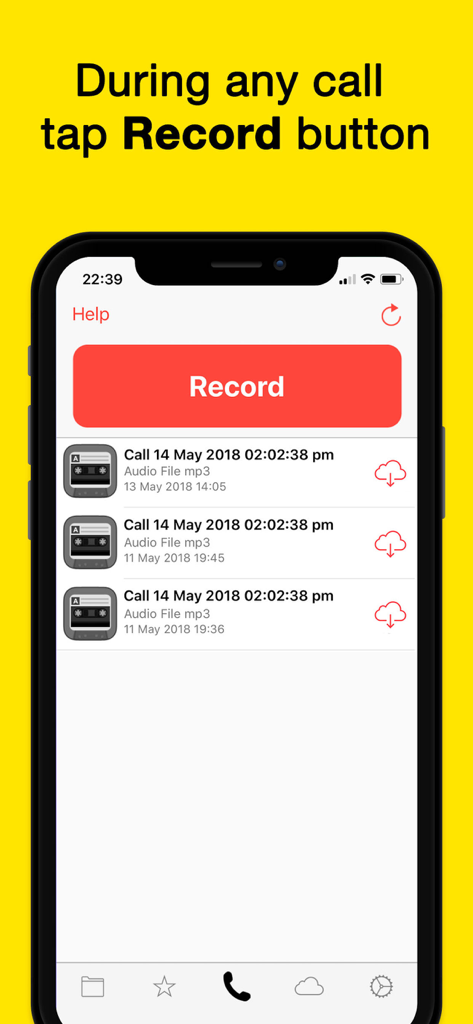
iPhone interface for the Call Recorder app showing a prominent red record button and a history of saved call recordings

iPhone interface for the Call Recorder app showing a prominent red record button and a history of saved call recordings

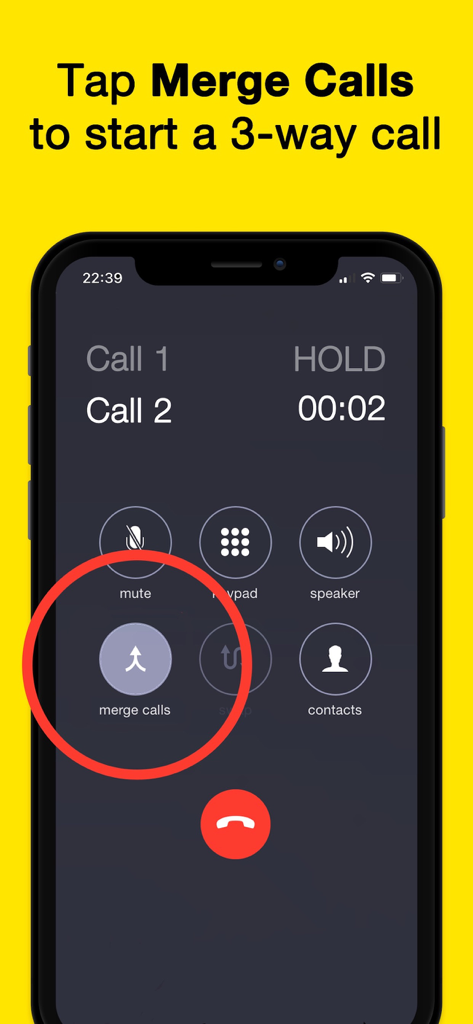
A screenshot showing an iPhone interface with a red circle highlighting the merge calls button for recording phone calls.

A screenshot showing an iPhone interface with a red circle highlighting the merge calls button for recording phone calls.

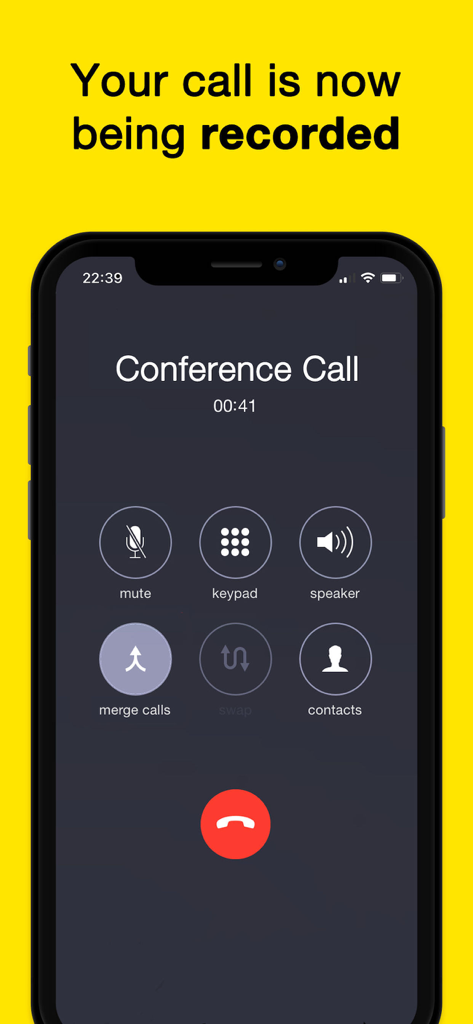
Smartphone screen showing a phone call being recorded using the Call Recorder app interface.

Smartphone screen showing a phone call being recorded using the Call Recorder app interface.

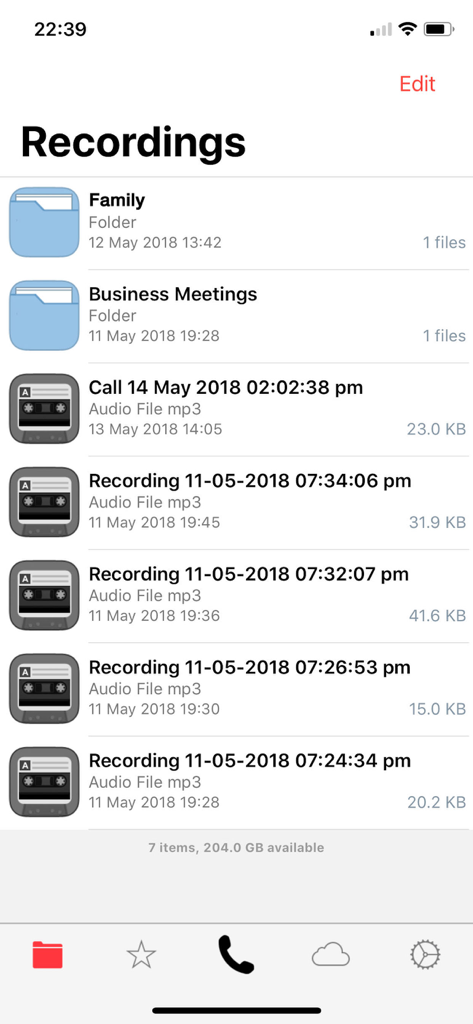
Interface showing a list of recorded calls and folders in the Call Recorder app

Interface showing a list of recorded calls and folders in the Call Recorder app

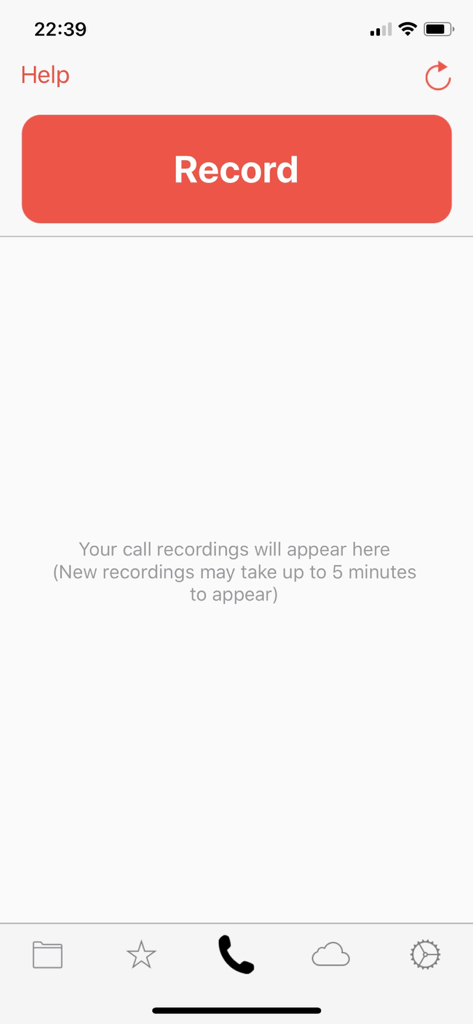
Main interface of Call Recorder app showing a prominent red Record button and a message for call history.

Main interface of Call Recorder app showing a prominent red Record button and a message for call history.

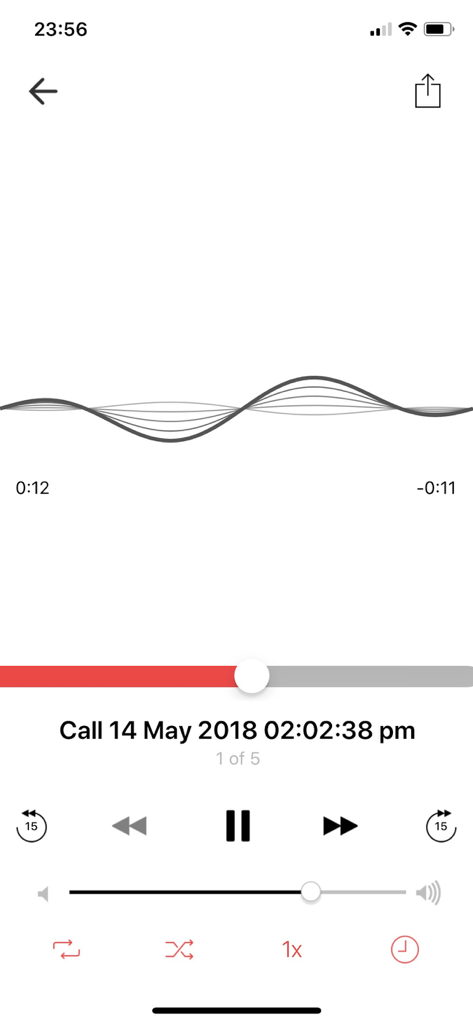
Interface of the Call Recorder app showing call playback with an audio waveform and playback speed controls.

Interface of the Call Recorder app showing call playback with an audio waveform and playback speed controls.

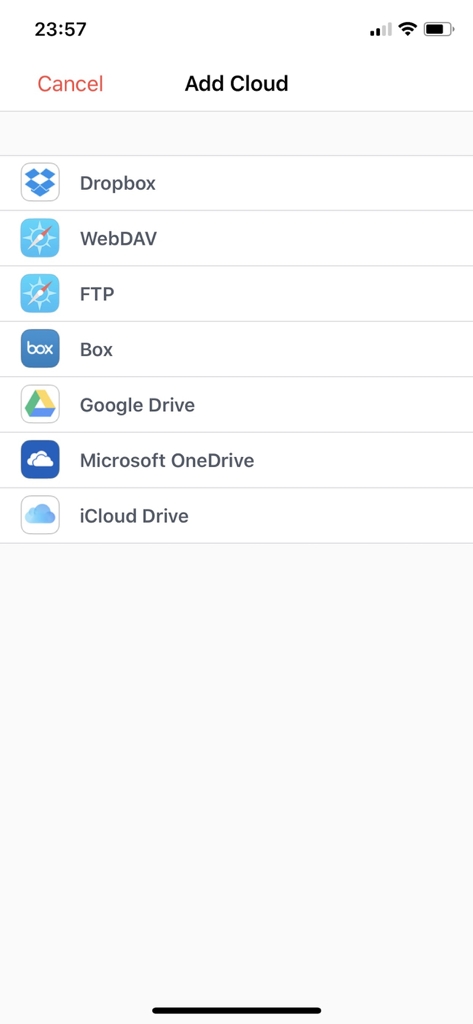
List of cloud storage export options for call recordings including Dropbox Google Drive and iCloud Drive

List of cloud storage export options for call recordings including Dropbox Google Drive and iCloud Drive

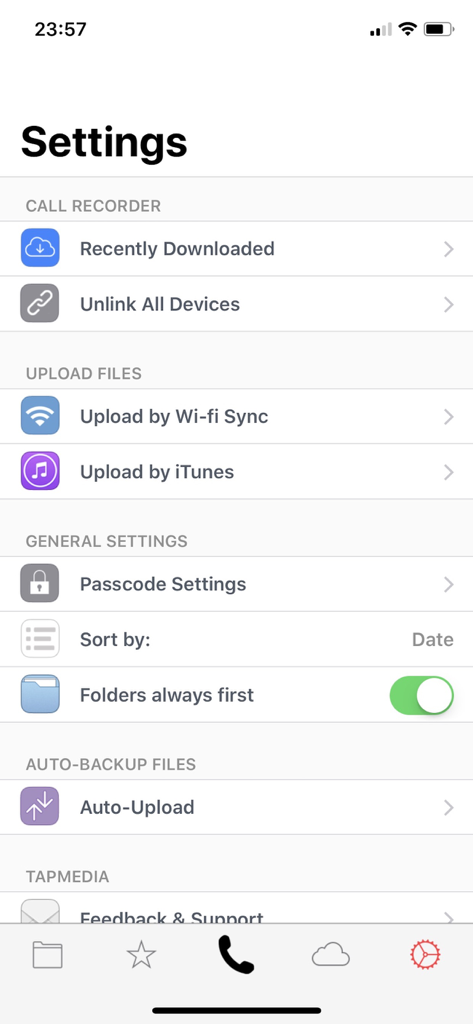
Interface of the settings menu for the Call Recorder app displaying file management and security options

Interface of the settings menu for the Call Recorder app displaying file management and security options

Capture Every Detail with Precision

The tools that make this app stand out, trusted by 398K+ users.

⚖️

Unlimited Digital Paper Trail

Record both incoming and outgoing calls with no per-minute fees, ensuring you have a reliable record of every verbal agreement and project brief.

☁️

Seamless Cloud Integration

Instantly export your recordings to Google Drive, Dropbox, or iCloud to keep your client files organized and accessible across all your devices.

High-Efficiency Review

Maximize productivity by listening at 2x speed and using built-in trimming tools to isolate key moments from long interviews or legal calls.

About the app

Everything you need to know about Call Recorder ℡.

Description

Quick and easily record incoming and outgoing phone calls on your iPhone. FEATURES - Record incoming calls - Record outgoing calls - No limit on how many recordings you can make - No per minute fee - monthly subscription only - Upload your recordings to iCloud Drive, Dropbox, Google Drive, Box, OneDrive or through FTP - Transfer recordings to your desktop computer using iTunes File Sharing or Wifi Sync - Passcode protect recordings - Share recordings by SMS, Facebook, WhatsApp, Snapchat or Twitter (Share as audio or video) - Trim recordings - Zip recordings - Change playback speed 0.5x, 1x, 1.5x or 2x NOTE: Call Recorder requires your carrier supports 3-way conference calling. SimplyTalk and H2o Wireless do NOT offer this service in the US. Please check local state or Country laws regarding telephone call recording before using this app. Recordings will be deleted from our server after 7 days. Please make sure you download them offline during this timeframe. --------------------------------------------- MONTHLY SUBSCRIPTION - Subscription will allow you to record phone calls - Subscription Length: Monthly - Payments will be charged to iTunes Account at confirmation of purchase. - Your account will be charged for renewal within 24-hours prior to the end of the current period and identify the cost of the renewal. - Subscriptions may be managed by the user and auto-renewal may be turned off by going to the user's Account Settings after purchase. - All prices are subject to change without notification. We occasionally run promotion prices as incentives or limited time opportunities for qualifying purchases made during the promotional time period. Due to the time sensitive and promotional nature of these events, we are unable to offer price protection or retroactive discounts or refunds for previous purchases in the event of a price reduction or promotional offering. - Any unused portion of a free trial period will be forfeited when the user purchases a subscription - You may cancel a subscription during its free period via the subscription setting through your iTunes Account. This must be done 24 hours before the end of the subscription period to avoid being charged. Please visit http://support.apple.com/kb/ht4098 Privacy Policy: http://tapmedia.co.uk/callrecorder-privacy.htm Terms of Use: http://tapmedia.co.uk/callrecorder-terms.htm

Latest Version

2.0

Size

52.5 MB

First Released

Jun 2, 2018

Start Recording Every Word with Confidence

Join over 398,000 professionals who rely on Call Recorder ℡ for secure documentation, seamless cloud integration, and unlimited peace of mind.

Download on App Store

App information, icons, screenshots, and descriptions displayed on this page are sourced from the Apple App Store and are the property of their respective developers. Download estimates and rankings are based on MWM's proprietary models and may not reflect actual figures. This page is provided for informational and analytical purposes only.

Believe this page infringes your intellectual property? File a dispute