
This page is not an official page of the app or its developer, but an independent editorial publication created for informational and commentary purposes. Unless expressly stated otherwise, neither the app nor its developer is affiliated with, endorsed by, sponsored by, authorized by, or otherwise officially connected with MWM, Apple, Google Play, the app publisher, or the app's developer, and nothing on this page implies that the app was developed using MWM's services. Any trademarks, logos, screenshots, and other content remain the property of their respective owners.

Camera 3D Pro
Go beyond flat images with the patented Steshot© system. Whether you are a VR hobbyist or a photography purist, capture and edit high-precision 3D shots for headsets, 3DTVs, and professional workflows.
Downloads
298K+User Rating
Total Ratings
800Publisher
Category
Photo & VideoLocales
1Latest Version
2.2.4Size
19.4 MBFirst Released
Dec 29, 2009Professional 3D Mastery
Go beyond flat photos. Experience the most advanced suite of tools for capturing, editing, and viewing genuine stereoscopic depth.
Precision Stereoscopic Capture
Harness the patented Steshot© system and Pro Mode to manually lock focus, aperture, and parallax for authentic depth.
Advanced Stereo Editor
Perfect your imagery with professional tools for ghost reduction, alignment correction, and precise inter-ocular distance tuning.
The following screenshots and description are sourced directly from the app's official store listing and are the property of the app developer.
App Store
Screenshots
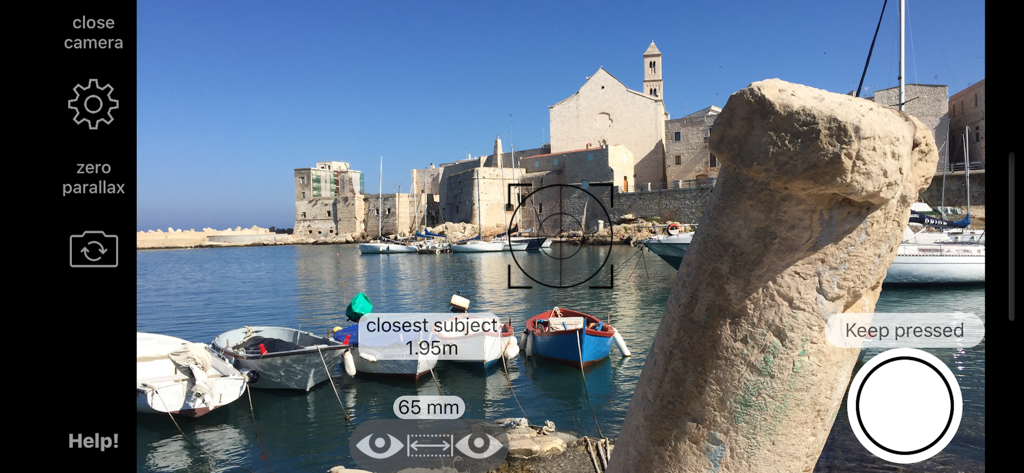
The manual interface of Camera 3D Pro showing stereoscopic capture settings and technical photography controls
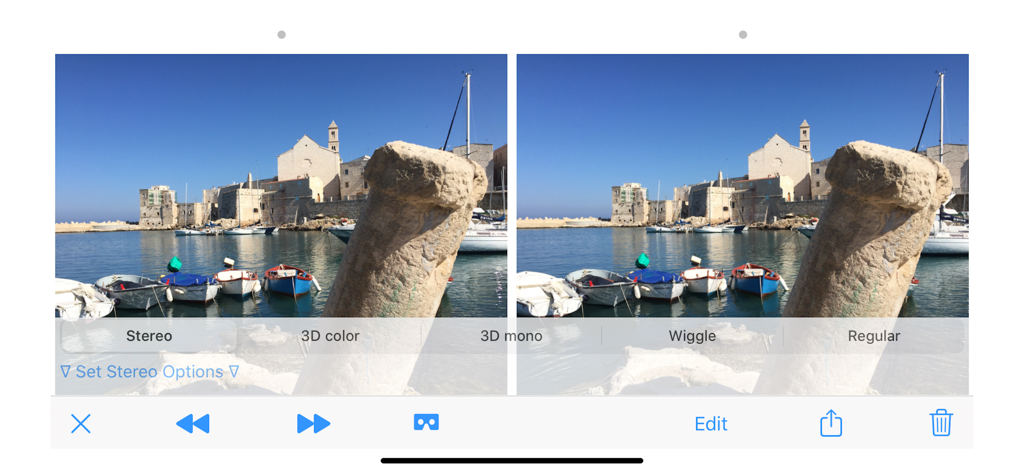
Camera 3D Pro app interface showing side-by-side stereoscopic images of a coastal harbor with viewing options
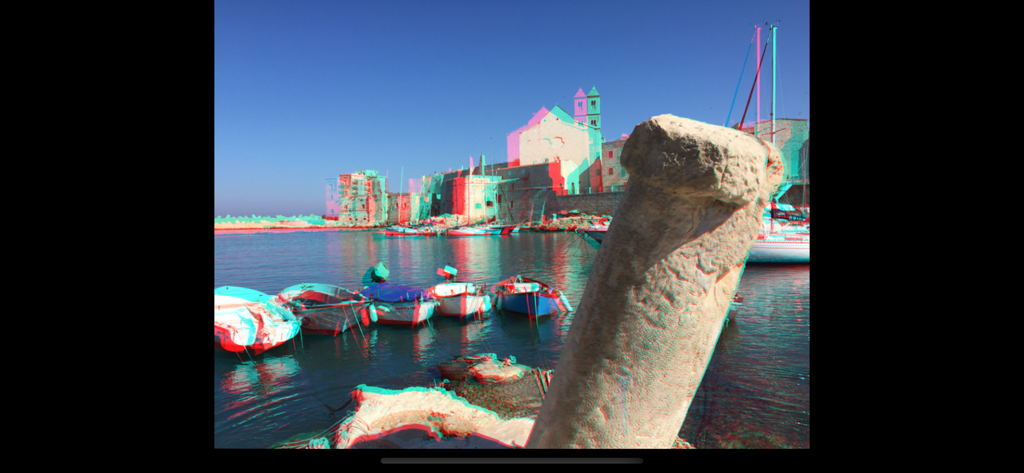
Anaglyph 3D photo of a coastal harbor with boats and historic stone buildings
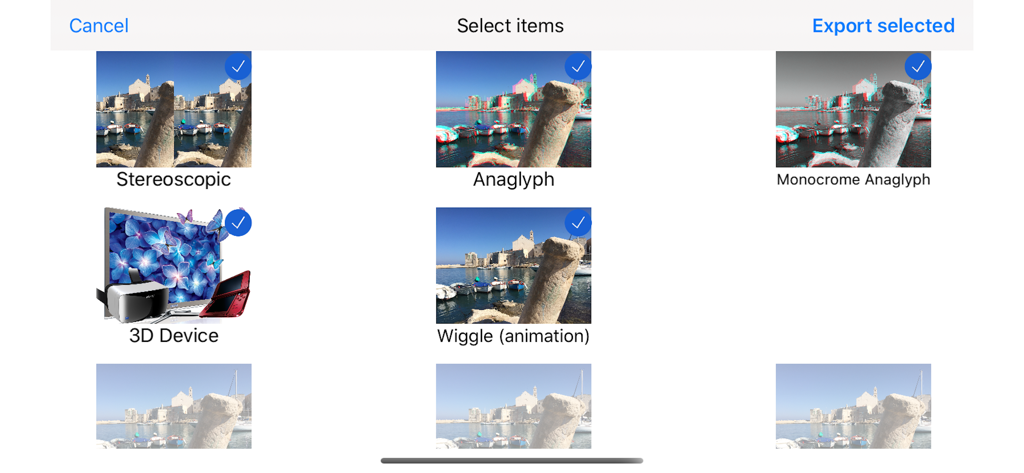
Selection screen for 3D export formats including Stereoscopic Anaglyph and Wigglegram animations
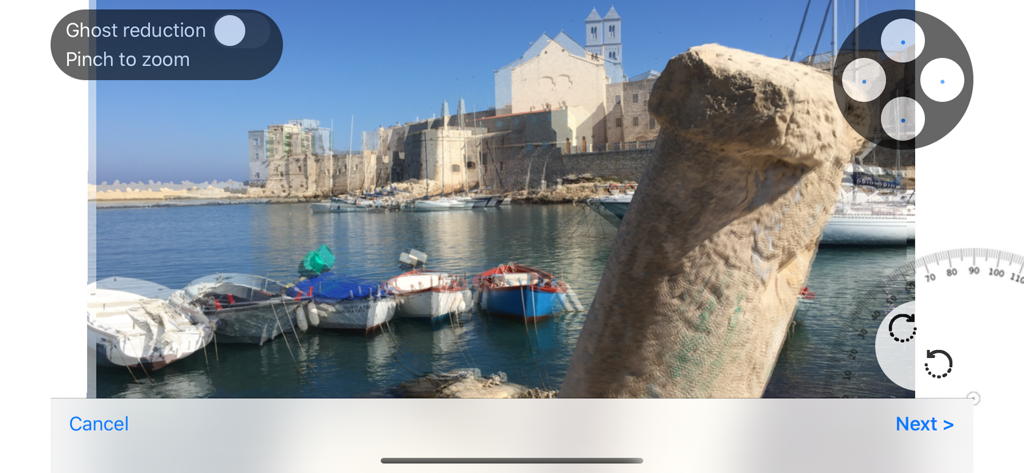
Camera 3D Pro app interface showing the stereo editor with ghost reduction and manual alignment controls for a 3D photo
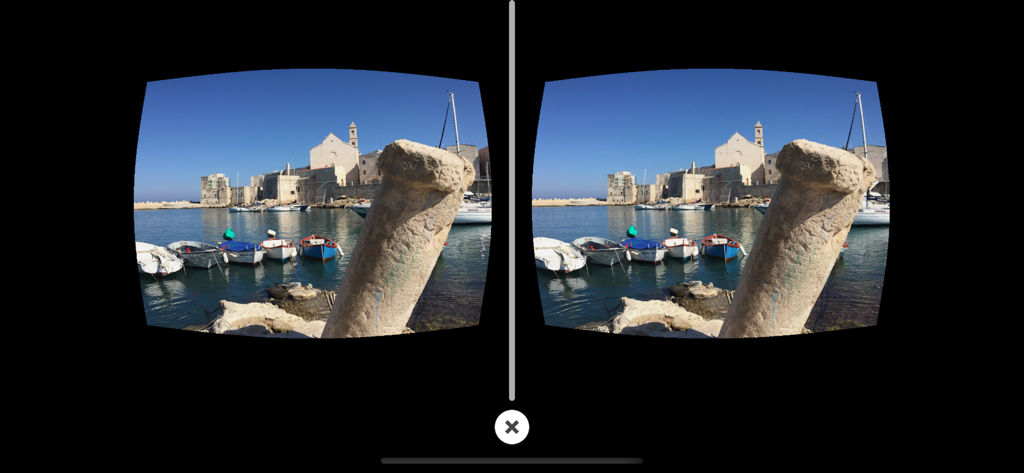
Side-by-side stereoscopic 3D photo of a harbor scene for VR headsets
Description
Download
More Like This
Top-ranked apps in the same category

CapCut: Photo & Video Editor
BYTEDANCE PTE. LTD.

Instagram, Inc.

YouTube
Google LLC

Canva: AI Photo & Video Editor
Canva Pty Ltd

Snapchat
Snap, Inc.

快手
Beijing Kwai Technology Co., Ltd.

Edits: Video Editor
Instagram, Inc.

Meitu- AI Photo & Video Editor
Xiamen Meitu Technology Co., Ltd.

Google Photos: Backup & Edit
Google LLC
This page is not an official page of the app or its developer, but an independent editorial publication created for informational and commentary purposes. Unless expressly stated otherwise, neither the app nor its developer is affiliated with, endorsed by, sponsored by, authorized by, or otherwise officially connected with MWM, Apple, Google Play, the app publisher, or the app's developer, and nothing on this page implies that the app was developed using MWM's services. Any trademarks, logos, screenshots, and other content remain the property of their respective owners.