Cast Web Videos to Chromecast

Cast Web Videos to Chromecast


Download on App Store
Logo of Cast Web Videos to Chromecast

Cast Web Videos to Chromecast: Stream 4K Movies and Live Sports in High Definition

The ultimate bridge between your iPhone and TV. Block intrusive ads, auto-detect subtitles, and enjoy native web casting that outperforms standard screen mirroring.

Download on App Store

Publisher

Swishly inc

Category

Utilities

Downloads

87K+

User Rating

4.5/5

Total Ratings

1K+

Locales

2

The Ultimate Viewing Experience

Discover the interface used by 87K+ users.
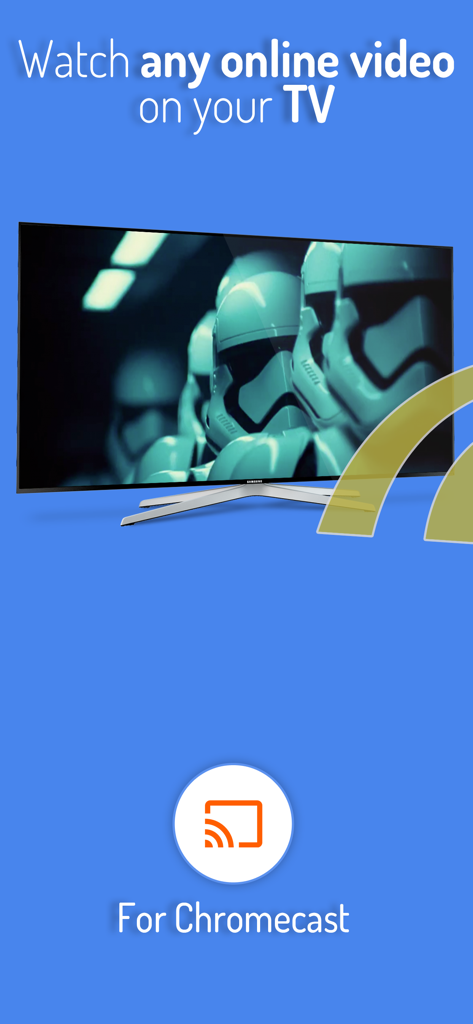
Watch any online video on your TV using the Chromecast casting app for iOS

Watch any online video on your TV using the Chromecast casting app for iOS

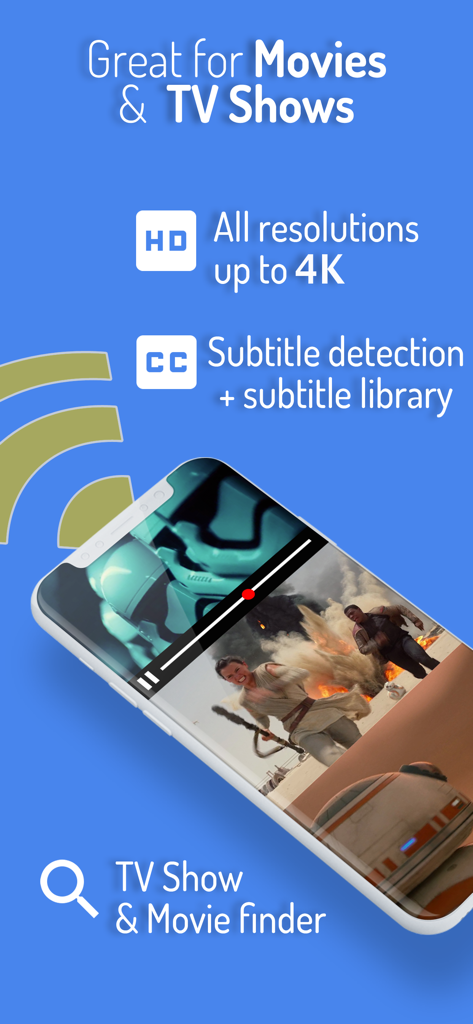
Cast Web Videos app features including 4K resolution movie finder and subtitle detection

Cast Web Videos app features including 4K resolution movie finder and subtitle detection

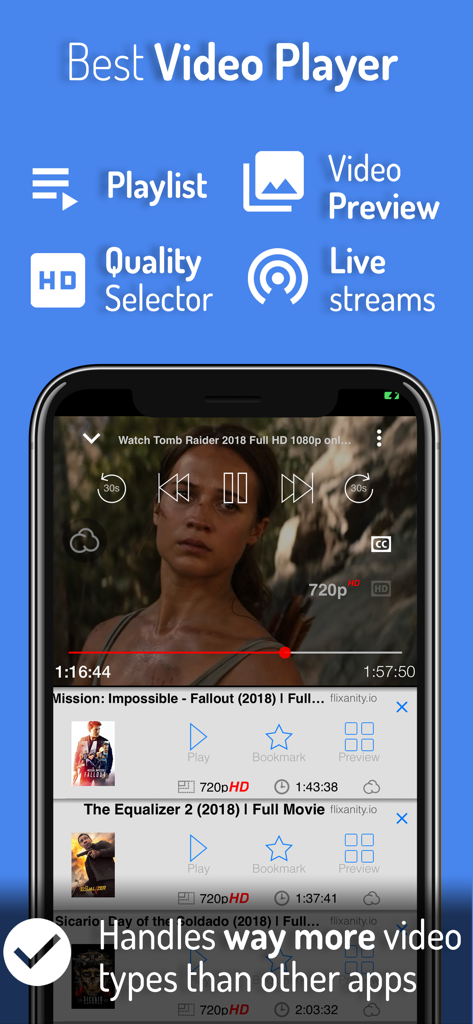
Mobile app interface showing a high definition video player with a movie playlist and quality selector

Mobile app interface showing a high definition video player with a movie playlist and quality selector

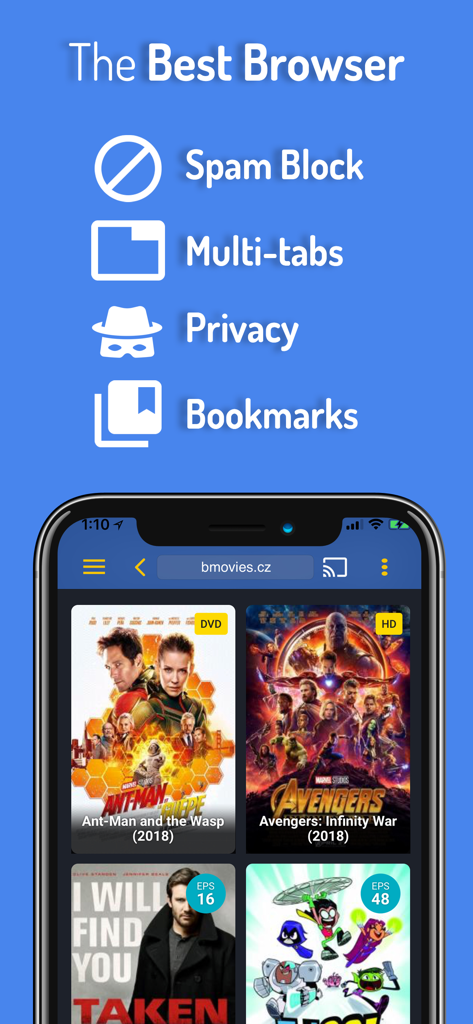
iPhone screen showing the cast web videos browser with spam block and privacy features while viewing a movie streaming site

iPhone screen showing the cast web videos browser with spam block and privacy features while viewing a movie streaming site

Elevate Your Streaming Experience

The tools that make this app stand out, trusted by 87K+ users.

📺

True 4K Native Casting

Don't settle for laggy screen mirroring. Our app streams the direct video file to your Chromecast, ensuring crystal-clear HD and 4K resolution for a cinema-like experience.

🛡️

Ad-Free & Popup Protection

Navigate niche streaming and sports sites with confidence. Our advanced browser automatically blocks intrusive ads and spammy popups for a cleaner, safer viewing session.

Seamless Multitasking

Cast your favorite show and keep using your iPhone for texting or social media. Our proxy technology handles the stream in the background without draining your battery.

About the app

Everything you need to know about Cast Web Videos to Chromecast.

Description

Cast any online video to your TV, via Chromecast and Chromecast-powered TVs. *** Feature Highlights *** • HD resolution supported (1080p and up to 4K depending on the device) • Advanced browser, supports multiple browser tabs, blocks or hides spammy popups, search from the URL bar, ad blocker, browsing history etc... • Subtitle auto-detect + Movie/TV Subtitle library • Live streams support • Video preview: up to 72 snapshots to instantly locate your favorite scenes. • Binge-ready: queue up several videos, and enjoy. • Set your own home page, bookmark web page or videos. • Full playback controls, from the app or from the lock screen after exiting the app. • 2 advanced privacy modes: anonymous & private session Some of the features above require in-app purchase The application plays the actual video in your Chromecast which results in a much higher quality picture than apps that mirror your screen. Notes: Chromecast is a registered trademark of Google Inc * Excluding video formats not compatible with iOS (flash) ** Most video sites should work great, however if you are experiencing issues casting from your favorite site, send us a quick note from the app's menu > feedback. We add support for video sites every day, and the most-often requested web sites get fast-tracked priority. Subscription Terms: Some web videos require active streaming from your phone. The monthly and yearly Video Proxy subscriptions offload this task to servers so you can keep multitasking on your device. • Payment will be charged to iTunes Account at confirmation of purchase • Subscription automatically renews unless auto-renew is turned off at least 24-hours before the end of the current period • Account will be charged for renewal within 24-hours prior to the end of the current period, and identify the cost of the renewal • Subscriptions may be managed by the user and auto-renewal may be turned off by going to the user's Account Settings after purchase • Any unused portion of a free trial period, if offered, will be forfeited when the user purchases a subscription to that publication. • Privacy Policy: http://www.swishly.com/webtv/privacy-policy.html • Terms of Use: http://www.swishly.com/webtv/terms-of-use.html

Latest Version

2.0.100

Size

47.6 MB

First Released

Jun 1, 2018

Ready to Upgrade Your Big Screen Experience?

Stop settling for laggy screen mirroring. Join thousands of iOS users casting 4K web videos seamlessly while keeping their phones free to multitask.

Download on App Store

App information, icons, screenshots, and descriptions displayed on this page are sourced from the Apple App Store and are the property of their respective developers. Download estimates and rankings are based on MWM's proprietary models and may not reflect actual figures. This page is provided for informational and analytical purposes only.

Believe this page infringes your intellectual property? File a dispute