
This page is not an official page of the app or its developer, but an independent editorial publication created for informational and commentary purposes. Unless expressly stated otherwise, neither the app nor its developer is affiliated with, endorsed by, sponsored by, authorized by, or otherwise officially connected with MWM, Apple, Google Play, the app publisher, or the app's developer, and nothing on this page implies that the app was developed using MWM's services. Any trademarks, logos, screenshots, and other content remain the property of their respective owners.

CC Pocket: Dev Agent Remote
Break free from your desk. Launch Claude Code sessions, manage batch approvals, and review syntax-highlighted diffs from your phone with a secure, privacy-first remote built for the modern developer.
Downloads
0User Rating
Total Ratings
0Publisher
Category
Developer ToolsLocales
1Latest Version
1.34.0Size
43.2 MBFirst Released
Mar 6, 2026Command Your AI Workforce Anywhere
Stay in control of your Claude Code and Codex agents without being tethered to your desk. CC Pocket brings professional-grade AI orchestration to your pocket.
One-Tap Batch Approvals
Eliminate bottlenecks by reviewing and approving multiple agent requests at once. Keep your projects progressing while you are on the move.
Desktop-Grade Code Diffs
Review complex changes with syntax-highlighted diffs designed for mobile. Make informed decisions with the same confidence as on your primary workstation.
The following screenshots and description are sourced directly from the app's official store listing and are the property of the app developer.
App Store
Screenshots
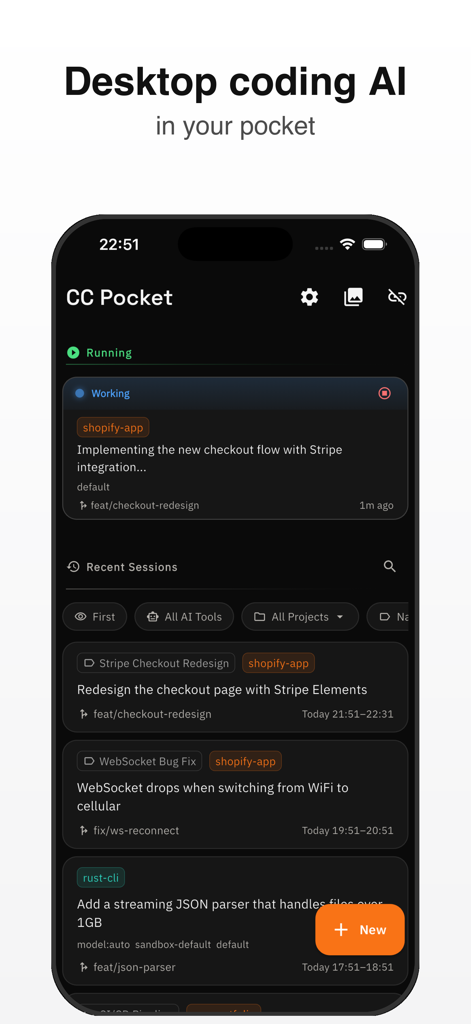
CC Pocket app dashboard showing active and recent AI coding agent sessions for mobile development management
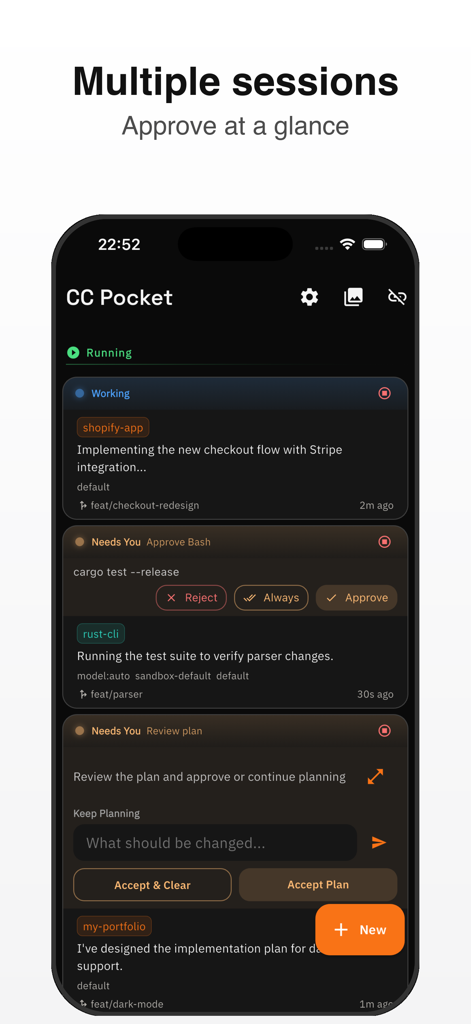
CC Pocket app interface showing multiple active AI agent sessions and approval requests
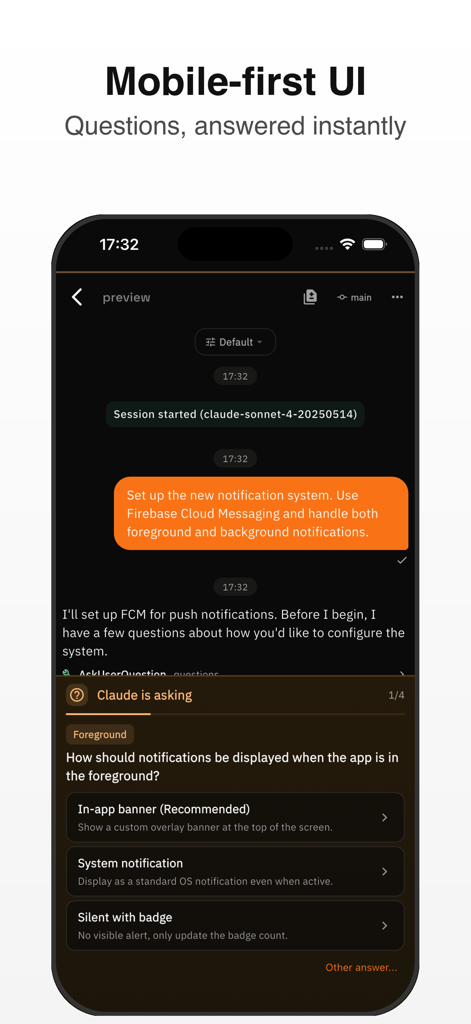
Mobile UI of CC Pocket showing an AI coding agent asking the user for configuration preferences with multiple choice options.
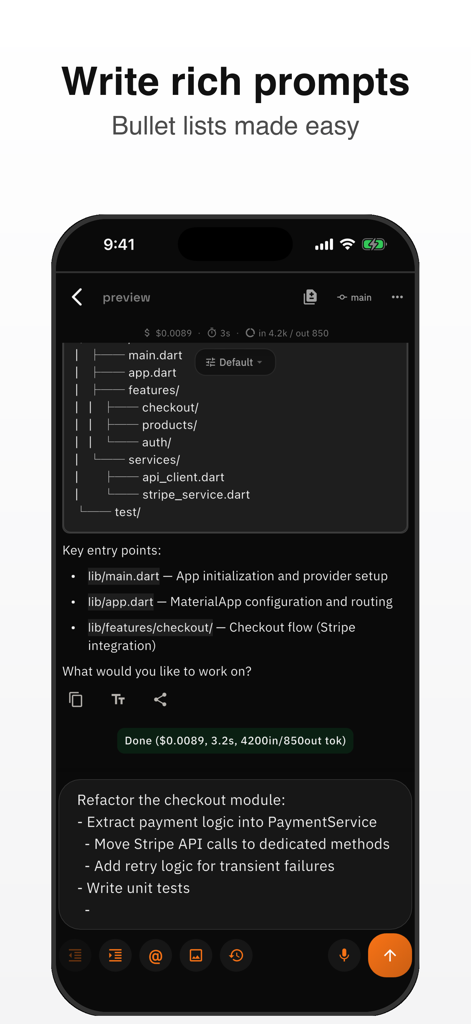
Mobile interface showing rich prompts with bullet lists for AI code refactoring
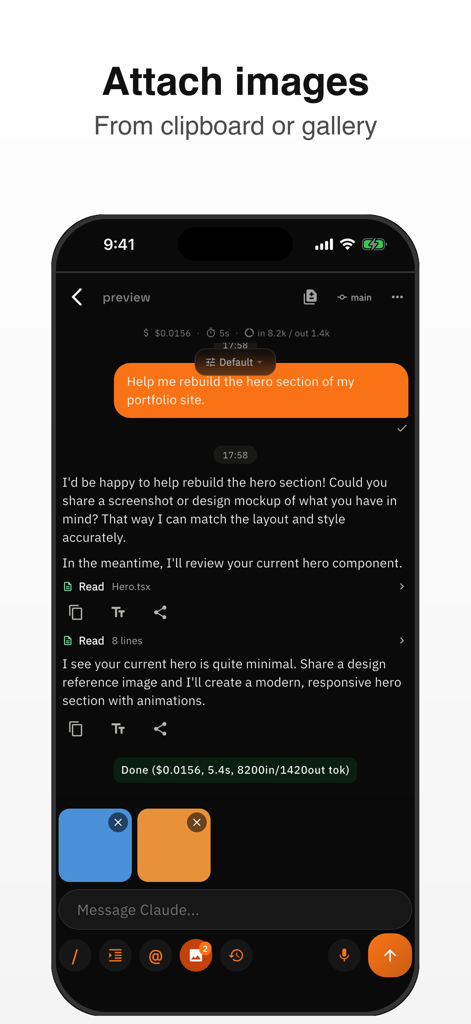
Mobile interface of CC Pocket showing how to attach images from the gallery to an AI coding agent session
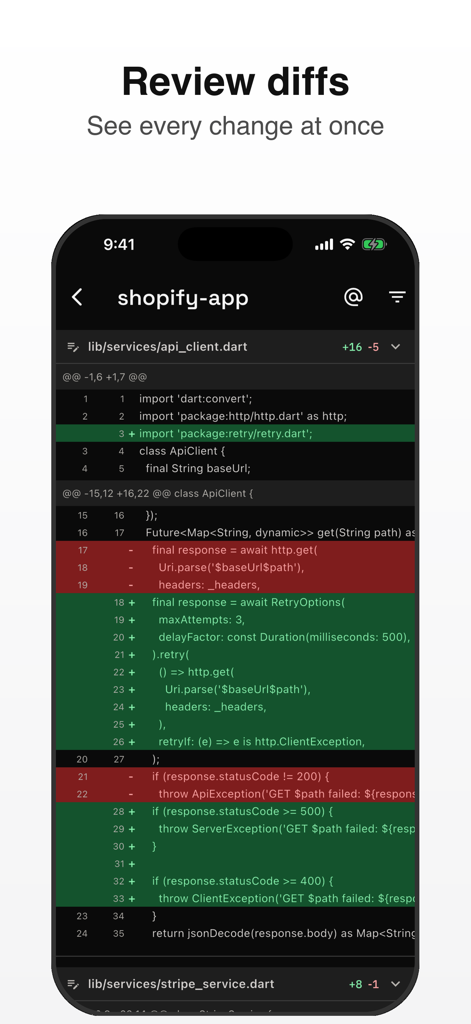
CC Pocket app showing a syntax-highlighted code diff on a mobile screen
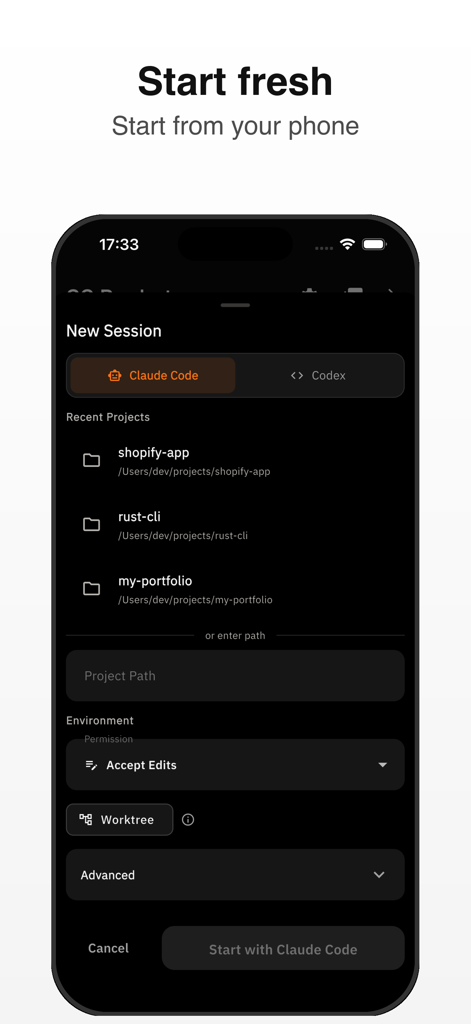
A mobile interface for starting a new AI coding session in the CC Pocket app
Description
Download
More Like This
Top-ranked apps in the same category

TestFlight
Apple Inc.

Replit: Vibe Code Apps
Replit, Inc

GitHub
GitHub

O-KAM Pro
Shenzhen VeePai IoT Intelligent Technology LLC

Emergent AI: Vibe Code Apps
Emergent Labs Inc

Apple Developer
Apple Inc.

Expo Go
650 Industries, Inc.

App Store Connect
Apple Inc.

Scriptable
Simon Stovring
This page is not an official page of the app or its developer, but an independent editorial publication created for informational and commentary purposes. Unless expressly stated otherwise, neither the app nor its developer is affiliated with, endorsed by, sponsored by, authorized by, or otherwise officially connected with MWM, Apple, Google Play, the app publisher, or the app's developer, and nothing on this page implies that the app was developed using MWM's services. Any trademarks, logos, screenshots, and other content remain the property of their respective owners.