
This page is not an official page of the app or its developer, but an independent editorial publication created for informational and commentary purposes. Unless expressly stated otherwise, neither the app nor its developer is affiliated with, endorsed by, sponsored by, authorized by, or otherwise officially connected with MWM, Apple, Google Play, the app publisher, or the app's developer, and nothing on this page implies that the app was developed using MWM's services. Any trademarks, logos, screenshots, and other content remain the property of their respective owners.

Charichari - Bike Share
Skip the traffic and expensive parking. Simply find an iconic red bike, scan to unlock, and enjoy a seamless ride across the city.
Downloads
1M+User Rating
Total Ratings
67K+Publisher
Category
TravelLocales
2Latest Version
9.15.0Size
109.9 MBFirst Released
Dec 24, 2019Your City, Within Reach
Join over 1 million riders using Charichari to conquer the last mile with speed, style, and zero carbon emissions.
Scan-and-Go Mobility
Locate our iconic red bikes via the app and unlock them instantly with a QR scan. Your commute starts exactly when you are ready.
Reliable Bike Ports
Know exactly where to pick up and drop off. Our network of dedicated ports ensures a bike is always waiting and parking is never a hassle.
Frequently Asked Questions
Everything you need to know about Charichari - Bike Share
What is Charichari?
Charichari is a bike share service providing iconic red bikes for easy urban transportation. Users locate bikes with the app, unlock them to start a ride, and return them to designated ports to end it.
How do I start a Charichari bike ride?
To start a Charichari bike ride, find an iconic red Charichari bike. Open the Charichari app and unlock the bike. The ride officially starts the moment the bike unlocks.
How do I unlock a Charichari bike?
Yes, to unlock a Charichari bike, open the app and scan the QR code located on the lock under the bike's saddle. The bike unlocks immediately after a successful scan.
How do I end a Charichari bike ride?
To end a Charichari bike ride, return the bike to a dedicated Charichari bike port. Once at the port, press the knob to lock the bike. This action concludes your ride.
Where can I find Charichari bike ports?
Charichari bike ports are designated return locations within the city. The Charichari app displays a map showing the locations of available bikes and all bike-only ports for convenient access and returns.
Does Charichari show the ride cost in the app?
Yes, the Charichari app shows the ride cost. After a ride, the app displays details like duration, distance, and the total fee, such as Y90, as seen in the ride summary.
The following screenshots and description are sourced directly from the app's official store listing and are the property of the app developer.
App Store
Screenshots
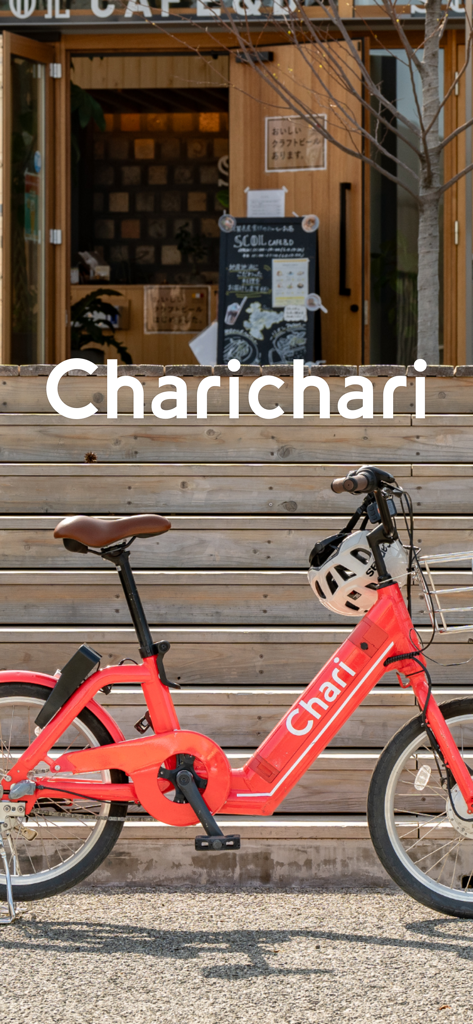
Iconic red Charichari bike share parked in front of an urban storefront
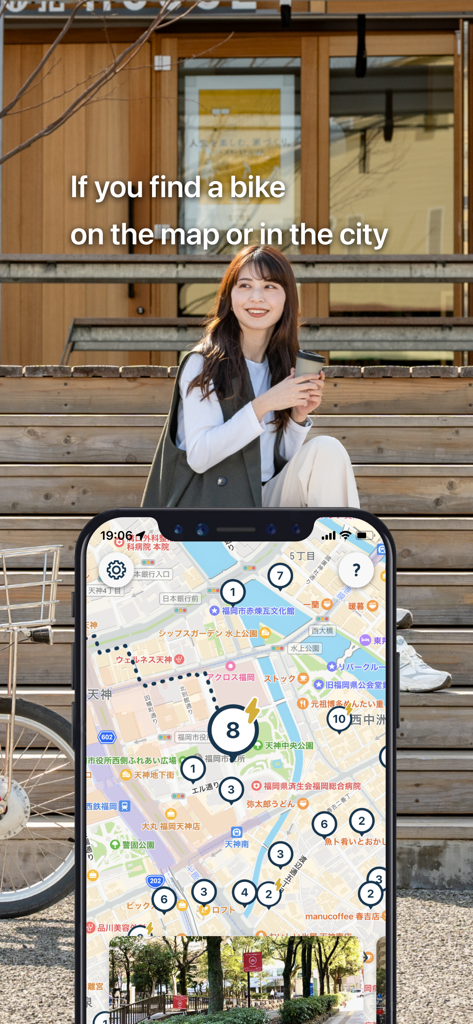
Smartphone showing the Charichari app map with bike locations next to a young woman sitting outside
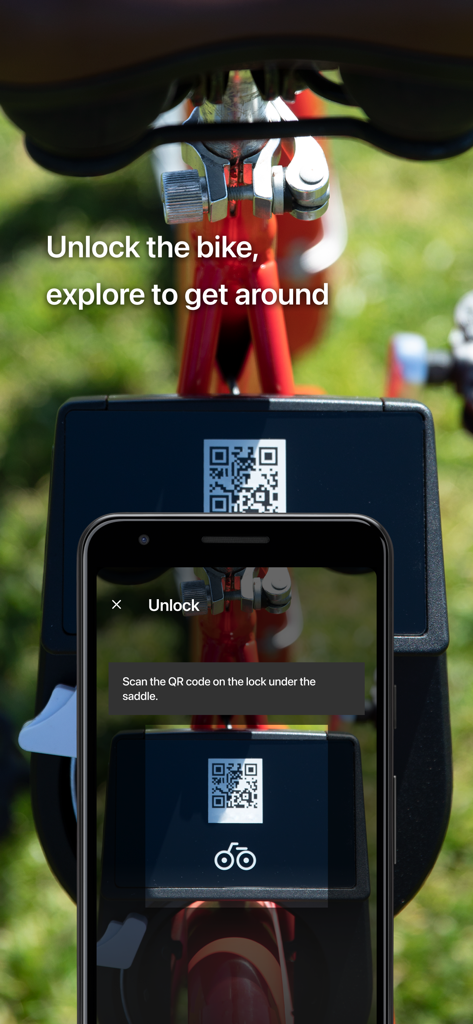
A smartphone scanning a QR code on a red Charichari bike to unlock it for a ride
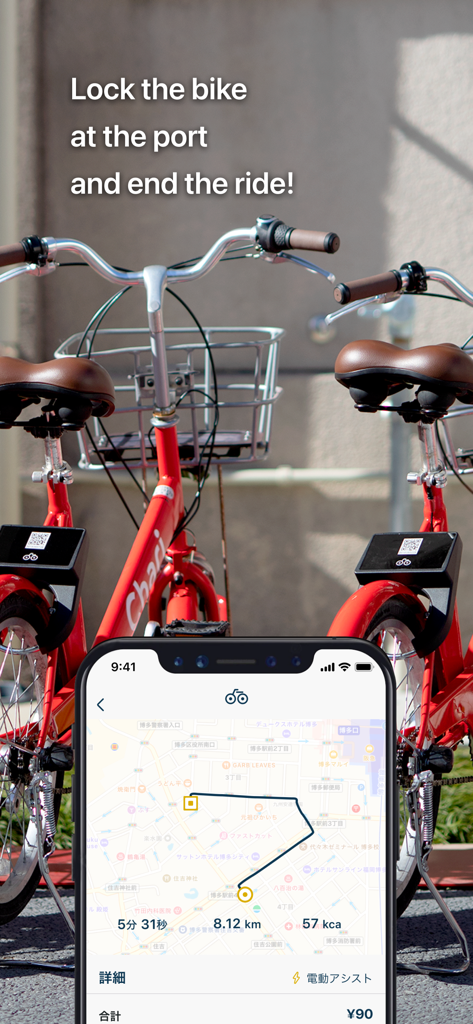
A smartphone showing the Charichari app ride summary and map next to two iconic red bicycles
Description
Download
More Like This
Apps with similar features and user experience

Lime - #RideGreen
Neutron Holdings. Inc.

Whoosh.bike
VUSH, OOO

Voi – e-scooters & e-bikes
VOI Technology AB

HelloRide-Enjoy your ride
HELLOBIKESG PTE. LTD.

Bird — Ride Electric
Blue Jay Transit Inc.

Flamingo Scooters
FLAMINGO TECHNOLOGIES LIMITED

Anywheel
Anywheel Pte. Ltd.

Beam - Escooter Sharing
APAC Escooters Pte. Ltd.

Veo
VEORIDE INC
This page is not an official page of the app or its developer, but an independent editorial publication created for informational and commentary purposes. Unless expressly stated otherwise, neither the app nor its developer is affiliated with, endorsed by, sponsored by, authorized by, or otherwise officially connected with MWM, Apple, Google Play, the app publisher, or the app's developer, and nothing on this page implies that the app was developed using MWM's services. Any trademarks, logos, screenshots, and other content remain the property of their respective owners.