
This page is not an official page of the app or its developer, but an independent editorial publication created for informational and commentary purposes. Unless expressly stated otherwise, neither the app nor its developer is affiliated with, endorsed by, sponsored by, authorized by, or otherwise officially connected with MWM, Apple, Google Play, the app publisher, or the app's developer, and nothing on this page implies that the app was developed using MWM's services. Any trademarks, logos, screenshots, and other content remain the property of their respective owners.


Chart Maker: AI Graph Creator
Stop wasting time on manual data entry. Use cutting-edge AI to transform images and raw data into stunning, presentation-ready visualizations directly from your iPhone or iPad.
Downloads
0User Rating
Total Ratings
0Publisher
Category
ProductivityLocales
1Latest Version
1.0Size
37.6 MBFirst Released
Jan 12, 2026Visualize Smarter, Not Harder
Stop wasting hours on manual data entry. Use AI-powered tools to transform raw information into professional, presentation-ready charts in seconds.
AI Image-to-Chart Magic
Skip the typing. Snap a photo of any printed graph and let our AI instantly convert it into a fully editable digital format.
Pro-Level Customization
Ditch the boring default styles. Access 10+ chart types and customize every color and font for a truly professional look.
Frequently Asked Questions
Everything you need to know about Chart Maker: AI Graph Creator
What is Chart Maker: AI Graph Creator?
Chart Maker: AI Graph Creator is a data visualization tool. It transforms data into professional charts using AI technology, enabling users to visualize complex data without a learning curve.
How does Chart Maker's AI Image-to-Chart feature work?
Chart Maker's AI Image-to-Chart feature converts printed charts into editable digital graphs. Users take a photo of a chart, and the AI instantly processes it, extracting data for visualization.
What chart types does Chart Maker support?
Chart Maker supports over 10 professional chart types. These include Bar, Stacked Bar, Line, Area, Pie, Doughnut, Scatter, Radar, Polar Area, and Bubble charts.
Can Chart Maker be used offline?
Yes, Chart Maker functions offline. Users can create and edit charts anywhere, anytime, without requiring an internet connection.
What customization options are available in Chart Maker?
Chart Maker provides full customization control. Users can adjust colors, fonts, and styles for their charts using the intuitive drag-and-drop editor.
Does Chart Maker offer high-resolution exports?
Yes, Chart Maker provides high-resolution exports. Charts are ready for presentations or social media, ensuring professional quality output.
What benefits does Chart Maker Premium provide?
Chart Maker Premium unlocks exclusive features. It includes the AI Image-to-Chart functionality, unlimited exports, and an ad-free user experience.
Is the AI Image-to-Chart feature free in Chart Maker?
No, the AI Image-to-Chart feature is part of the Premium Advantage. However, a free trial with one use remaining is indicated for this feature.
Where can users find the terms of use for Chart Maker?
The terms of use for Chart Maker are available online. Users can access them via the provided link: https://www.apple.com/legal/internet-services/itunes/dev/stdeula/.
The following screenshots and description are sourced directly from the app's official store listing and are the property of the app developer.
App Store
Screenshots
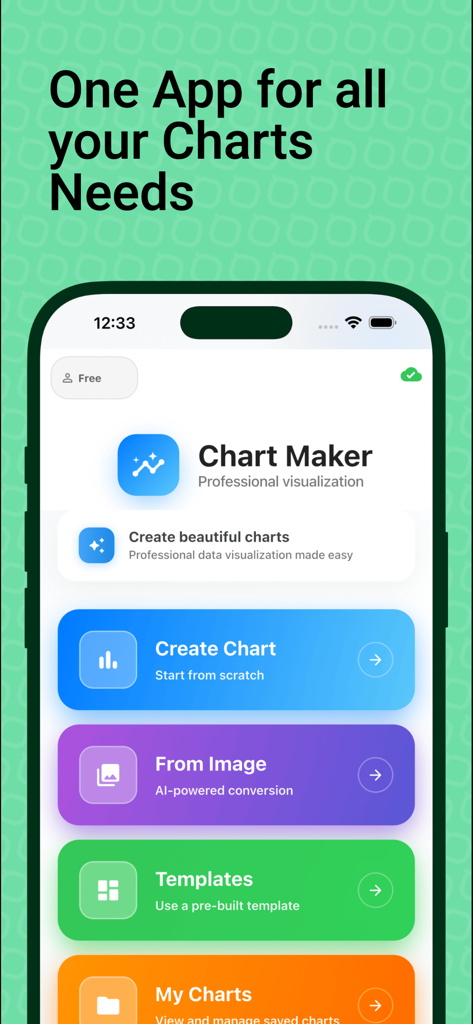
Chart Maker mobile app interface showing menu options to create graphs from scratch or images
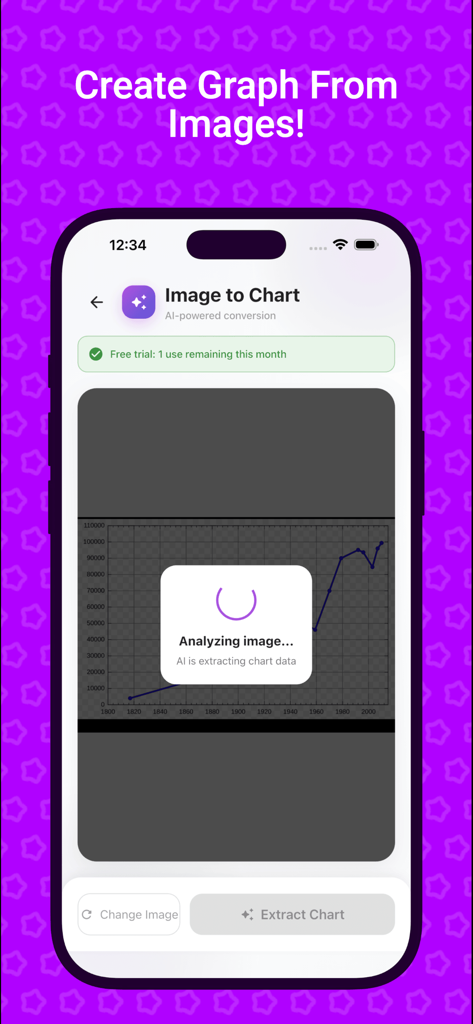
Smartphone screen showing the Chart Maker app analyzing an image of a graph to extract data using AI.
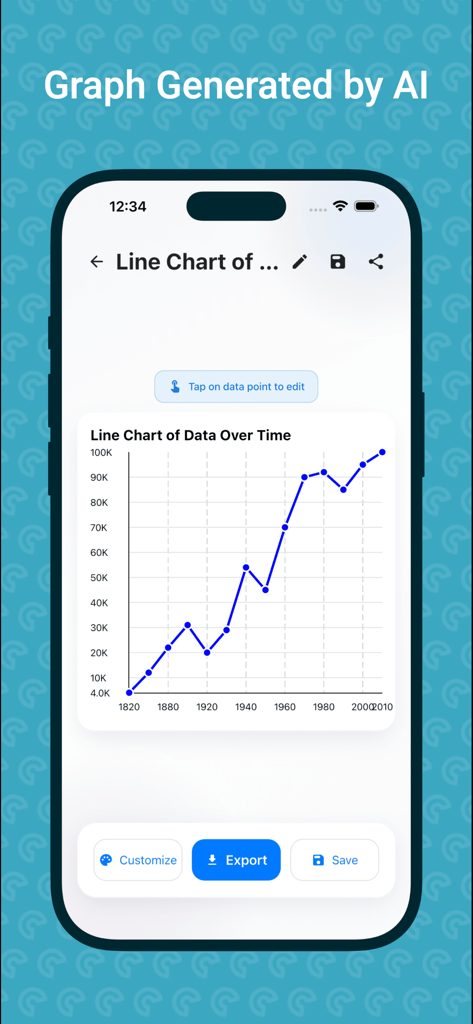
AI-generated line chart showing data over time in the Chart Maker mobile app.
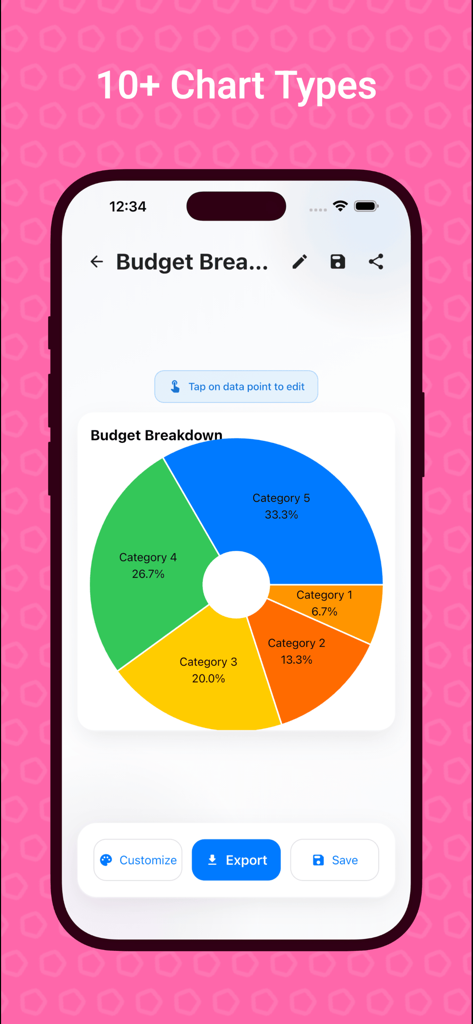
A colorful doughnut chart showing a budget breakdown with five categories in the Chart Maker app
Description
Download
More Like This
Top-ranked apps in the same category

ChatGPT
OpenAI OpCo, LLC

Google Gemini
Google LLC

Grok
X.AI Corporation

Gmail - Email by Google
Google LLC

千问 - 阿里最强大模型官方AI助手
Shanghai Zhixin Puhui Technology Co., Ltd.

Google Drive
Google LLC

Microsoft Authenticator
Microsoft Corporation

Google Sheets
Google LLC

Google Docs
Google LLC
This page is not an official page of the app or its developer, but an independent editorial publication created for informational and commentary purposes. Unless expressly stated otherwise, neither the app nor its developer is affiliated with, endorsed by, sponsored by, authorized by, or otherwise officially connected with MWM, Apple, Google Play, the app publisher, or the app's developer, and nothing on this page implies that the app was developed using MWM's services. Any trademarks, logos, screenshots, and other content remain the property of their respective owners.