
This page is not an official page of the app or its developer, but an independent editorial publication created for informational and commentary purposes. Unless expressly stated otherwise, neither the app nor its developer is affiliated with, endorsed by, sponsored by, authorized by, or otherwise officially connected with MWM, Apple, Google Play, the app publisher, or the app's developer, and nothing on this page implies that the app was developed using MWM's services. Any trademarks, logos, screenshots, and other content remain the property of their respective owners.


ChatGO - ChatBot AI
Supercharge your productivity with the ultimate AI assistant. From summarizing videos and PDFs to generating stunning images and professional emails—ChatGO streamlines your entire workflow, even inside other apps with our integrated AI keyboard.
Downloads
1K+User Rating
Total Ratings
0Publisher
Category
ProductivityLocales
47Latest Version
1.0.6Size
117.3 MBFirst Released
Jan 8, 2026Supercharge Your Daily Workflow
The ultimate AI Swiss Army Knife designed to help students and professionals work faster, study smarter, and create better.
Frictionless AI Keyboard
Upgrade your communication in any app. Polish emails, fix grammar, and generate smart replies in Slack, iMessage, or LinkedIn without switching screens.
Instant Insight Summarizer
Beat information fatigue by turning long PDFs, dense articles, or 20-minute YouTube videos into concise, actionable summaries in seconds.
Frequently Asked Questions
Everything you need to know about ChatGO - ChatBot AI
What is ChatGO?
ChatGO is a powerful AI chat assistant designed for work, study, and creativity. It provides clear, accurate responses for writing, research, content generation, document analysis, and image creation in seconds.
What features does the ChatGO app offer?
ChatGO offers AI chat, writing assistance, text-to-image generation, photo analysis (OCR), document analysis, web search, link/video summarization, voice input, and an AI keyboard. It also includes study and productivity tools.
What AI models power the ChatGO app?
The ChatGO app is powered by multiple advanced AI models including ChatGPT-5, Gemini, Grok, Claude, Perplexity, and DeepSeek. It uses Gemini 2.5 Flash for image generation.
Can ChatGO generate images from text?
Yes, ChatGO includes a Text-to-Image Generator. Users describe their desired image, and ChatGO creates visuals in various styles and formats for presentations, inspiration, or creative projects. It uses Gemini 2.5 Flash for this.
Does ChatGO analyze documents?
Yes, ChatGO features a Document Analyzer. It can summarize PDFs and text files, rewrite or translate documents, answer questions about uploaded content, and extract key points instantly to help users work faster.
Does ChatGO support voice input?
Yes, ChatGO supports voice input. Users can speak instead of typing to interact with the AI assistant naturally. This feature is ideal for multitasking or when on the go.
Can ChatGO be used within other apps?
Yes, ChatGO features an AI Keyboard. This allows users to improve writing, fix grammar and spelling, generate smart replies, and enhance clarity and tone directly inside other applications.
How does the ChatGO premium account work?
Subscribing to a ChatGO premium account unlocks unlimited access to all features. Subscriptions are billed automatically based on the selected plan. Auto-renewal can be managed in Account Settings.
Can I manage my ChatGO subscription?
Yes, ChatGO subscriptions can be managed in your Account Settings. Auto-renewal can be turned off at least 24 hours before the end of the current billing period.
Where can I find ChatGO's privacy policy?
ChatGO's privacy policy is available at https://wachanga.com/privacy. This document details how the app collects, uses, and protects user data.
Can ChatGO solve math problems?
Yes, ChatGO can solve math problems step-by-step. The app helps with homework assistance and provides explanations for complex problems, as demonstrated in the 'Solve Math' feature.
How does ChatGO analyze photos?
ChatGO's Photo Analyzer & Image-to-Text (OCR) feature allows users to upload an image. The app then explains what is shown, recognizes and extracts text, identifies objects or places, and creates captions or hashtags.
The following screenshots and description are sourced directly from the app's official store listing and are the property of the app developer.
App Store
Screenshots
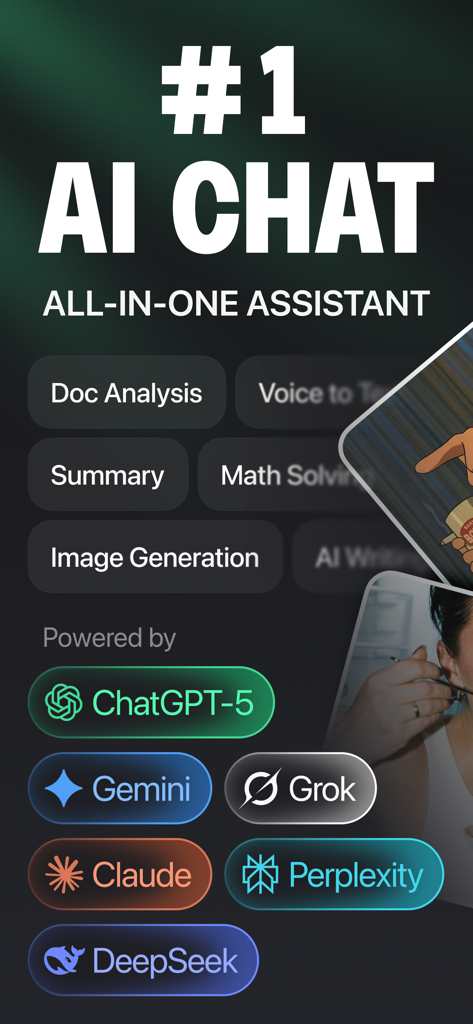
ChatGO AI ChatBot interface displaying features like document analysis and image generation powered by multiple AI models
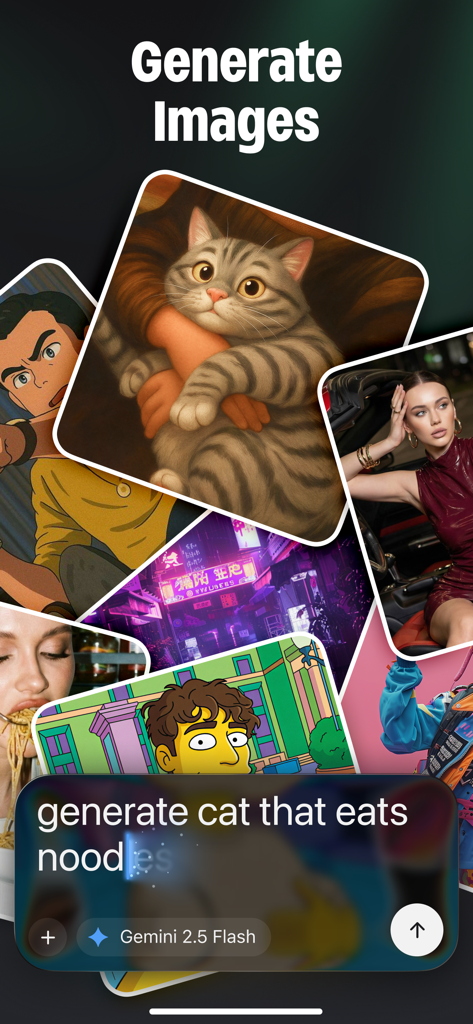
ChatGO app interface demonstrating AI image generation with various styles and a prompt for a cat eating noodles
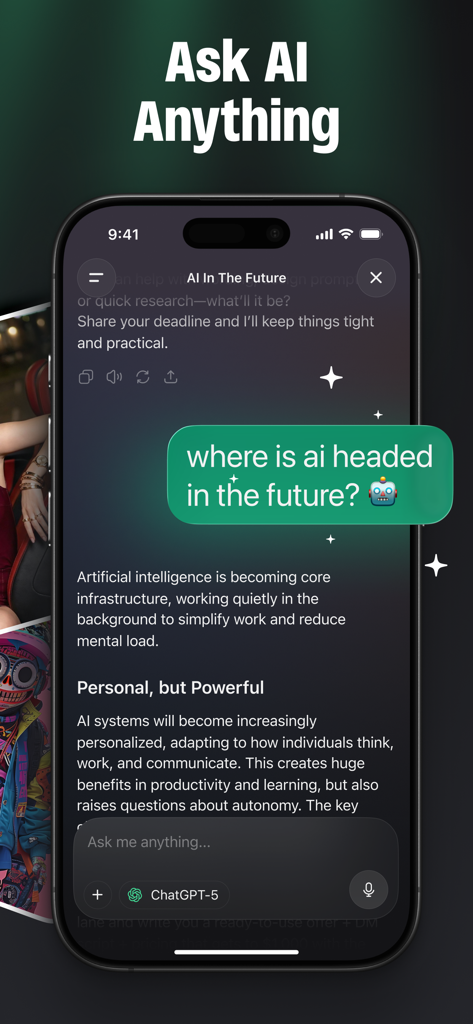
ChatGO app interface showing a user asking a question to the AI chatbot assistant
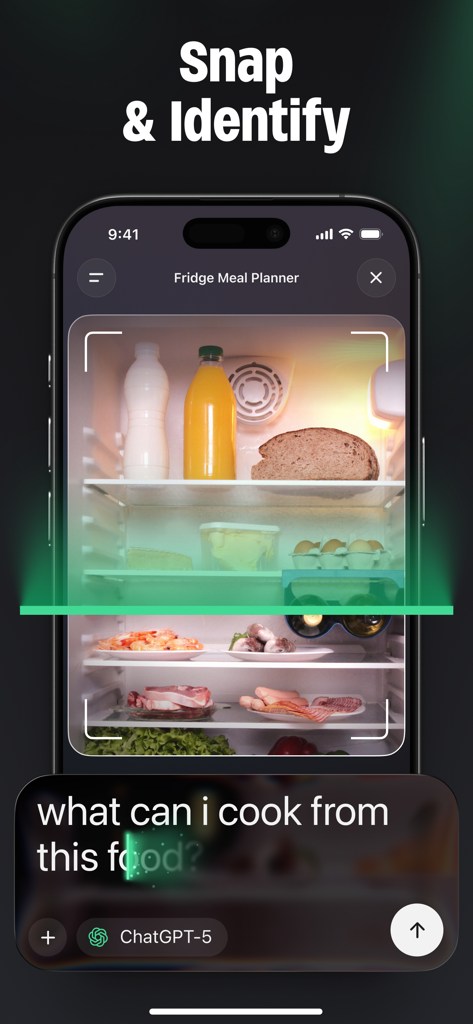
ChatGO AI app scanning the contents of a refrigerator to provide meal suggestions based on identified ingredients
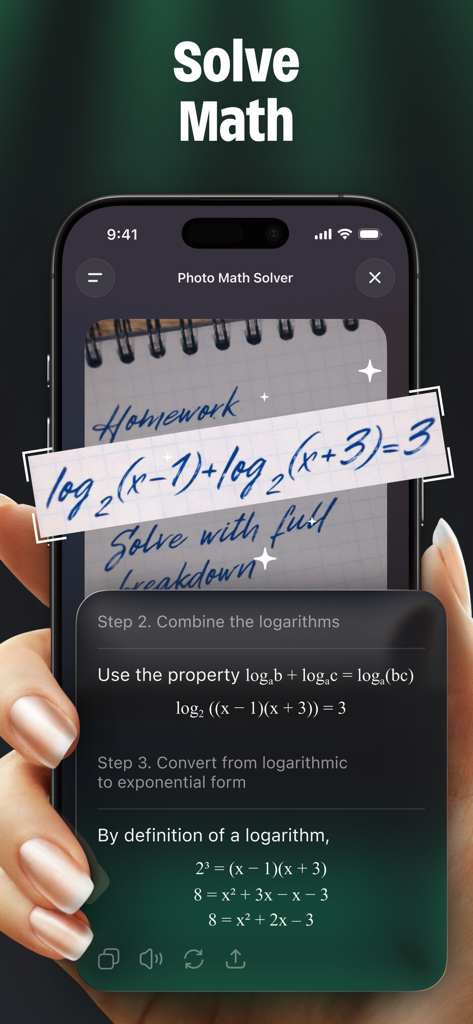
ChatGO AI app showing a step by step math solution from a photo of a handwritten equation
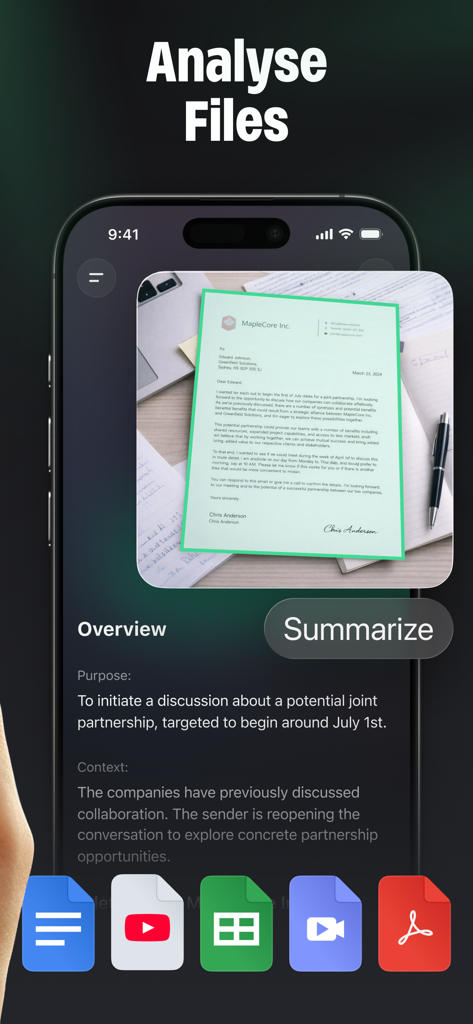
Smartphone screen showing the ChatGO app analyzing a document and generating an AI summary overview.
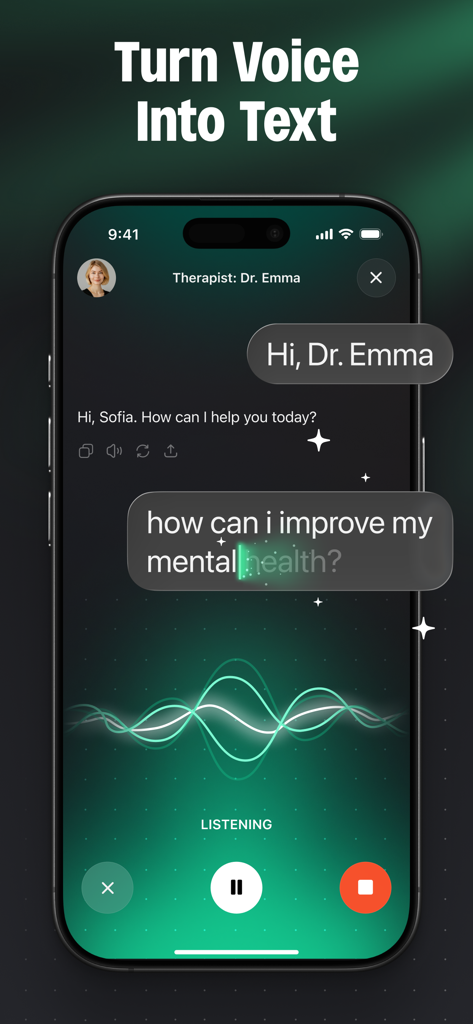
Mobile app screen showing ChatGO voice to text feature with an AI assistant and audio waveform.
Description
Download
More Like This
Top-ranked apps in the same category

ChatGPT
OpenAI OpCo, LLC

Google Gemini
Google LLC

Grok
X.AI Corporation

Gmail - Email by Google
Google LLC

千问 - 阿里最强大模型官方AI助手
Shanghai Zhixin Puhui Technology Co., Ltd.

Google Drive
Google LLC

Microsoft Authenticator
Microsoft Corporation

Google Sheets
Google LLC

Google Docs
Google LLC
This page is not an official page of the app or its developer, but an independent editorial publication created for informational and commentary purposes. Unless expressly stated otherwise, neither the app nor its developer is affiliated with, endorsed by, sponsored by, authorized by, or otherwise officially connected with MWM, Apple, Google Play, the app publisher, or the app's developer, and nothing on this page implies that the app was developed using MWM's services. Any trademarks, logos, screenshots, and other content remain the property of their respective owners.