
This page is not an official page of the app or its developer, but an independent editorial publication created for informational and commentary purposes. Unless expressly stated otherwise, neither the app nor its developer is affiliated with, endorsed by, sponsored by, authorized by, or otherwise officially connected with MWM, Apple, Google Play, the app publisher, or the app's developer, and nothing on this page implies that the app was developed using MWM's services. Any trademarks, logos, screenshots, and other content remain the property of their respective owners.

Cinematic AI: Create AI Videos
The ultimate AI video generator for creators and solo-preneurs. Harness the power of SORA 2 and VEO 3 technology to produce viral, high-definition content for TikTok, Reels, and YouTube—directly on your iPhone, iPad, and Mac.
Downloads
3K+User Rating
Total Ratings
0Publisher
Category
Photo & VideoLocales
10Latest Version
5.3Size
257.5 MBFirst Released
Feb 24, 2025Transform Ideas into Viral Reality
Harness the power of SORA 2 and VEO 3 to create pro-level content instantly. Cinematic AI is your secret weapon for high-impact social media and high-end advertising.
Cinematic AI Generation
Bring your vision to life with text-to-video and image-to-video tools. Create hyper-realistic scenes and animations that rival big-budget productions.
Talking Avatars & Viral Hooks
Make faces talk and use 31+ viral-ready templates to dominate TikTok, Reels, and Shorts without ever needing a camera crew.
The following screenshots and description are sourced directly from the app's official store listing and are the property of the app developer.
App Store
Screenshots
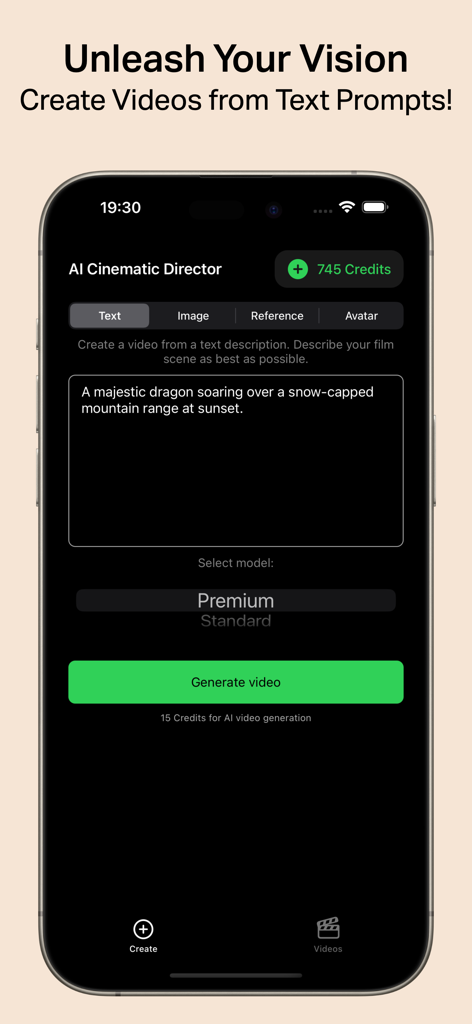
Cinematic AI app interface for creating videos from text prompts.
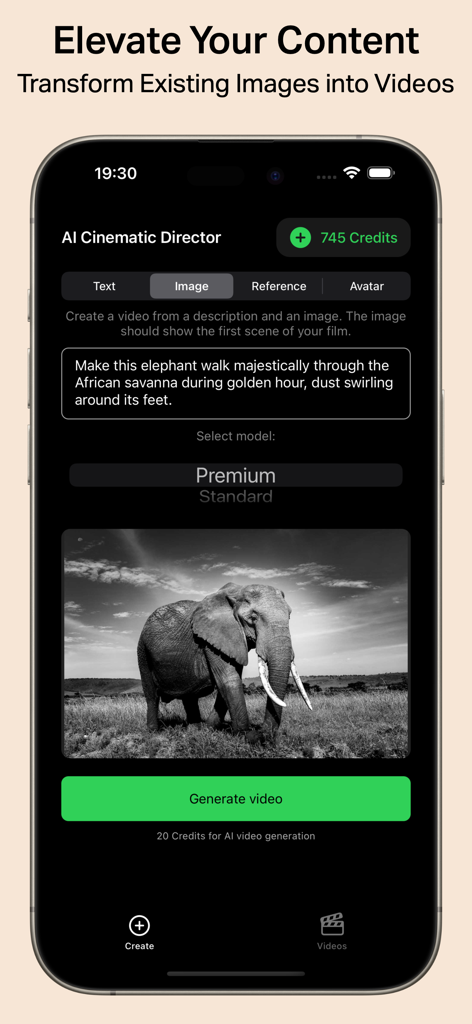
Cinematic AI app interface showing how to transform an image of an elephant into a video using a text prompt
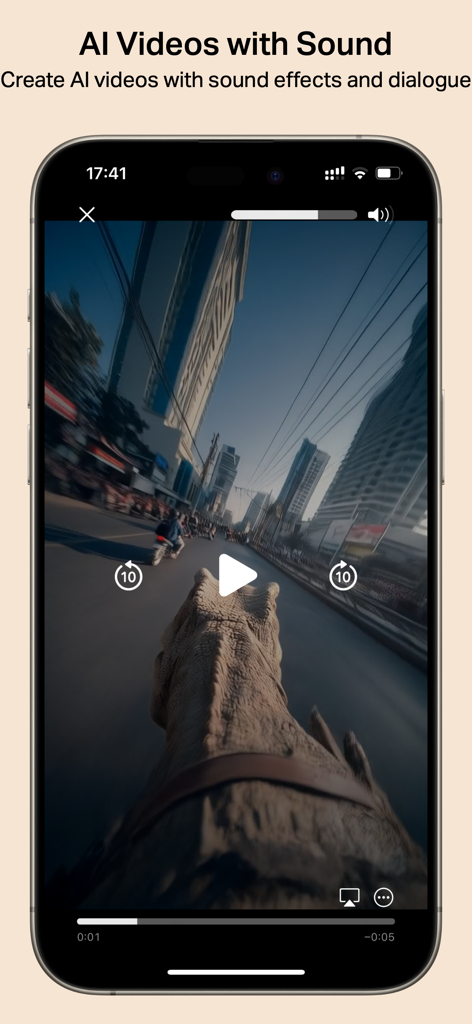
Interface of the Cinematic AI app displaying an AI generated video of a dinosaur walking through a city with sound effects and dialogue options
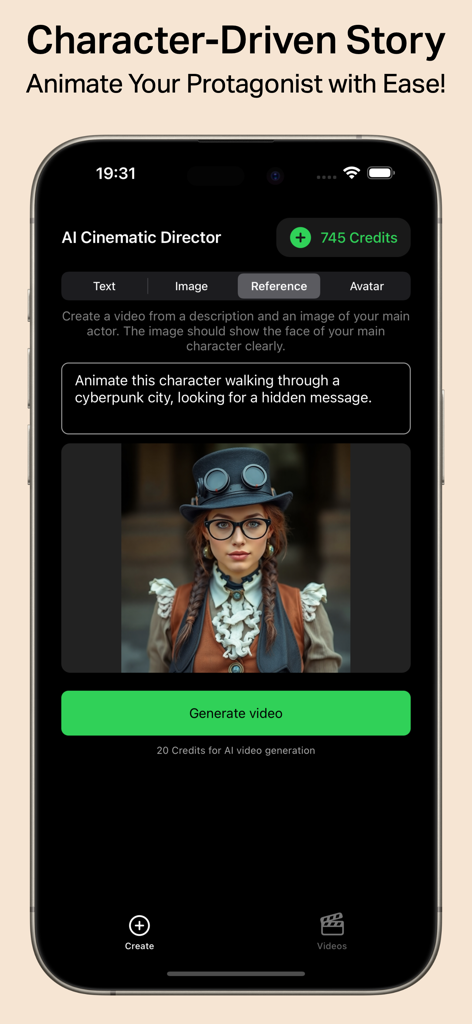
Cinematic AI app interface showing the reference tool to animate a character protagonist for storytelling.
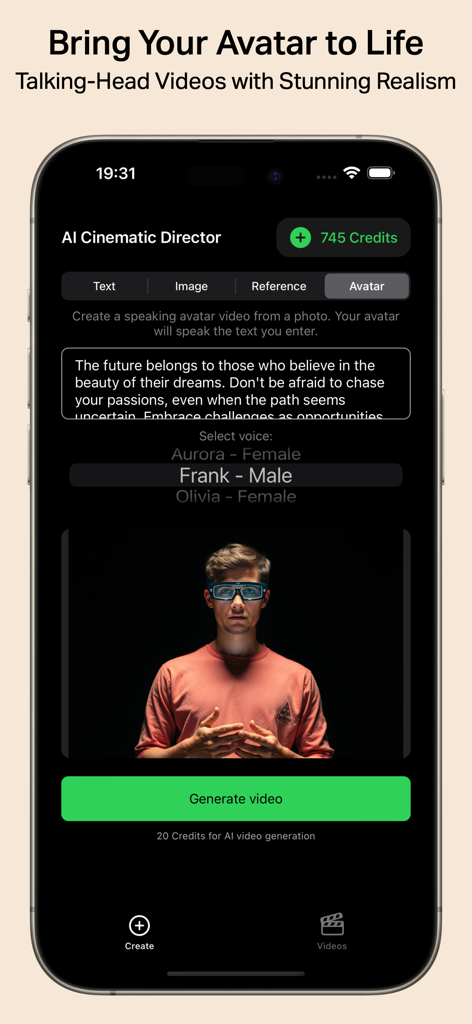
Cinematic AI app interface for generating realistic talking head videos from photos and text.
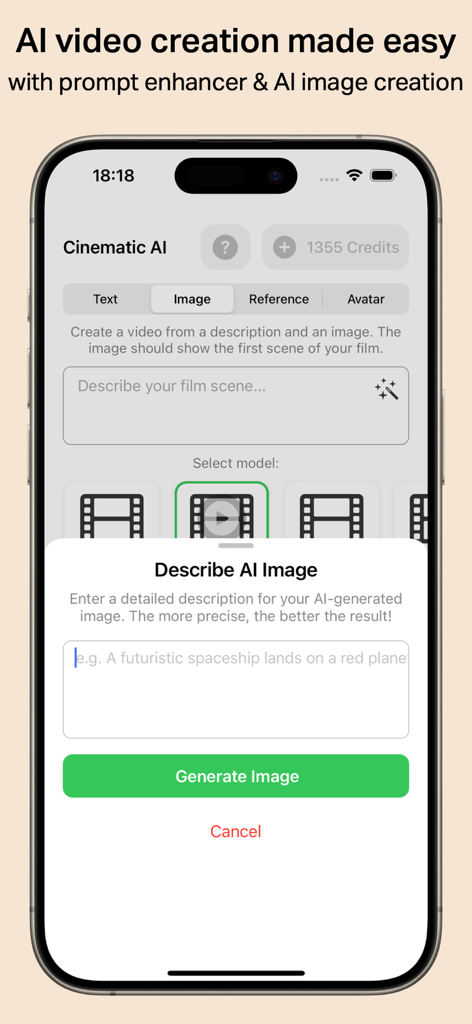
Cinematic AI app interface showing a prompt box to describe and generate an AI image for video creation.
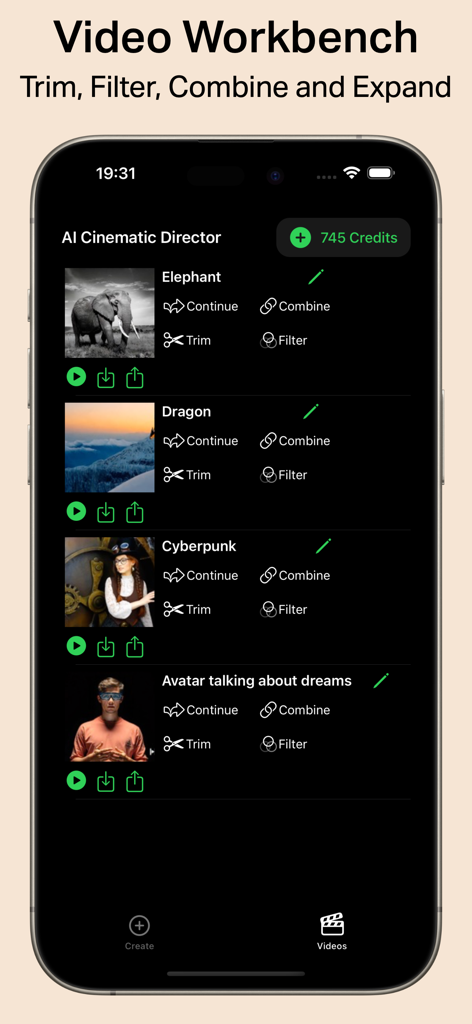
Interface of the Cinematic AI app Video Workbench showing a list of AI generated video projects with editing options like trim and filter.
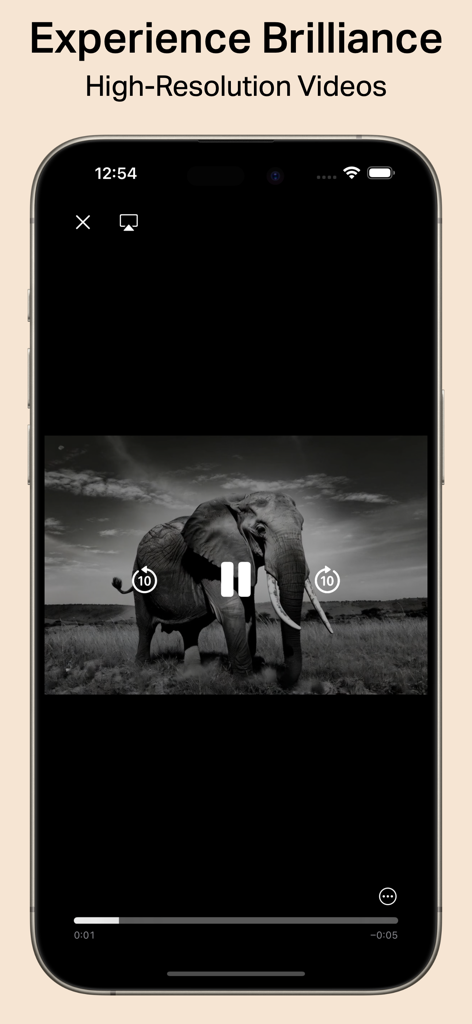
iPhone screen displaying a high resolution black and white AI video of an elephant in the Cinematic AI app.
Description
Download
More Like This
Top-ranked apps in the same category

CapCut: Photo & Video Editor
BYTEDANCE PTE. LTD.

Instagram, Inc.

YouTube
Google LLC

Canva: AI Photo & Video Editor
Canva Pty Ltd

Snapchat
Snap, Inc.

快手
Beijing Kwai Technology Co., Ltd.

Edits: Video Editor
Instagram, Inc.

Meitu- AI Photo & Video Editor
Xiamen Meitu Technology Co., Ltd.

Google Photos: Backup & Edit
Google LLC
This page is not an official page of the app or its developer, but an independent editorial publication created for informational and commentary purposes. Unless expressly stated otherwise, neither the app nor its developer is affiliated with, endorsed by, sponsored by, authorized by, or otherwise officially connected with MWM, Apple, Google Play, the app publisher, or the app's developer, and nothing on this page implies that the app was developed using MWM's services. Any trademarks, logos, screenshots, and other content remain the property of their respective owners.