
This page is not an official page of the app or its developer, but an independent editorial publication created for informational and commentary purposes. Unless expressly stated otherwise, neither the app nor its developer is affiliated with, endorsed by, sponsored by, authorized by, or otherwise officially connected with MWM, Apple, Google Play, the app publisher, or the app's developer, and nothing on this page implies that the app was developed using MWM's services. Any trademarks, logos, screenshots, and other content remain the property of their respective owners.


CinePlay
Review dailies, track timecode, and sync markers with your team using the industry-standard mobile player for film and television professionals.
Downloads
0User Rating
Total Ratings
0Publisher
Category
Photo & VideoLocales
1Latest Version
1.9Size
6.3 MBFirst Released
Jan 29, 2013Master Your Professional Review Workflow
CinePlay bridges the gap between the edit suite and the field with frame-accurate precision and seamless cloud-synced collaboration tools.
SMPTE Timecode & Markers
Read embedded timecode and export frame-specific markers directly to your NLE for a frame-perfect feedback loop.
Global Team Collaboration
Access Kollaborate cloud projects on the move and host synced viewing sessions where you control the playhead remotely.
The following screenshots and description are sourced directly from the app's official store listing and are the property of the app developer.
App Store
Screenshots
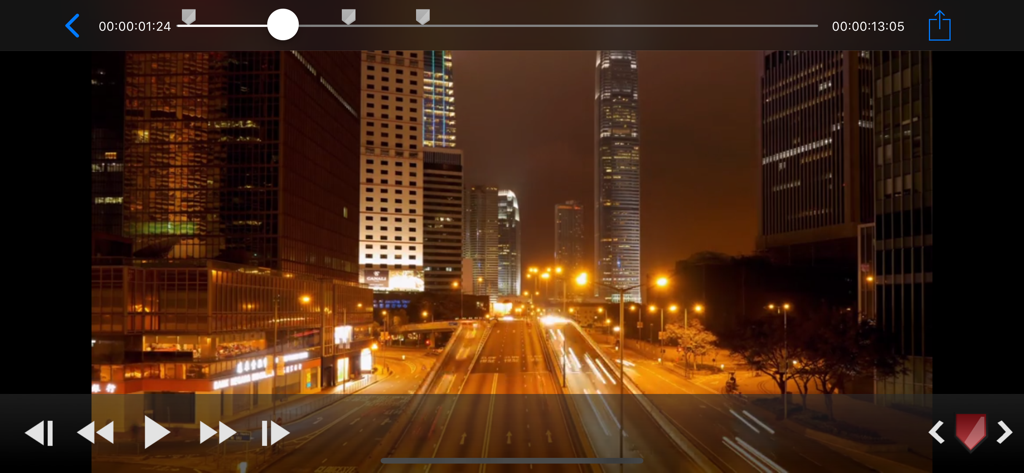
CinePlay app interface showing a night cityscape video with frame accurate timecode and playback markers
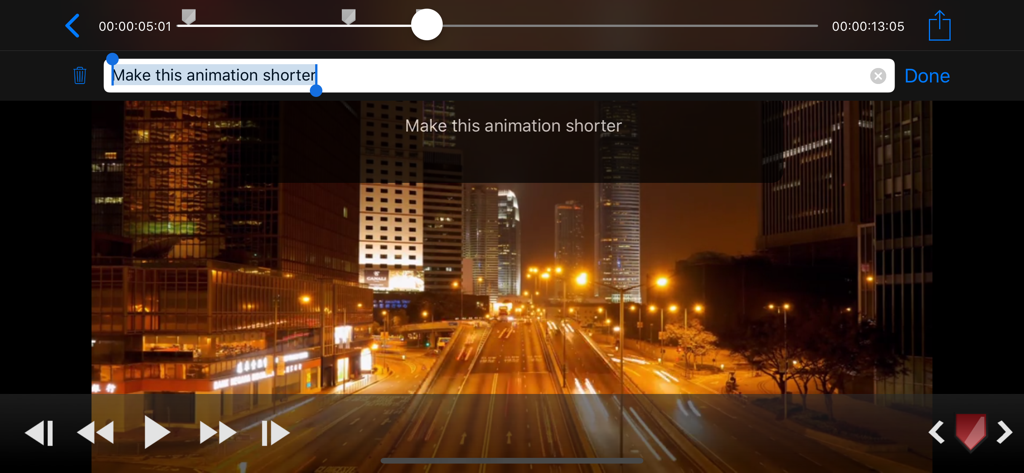
CinePlay professional video player showing a text marker note for frame-specific feedback with timecode
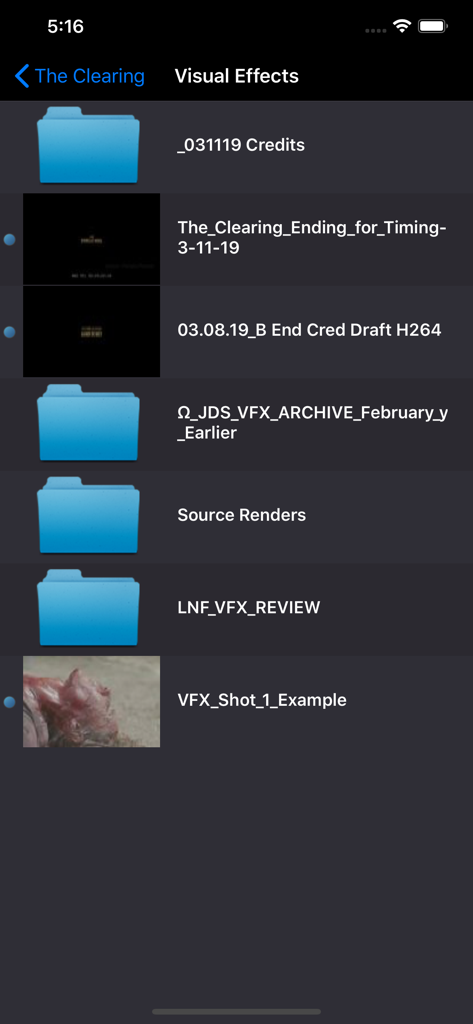
CinePlay app interface displaying visual effects project folders and video files for review
Description
Download
More Like This
Top-ranked apps in the same category

CapCut: Photo & Video Editor
BYTEDANCE PTE. LTD.

Instagram, Inc.

YouTube
Google LLC

Canva: AI Video & Photo Editor
Canva Pty Ltd

Meta AI - Vibes & AI Glasses
Meta Platforms, Inc.

Snapchat
Snap, Inc.

快手
Beijing Kwai Technology Co., Ltd.

Edits: Video Editor
Instagram, Inc.

Meitu- AI Photo & Video Editor
Xiamen Meitu Technology Co., Ltd.
This page is not an official page of the app or its developer, but an independent editorial publication created for informational and commentary purposes. Unless expressly stated otherwise, neither the app nor its developer is affiliated with, endorsed by, sponsored by, authorized by, or otherwise officially connected with MWM, Apple, Google Play, the app publisher, or the app's developer, and nothing on this page implies that the app was developed using MWM's services. Any trademarks, logos, screenshots, and other content remain the property of their respective owners.