
This page is not an official page of the app or its developer, but an independent editorial publication created for informational and commentary purposes. Unless expressly stated otherwise, neither the app nor its developer is affiliated with, endorsed by, sponsored by, authorized by, or otherwise officially connected with MWM, Apple, Google Play, the app publisher, or the app's developer, and nothing on this page implies that the app was developed using MWM's services. Any trademarks, logos, screenshots, and other content remain the property of their respective owners.


Civil Site Engineer App
The ultimate digital toolbelt for engineers and students. Master material estimation, structural analysis, and complex site math with professional accuracy—anytime, anywhere.
Downloads
2K+User Rating
Total Ratings
0Publisher
Category
ProductivityLocales
1Latest Version
1.3Size
34.6 MBFirst Released
Dec 14, 2023Precision Tools for the Modern Site Engineer
Replace your spreadsheets and manual notes with a mobile-first calculator built for speed, accuracy, and field-tested reliability.
Smart Material Estimation
Calculate concrete, steel, and asphalt volumes instantly to prevent waste and keep your project budget on track.
Advanced Field Calculations
Perform complex earthwork, slope, and leveling computations directly in the field with error-free accuracy.
Frequently Asked Questions
Everything you need to know about Civil Site Engineer App
What is the Civil Site Engineer Calculator app?
The Civil Site Engineer Calculator app is a versatile tool designed to streamline calculations for civil engineering professionals and students. It provides quick and accurate solutions for common engineering computations.
What types of calculations does the Civil Site Engineer Calculator app perform?
The Civil Site Engineer Calculator app performs comprehensive calculations for concrete and steel quantities, earthwork, excavation, slope, gradient, structural analysis parameters, surveying, and leveling computations.
Does the Civil Site Engineer Calculator app offer unit conversion functionality?
Yes, the Civil Site Engineer Calculator app includes a unit conversion feature. It allows users to easily convert units between different systems, such as metric to imperial, ensuring consistency in calculations.
Can the Civil Site Engineer Calculator app help with construction material estimation?
Yes, the Civil Site Engineer Calculator app estimates material quantities for concrete, steel, asphalt, and other construction materials. Calculations are based on project specifications and provided dimensions.
How does the Civil Site Engineer Calculator app support structural analysis?
The Civil Site Engineer Calculator app aids structural analysis by allowing input of structural element data. It provides results for bending moments, shear forces, and deflections to assist in structure design.
Can the Civil Site Engineer Calculator app calculate concrete quantities?
Yes, the Civil Site Engineer Calculator app accurately calculates concrete quantities. It handles various concrete elements, such as cubes, slabs, and columns, with results available in both unit foot and unit meter.
Does the Civil Site Engineer Calculator app perform RCC slab calculations?
Yes, the Civil Site Engineer Calculator app provides detailed RCC slab calculations. It determines total slab area, rebar steel amounts, cement bag requirements, and overall costs based on user inputs.
The following screenshots and description are sourced directly from the app's official store listing and are the property of the app developer.
App Store
Screenshots

Civil Site Engineer Calculator app splash screen featuring an engineer with a blueprint and a building
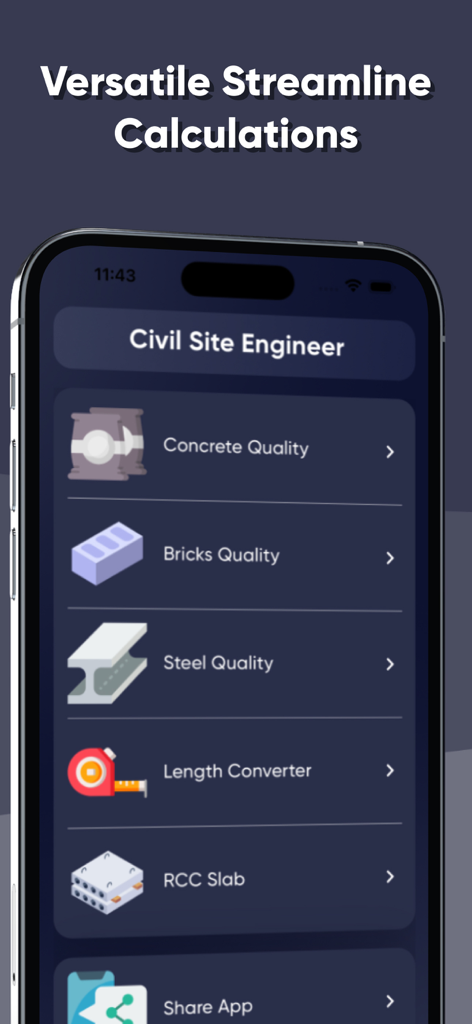
Civil Site Engineer app interface displaying a menu with calculation tools for concrete, bricks, and steel quality.
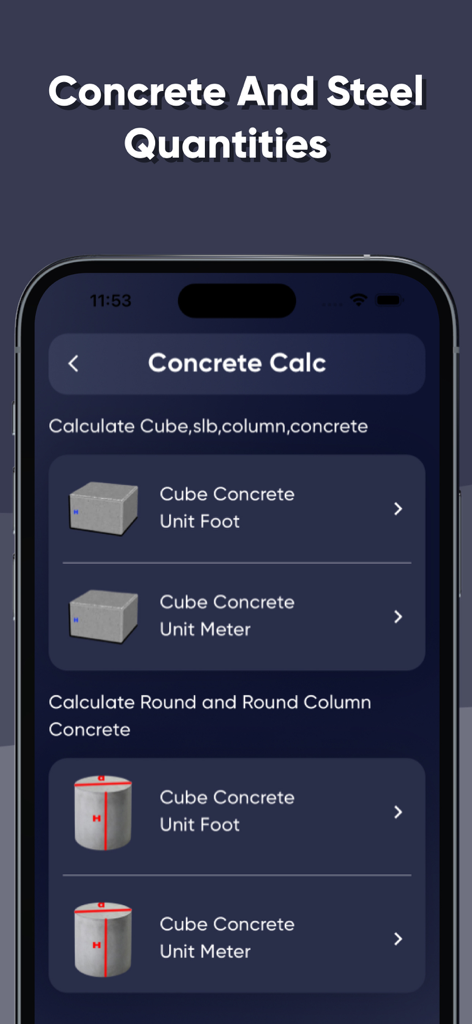
Civil Site Engineer App interface showing concrete quantity calculation options for cubes and round columns in both feet and meters
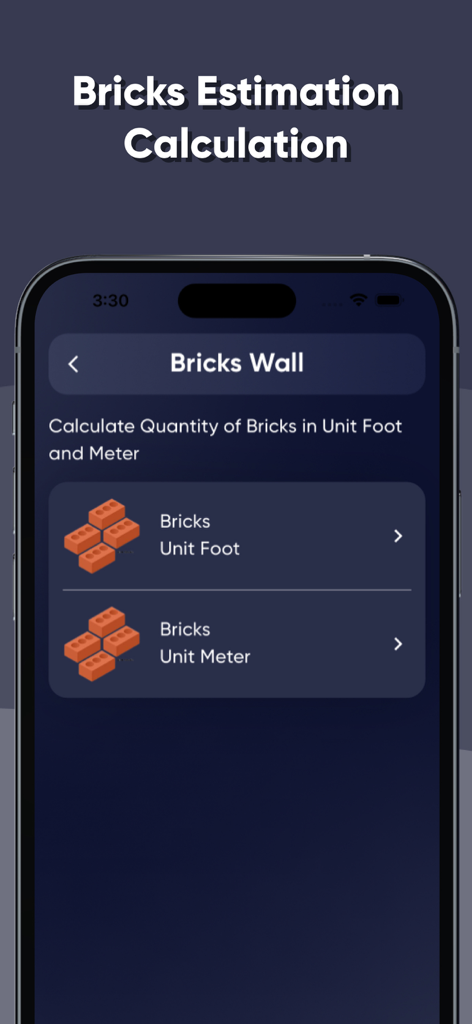
Interface for bricks estimation calculation in the Civil Site Engineer app showing options for unit foot and unit meter
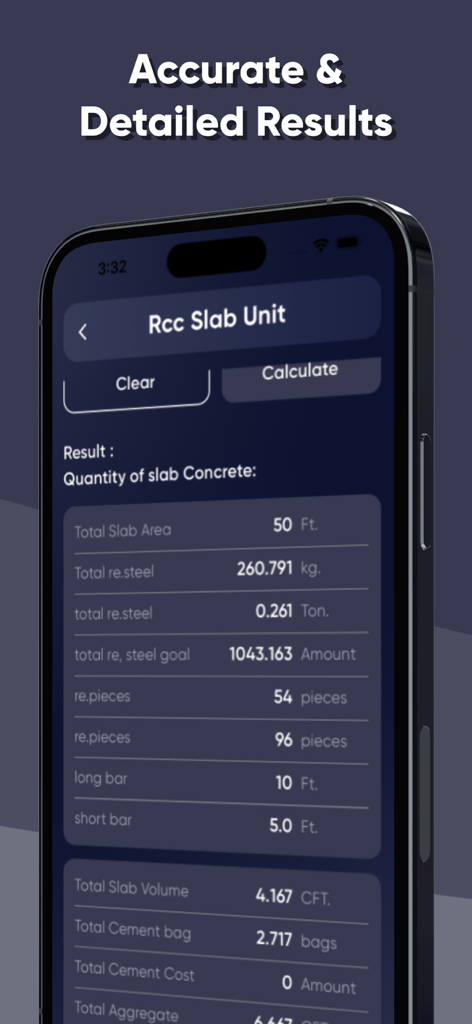
Civil engineering app screen showing accurate calculations for RCC slab concrete and steel quantities
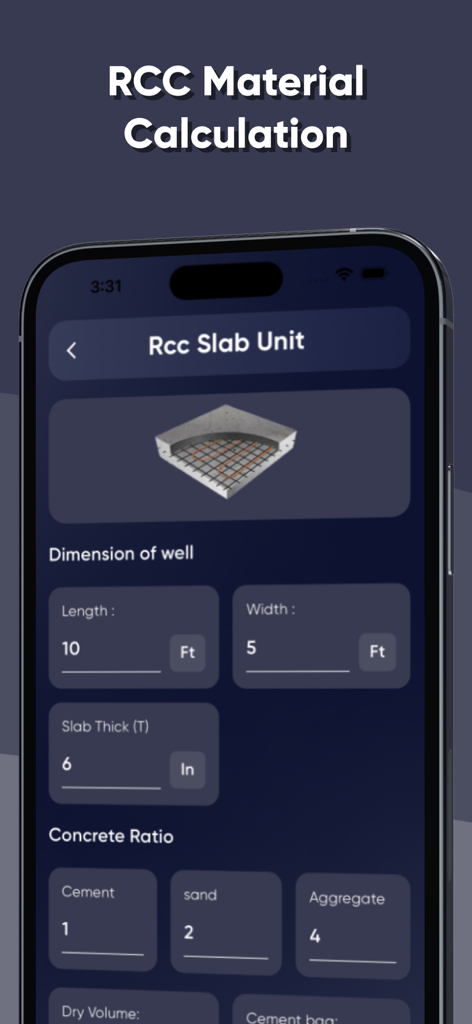
Interface of the Civil Site Engineer App showing fields for RCC slab material estimation and concrete ratio input
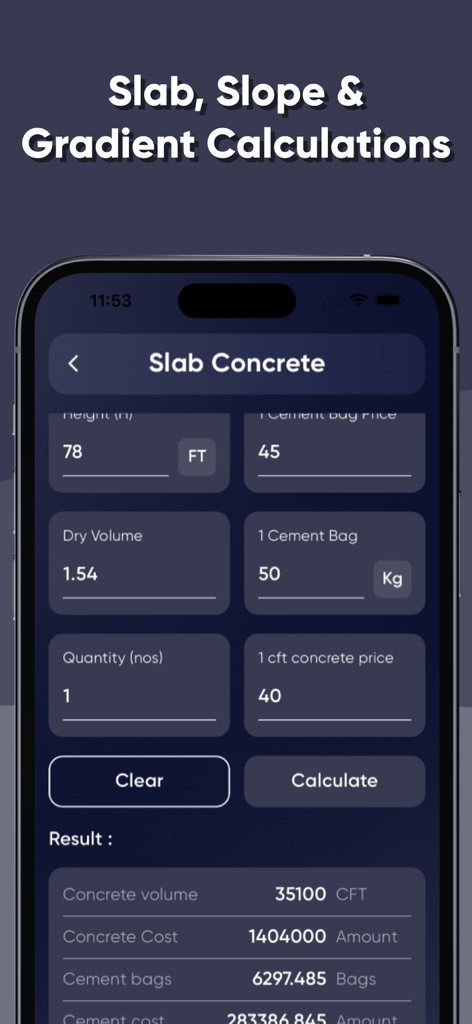
A mobile interface for the Civil Site Engineer App displaying calculations for slab concrete volume and costs.
Description
Download
More Like This
Top-ranked apps in the same category

ChatGPT
OpenAI OpCo, LLC

Google Gemini
Google LLC

Grok
X.AI Corporation

Gmail - Email by Google
Google LLC

千问 - 阿里最强大模型官方AI助手
Shanghai Zhixin Puhui Technology Co., Ltd.

Google Drive
Google LLC

Microsoft Authenticator
Microsoft Corporation

Google Sheets
Google LLC

Google Docs
Google LLC
This page is not an official page of the app or its developer, but an independent editorial publication created for informational and commentary purposes. Unless expressly stated otherwise, neither the app nor its developer is affiliated with, endorsed by, sponsored by, authorized by, or otherwise officially connected with MWM, Apple, Google Play, the app publisher, or the app's developer, and nothing on this page implies that the app was developed using MWM's services. Any trademarks, logos, screenshots, and other content remain the property of their respective owners.