
This page is not an official page of the app or its developer, but an independent editorial publication created for informational and commentary purposes. Unless expressly stated otherwise, neither the app nor its developer is affiliated with, endorsed by, sponsored by, authorized by, or otherwise officially connected with MWM, Apple, Google Play, the app publisher, or the app's developer, and nothing on this page implies that the app was developed using MWM's services. Any trademarks, logos, screenshots, and other content remain the property of their respective owners.

color muse
The ultimate tool for professionals to scan any surface, identify top paint brands, and capture precise color values instantly.
Downloads
3K+User Rating
Total Ratings
1K+Publisher
Category
ProductivityLocales
20Latest Version
12.12.3Size
71.7 MBFirst Released
May 30, 2015Match with Professional Precision
Ditch the heavy fan decks. Use Color Muse to instantly match colors and finishes from top brands with lab-grade accuracy right from your pocket.
Instant Brand Matching
Scan any surface and find the perfect match from over 100,000 colors across industry leaders like Sherwin-Williams, Benjamin Moore, and Behr.
Surface & Sheen Intelligence
Go beyond color—detect gloss levels from matte to high-gloss with SurfaceSmart technology to ensure your touch-ups and material matches are truly invisible.
Frequently Asked Questions
Everything you need to know about color muse
What is the Color Muse app used for?
The Color Muse app is a professional tool for fast and accurate color matching. It pairs with Color Muse devices to instantly identify over 100,000 paint and product colors, streamlining the color selection process.
Which devices are compatible with the Color Muse app?
The Color Muse app is compatible with all Color Muse devices, including Color Muse, Color Muse SE, Color Muse 2, and the new Color Muse 3. It connects wirelessly for color identification.
Does the Color Muse app offer sheen measurement?
Yes, Color Muse 2 and Color Muse 3 devices, when used with the app, measure both color and surface sheen. The app detects gloss at 60° to differentiate between finishes like matte or high gloss.
Can users save and organize colors in Color Muse?
Yes, the Color Muse app allows users to save and organize scanned colors into custom folders. It also supports adding notes and project details for each saved color, enhancing workflow management.
How many colors can the Color Muse app match?
The Color Muse app can match scans to over 100,000 colors. This includes selections from top paint brands like Sherwin-Williams and Benjamin Moore, as well as various product libraries worldwide.
Does Color Muse provide access to Pantone colors?
Yes, the Color Muse app offers a PANTONE Color Subscription via in-app purchase. This provides access to over 16,500 Pantone colors and currently supports Color Muse, SE, and 2 devices.
Can I export color data from the Color Muse app?
Yes, the Color Muse app allows users to export color values. Options include sharing as an image, a link, or exporting data as a CSV file for integration into various professional workflows.
What is SurfaceSmart Technology in Color Muse?
SurfaceSmart Technology is a feature of Color Muse 3 that measures both color and surface sheen. It provides accurate results for various finishes, including matte, glossy, and textured materials.
The following screenshots and description are sourced directly from the app's official store listing and are the property of the app developer.
App Store
Screenshots
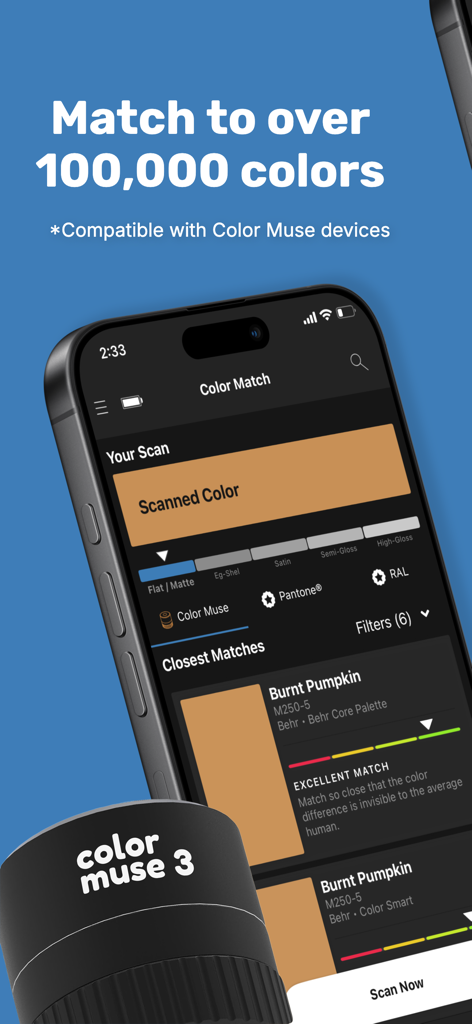
Smartphone showing the Color Muse app interface matching a scanned surface to Burnt Pumpkin paint with sheen levels
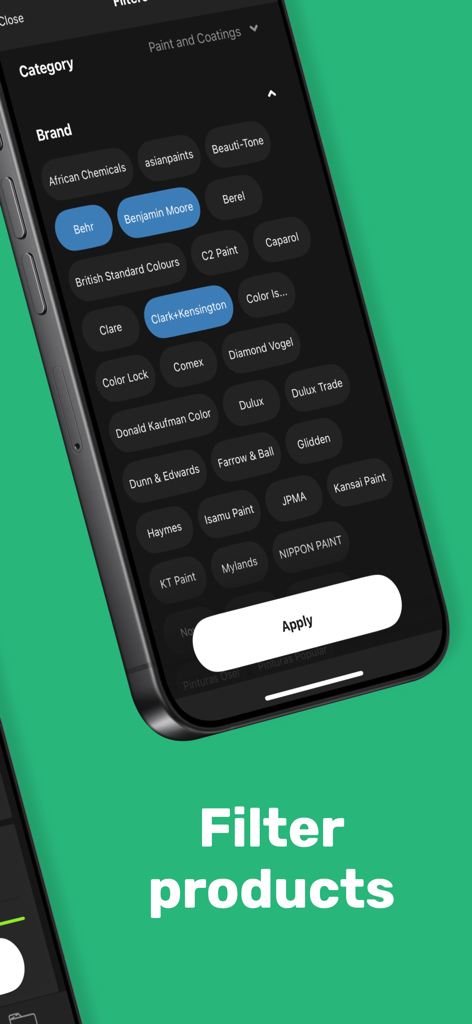
Interface of the Color Muse app showing brand filters for paint and coatings including Behr and Benjamin Moore.
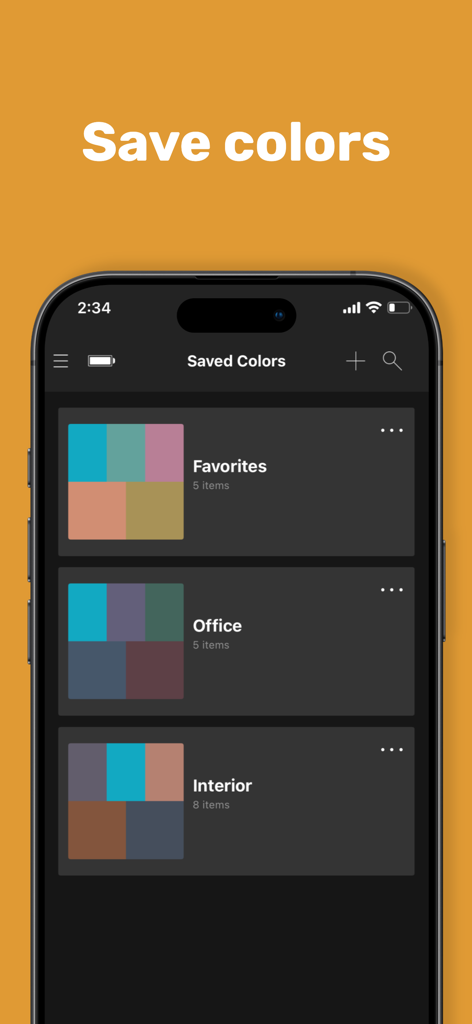
Color Muse app screen showing organized color palettes and project folders for interior design
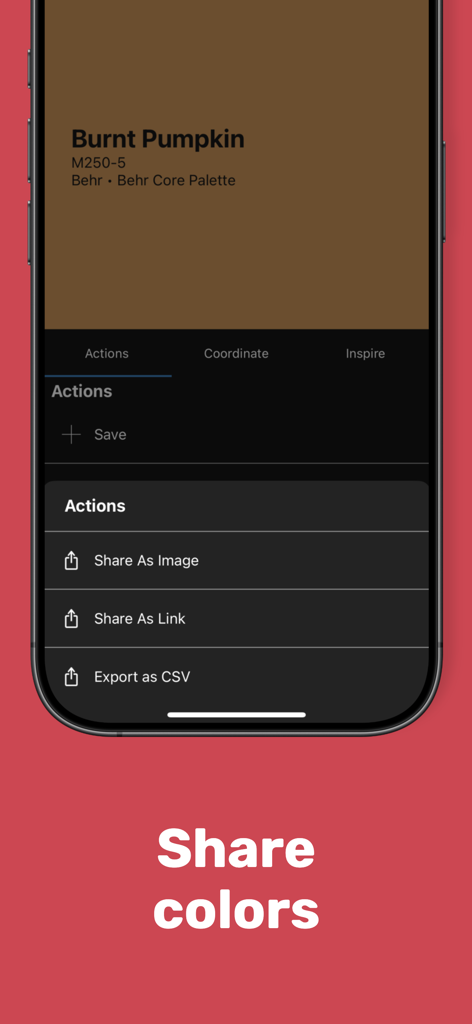
Interface of the Color Muse app showing sharing options for a captured paint color called Burnt Pumpkin.
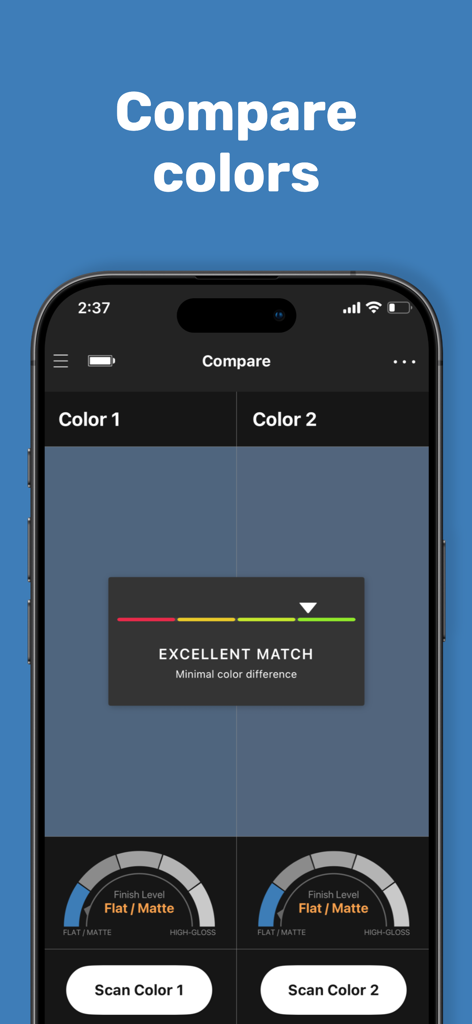
Interface of the Color Muse app comparing two colors and their finish levels with an excellent match result.
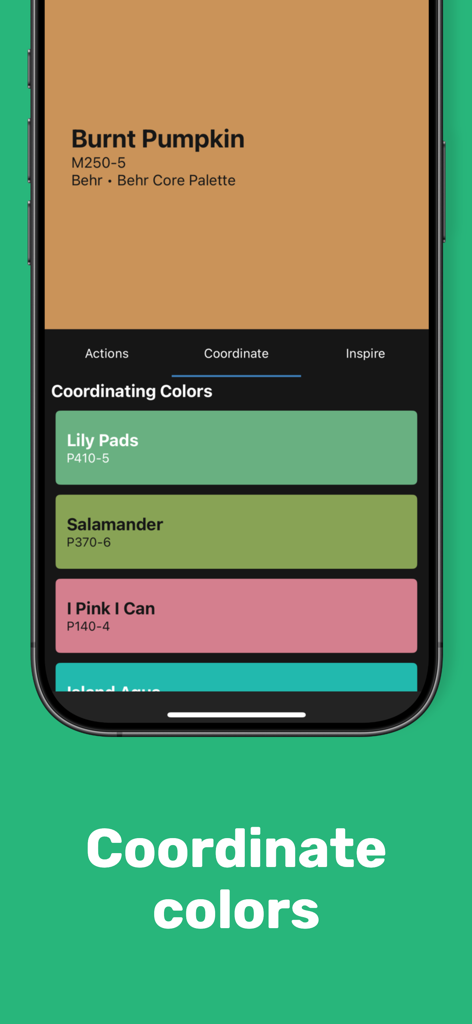
A screenshot of the Color Muse mobile app showing coordinating paint color recommendations for professional interior design and renovation projects.
Description
Download
More Like This
Top-ranked apps in the same category

ChatGPT
OpenAI OpCo, LLC

Google Gemini
Google LLC

Grok
X.AI Corporation

Gmail - Email by Google
Google LLC

千问 - 阿里最强大模型官方AI助手
Shanghai Zhixin Puhui Technology Co., Ltd.

Google Drive
Google LLC

Microsoft Authenticator
Microsoft Corporation

Google Sheets
Google LLC

Google Docs
Google LLC
This page is not an official page of the app or its developer, but an independent editorial publication created for informational and commentary purposes. Unless expressly stated otherwise, neither the app nor its developer is affiliated with, endorsed by, sponsored by, authorized by, or otherwise officially connected with MWM, Apple, Google Play, the app publisher, or the app's developer, and nothing on this page implies that the app was developed using MWM's services. Any trademarks, logos, screenshots, and other content remain the property of their respective owners.