ColorPixel: Color Picker & RGB

ColorPixel: Color Picker & RGB

Download on App Store
Logo of ColorPixel: Color Picker & RGB

ColorPixel: Color Picker & RGB — Professional Precision for Your Creative Workflow

Instantly capture pixel-perfect HEX, RGB, and CMY codes from your camera or photos. Designed for designers and developers who demand accuracy, offline reliability, and total privacy.

Download on App Store

Publisher

TrothMatrix OPC Private Limited

Category

Utilities

Downloads

0

User Rating

1.0/5

Total Ratings

0

Locales

1

Precision at a Glance

Discover the interface used by 0 users.
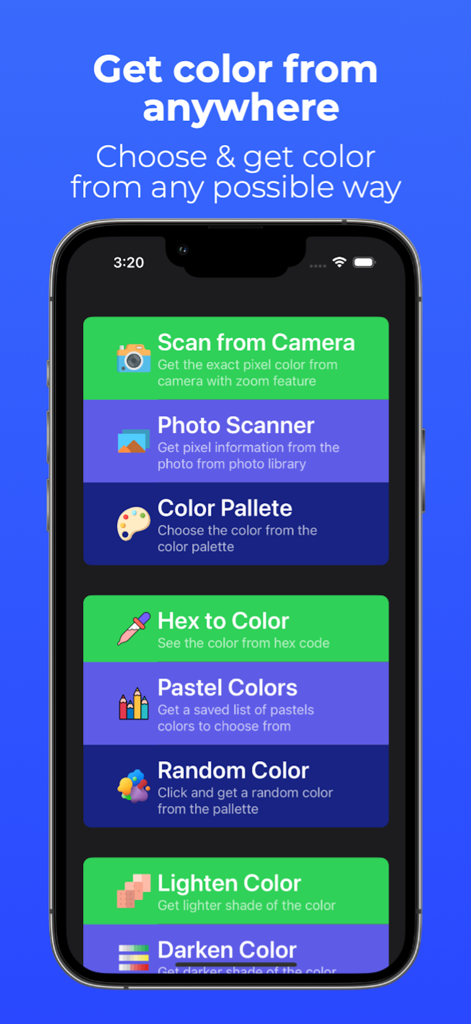
ColorPixel app interface showing various color picking features like camera scanning and photo scanner

ColorPixel app interface showing various color picking features like camera scanning and photo scanner

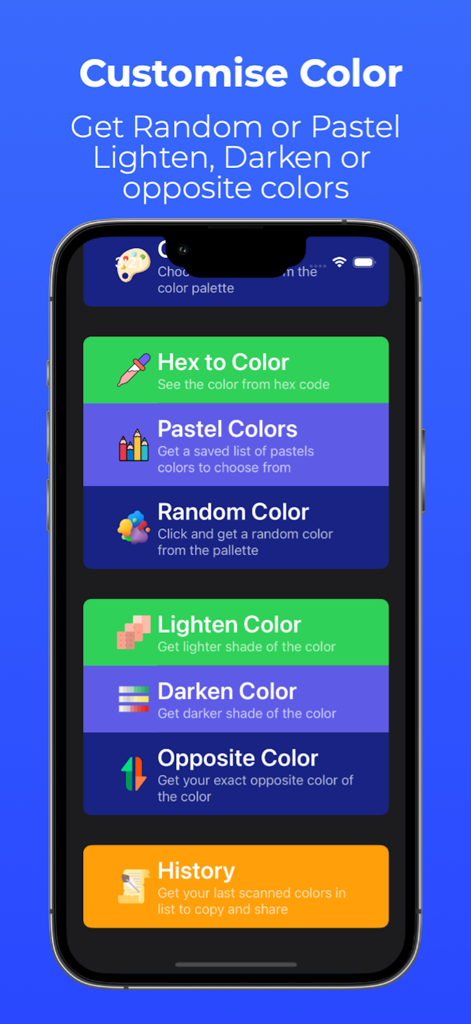
Interface of the ColorPixel app showing a menu with color customization tools like lighten, darken, and opposite color finder.

Interface of the ColorPixel app showing a menu with color customization tools like lighten, darken, and opposite color finder.

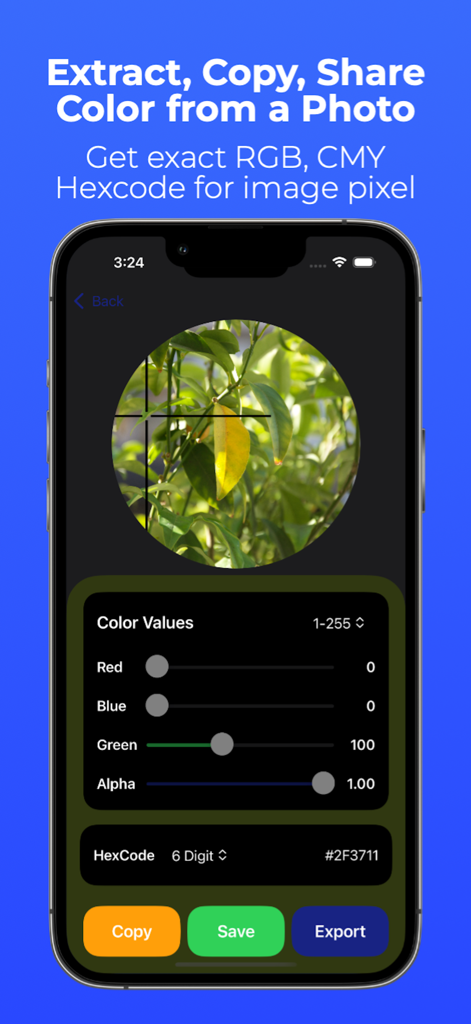
ColorPixel app interface extracting HEX and RGB codes from a photo pixel using a magnifying selector

ColorPixel app interface extracting HEX and RGB codes from a photo pixel using a magnifying selector

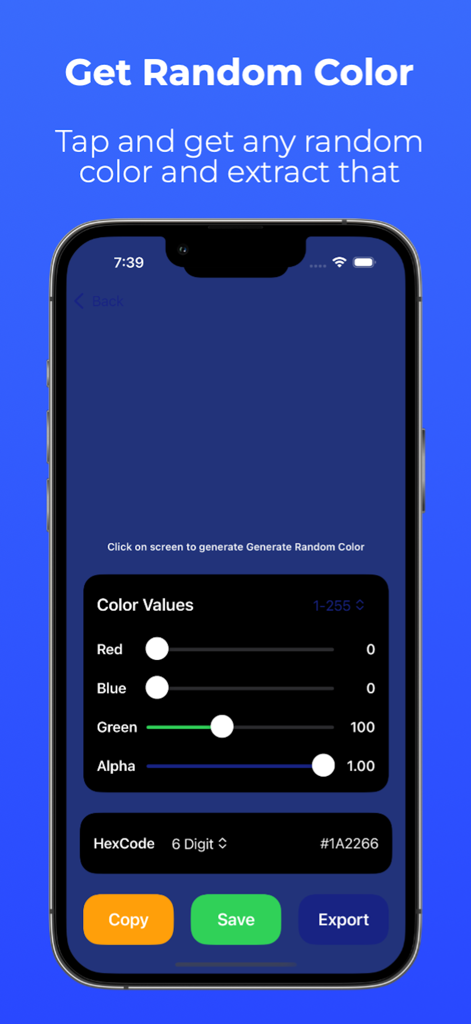
ColorPixel app screen for generating random colors with adjustable RGB sliders and hex code display

ColorPixel app screen for generating random colors with adjustable RGB sliders and hex code display

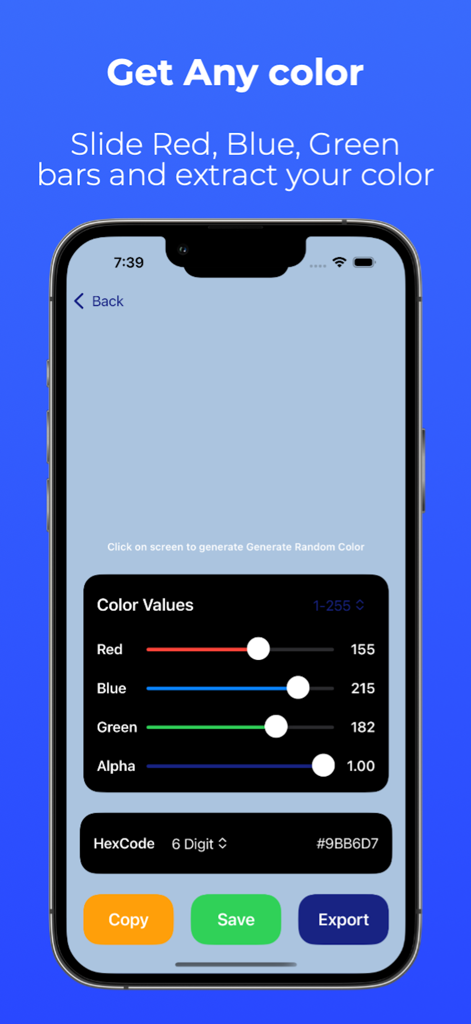
A smartphone interface showing the ColorPixel app with RGB sliders and HEX code generation for color selection.

A smartphone interface showing the ColorPixel app with RGB sliders and HEX code generation for color selection.

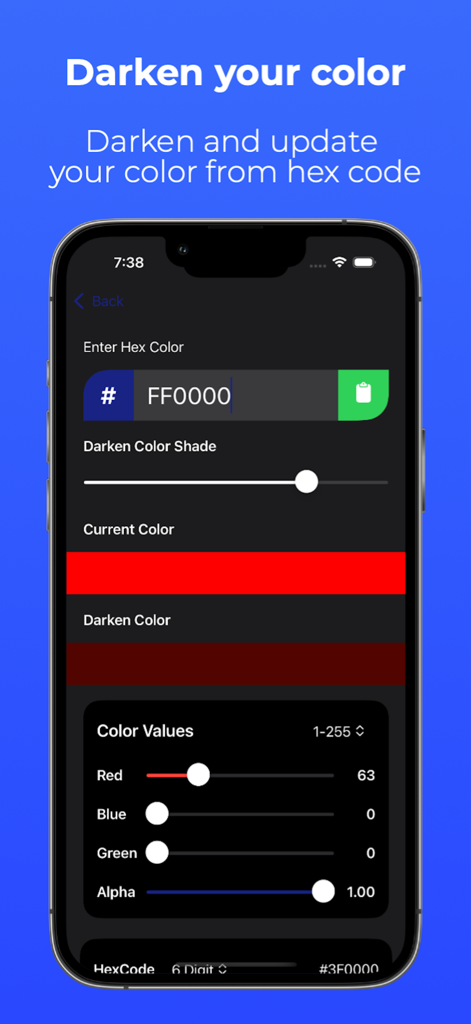
ColorPixel app interface displaying a tool to darken hex colors using adjustable RGB and Alpha sliders

ColorPixel app interface displaying a tool to darken hex colors using adjustable RGB and Alpha sliders

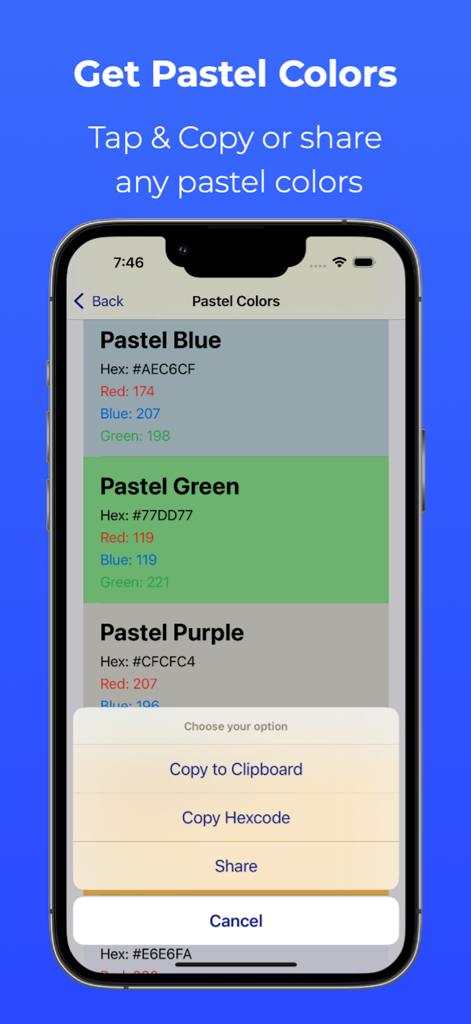
ColorPixel app screen displaying a list of pastel colors with a menu to copy hex codes or share.

ColorPixel app screen displaying a list of pastel colors with a menu to copy hex codes or share.

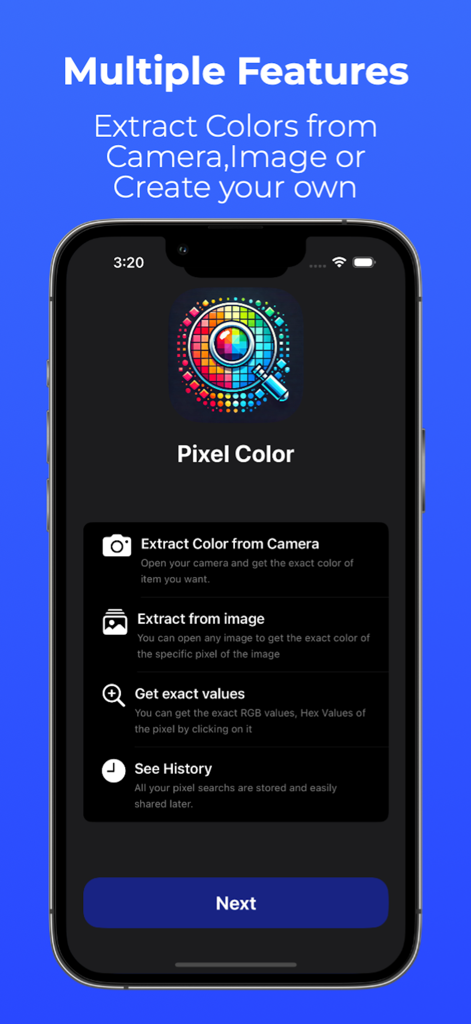
A screenshot of the ColorPixel app interface displaying its core features including camera color extraction and color history

A screenshot of the ColorPixel app interface displaying its core features including camera color extraction and color history

Design Smarter with Pixel Precision

The tools that make this app stand out, trusted by 0 users.

🎯

Pixel-Perfect Capture

Extract exact shades from your camera or photo library with real-time previews and high-precision zoom for total accuracy.

💻

Developer-Ready Formats

Instant access to HEX, CMY, and RGB values—including 0.0-1.0 scales—ready to copy directly into your CSS, Swift, or design projects.

🎨

Intelligent Palettes

Save your discoveries and find complementary colors instantly to build cohesive, professional-grade design systems on the go.

About the app

Everything you need to know about ColorPixel: Color Picker & RGB.

Description

ColorPixel is the professional color picker tool for designers, developers, and artists. Extract precise color codes from your camera, photos, or create custom palettes with RGB, HEX, and CMY formats. POWERFUL COLOR DETECTION - Camera Color Picker: Point your camera at any object to capture colors instantly - Photo Color Picker: Extract colors from any image in your library - Pixel-Perfect Accuracy: Zoom in to select exact pixels and shades - Real-Time Preview: See color codes update as you move PROFESSIONAL TOOLS FOR CREATORS - Multiple Formats: RGB, HEX, CMY - switch between formats instantly - Dual Value Scales: Work in 1-255 or 0.0-1.0 ranges for maximum flexibility - Color Editor: Create custom colors with intuitive sliders or manual input - Opposite Color Finder: Discover complementary colors automatically DESIGNER & DEVELOPER FRIENDLY - Copy to Clipboard: One-tap copying for quick workflow integration - Share Colors: Send codes via email, messages, or social media - Palette Manager: Save and organize your favorite colors - Format Converter: Seamlessly convert between RGB, HEX, and CMY PERFECT FOR: Graphic Designers - Match brand colors and create consistent palettes Web Developers - Get HEX codes for CSS and HTML projects UI/UX Designers - Extract colors from mockups and inspiration Digital Artists - Capture real-world colors for digital paintings Photographers - Analyze color composition in your photos Interior Designers - Pick paint and fabric colors with confidence Students - Learn color theory with hands-on tools KEY FEATURES: - Accurate color detection from camera and photos - Support for RGB (0-255 & 0.0-1.0), HEX, and CMY formats - Intuitive color creation and editing tools - Quick copy and share functionality - Organized palette management - Clean, professional interface - No internet required - works offline Whether you're matching a client's brand colors, designing a website, creating digital art, or choosing paint for your home, ColorPixel gives you the precision and flexibility you need. Download now and take control of color! PRIVACY ColorPixel only accesses photos and camera when you choose to use these features. No data is collected or shared.

Latest Version

1.1.2

Size

15.6 MB

First Released

Dec 24, 2024

Bridge the Gap Between Inspiration and Design

Capture precise HEX, RGB, and CMY codes anywhere with the professional toolkit built for designers and developers. 100% offline and privacy-focused.

Download on App Store

App information, icons, screenshots, and descriptions displayed on this page are sourced from the Apple App Store and are the property of their respective developers. Download estimates and rankings are based on MWM's proprietary models and may not reflect actual figures. This page is provided for informational and analytical purposes only.

Believe this page infringes your intellectual property? File a dispute