
This page is not an official page of the app or its developer, but an independent editorial publication created for informational and commentary purposes. Unless expressly stated otherwise, neither the app nor its developer is affiliated with, endorsed by, sponsored by, authorized by, or otherwise officially connected with MWM, Apple, Google Play, the app publisher, or the app's developer, and nothing on this page implies that the app was developed using MWM's services. Any trademarks, logos, screenshots, and other content remain the property of their respective owners.

Compress PDF reduce pdf size
Stop worrying about email limits and portal restrictions. The ultimate tool for professionals and students to compress large PDFs into high-quality, lightweight files ready for instant sharing.
Downloads
29K+User Rating
Total Ratings
200Publisher
Category
ProductivityLocales
19Latest Version
4.7Size
20.1 MBFirst Released
Mar 6, 2024Powerful Compression, Effortless Workflow
Designed for students and professionals who need to shrink large PDF documents in seconds. Say goodbye to "file too large" errors and save storage space instantly.
Shrink Up to 95%
Reduce massive files to a fraction of their size while maintaining readability for email attachments and portal uploads.
Instant One-Tap Results
No complex settings or steep learning curves. Get high-quality compression in seconds, perfect for hitting tight deadlines.
The following screenshots and description are sourced directly from the app's official store listing and are the property of the app developer.
App Store
Screenshots
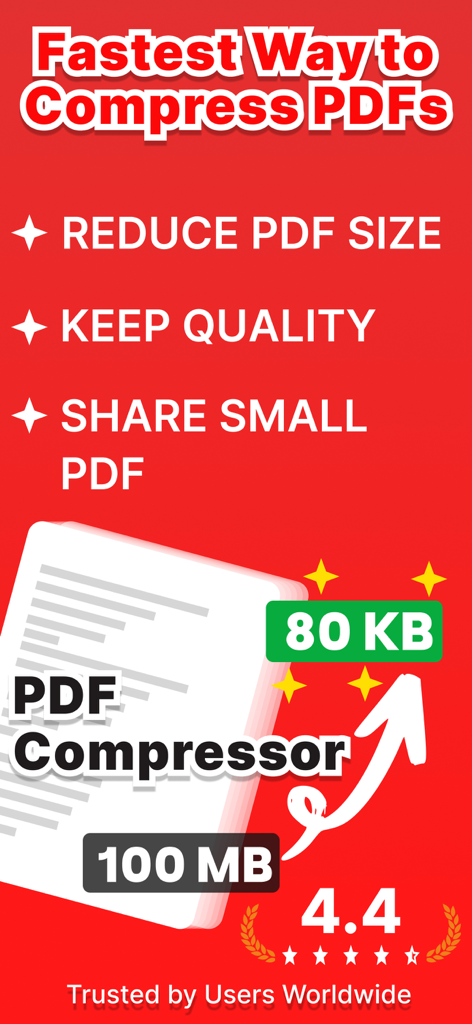
Promotional banner for a PDF compressor app showing file size reduction from 100MB to 80KB
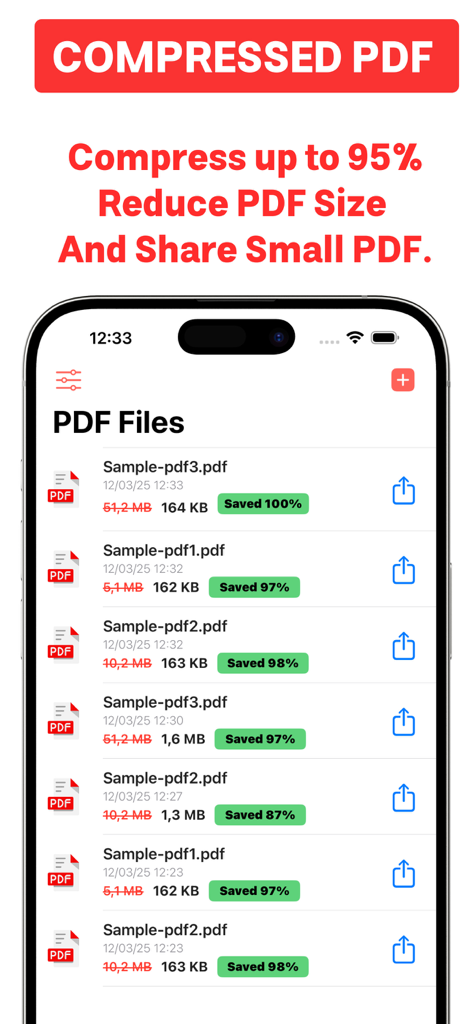
iPhone screen displaying a list of compressed PDF files with file size reduction details
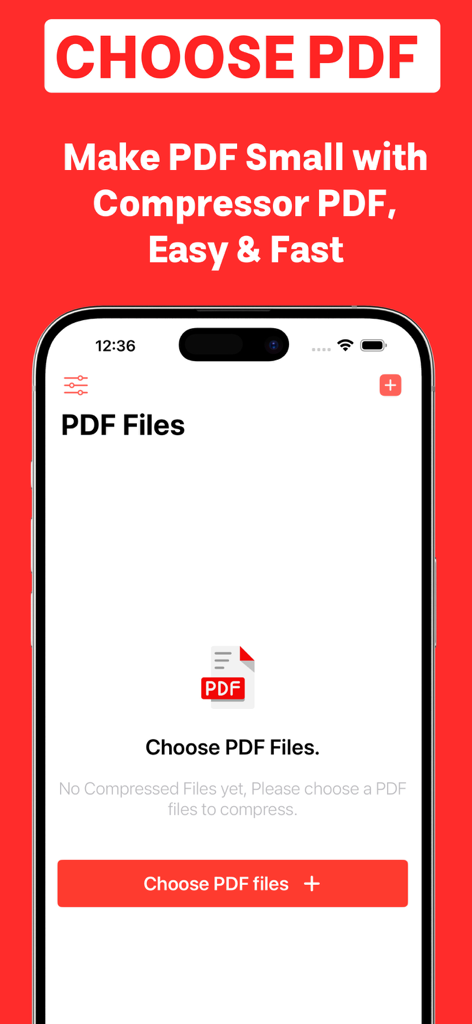
Interface of the PDF compressor app showing the screen to choose files for reduction
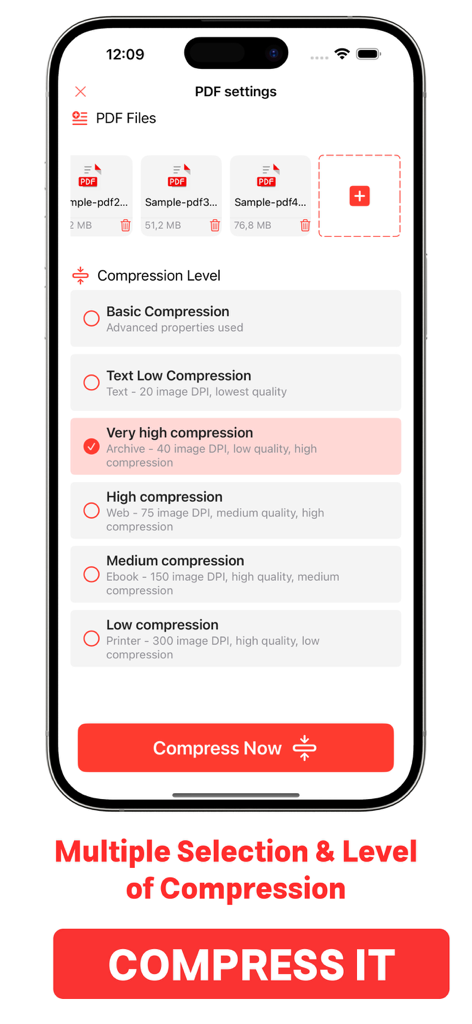
Mobile app interface for selecting multiple PDF files and choosing compression levels.
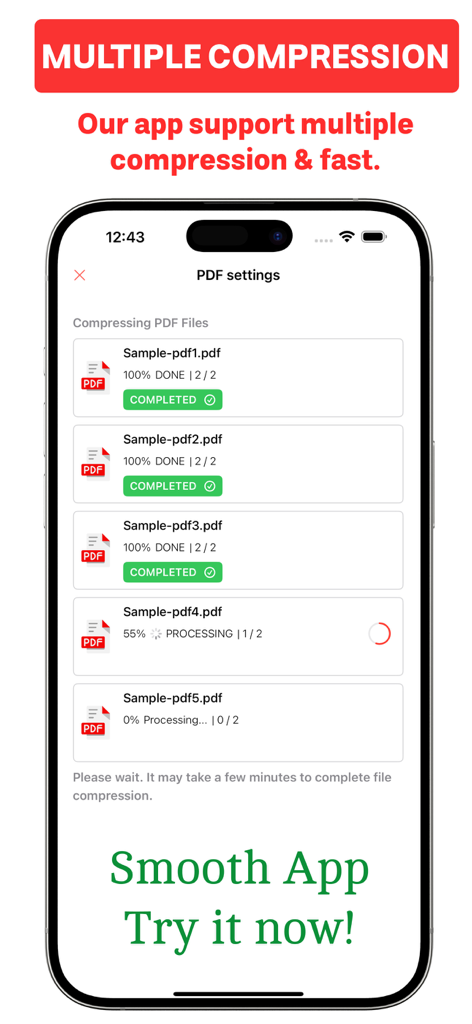
Interface showing multiple PDF files being compressed simultaneously on an iPhone screen
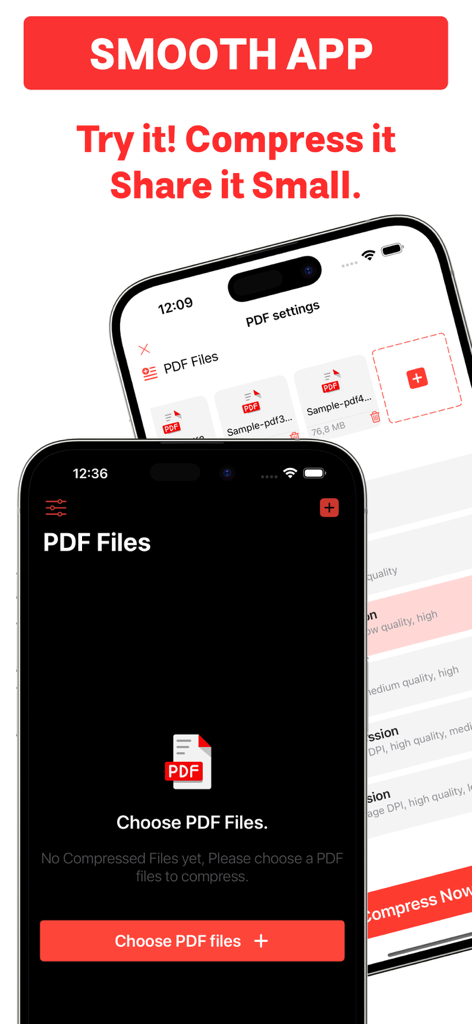
iPhone screen displaying the user interface of a PDF compression app with a list of documents and a button to choose files
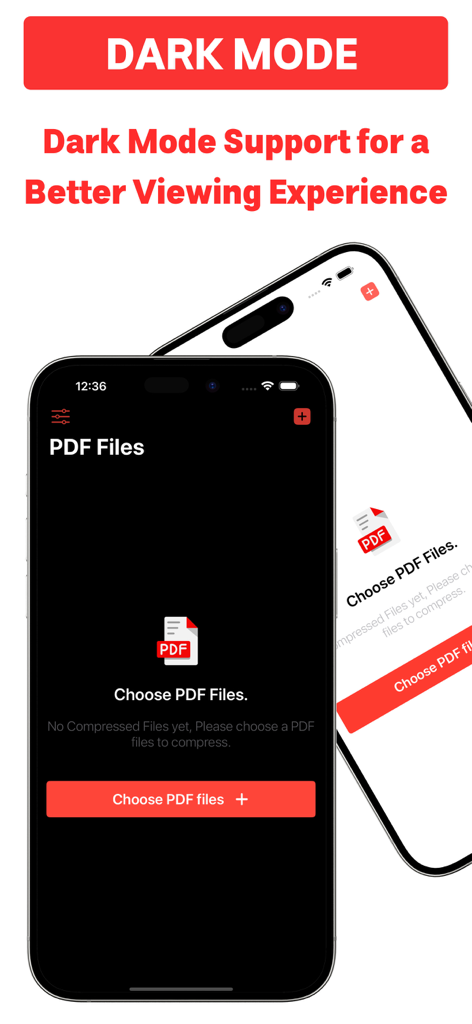
iPhone interface of the Compress PDF app showing dark mode support
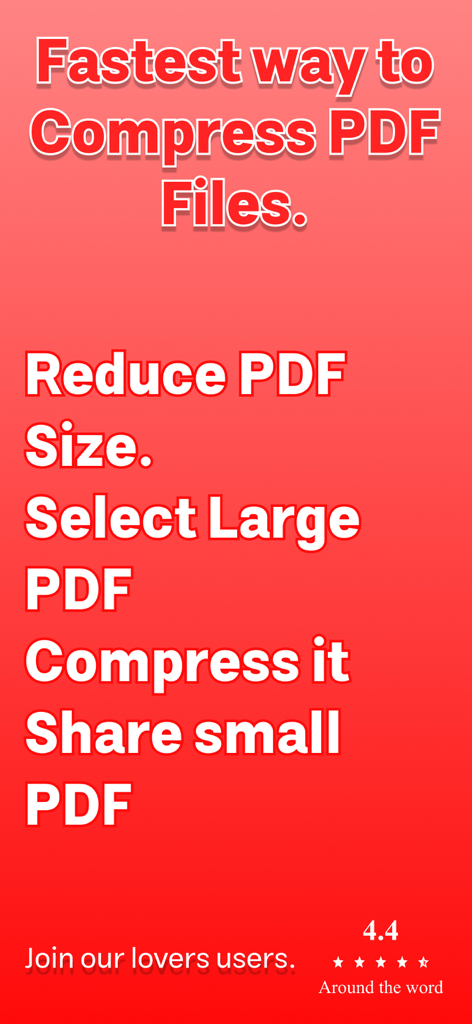
A promotional screen showing text for the fastest way to compress PDF files and reduce size
Description
Download
More Like This
Top-ranked apps in the same category

ChatGPT
OpenAI OpCo, LLC

Google Gemini
Google LLC

Grok
X.AI Corporation

Gmail - Email by Google
Google LLC

千问 - 阿里最强大模型官方AI助手
Shanghai Zhixin Puhui Technology Co., Ltd.

Google Drive
Google LLC

Microsoft Authenticator
Microsoft Corporation

Google Sheets
Google LLC

Google Docs
Google LLC
This page is not an official page of the app or its developer, but an independent editorial publication created for informational and commentary purposes. Unless expressly stated otherwise, neither the app nor its developer is affiliated with, endorsed by, sponsored by, authorized by, or otherwise officially connected with MWM, Apple, Google Play, the app publisher, or the app's developer, and nothing on this page implies that the app was developed using MWM's services. Any trademarks, logos, screenshots, and other content remain the property of their respective owners.