
This page is not an official page of the app or its developer, but an independent editorial publication created for informational and commentary purposes. Unless expressly stated otherwise, neither the app nor its developer is affiliated with, endorsed by, sponsored by, authorized by, or otherwise officially connected with MWM, Apple, Google Play, the app publisher, or the app's developer, and nothing on this page implies that the app was developed using MWM's services. Any trademarks, logos, screenshots, and other content remain the property of their respective owners.


Compress Videos: Free Up Space
Stop the 'Storage Almost Full' notification from ruining your moment. Our AI-powered technology reclaims gigabytes of iPhone storage in seconds without sacrificing video quality.
Downloads
3K+User Rating
Total Ratings
900Publisher
Category
Photo & VideoLocales
1Latest Version
1.10Size
34.8 MBFirst Released
Jun 7, 2024Never Delete a Memory Again
TinyVid uses advanced AI to shrink your massive 4K videos, giving you back gigabytes of storage without sacrificing the quality of your favorite moments.
Massive Space Savings
Shrink large video files by up to 90%, freeing up room for thousands of new photos and videos instantly.
Crystal Clear AI Compression
Keep your 4K resolution and sharp details. Our AI technology reduces file size while preserving professional quality.
The following screenshots and description are sourced directly from the app's official store listing and are the property of the app developer.
App Store
Screenshots
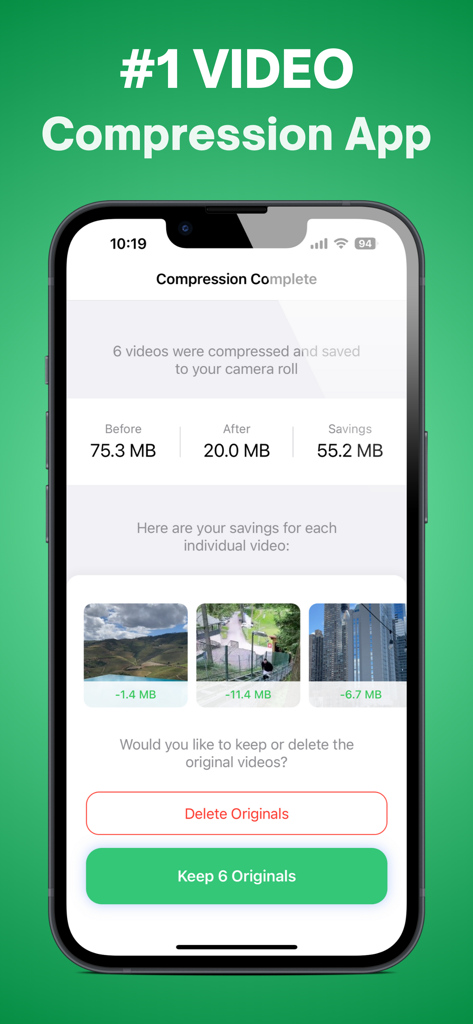
Screenshot of the TinyVid app showing storage savings after compressing six videos
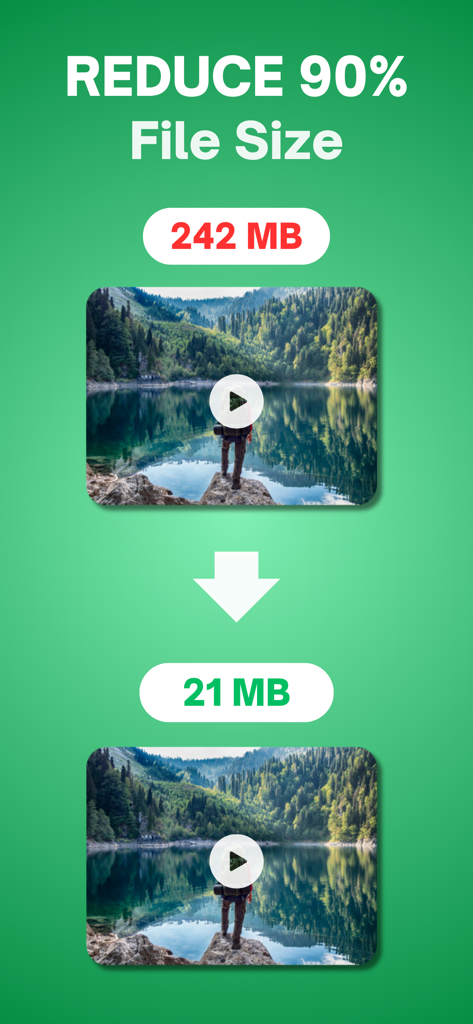
Infographic showing a 90 percent reduction in video file size from 242 MB to 21 MB
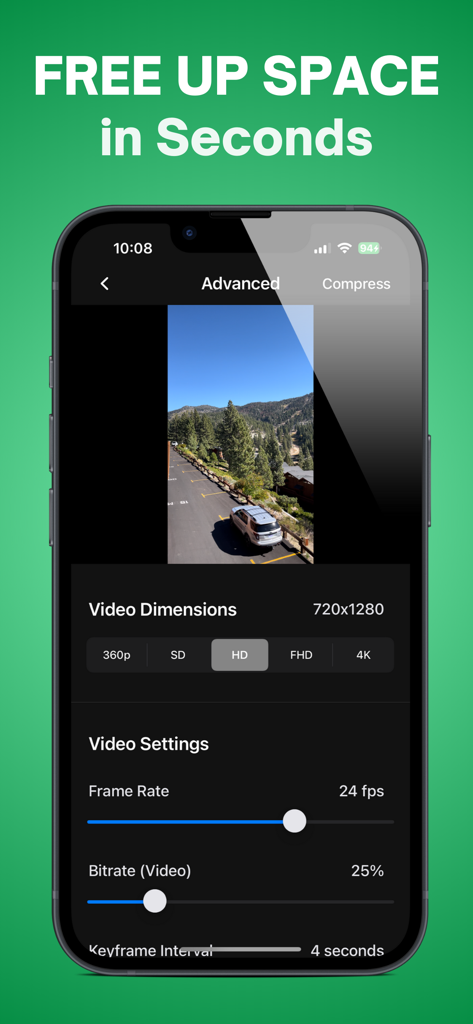
Screenshot of TinyVid app advanced settings showing video resolution frame rate and bitrate controls to free up space
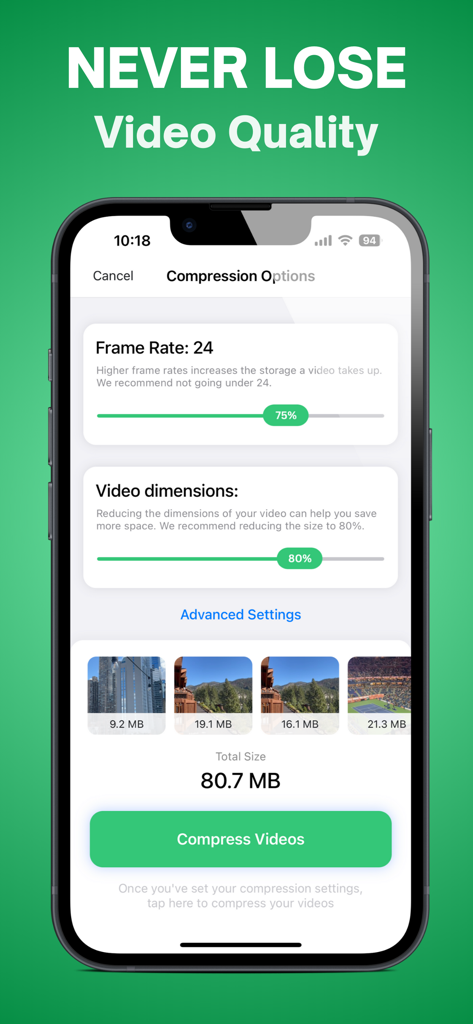
TinyVid app interface showing adjustable video compression options for frame rate and dimensions
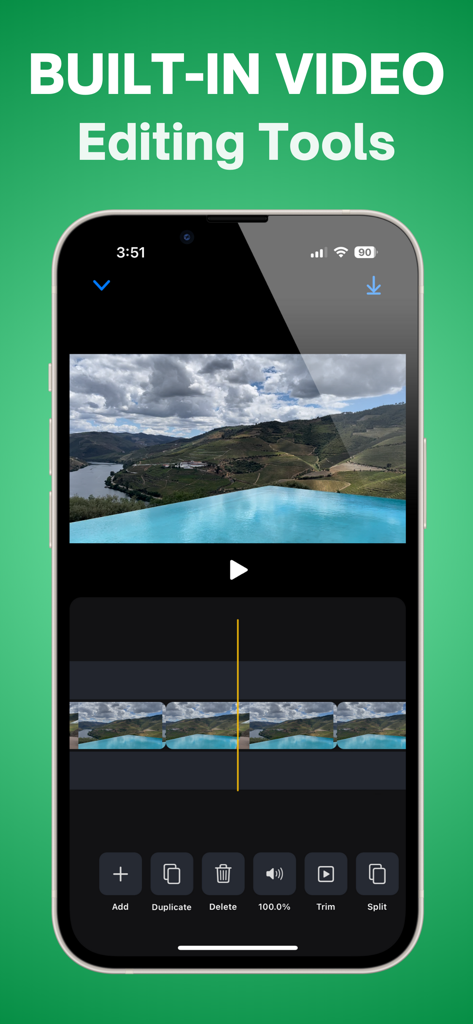
iPhone screen showing the built-in video editing interface of the TinyVid app with tools to trim split and delete video clips
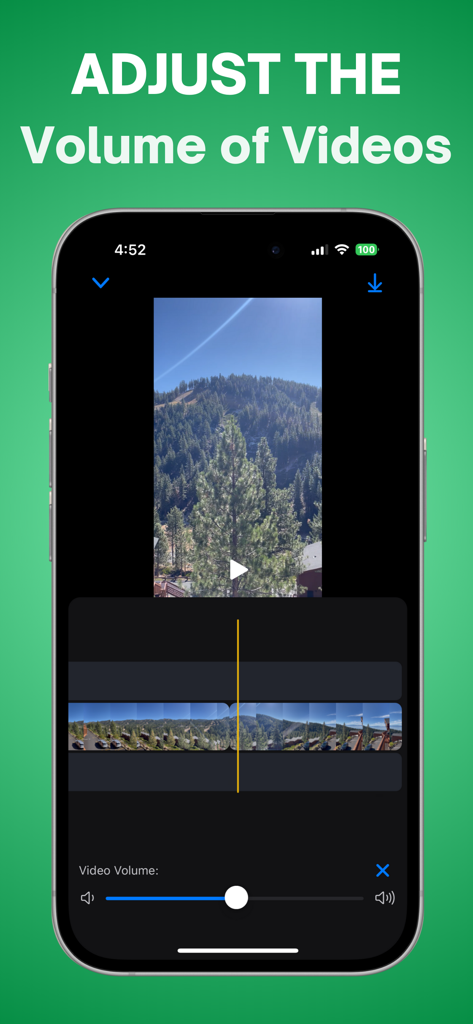
iPhone interface showing the video volume adjustment feature in TinyVid app
Description
Download
More Like This
Top-ranked apps in the same category

CapCut: Photo & Video Editor
BYTEDANCE PTE. LTD.

Instagram, Inc.

YouTube
Google LLC

Canva: AI Photo & Video Editor
Canva Pty Ltd

Snapchat
Snap, Inc.

快手
Beijing Kwai Technology Co., Ltd.

Edits: Video Editor
Instagram, Inc.

Meitu- AI Photo & Video Editor
Xiamen Meitu Technology Co., Ltd.

Google Photos: Backup & Edit
Google LLC
This page is not an official page of the app or its developer, but an independent editorial publication created for informational and commentary purposes. Unless expressly stated otherwise, neither the app nor its developer is affiliated with, endorsed by, sponsored by, authorized by, or otherwise officially connected with MWM, Apple, Google Play, the app publisher, or the app's developer, and nothing on this page implies that the app was developed using MWM's services. Any trademarks, logos, screenshots, and other content remain the property of their respective owners.