
This page is not an official page of the app or its developer, but an independent editorial publication created for informational and commentary purposes. Unless expressly stated otherwise, neither the app nor its developer is affiliated with, endorsed by, sponsored by, authorized by, or otherwise officially connected with MWM, Apple, Google Play, the app publisher, or the app's developer, and nothing on this page implies that the app was developed using MWM's services. Any trademarks, logos, screenshots, and other content remain the property of their respective owners.


ConstructionClock Time Tracker
Ditch the paper timesheets with touchless GPS clock-ins. Track material runs automatically and sync with QuickBooks for effortless payroll, while respecting your crew's privacy.
Downloads
74K+User Rating
Total Ratings
100Publisher
Category
ProductivityLocales
2Latest Version
6.2.7Size
92.5 MBFirst Released
Dec 21, 2021Stop Chasing Timesheets, Start Scaling Your Business
ConstructionClock automates your entire time-tracking workflow with touchless GPS technology, ensuring your crew stays focused on the build while your payroll stays 100% accurate.
100% Touchless Clock-In
Your crew never needs to open the app. Our GPS geofencing technology automatically logs hours the moment they arrive at the job site, eliminating 'buddy punching' and rounded hours.
Automated Material Run Tracking
Stop losing money on hidden labor costs. The app automatically captures travel time for hardware store runs, giving you total transparency over every billable minute.
The following screenshots and description are sourced directly from the app's official store listing and are the property of the app developer.
App Store
Screenshots
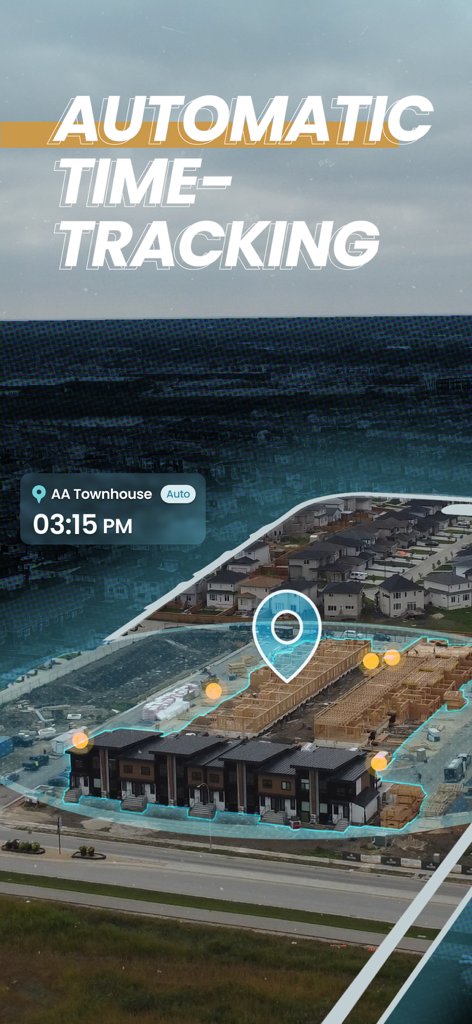
Aerial view of a construction site with a blue geofence overlay and GPS location marker for automatic time tracking
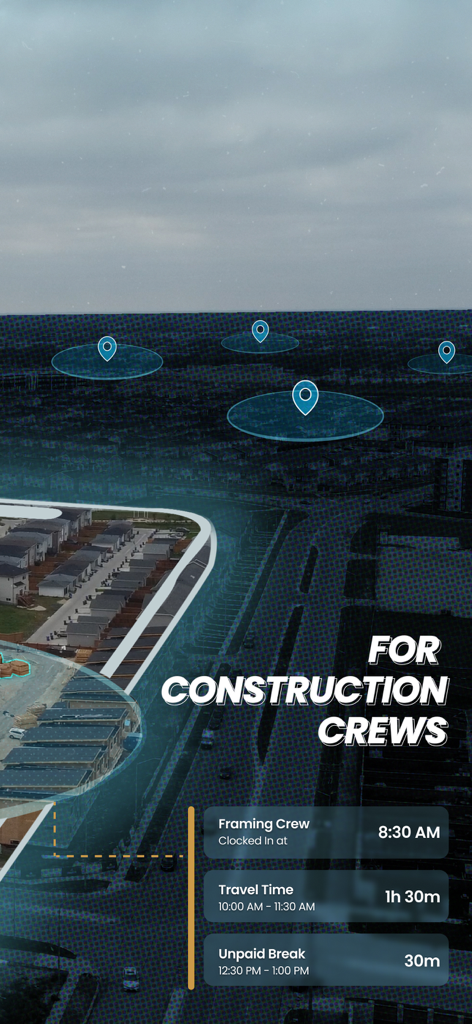
ConstructionClock app interface showing crew clock-in, travel time, and unpaid breaks over a map with geofenced job sites.
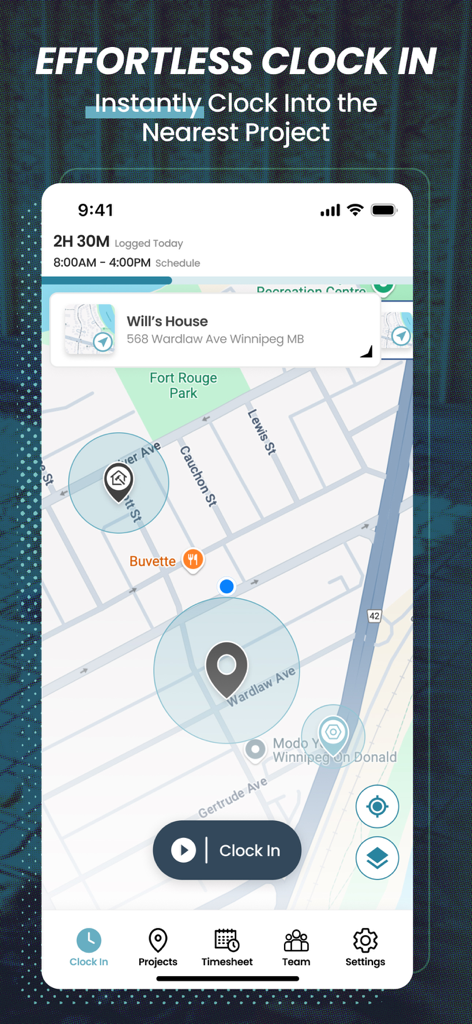
ConstructionClock mobile app interface displaying a GPS map with job site locations and a clock in button
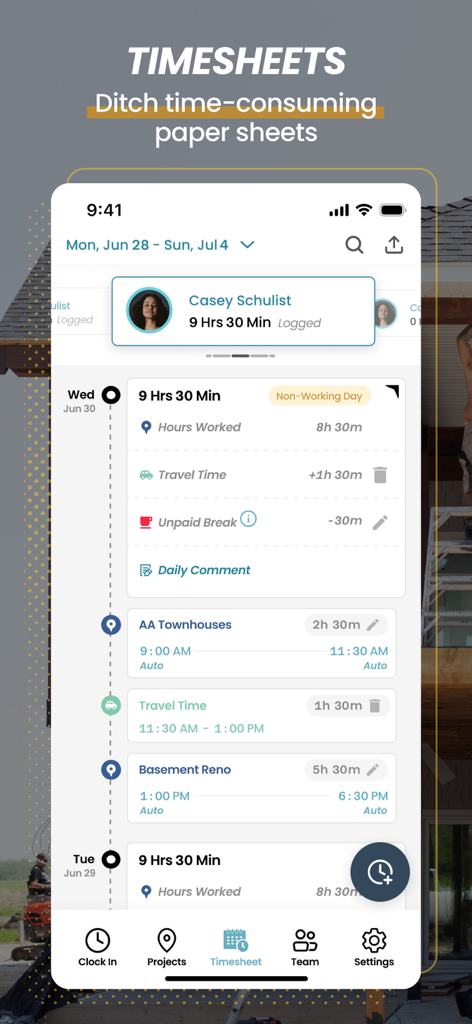
Mobile app interface showing detailed daily construction timesheets with work and travel time logs
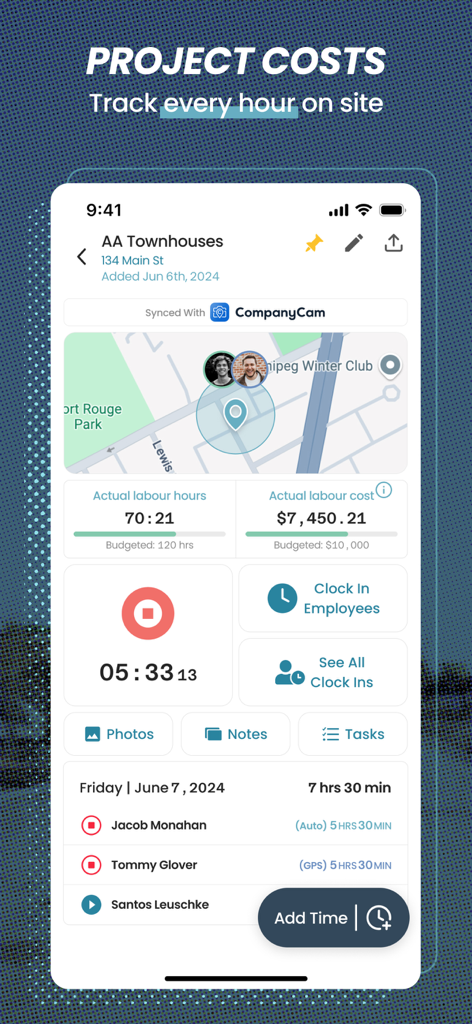
Mobile app dashboard showing construction project labor hours and costs with worker locations on a map.
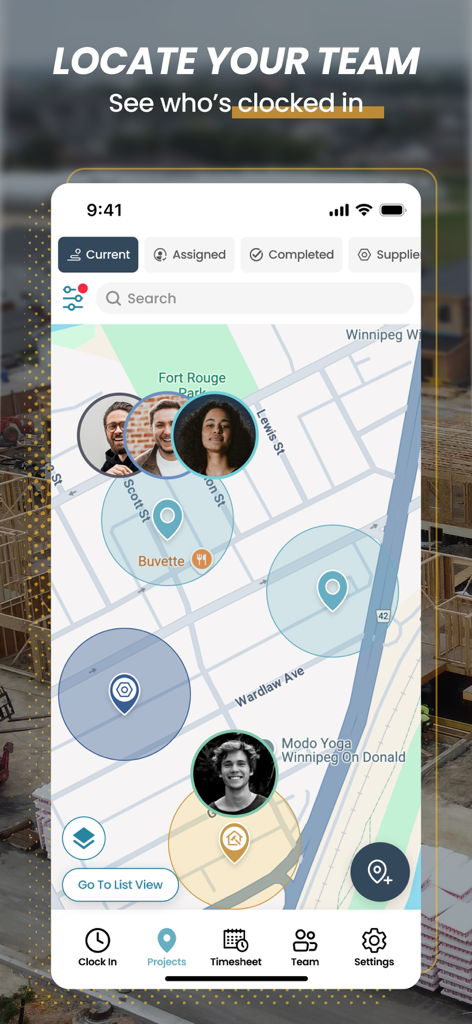
Real-time map view of the ConstructionClock app showing worker locations and project site geofences.
Description
Download
More Like This
Apps with similar features and user experience

Connecteam Team Management App
Connecteam, Inc.

Homebase: Team Management
Pioneer Works, Inc.

7shifts: Employee Scheduling
7shifts, Inc.

When I Work Staff Scheduling
When I Work, Inc.

Jibble: Attendance Tracker
Jibble Tech Sdn Bhd

Legion Workforce Engagement
Legion Technologies Inc.

Crunchtime Teamworx
CrunchTime Information Systems

Restaurant365
Dynamic Methods, Inc

AxisCare Mobile
Centex Axiscare Inc
This page is not an official page of the app or its developer, but an independent editorial publication created for informational and commentary purposes. Unless expressly stated otherwise, neither the app nor its developer is affiliated with, endorsed by, sponsored by, authorized by, or otherwise officially connected with MWM, Apple, Google Play, the app publisher, or the app's developer, and nothing on this page implies that the app was developed using MWM's services. Any trademarks, logos, screenshots, and other content remain the property of their respective owners.