Contacts+ | Address Book
Download on App Store

This page is not an official page of the app or its developer, but an independent editorial publication created for informational and commentary purposes. Unless expressly stated otherwise, neither the app nor its developer is affiliated with, endorsed by, sponsored by, authorized by, or otherwise officially connected with MWM, Apple, Google Play, the app publisher, or the app's developer, and nothing on this page implies that the app was developed using MWM's services. Any trademarks, logos, screenshots, and other content remain the property of their respective owners.


Logo of Contacts+ | Address Book
Download on App Store

Contacts+ | Address Book

Unify your fragmented network. Sync accounts across Gmail, Outlook, and iCloud, scan business cards in seconds, and enrich every contact with social insights so you can focus on building relationships, not managing data.

Key Figures

Downloads

334K+

User Rating

4.5/5

Total Ratings

10K+

Publisher

FullContact Inc.

Category

Productivity

Locales

1

Latest Version

24.7.0

Size

51.9 MB

First Released

Dec 6, 2012
Features

Master Your Professional Network

Stop wasting time searching through messy lists. Contacts+ unifies your scattered accounts into one clean, powerful address book designed for high-performing professionals.

Unified Sync & Cleanup

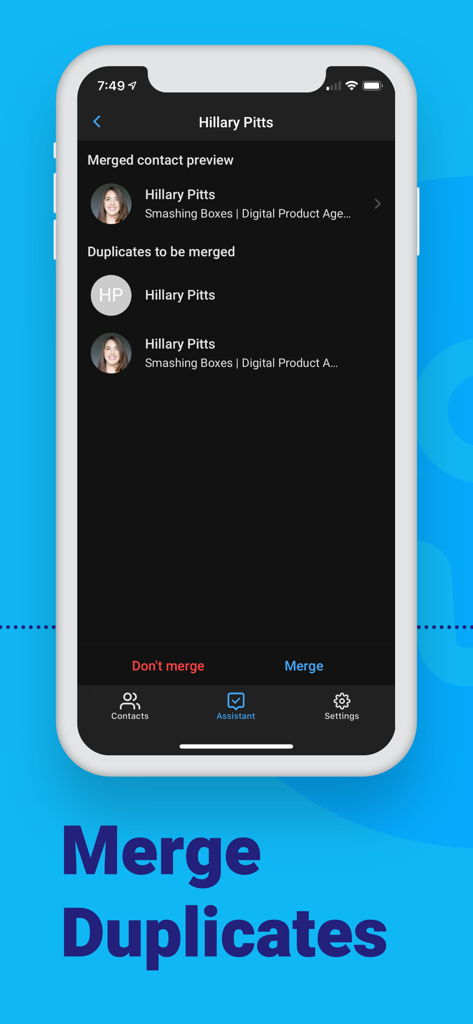
Seamlessly merge duplicates and sync contacts across Gmail, Outlook, and iCloud to maintain a single, accurate source of truth.

Instant Business Card Scanning

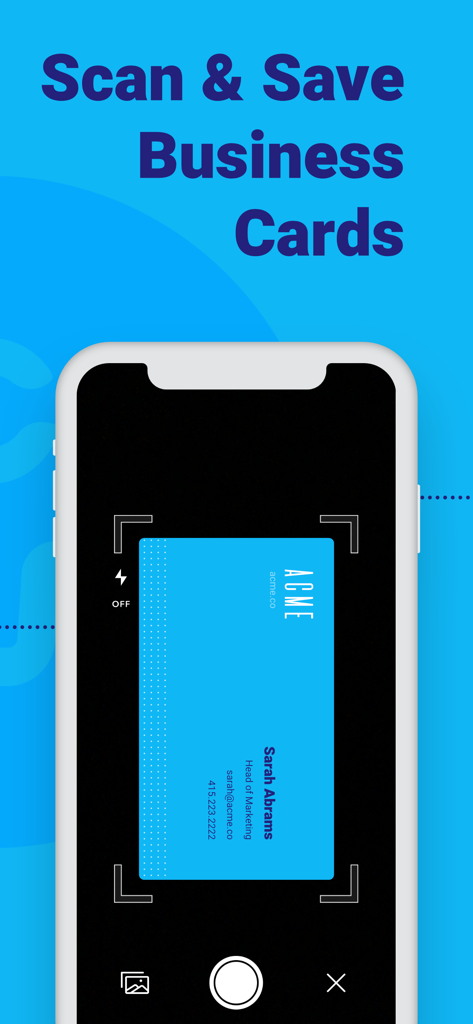
Turn physical cards into digital connections in seconds. Snap a photo and we'll transcribe the details directly into your database.

The following screenshots and description are sourced directly from the app's official store listing and are the property of the app developer.

App Store

Screenshots
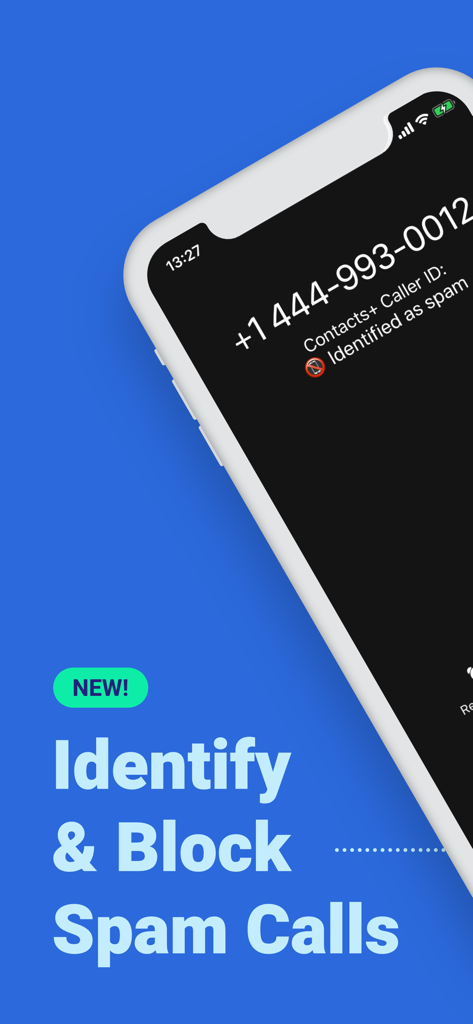
Contacts+ | Address Book - iPhone screen showing the Contacts plus app identifying an incoming spam call
iPhone screen showing the Contacts plus app identifying an incoming spam call

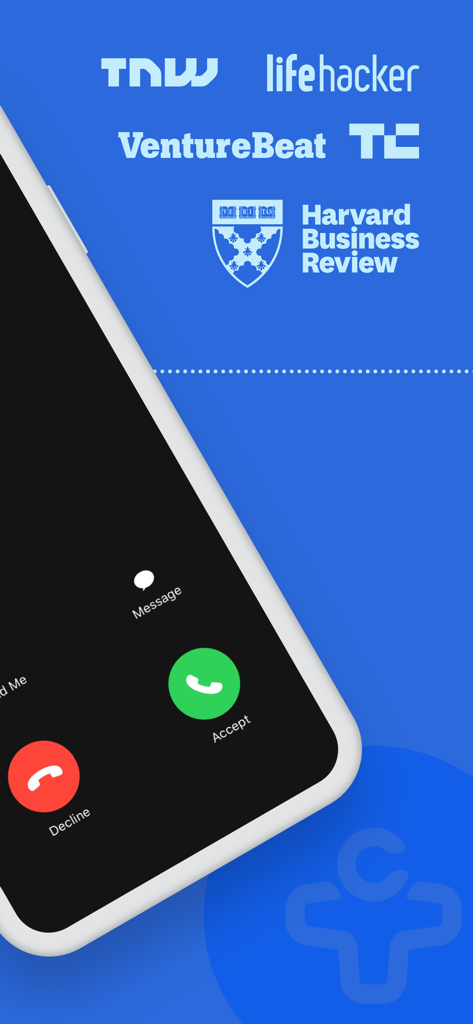
Contacts+ | Address Book - Smartphone displaying an incoming call interface with logos from Harvard Business Review and TechCrunch
Smartphone displaying an incoming call interface with logos from Harvard Business Review and TechCrunch

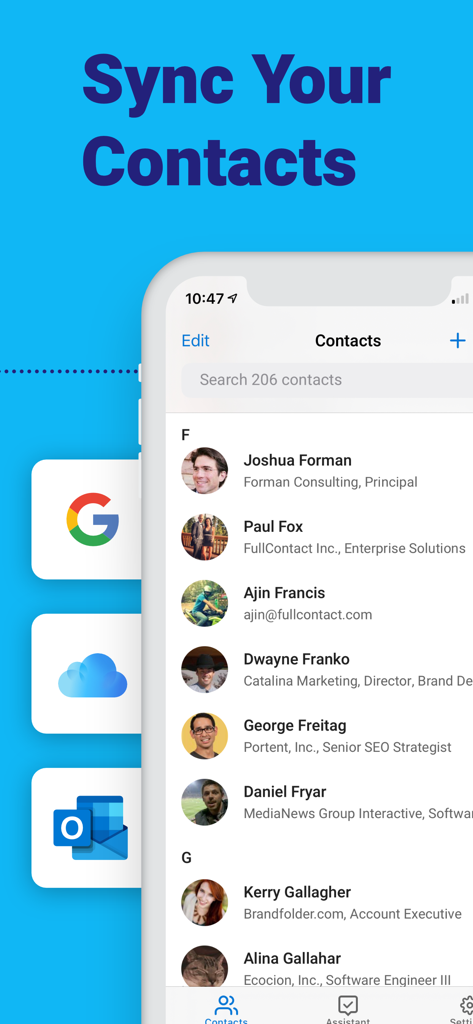
Contacts+ | Address Book - A mobile app interface of Contacts Plus showing a list of professional contacts with icons for syncing from Google iCloud and Outlook
A mobile app interface of Contacts Plus showing a list of professional contacts with icons for syncing from Google iCloud and Outlook

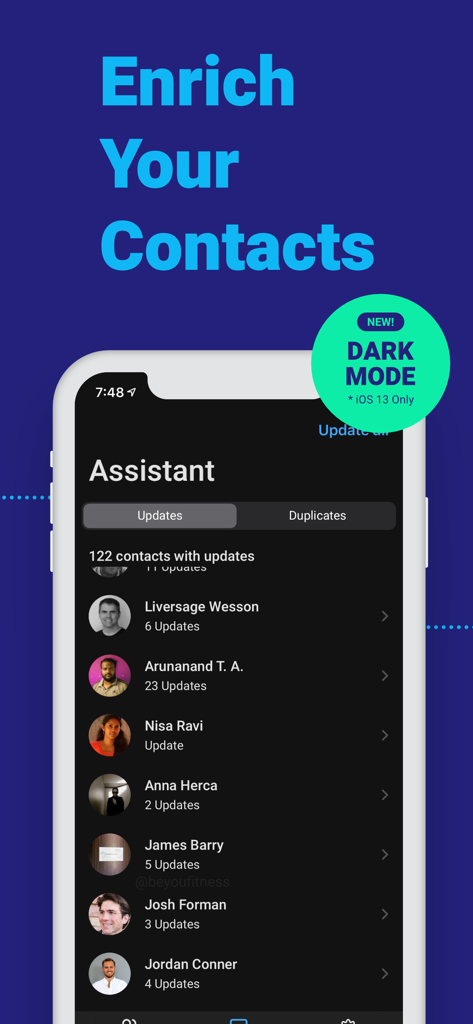
Contacts+ | Address Book - Contacts plus mobile app assistant interface in dark mode
Contacts plus mobile app assistant interface in dark mode

Contacts+ | Address Book - Contacts Plus app interface showing how to merge duplicate contacts.
Contacts Plus app interface showing how to merge duplicate contacts.

Contacts+ | Address Book - Smartphone screen showing a business card being scanned in the Contacts plus app
Smartphone screen showing a business card being scanned in the Contacts plus app

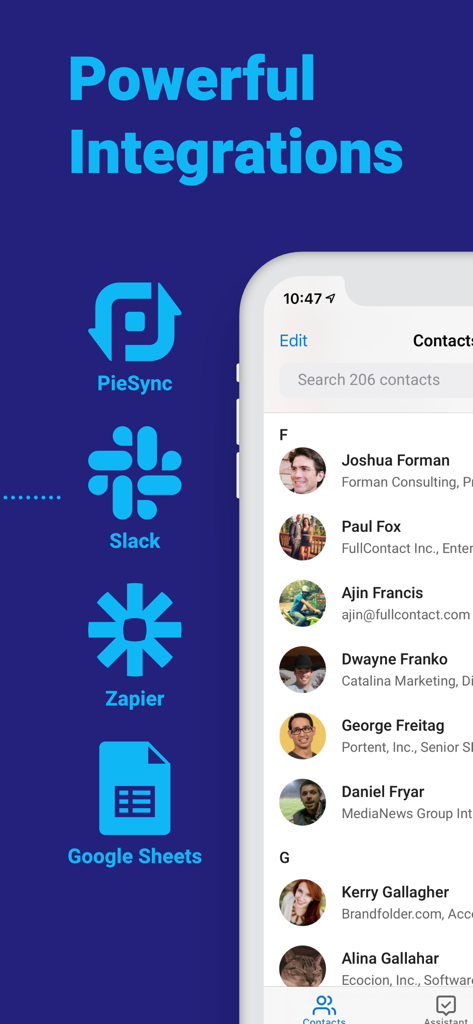
Contacts+ | Address Book - Contacts plus app interface showing integrations with Slack Zapier and Google Sheets

Contacts plus app interface showing integrations with Slack Zapier and Google Sheets

Description

Meet your new favorite contact management tool, Contacts+. Contacts+ is a cloud-based address book designed to take the hassle out of contact management so you can focus on what matters most - relationships. Truly multi-platform, Contacts+ syncs your contacts across your devices as well as across various accounts you may store contacts in (such as Gmail, Exchange, Office365, and iCloud). Why use Contacts+? • Contact deduplication - Consolidate all your information about each contact into one, holistic profile. Never wonder again which pieces of contact information are correct. • Cross-device, cross-platform sync - Your address book is now available everywhere. • Scan & save business cards - Upload a picture of scanned business card, and we'll transcribe the information & add it to your address book. • Organized your way - Tag contacts to create custom groupings, or leave notes for added context. • Automatic contact enrichment - We'll help fill in the details about your contacts (photos, social profiles, & more) by adding content we find from around the web. • Spam Block - We help enable you to connect with friends and colleagues and block unwanted people, telemarketers, and spam. Do even MORE with Contacts+ Premium. With Premium, you can: • Scan MORE business cards - Scan & save up to 1,000 business cards a year. • Sync multiple accounts - Sync up to 5 address books & keep your contacts in sync across multiple platforms. • Choose Monthly or Annual Premium subscription - Pick a plan that fits your needs. Contacts+ is free to download and use, and Contacts+ Premium is available by subscription and unlocks all of the features above. Prices may vary by location. Payment will be charged to your Apple ID account at the confirmation of purchase. The subscription automatically renews unless it is canceled at least 24 hours before the end of the current period. Your account will be charged for renewal within 24 hours prior to the end of the current period. You can manage and cancel your subscriptions by going to your App Store account settings after purchase. Privacy & Terms of Service This App is for professional use and not intended for children under the age of 16, and we will never intentionally collect any information from users under the age of 16. For more information, please visit our privacy policy. Privacy Policy: https://www.contactsplus.com/privacy Terms of Use: https://www.contactsplus.com/terms Questions, feedback, just want to say "hi"? You can email us at support@contactsplus.com!

Download

Download on App Store

This page is not an official page of the app or its developer, but an independent editorial publication created for informational and commentary purposes. Unless expressly stated otherwise, neither the app nor its developer is affiliated with, endorsed by, sponsored by, authorized by, or otherwise officially connected with MWM, Apple, Google Play, the app publisher, or the app's developer, and nothing on this page implies that the app was developed using MWM's services. Any trademarks, logos, screenshots, and other content remain the property of their respective owners.








