
This page is not an official page of the app or its developer, but an independent editorial publication created for informational and commentary purposes. Unless expressly stated otherwise, neither the app nor its developer is affiliated with, endorsed by, sponsored by, authorized by, or otherwise officially connected with MWM, Apple, Google Play, the app publisher, or the app's developer, and nothing on this page implies that the app was developed using MWM's services. Any trademarks, logos, screenshots, and other content remain the property of their respective owners.

Contacts Backup and Transfer⁺
The ultimate professional utility for your iPhone. Effortlessly back up your data, remove messy duplicates, and export your entire address book to Excel or CSV for total control over your digital network.
Downloads
34K+User Rating
Total Ratings
100Publisher
Category
UtilitiesLocales
1Latest Version
1.1Size
16.7 MBFirst Released
Sep 22, 2025Secure, Organize, and Export with Confidence
From seamless phone migrations to professional-grade data management, we provide the essential tools to safeguard and streamline your most valuable asset—your network.
One-Tap Secure Backup
Protect your professional database from phone loss or accidental deletion with encrypted backups that stay under your control.
Professional Export Options
Easily convert your contact list into Excel, CSV, or VCF formats—perfect for CRM uploads, marketing, and business spreadsheets.
The following screenshots and description are sourced directly from the app's official store listing and are the property of the app developer.
App Store
Screenshots
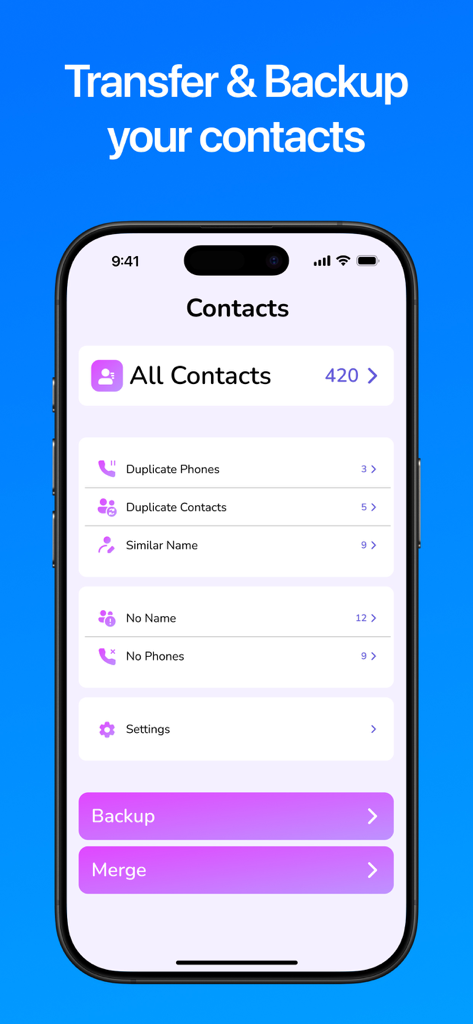
iPhone screen showing contact management tools including backup and duplicate cleaner
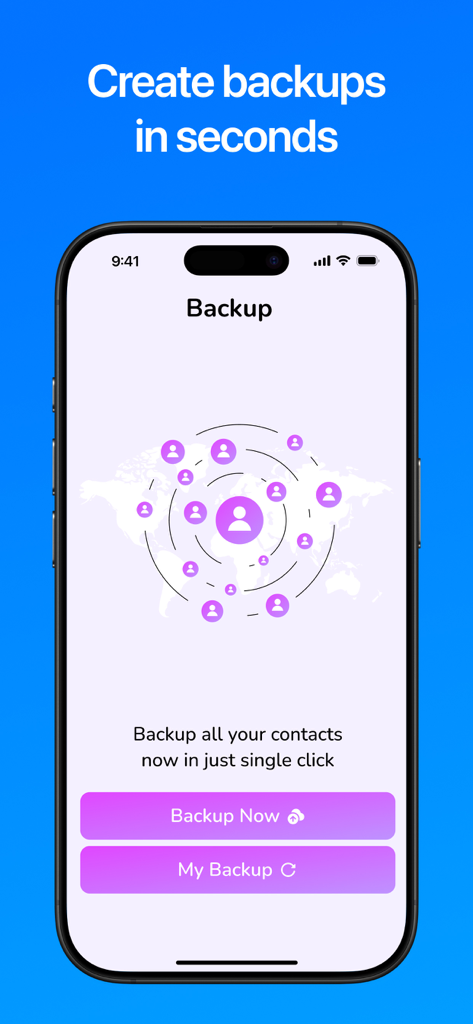
Screenshot of the Contacts Backup and Transfer app showing the one tap backup interface on an iPhone.
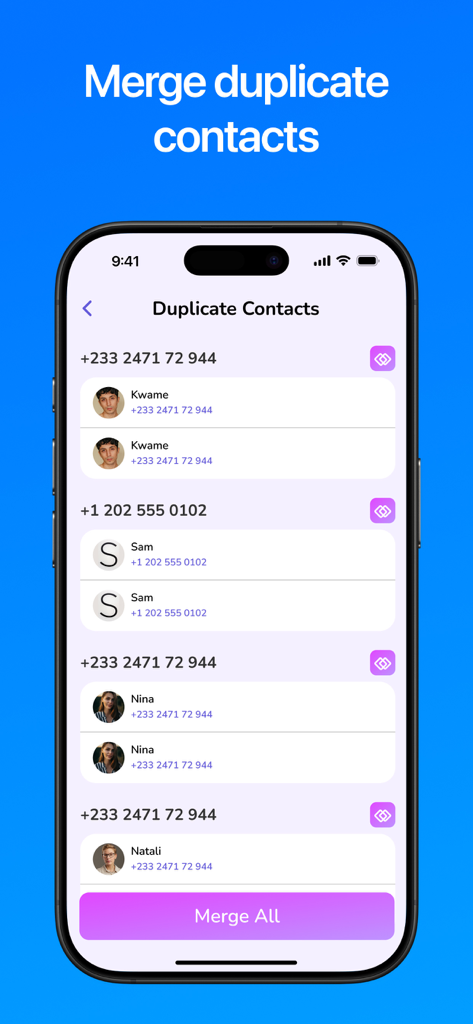
Screen showing duplicate contact entries and a merge all button in the app
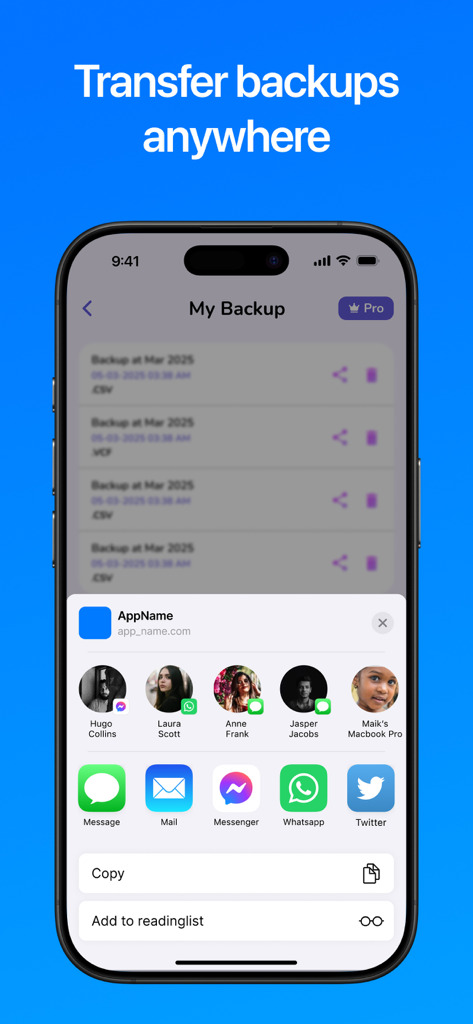
Share screen of the Contacts Backup and Transfer app for exporting data files
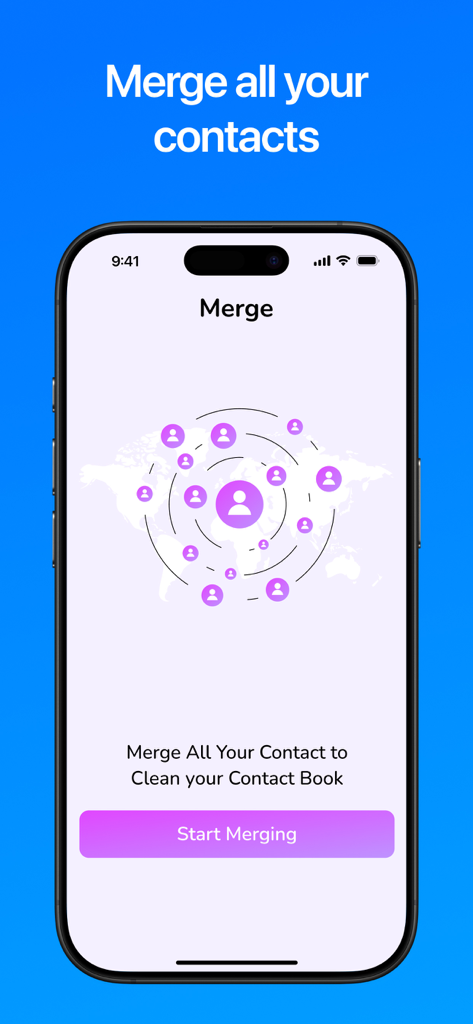
Smartphone screen displaying the merge contacts feature to clean up an address book.
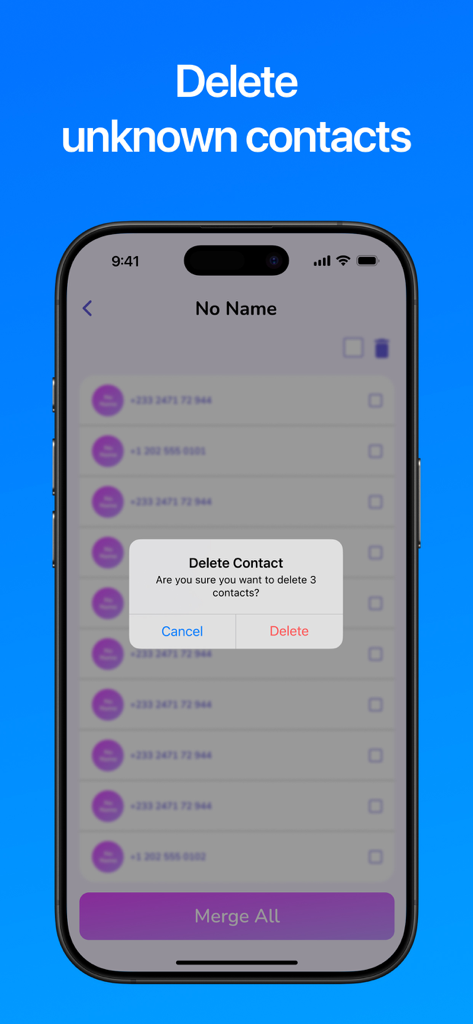
Interface of the Contacts Backup and Transfer app showing a confirmation popup to delete unknown contacts from a list.
Description
Download
More Like This
Apps with similar features and user experience
Delete Contacts+
Shanghai Jia Feng Software Co. Ltd.

Contacts Sync: Google & More
Playa Apps

Contact.s Back Up
Symon Johnson

Sync Contact for Google & more
Reena Williams
Contacts Backup + Transfer
One Wave AB

Contacts Backup Pro & Restore
AppRover

Export Contacts to Excel, CSV
LE NGUYEN QUANG PHUOC

My Contacts Backup
GLOBILE BILISIM BILGISAYAR HIZMETLERI ILETISIM DANISMANLIK SANAYI TICARET LIMITED SIRKETI

Simple Backup Contacts
Giacomo Guglielmi
This page is not an official page of the app or its developer, but an independent editorial publication created for informational and commentary purposes. Unless expressly stated otherwise, neither the app nor its developer is affiliated with, endorsed by, sponsored by, authorized by, or otherwise officially connected with MWM, Apple, Google Play, the app publisher, or the app's developer, and nothing on this page implies that the app was developed using MWM's services. Any trademarks, logos, screenshots, and other content remain the property of their respective owners.