
This page is not an official page of the app or its developer, but an independent editorial publication created for informational and commentary purposes. Unless expressly stated otherwise, neither the app nor its developer is affiliated with, endorsed by, sponsored by, authorized by, or otherwise officially connected with MWM, Apple, Google Play, the app publisher, or the app's developer, and nothing on this page implies that the app was developed using MWM's services. Any trademarks, logos, screenshots, and other content remain the property of their respective owners.

Converge GoFiber!
Experience seamless control. Manage your account, pay bills instantly, and monitor your network health anytime—anywhere in the world.
Downloads
687K+User Rating
Total Ratings
1K+Publisher
Category
UtilitiesLocales
1Latest Version
2.5.10Size
58.3 MBFirst Released
Apr 23, 2022Master Your Connection with Ease
From instant bill payments to real-time network health monitoring, manage every aspect of your Converge Pure Fiber internet from anywhere in the world.
Seamless Global Payments
View your statements and settle balances instantly via the app. Ideal for the Filipino diaspora managing family accounts from abroad.
Intelligent Network Dashboard
Get full transparency on your modem's health, signal strength, and the number of connected devices to ensure peak performance.
Frequently Asked Questions
Everything you need to know about Converge GoFiber!
How to check if my area is serviceable with Converge GoFiber App?
Yes, the Converge GoFiber App allows users to check area serviceability. Input your information and exact location within the app to self-verify if your area is available for Converge pure fiber internet service.
Can I apply for a Converge pure fiber internet plan using the GoFiber App?
Yes, users apply for a Converge pure fiber internet plan through the GoFiber App. The app facilitates filling out application forms, choosing plans, selecting add-ons, and uploading required documents.
How do I check my Converge application status with the GoFiber App?
The GoFiber App allows users to check their Converge pure fiber internet application status. Input your reference number to view if any documents are pending or if the application is ready for connection.
Can I pay my Converge pure fiber internet bill through the GoFiber App?
Yes, users pay their Converge pure fiber internet bills conveniently through the GoFiber App. Input your Converge account number to check outstanding balances and complete the payment process.
What bill details can I view in the Converge GoFiber App?
The Converge GoFiber App displays a summary of the amount to pay, Statement of Accounts for download, plan name, payment due date, previous balance, current charges, total amount due, and billing period.
How do I create a support ticket for my Converge internet plan using the GoFiber App?
Users create support tickets for their Converge pure fiber internet plan directly within the GoFiber App. This feature addresses issues related to plans, connection speed, payments, and technical support.
Does the Converge GoFiber App provide technical support guides?
Yes, the Converge GoFiber App includes technical support guides. These guides offer detailed instructions for troubleshooting modem indicators, network outages, and intermittent or slow connectivity issues.
Can the Converge GoFiber App monitor my modem's signal strength?
Yes, the Converge GoFiber App monitors the modem's signal strength. This feature indicates whether the modem receives the correct signal level for stability and optimal connection performance.
Does the Converge GoFiber App notify users about internet outages?
Yes, the Converge GoFiber App automatically notifies users about internet outages. It provides specific details regarding the issue if an area experiences an outage.
Can I compare different Converge pure fiber internet plans using the GoFiber App?
Yes, the GoFiber App allows users to easily compare different Converge pure fiber internet plans. This feature helps users finalize requirements and select a plan based on their online needs.
Does the Converge GoFiber App allow users to monitor the number of devices connected to their modem?
Yes, the Converge GoFiber App allows users to monitor the number of devices connected to their modem. This is accessible through the mobile dashboard for convenient overview.
Can I locate Converge stores using the GoFiber App?
Yes, the Converge GoFiber App includes a Store Locator. Users search for available Converge stores by selecting a specific region, which then provides complete store locations and details.
The following screenshots and description are sourced directly from the app's official store listing and are the property of the app developer.
App Store
Screenshots

Launch screen of the Converge GoFiber mobile app on a purple background
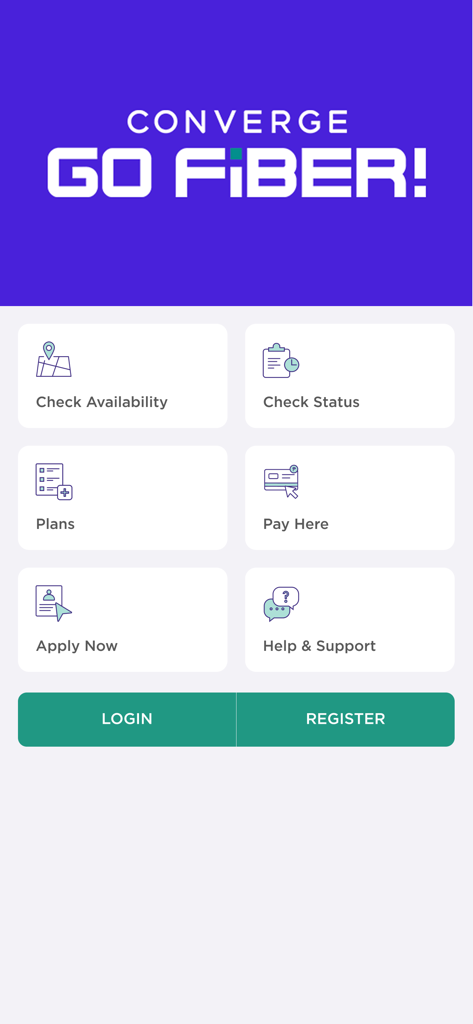
Converge GoFiber app landing page showing service options like check availability plans and pay here
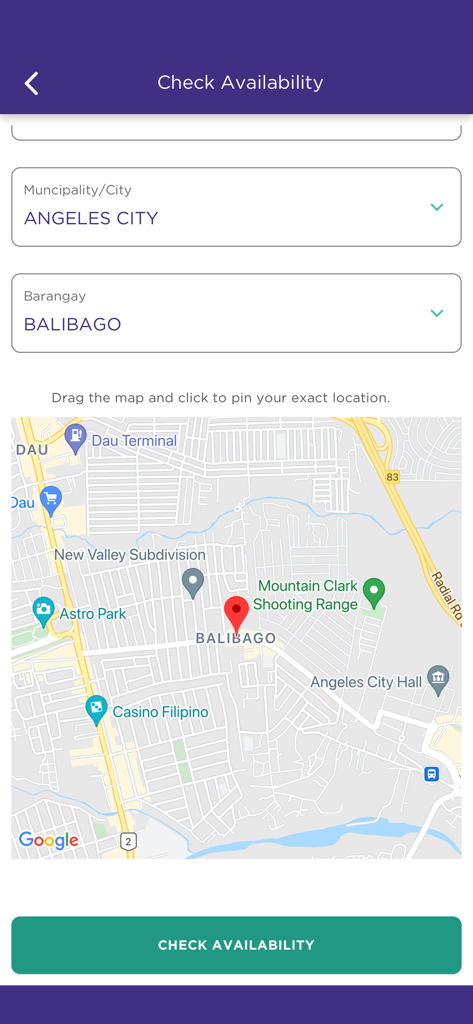
Converge GoFiber app check availability screen with a map view and location selection
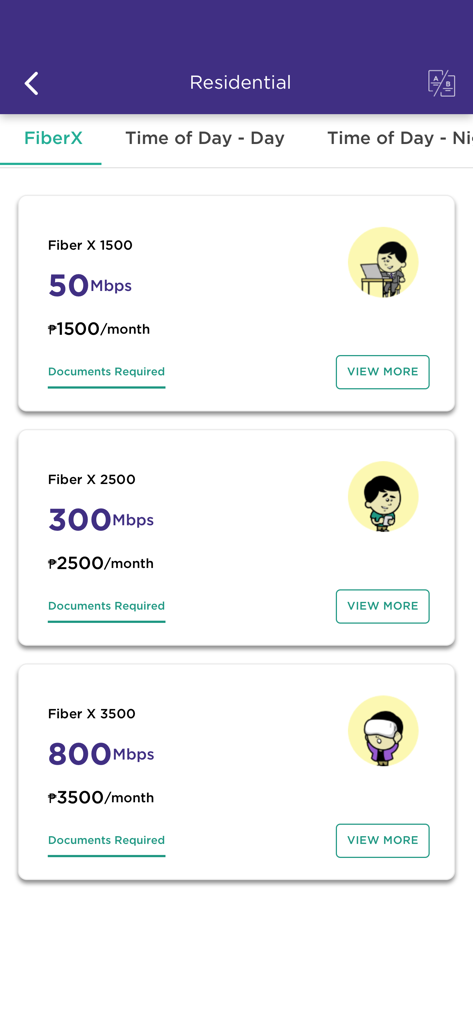
Converge GoFiber mobile app screen showing residential internet plans and prices
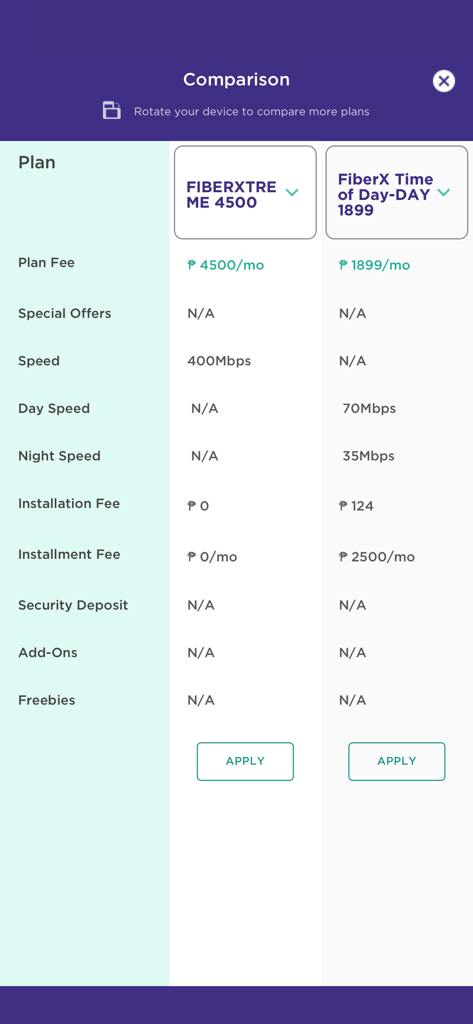
Comparison table of fiber internet plans in the Converge GoFiber app
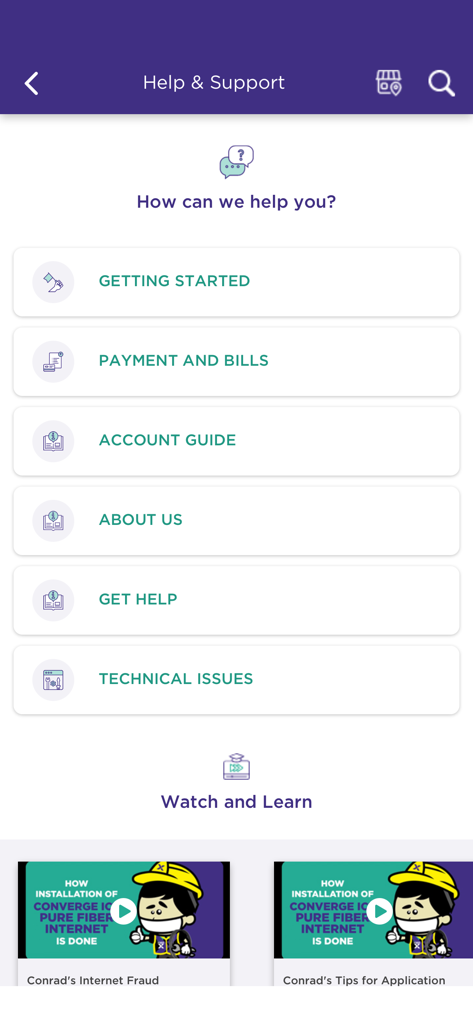
Help and Support screen of the Converge GoFiber app showing self-service categories like billing and technical issues.
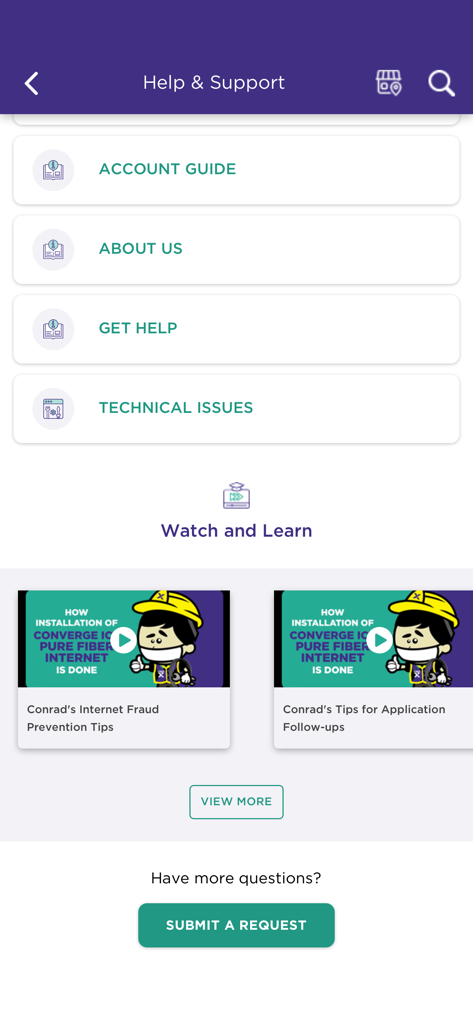
Help and support screen of the Converge GoFiber app featuring account guides and technical support videos
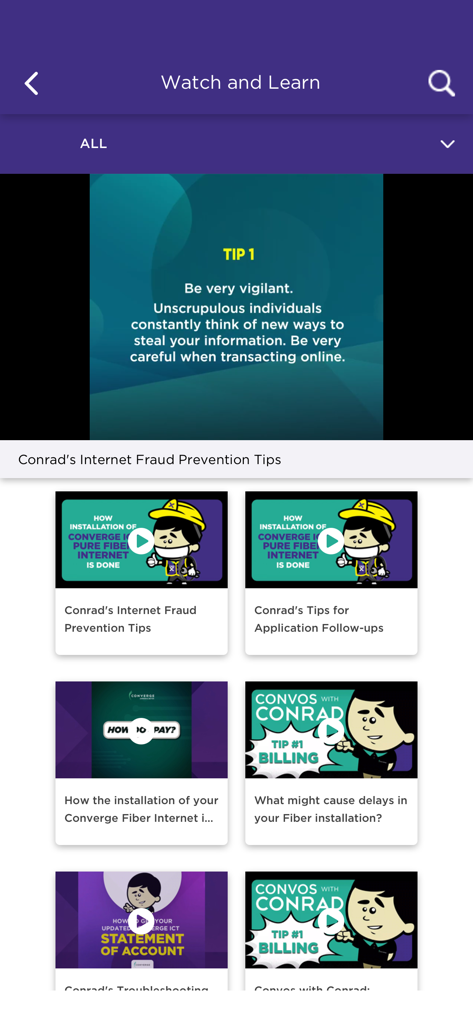
Converge GoFiber app Watch and Learn screen showing internet fraud prevention tips and fiber installation video tutorials
Description
Download
More Like This
Apps with similar features and user experience

Go Kinetic
Uniti Group Inc.

Desktop
DATACAKE SERVICOS EM TECNOLOGIA LTDA
Oi_e
TNL PCS S/A.
GFiber: The Google Fiber App
Google LLC

MyTelenet
Telenet

My CenturyLink
CenturyTel Service Group, LLC
TIM Modem
Telecom Italia spa
TurkNet
TurkNet Iletisim Hizmetleri A.S.
ACT Fibernet
Atria Convergence Technologies Private Limited
This page is not an official page of the app or its developer, but an independent editorial publication created for informational and commentary purposes. Unless expressly stated otherwise, neither the app nor its developer is affiliated with, endorsed by, sponsored by, authorized by, or otherwise officially connected with MWM, Apple, Google Play, the app publisher, or the app's developer, and nothing on this page implies that the app was developed using MWM's services. Any trademarks, logos, screenshots, and other content remain the property of their respective owners.