
This page is not an official page of the app or its developer, but an independent editorial publication created for informational and commentary purposes. Unless expressly stated otherwise, neither the app nor its developer is affiliated with, endorsed by, sponsored by, authorized by, or otherwise officially connected with MWM, Apple, Google Play, the app publisher, or the app's developer, and nothing on this page implies that the app was developed using MWM's services. Any trademarks, logos, screenshots, and other content remain the property of their respective owners.

Convert JPEG PNG ConvertMagic
The fastest way to convert PNG, GIF, and BMP files to perfect JPEGs. Automatically fix transparency issues and save professional, web-ready photos directly to your library in seconds.
Downloads
53K+User Rating
Total Ratings
2K+Publisher
Category
Photo & VideoLocales
6Latest Version
3.8.14Size
10.5 MBFirst Released
Sep 29, 2016Format Your Images in Seconds
Designed for creators and small business owners who need reliable file conversions without the complexity of desktop software.
Rapid Batch Processing
Convert entire sets of GIF, PNG, or BMP files to JPEG or PNG instantly to keep your workflow moving and meet tight deadlines.
Clean Professional Backdrops
Our automatic transparency-to-white conversion ensures your product photos look professional and meet marketplace requirements for eBay, Etsy, and Amazon.
Frequently Asked Questions
Everything you need to know about Convert JPEG PNG ConvertMagic
What is ConvertMagic?
ConvertMagic is an application that simplifies the process of converting images to JPEG and PNG formats. Users can select multiple images and easily transform them with this tool.
Which image formats can ConvertMagic convert to JPEG or PNG?
ConvertMagic can convert images from GIF, PNG, and BMP formats to either JPEG or PNG. This feature ensures compatibility for various image types.
How does ConvertMagic handle transparent parts in GIF or PNG files?
Yes, ConvertMagic automatically converts the transparent parts in GIF or PNG files to white during the conversion process. This ensures a solid background for the output image.
Where are converted images saved after using ConvertMagic?
After conversion, ConvertMagic automatically saves all new JPEG or PNG files directly to your device's photos library. This provides easy access to your converted images.
Can I share images immediately after converting them with ConvertMagic?
Yes, ConvertMagic allows users to easily share images immediately after conversion. A dedicated share button facilitates this action directly within the app.
How do I select images for conversion in the ConvertMagic app?
To select images for conversion in ConvertMagic, open the app and tap the '+' button to add images. The main screen displays selected images, and you then tap "Convert" to proceed.
How do I choose the output format for converted images in ConvertMagic?
After selecting images for conversion, ConvertMagic presents a "Pick Format" screen. Here, you choose between "Convert to JPEG" or "Convert to PNG" to specify your desired output format.
Is the image conversion process fast with ConvertMagic?
Yes, ConvertMagic features lightning-fast image conversion. The app displays a "Processing..." screen, indicating rapid completion of the conversion task.
Where can users find the privacy policy for ConvertMagic?
Users can find the privacy policy for ConvertMagic at https://sites.google.com/view/convertmagic. This link provides detailed information on data handling practices.
What are the terms of use for the ConvertMagic app?
The terms of use for the ConvertMagic app are available at https://www.apple.com/legal/internet-services/itunes/dev/stdeula/. This standard Apple EULA governs the app's usage.
The following screenshots and description are sourced directly from the app's official store listing and are the property of the app developer.
App Store
Screenshots
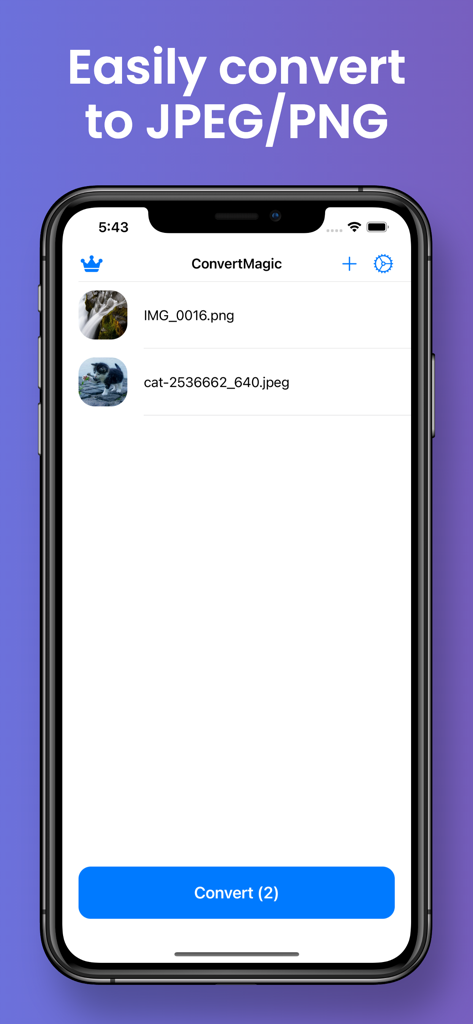
Interface of ConvertMagic app displaying selected images for JPEG and PNG conversion
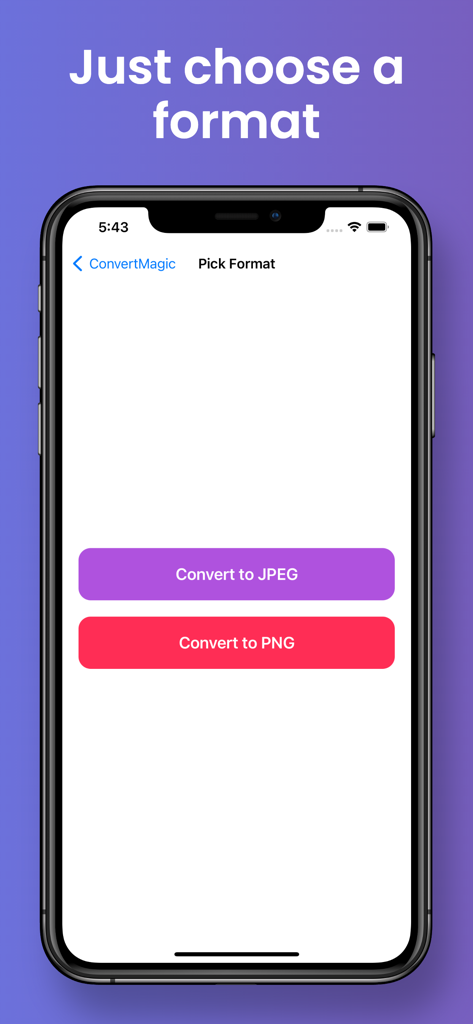
Screenshot of the ConvertMagic app interface showing options to convert images to JPEG or PNG
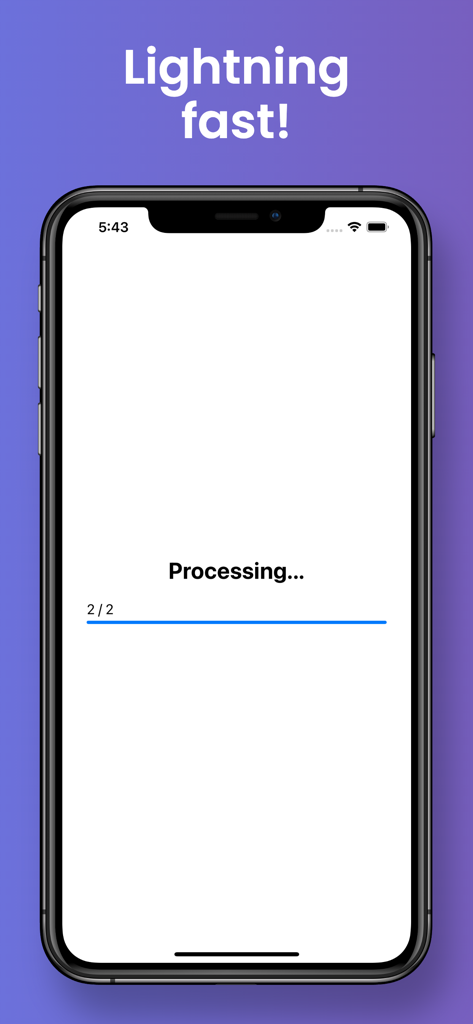
Lightning fast image conversion processing screen in ConvertMagic app
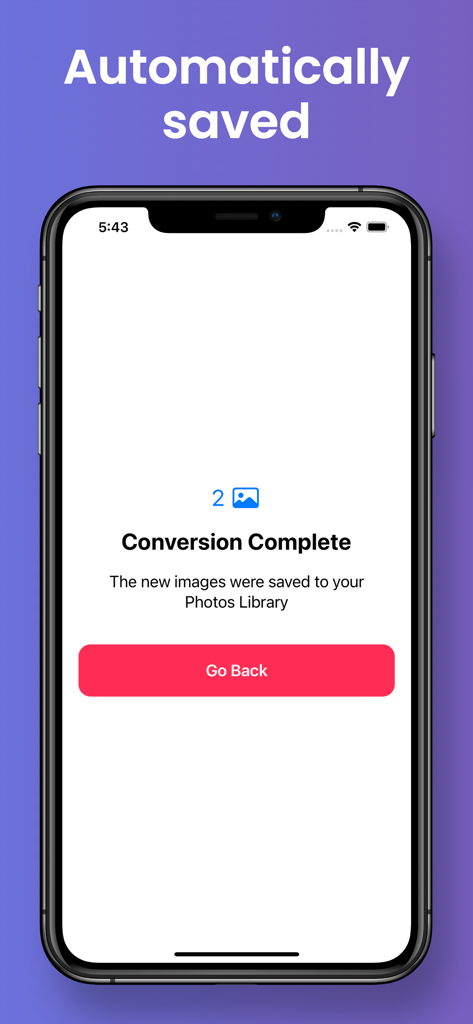
A smartphone screen displaying a conversion complete message with automatic saving to the photos library
Description
Download
More Like This
Top-ranked apps in the same category

CapCut: Photo & Video Editor
BYTEDANCE PTE. LTD.

Instagram, Inc.

YouTube
Google LLC

Canva: AI Photo & Video Editor
Canva Pty Ltd

Snapchat
Snap, Inc.

快手
Beijing Kwai Technology Co., Ltd.

Edits: Video Editor
Instagram, Inc.

Meitu- AI Photo & Video Editor
Xiamen Meitu Technology Co., Ltd.

Google Photos: Backup & Edit
Google LLC
This page is not an official page of the app or its developer, but an independent editorial publication created for informational and commentary purposes. Unless expressly stated otherwise, neither the app nor its developer is affiliated with, endorsed by, sponsored by, authorized by, or otherwise officially connected with MWM, Apple, Google Play, the app publisher, or the app's developer, and nothing on this page implies that the app was developed using MWM's services. Any trademarks, logos, screenshots, and other content remain the property of their respective owners.