Countdown: Big Timer & Clock

Countdown: Big Timer & Clock

Download on App Store
Logo of Countdown: Big Timer & Clock

Countdown: Big Timer & Clock - The Professional High-Visibility Timer for Every Event

Transform your iPad or iPhone into a broadcast-grade display. Perfect for classrooms, debates, and game nights with AirPlay mirroring, Bluetooth remote control, and powerful sound alerts that command attention.

Publisher

BitBit Apps, LLC

Category

Utilities

Downloads

97K+

User Rating

4.2/5

Total Ratings

100

Locales

1

Big, Bold, and Clear

Discover the interface used by 97K+ users.
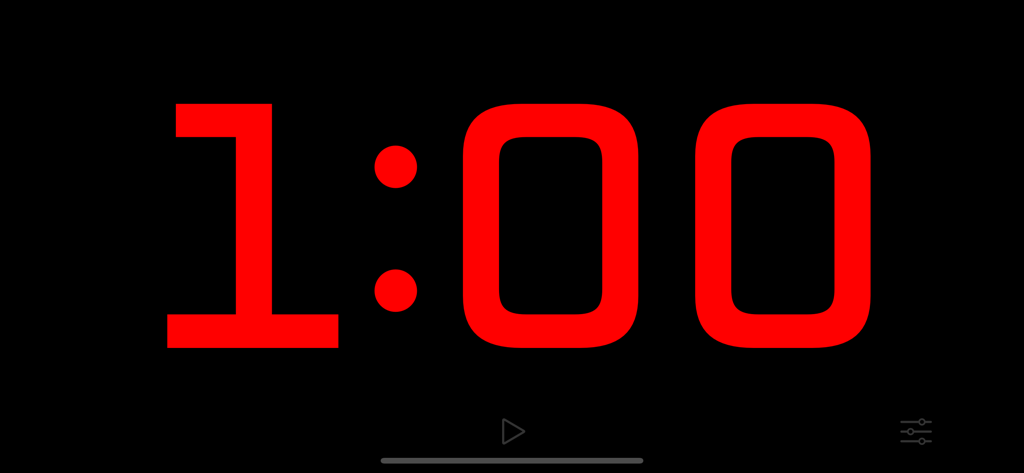
Large red digital countdown timer showing one minute on a black background

Large red digital countdown timer showing one minute on a black background

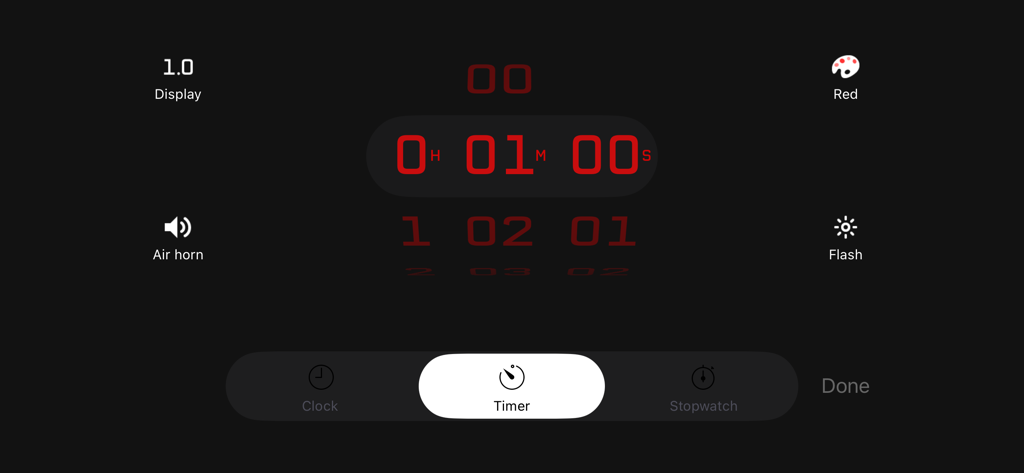
Countdown app settings screen with a red timer interface and options for air horn and flash effects

Countdown app settings screen with a red timer interface and options for air horn and flash effects

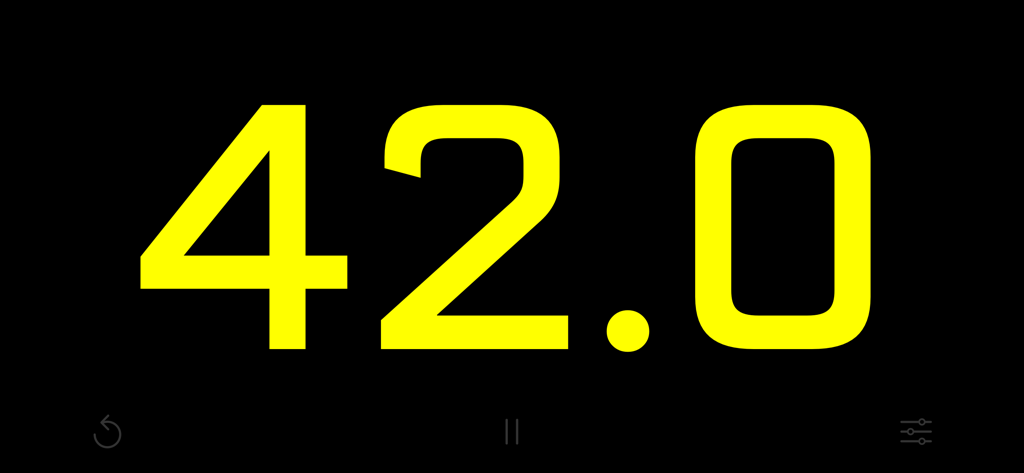
Large yellow countdown digits showing forty-two seconds on a black background

Large yellow countdown digits showing forty-two seconds on a black background

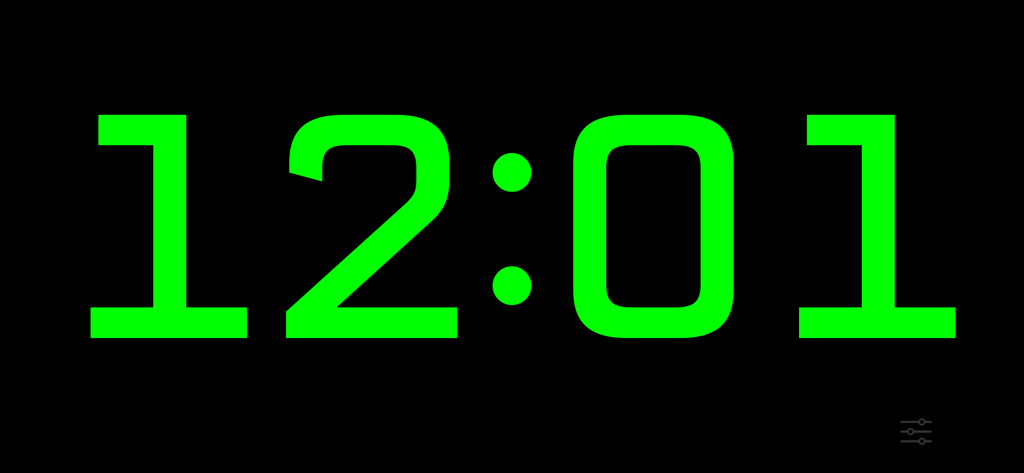
Large green digital countdown timer display on a black background

Large green digital countdown timer display on a black background

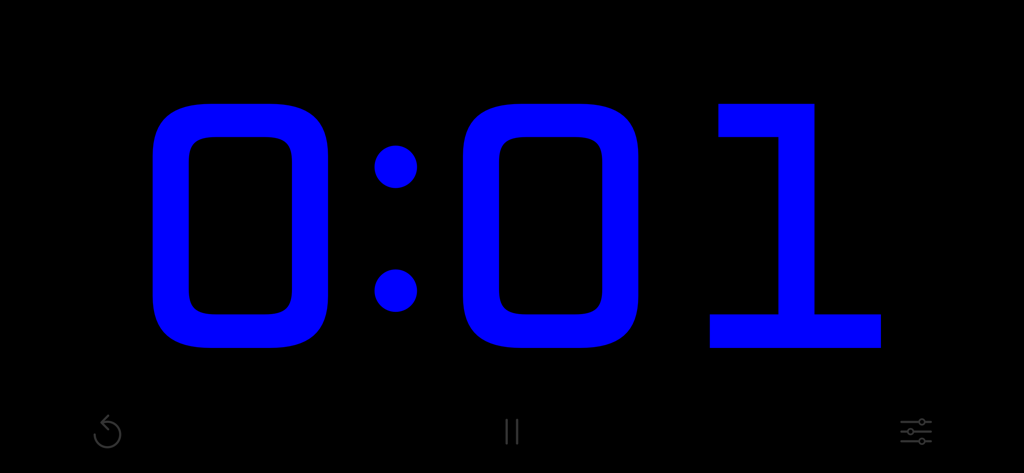
High visibility blue digital countdown timer displaying one second

High visibility blue digital countdown timer displaying one second

Master Your Moments with Precision

The tools that make this app stand out, trusted by 97K+ users.

📺

Pro-Grade AirPlay Casting

Project your timer to the big screen with AirPlay mirroring. Keep your audience focused on the clock while you manage settings privately on your device.

⌨️

Seamless Remote Control

Take command with Bluetooth keyboard support. Start, stop, and reset your timer with a single keystroke from across the room for a professional, hands-free experience.

📢

High-Impact Alerts

Command attention with air horn chimes and flashing screens. Optional tenths-of-a-second display adds theatrical urgency to every deadline.

About the app

Everything you need to know about Countdown: Big Timer & Clock.

Description

Replace the old sand timer in your favorite game with one that packs a punch! The countdown takes center stage in this app as a full-screen timer counts down the seconds. Run silently, or play a chime or air horn sound to let everyone know that time is up! Perfect for TV broadcasts, classrooms, debates, game shows, sporting events, or anywhere a highly visible stopwatch, timer, or clock with a streamlined appearance is needed. Features: + Beautiful design, maximizing countdown visibility + Tap anywhere to start or stop the countdown + Three modes - stopwatch, timer, or clock + Set a countdown up to 10 hours + Display the time in red, orange, yellow, green, blue, or purple Advanced features: + Optionally show tenths of a second during the last minute for extra excitement + Optionally flash during the last ten seconds + Optionally play an air horn or a chime sound when time is up + Optionally show elapsed time after the timer reaches 0:00 (double-tap or long-press the Timer icon on the settings screen to choose) + The device will not sleep while the timer is running + Background notifications make sure you know when your timer ends + Double-tap the time on the settings screen to switch between 1, 5, and 15-second increments Super-advanced features: + Control the timer remotely using a Bluetooth keyboard: The space bar starts/stops, escape resets, and you can change the countdown time by typing a number followed by enter. + Display the timer on an external screen using AirPlay mirroring, while keeping the controls visible only on your device! + Use side-by-side with other apps on iPad in slide-over or split-view mode

Latest Version

2.9.0

Size

0.9 MB

First Released

Dec 10, 2012

Ready to Run the Show?

Join thousands of educators, hosts, and professionals who use Big Timer to command attention and keep every event perfectly on schedule.

Download on App Store

App information, icons, screenshots, and descriptions displayed on this page are sourced from the Apple App Store and are the property of their respective developers. Download estimates and rankings are based on MWM's proprietary models and may not reflect actual figures. This page is provided for informational and analytical purposes only.

Believe this page infringes your intellectual property? File a dispute