CueCam: Video Teleprompter

This page is not an official page of the app or its developer, but an independent editorial publication created for informational and commentary purposes. Unless expressly stated otherwise, neither the app nor its developer is affiliated with, endorsed by, sponsored by, authorized by, or otherwise officially connected with MWM, Apple, Google Play, the app publisher, or the app's developer, and nothing on this page implies that the app was developed using MWM's services. Any trademarks, logos, screenshots, and other content remain the property of their respective owners.
Logo of CueCam: Video Teleprompter

CueCam: Video Teleprompter

The all-in-one studio to record, edit, and publish high-impact videos without memorizing a single line. Use AI word-tracking for natural delivery, add auto-captions, and blur your background in seconds.

Key Figures

Downloads

100+

User Rating

1.0/5

Total Ratings

0

Publisher

ANDRES FELIPE SARRAZOLA VELEZ

Category

Photo & Video

Locales

1

Latest Version

1.5.4

Size

39.8 MB

First Released

Mar 2, 2026
Features

Master Your On-Camera Presence

From script writing to professional editing, CueCam provides everything you need to create high-impact videos that build trust and grow your brand.

Smart Voice-Tracked Teleprompter

Maintain perfect eye contact while our AI follows your natural speaking pace in real-time. No more memorizing scripts or awkward retakes.

Pro Studio Editing & Captions

Auto-generate viral subtitles and blur your background instantly. Look like you have a professional film crew right from your phone.

The following screenshots and description are sourced directly from the app's official store listing and are the property of the app developer.

App Store

Screenshots
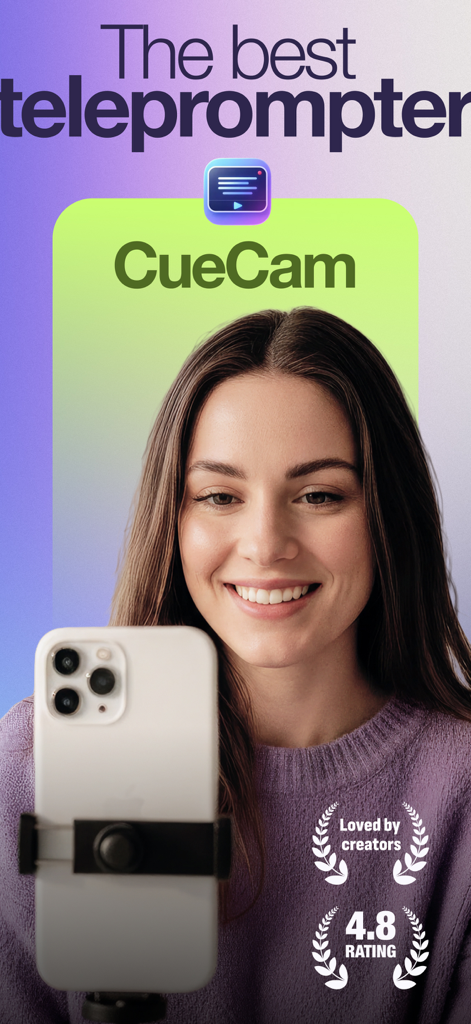
CueCam: Video Teleprompter - A woman using the CueCam teleprompter app to record a high quality video on her iPhone.
A woman using the CueCam teleprompter app to record a high quality video on her iPhone.

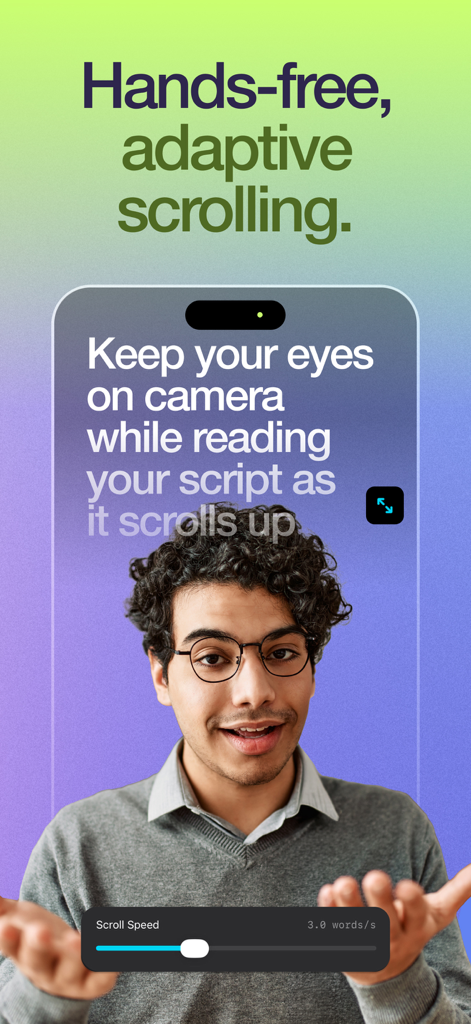
CueCam: Video Teleprompter - A creator using the CueCam teleprompter app with adaptive scrolling text to maintain eye contact during video recording.
A creator using the CueCam teleprompter app with adaptive scrolling text to maintain eye contact during video recording.

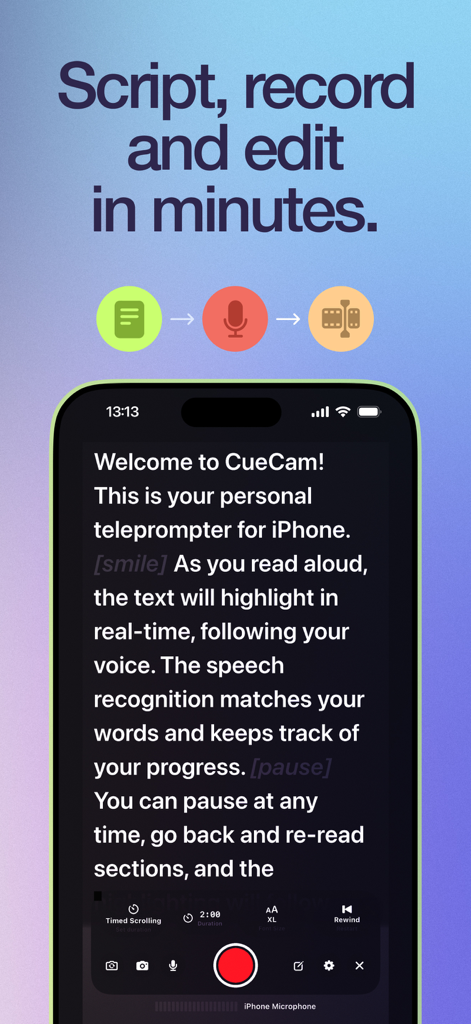
CueCam: Video Teleprompter - Smartphone screen showing CueCam teleprompter app with script and recording controls
Smartphone screen showing CueCam teleprompter app with script and recording controls

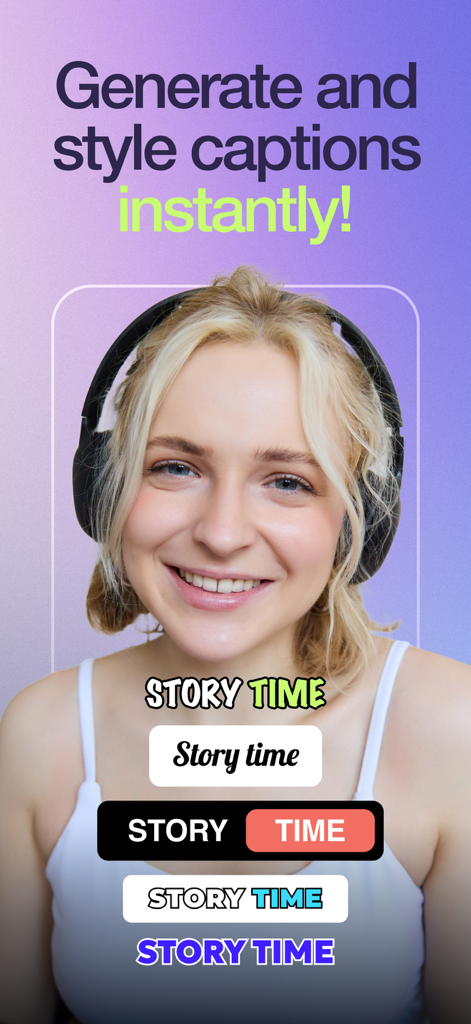
CueCam: Video Teleprompter - Interface for generating and styling video captions instantly in CueCam
Interface for generating and styling video captions instantly in CueCam

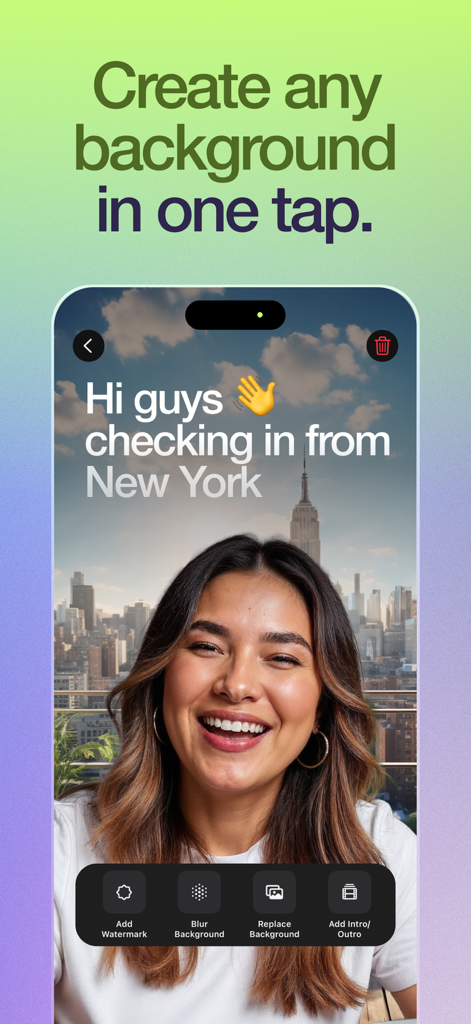
CueCam: Video Teleprompter - A woman using the CueCam app to replace her video background with a New York City skyline and add custom text.
A woman using the CueCam app to replace her video background with a New York City skyline and add custom text.

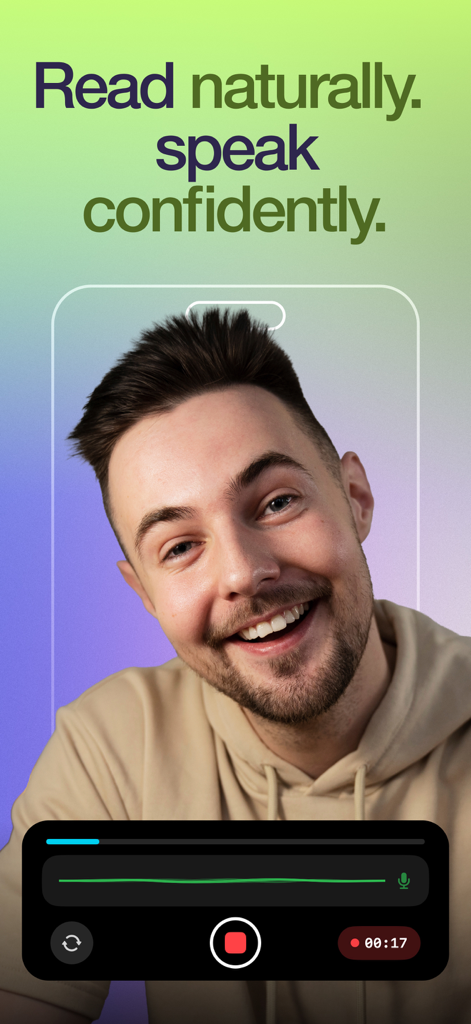
CueCam: Video Teleprompter - A smiling creator recording a video using the CueCam teleprompter app interface
A smiling creator recording a video using the CueCam teleprompter app interface

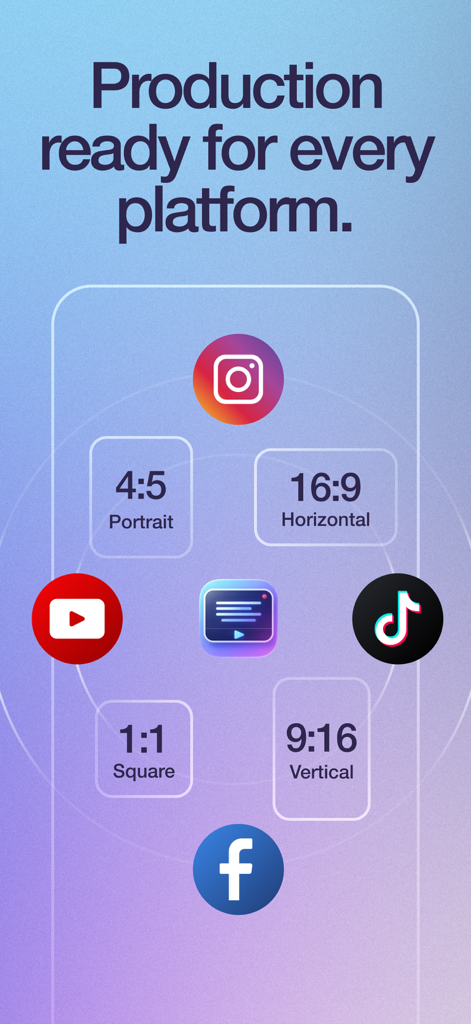
CueCam: Video Teleprompter - Graphic showing video export options for multiple social media platforms with various aspect ratios in the CueCam app

Graphic showing video export options for multiple social media platforms with various aspect ratios in the CueCam app

Description

CueCam – Teleprompter & Video Editor Read your script. Look at the camera. Record, edit, and publish, all from one app. CueCam is the all-in-one teleprompter and video creation app built for content creators, entrepreneurs, educators, and anyone who wants to look confident on camera without memorizing a single line. Your audience won’t know you’re reading from a script. THREE WAYS TO READ YOUR SCRIPT CueCam gives you full control over how your teleprompter scrolls: Word Tracking The script follows your voice in real time using on-device speech recognition. Speak naturally, pause whenever you want, and the text stays in sync with you. Fixed Speed Set a constant scrolling speed and read at your own rhythm. Adjust it anytime with a simple slider. Timed Scrolling Set a target duration and the script automatically paces itself to finish exactly on time. Perfect for time-limited content. RECORD PROFESSIONAL VIDEOS Record video while reading your script with the teleprompter overlay. • Switch between front and rear cameras • Choose resolution: 720p, 1080p, or 4K • Select frame rates: 24, 25, 30, 48, 50, or 60 FPS • Cinematic video stabilization for smooth footage • Real-time audio monitoring with live waveform display • Support for external microphones and Bluetooth audio inputs A FULL EDITING STUDIO IN YOUR POCKET No need to switch apps. Edit everything immediately after recording: • Trim your video to keep only the best parts • Auto-generate subtitles using on-device speech recognition (60+ languages, no internet required) • Customize captions with Classic, Social, Minimal, and Neon styles • Edit subtitle text, timing, and positioning • Resize exports: 9:16, 16:9, 1:1, or 4:5 • Replace background with any image • Blur background for a professional depth-of-field effect • Add watermark or logo • Mirror video horizontally • Clean audio by reducing background noise • Add intro and outro sequences EXPORT READY FOR EVERY PLATFORM Share directly to TikTok, Instagram, YouTube, Facebook, and more. Every video is optimized for the platform you choose, no extra steps required. MANAGE YOUR SCRIPTS Write, edit, and organize all your scripts in one place. Your script library keeps everything ready for your next recording session. BUILT FOR CREATORS AT EVERY LEVEL Whether you're a first-time creator or a seasoned professional, CueCam adapts to your workflow. No expensive equipment, no complicated setup, no learning curve. Just open the app, paste your script, and hit record. Perfect for: • YouTube videos and vlogs • TikTok and Instagram Reels • Online courses and tutorials • Business presentations and pitches • Podcasts and interviews • Self-tape auditions • Sermons and public speaking practice WHY CREATORS CHOOSE CUECAM • 100% on-device processing. Your scripts and videos never leave your phone • No external accounts required • Clean, intuitive interface designed for speed • One subscription unlocks everything Terms: https://www.apple.com/legal/internet-services/itunes/dev/stdeula/

Download

This page is not an official page of the app or its developer, but an independent editorial publication created for informational and commentary purposes. Unless expressly stated otherwise, neither the app nor its developer is affiliated with, endorsed by, sponsored by, authorized by, or otherwise officially connected with MWM, Apple, Google Play, the app publisher, or the app's developer, and nothing on this page implies that the app was developed using MWM's services. Any trademarks, logos, screenshots, and other content remain the property of their respective owners.