
This page is not an official page of the app or its developer, but an independent editorial publication created for informational and commentary purposes. Unless expressly stated otherwise, neither the app nor its developer is affiliated with, endorsed by, sponsored by, authorized by, or otherwise officially connected with MWM, Apple, Google Play, the app publisher, or the app's developer, and nothing on this page implies that the app was developed using MWM's services. Any trademarks, logos, screenshots, and other content remain the property of their respective owners.

CursiveAI: Text to Handwriting
Get the speed of digital with the soul of handwriting. Create authentic assignments, notes, and letters using AI-powered natural variations and 90+ unique styles that look perfectly human.
Downloads
0User Rating
Total Ratings
0Publisher
Category
ProductivityLocales
1Latest Version
1.8.0Size
63.1 MBFirst Released
May 12, 2025The Bridge Between Digital Speed and Analog Soul
Save hours of manual writing by turning your typed notes, assignments, and letters into authentic-looking handwritten pages with AI-powered realism.
Human-Grade Realism
Our AI engine adds natural spacing and shape variations, ensuring your pages look like they were written by hand, not a computer.
The Ultimate Study Shortcut
Draft your essays digitally and instantly convert them into handwritten assignments or beautiful study guides in one click.
The following screenshots and description are sourced directly from the app's official store listing and are the property of the app developer.
App Store
Screenshots
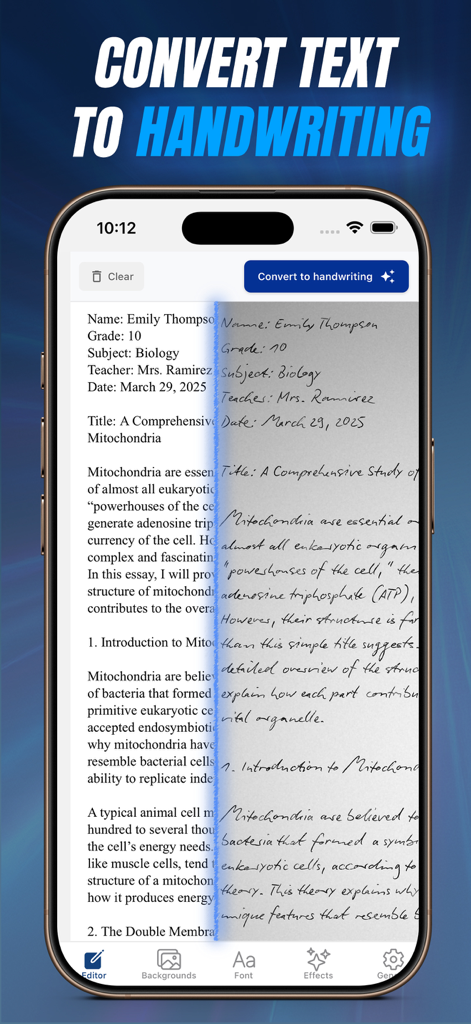
A mobile interface showing typed text being converted into a realistic handwritten essay with a split-screen view.
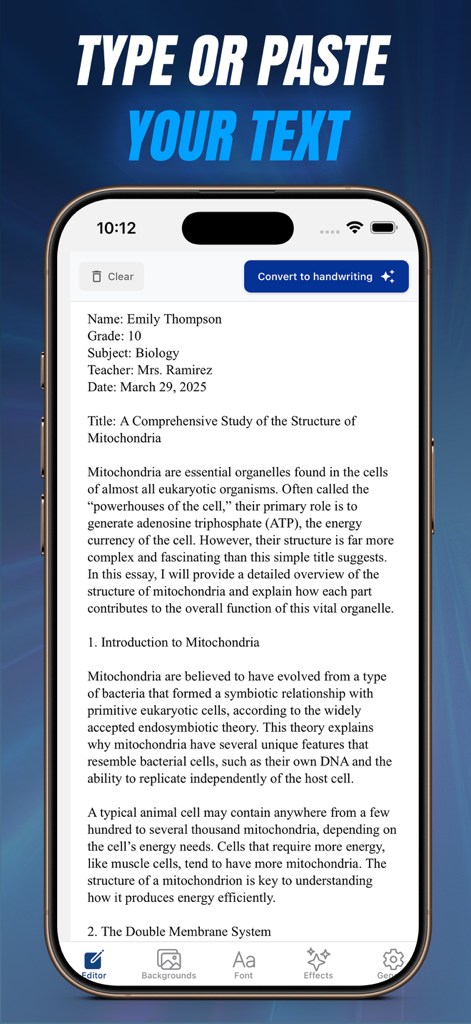
CursiveAI app interface showing a text editor with a biology essay ready for handwriting conversion
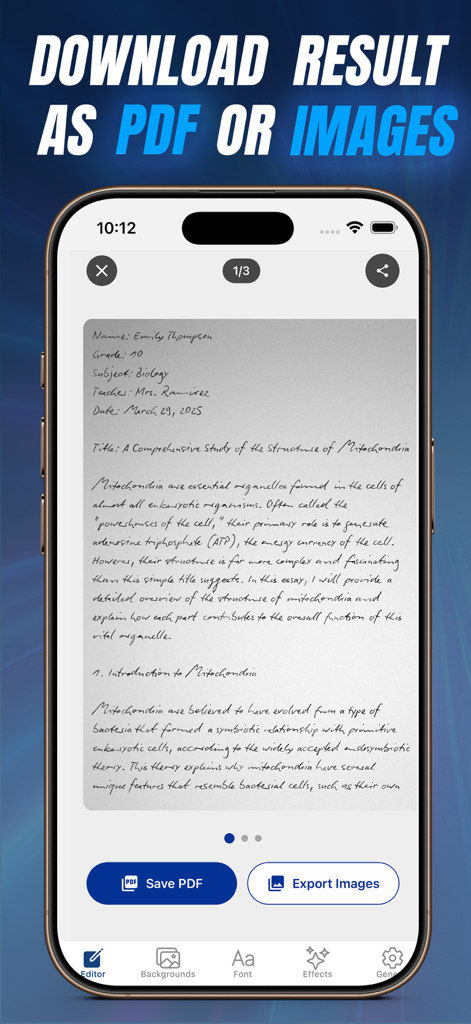
CursiveAI app interface showing a handwritten biology assignment with buttons to save as PDF or export as images.
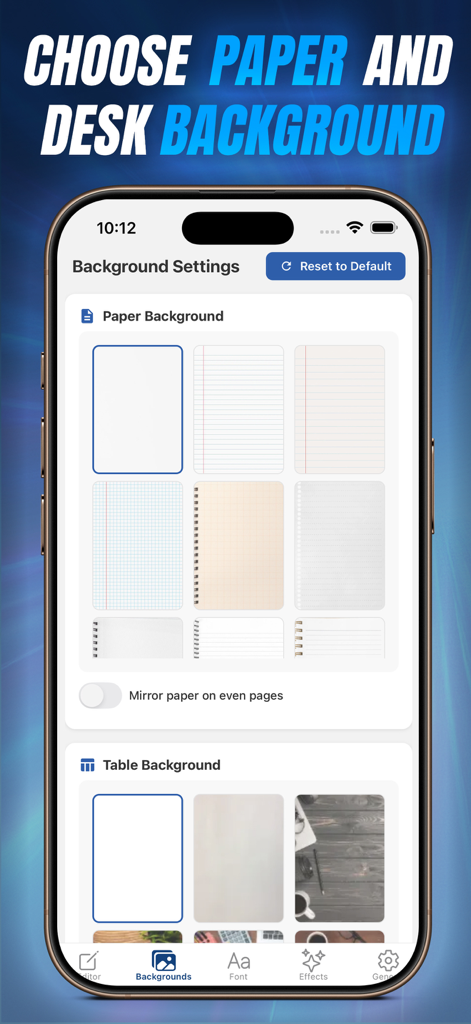
App screen showing various paper types and desk backgrounds for digital handwriting
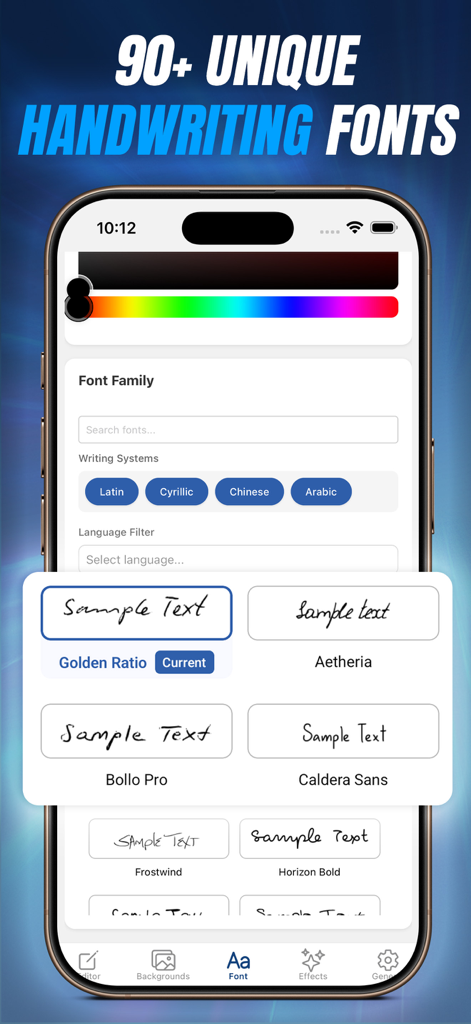
CursiveAI app interface showing a selection of realistic handwriting font styles and writing systems
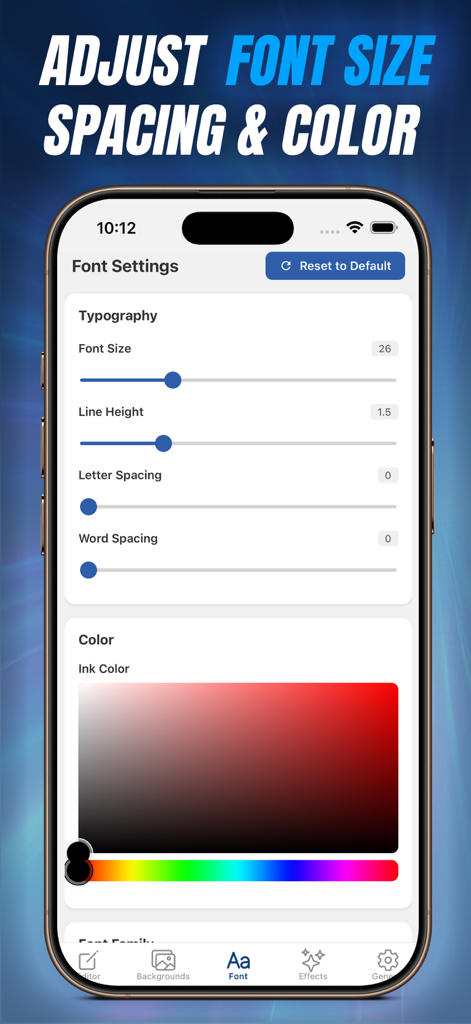
CursiveAI app interface for adjusting font size, spacing, and ink color for realistic handwriting.
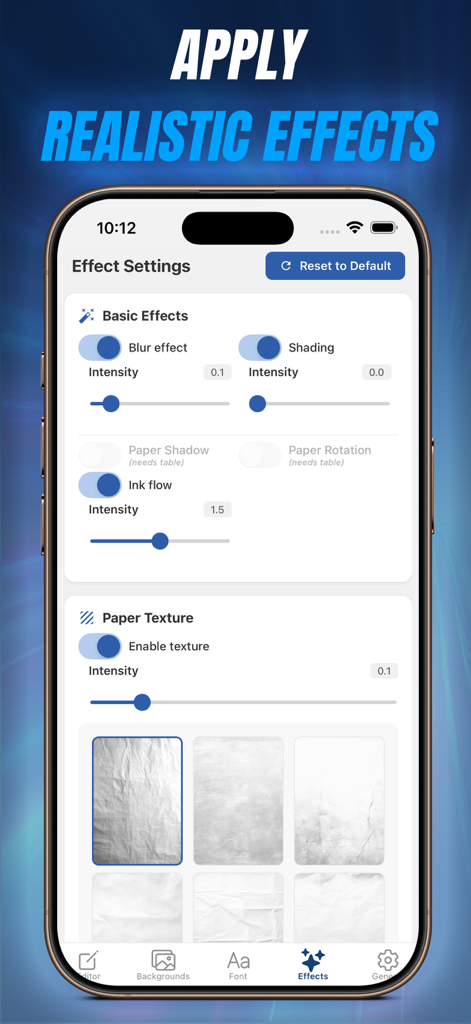
CursiveAI app screen with realistic ink and paper texture settings
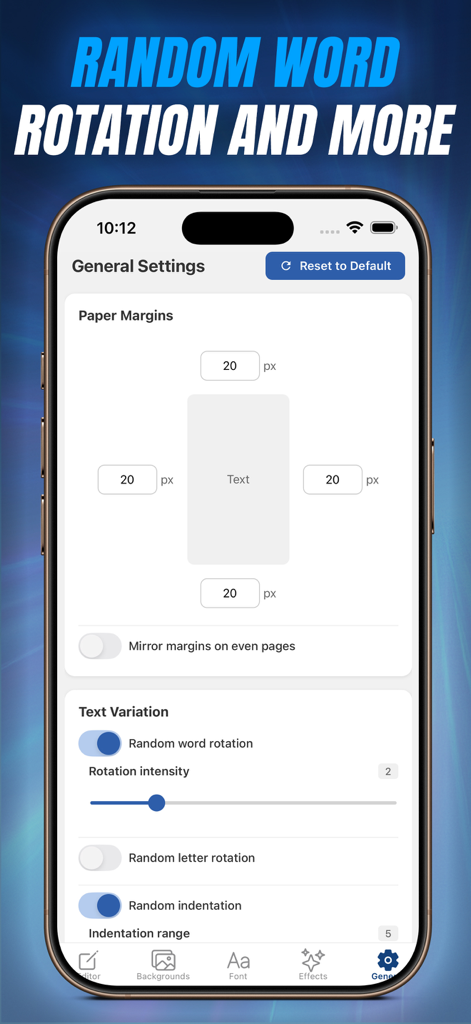
General settings screen in CursiveAI showing paper margin controls and text variation options like random word rotation and indentation.
Description
Download
More Like This
Top-ranked apps in the same category

ChatGPT
OpenAI OpCo, LLC

Google Gemini
Google LLC

Grok
X.AI Corporation

Gmail - Email by Google
Google LLC

千问 - 阿里最强大模型官方AI助手
Shanghai Zhixin Puhui Technology Co., Ltd.

Google Drive
Google LLC

Microsoft Authenticator
Microsoft Corporation

Google Sheets
Google LLC

Google Docs
Google LLC
This page is not an official page of the app or its developer, but an independent editorial publication created for informational and commentary purposes. Unless expressly stated otherwise, neither the app nor its developer is affiliated with, endorsed by, sponsored by, authorized by, or otherwise officially connected with MWM, Apple, Google Play, the app publisher, or the app's developer, and nothing on this page implies that the app was developed using MWM's services. Any trademarks, logos, screenshots, and other content remain the property of their respective owners.