Cydog Toolkit
Cydog Toolkit
Download on App Store

This page is not an official page of the app or its developer, but an independent editorial publication created for informational and commentary purposes. Unless expressly stated otherwise, neither the app nor its developer is affiliated with, endorsed by, sponsored by, authorized by, or otherwise officially connected with MWM, Apple, Google Play, the app publisher, or the app's developer, and nothing on this page implies that the app was developed using MWM's services. Any trademarks, logos, screenshots, and other content remain the property of their respective owners.

Logo of Cydog Toolkit
Download on App Store

Cydog Toolkit

Hardening iOS with a dedicated firewall, encrypted DNS, and multi-tier content blocking. Stop trackers, verify every connection, and reclaim your digital sovereignty without subscriptions or data collection.

Key Figures

Downloads

500

User Rating

4.9/5

Total Ratings

0

Publisher

Matthew Benchimol

Category

Productivity

Locales

1

Latest Version

7.0

Size

37.1 MB

First Released

Apr 26, 2021
Features

Uncompromising Privacy for the Power User

Secure your mobile browsing with advanced content blocking, encrypted DNS, and a built-in firewall designed for those who refuse to be tracked.

Triple-Layer Content Blocking

Choose from Extreme, Heavy, or Lighter modes to purge ads and trackers before they even load in Safari.

The Stealth Firewall & DNS

Encrypted DNS with split tunneling and 'Walled Garden' modes ensure your network traffic stays invisible to prying eyes.

The following screenshots and description are sourced directly from the app's official store listing and are the property of the app developer.

App Store

Screenshots

Cydog Toolkit - Promotional screen for Cydog Toolkit app featuring the slogan Security where you need it against a dark background with abstract waves.
Promotional screen for Cydog Toolkit app featuring the slogan Security where you need it against a dark background with abstract waves.

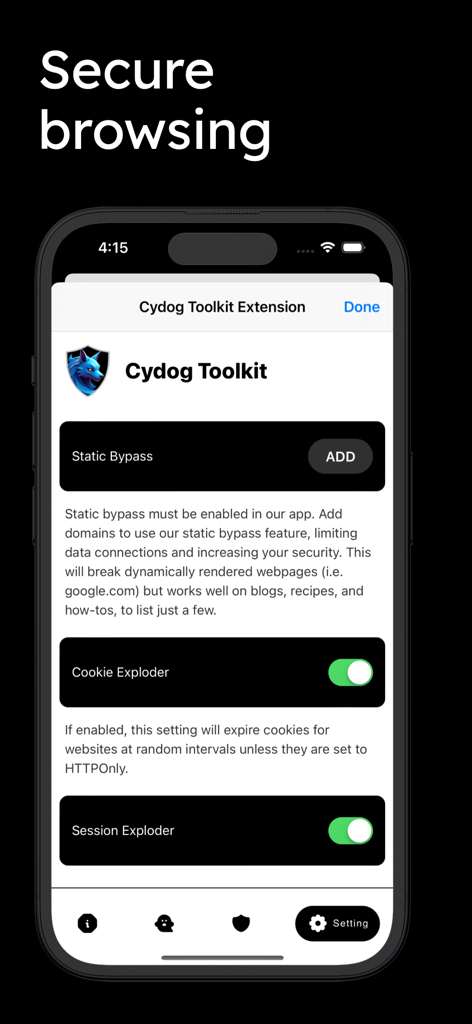
Cydog Toolkit - Cydog Toolkit app settings screen showing privacy features for secure browsing like Cookie Exploder and Session Exploder
Cydog Toolkit app settings screen showing privacy features for secure browsing like Cookie Exploder and Session Exploder

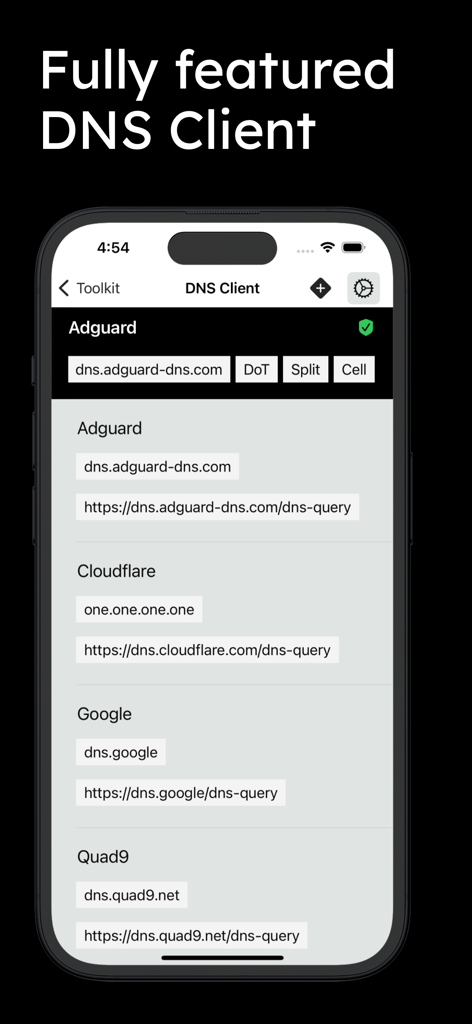
Cydog Toolkit - Interface of the Cydog Toolkit DNS client displaying options for Adguard, Cloudflare, and Google DNS servers.
Interface of the Cydog Toolkit DNS client displaying options for Adguard, Cloudflare, and Google DNS servers.

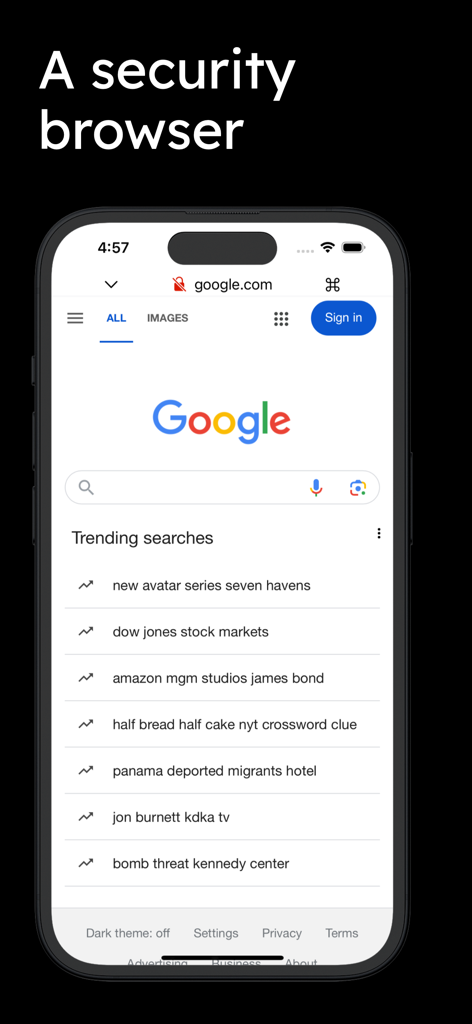
Cydog Toolkit - Cydog Toolkit security browser interface showing the Google search engine on an iPhone
Cydog Toolkit security browser interface showing the Google search engine on an iPhone

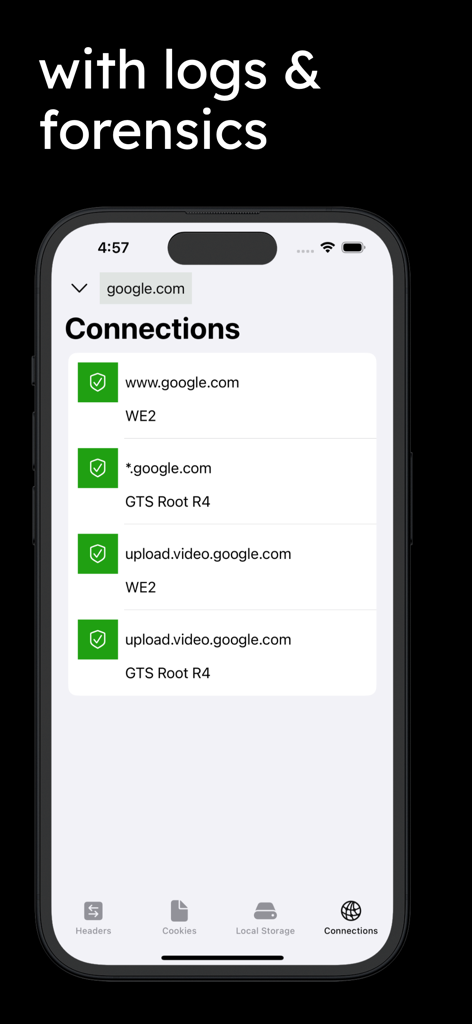
Cydog Toolkit - Cydog Toolkit app screenshot showing detailed network connection logs and security forensics for a website on an iPhone.
Cydog Toolkit app screenshot showing detailed network connection logs and security forensics for a website on an iPhone.

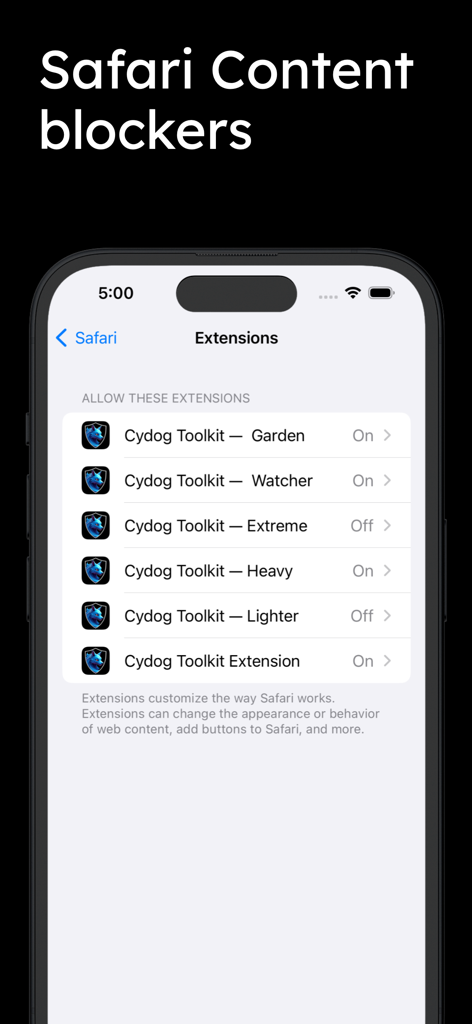
Cydog Toolkit - iPhone screen showing Cydog Toolkit Safari content blocker extensions like Garden Watcher and Heavy modes
iPhone screen showing Cydog Toolkit Safari content blocker extensions like Garden Watcher and Heavy modes

Cydog Toolkit - Cydog Toolkit app logo featuring a blue wolf inside a silver shield with the text Stay safe with

Cydog Toolkit app logo featuring a blue wolf inside a silver shield with the text Stay safe with

Description

TL;DR - Here's the bottom line on how our iOS Security & Privacy Extension works: Three content blocker modes: Extreme, Heavy, and Lighter. Two firewall modes: The Walled Garden (Garden) & The Wall Watcher (Watcher) Each mode uses our proprietary methodology for security and privacy. An in-app extension with set-and-forget settings and logs to prove it's working. Enable 'Allow' for every site or have it 'Ask' and customize your security! For $0.99, you have made Safari on iOS one of the most secure, private, and safely automated browsers in the world TL;DR - Here's the bottom line on how our iOS Security & Privacy App works: Fully featured encrypted DNS Client with split tunneling and network interface customizations. A lightweight web browser for saved logins and important bookmarks with a connection monitor (just click on the padlock whenever you browse). iCloud database integration so content is saved across all your devices. For $0.99, you have made your iOS device one of the most secure, private, and safe devices in the world Worried about data collection? We do not collect your data. Period. Still worried? Use our content blocker modes instead so you don't have to trust us. All content blocker modes and browsing features use anti-cookie potentiation and ad/tracker blocking technologies. Some of these technologies are more sophisticated than the top names in web security. L;WR - Here's our long(er) explanation version: Mobile browsing can be a scary place. Hackers and Cyber Criminals have found innovative ways to target you on the devices and applications you use the most. Cydog Browser is a company which provides the world's leading web security for the masses. This app and safari extension uses multiple methods to accomplish this in order to serve our users. First, we want to help you secure your mobile browser, even though we believe we have a much better one for you to use. Safari is one of the most used mobile browsers in the world. We have developed this extension to secure it with new web standards that don't even exist yet. Second, we believe cyber security is a feedback loop. Without privacy, you can't keep your security over time. We take efforts to limit your web footprint so the data you create and the traces you leave behind don't tell a story to anyone. Lastly, we think the ad tracking ecosystem is detrimental to human behavior because it helps compromise the first two through insidious social loop-holes. Social life is one tactic Hackers and Cyber Criminals use to compromise you. We don't let them because we starve them of data. Part of our philosophy is accountability. When we make a service, we ensure it can do limited to no damage - even under the harshest circumstances. You don't just have to trust our word for it. When you enable Cydog Toolkit's security features, you don't have to let this app see anything you do whatsoever. We don't have phone home systems built into any of our applications. We don't ask for excessive permissions. We don't build applications or services that need to see those thing, as we believe this is fundamentally improper development. We hope you enjoy the best in mobile browser security with the Cydog Toolkit! Want to know more about Cydog Browser? Visit: cydogbrowser.com

Download

Download on App Store

This page is not an official page of the app or its developer, but an independent editorial publication created for informational and commentary purposes. Unless expressly stated otherwise, neither the app nor its developer is affiliated with, endorsed by, sponsored by, authorized by, or otherwise officially connected with MWM, Apple, Google Play, the app publisher, or the app's developer, and nothing on this page implies that the app was developed using MWM's services. Any trademarks, logos, screenshots, and other content remain the property of their respective owners.








