
This page is not an official page of the app or its developer, but an independent editorial publication created for informational and commentary purposes. Unless expressly stated otherwise, neither the app nor its developer is affiliated with, endorsed by, sponsored by, authorized by, or otherwise officially connected with MWM, Apple, Google Play, the app publisher, or the app's developer, and nothing on this page implies that the app was developed using MWM's services. Any trademarks, logos, screenshots, and other content remain the property of their respective owners.


Cync (the new name of C by GE)
Smart home control feels like a chore, but Cync grants users immediate command over their environment.
Downloads
2.5M+User Rating
Total Ratings
182.9KPublisher
Category
LifestyleLocales
2Latest Version
6.22.3Size
336.7 MBFirst Released
Feb 19, 2016An evaluation of key functionalities designed for enhanced smart home management and user experience.
Cync App: Core Features Analysis
Voice Assistant Integration
This tool features easy voice compatibility with Amazon Alexa and Hey Google, providing convenient hands-free control of smart home devices without the need for a separate hub.
Enhanced Performance and Reliability
The app provides improved stability and speed, ensuring faster connections and a more reliable smart home experience compared to previous versions.
Integrated Home Security Camera
The app supports integration with the Indoor Smart Camera, allowing users to monitor their home remotely with HD video and two-way audio for enhanced security and peace of mind.
Personalized User Interface
The app provides an intuitive home screen and navigation, allowing users to personalize their experience with device photos and a dynamic layout that prioritizes frequently used products.
Automated Lighting Schedules
It allows users to set automated light schedules, ensuring convenience by never returning to a dark house and enhancing security.
Seamless Product Integration
The app ensures seamless compatibility, allowing users to connect their existing C by GE products with new Cync devices for an integrated smart home ecosystem.
TrueImage Light Preview
This tool features TrueImage technology, enabling users to preview and adjust light colors and brightness by taking a picture of their lights, even when away from home.
Flexible Device Grouping
It allows users to group devices within rooms, offering granular control over individual or paired products without creating new rooms in the app, enhancing organization.
Frequently Asked Questions
Everything you need to know about Cync (the new name of C by GE)
What is the Cync app?
The Cync app, powered by Savant, controls Cync and C by GE smart home products. It offers a user-friendly interface, personalized experience, and improved stability for smart lighting and device management.
Can I control C by GE products with the Cync app?
Yes, the Cync app controls both Cync and C by GE products. Users can seamlessly connect and keep their current C by GE products within the new Cync app ecosystem.
Does the Cync app offer a dark theme option?
Yes, the Cync app includes a dark theme option. Users can change the app interface to dark for easier viewing, which is especially beneficial at night.
What is TrueImage technology in the Cync app?
TrueImage technology in the Cync app allows users to take a picture of their lights and then experiment with different colors and brightness settings from their smartphone, even remotely.
Can I group devices within the Cync app?
Yes, users can group products within rooms in the Cync app. This feature provides more control over devices without creating new rooms, allowing individual or paired control.
What voice assistants are compatible with Cync products?
Cync products offer voice compatibility with Amazon Alexa and Hey Google. Users can connect easily for convenient voice control without needing a separate hub.
Can I set light schedules using the Cync app?
Yes, the Cync app allows users to set light schedules. This ensures users never come home to a dark house and provides automated control over lighting.
What new products are compatible with the Cync app?
New Cync products compatible with the app include the Outdoor Smart Plug and the Indoor Smart Camera. These products extend smart control to outdoor spaces and home monitoring.
How can I personalize my Cync app experience?
The Cync app offers enhanced personalization. Users can add photos of devices and rooms for easy identification and enjoy a dynamic home screen that puts most used products at their fingertips.
Does the Cync app allow advanced color control for lights?
Yes, the Cync app offers advanced color control. Users can add RGB values to match light colors with decor or use the double color wheel to pinpoint the perfect shade for their space.
Can the Cync app control individual devices or groups?
Yes, the Cync app controls devices individually or together. Users can group devices within rooms or manage single products for precise smart home control.
Can I create and share profiles in the Cync app?
Yes, the Cync app allows users to create multiple profiles. This feature enables sharing control of smart home devices with more than one person at a time.
The following screenshots and description are sourced directly from the app's official store listing and are the property of the app developer.
App Store
Screenshots

See how the Cync logo and Savant branding introduce the app's seamless smart home experience.
Cync Introduction
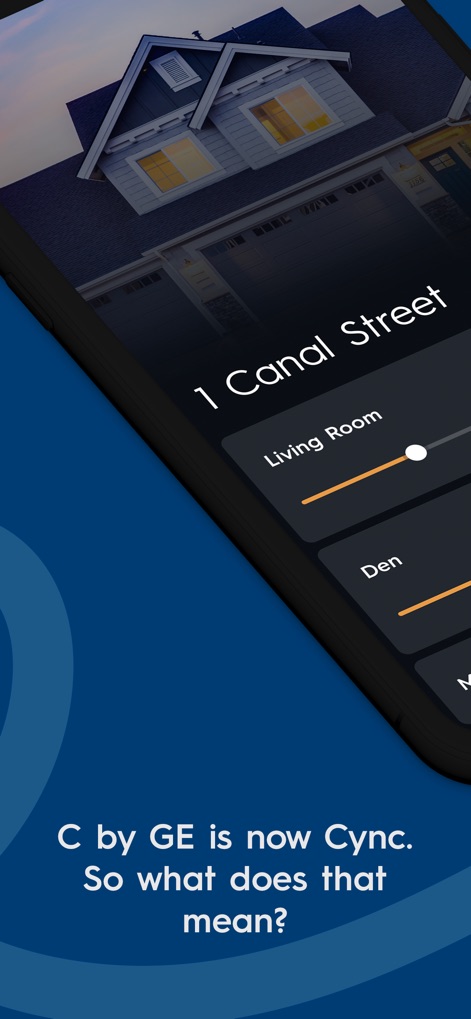
Discover the personalized home screen featuring customizable house details and intuitive room-specific control sliders.
Personalized Home Control

Explore the app's enhanced personalization, showcasing the sleek dark theme and individual device control toggles for each room.
Enhanced Personalization Options

Witness the user-friendly setup process illustrated through a visual guide and a smart bulb placement scenario.
Simple Device Setup
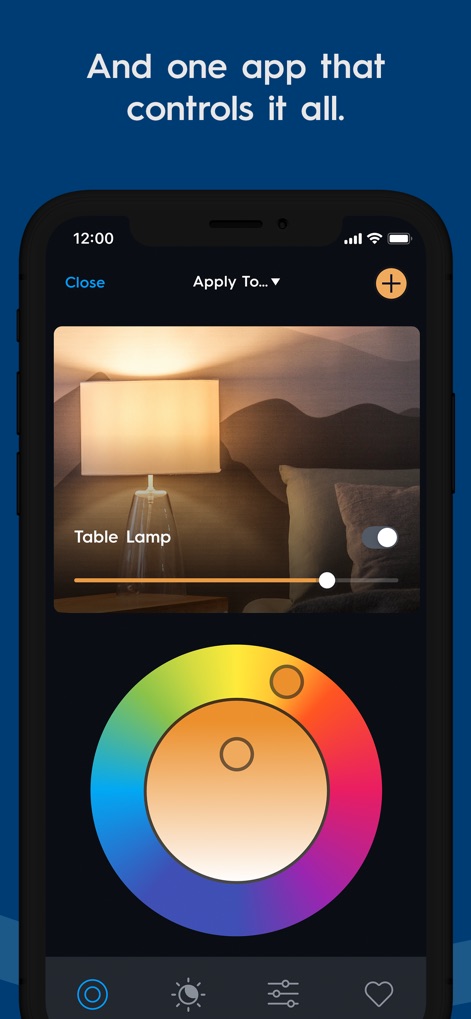
Experience advanced lighting control with the app's precise double color wheel and dedicated brightness slider for perfect ambiance.
Advanced Lighting Control
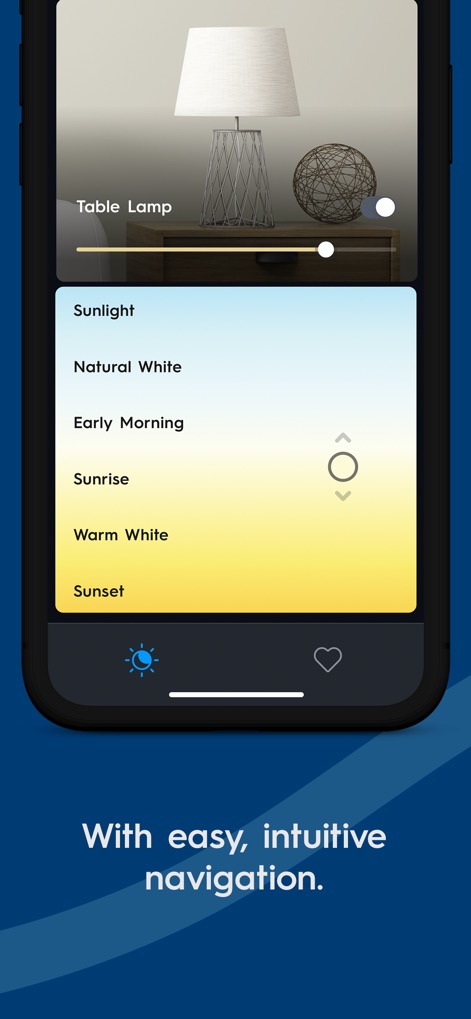
Navigate effortlessly through pre-set lighting temperatures like "Sunlight" and "Sunrise" using the intuitive scrollable list interface.
Intuitive Scene Selection
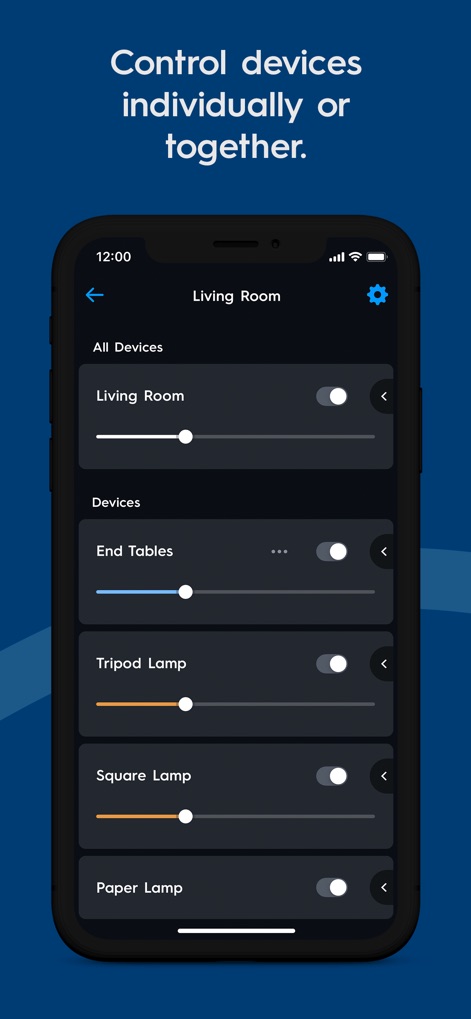
Optimize home management by utilizing the "All Devices" master control and individual device sliders for precise group or individual adjustments.
Grouped Device Management

Discover the curated mood scenes, from "Good Morning" to "Party Time!", each showing the number of rooms included for easy activation.
Curated Mood Scenes
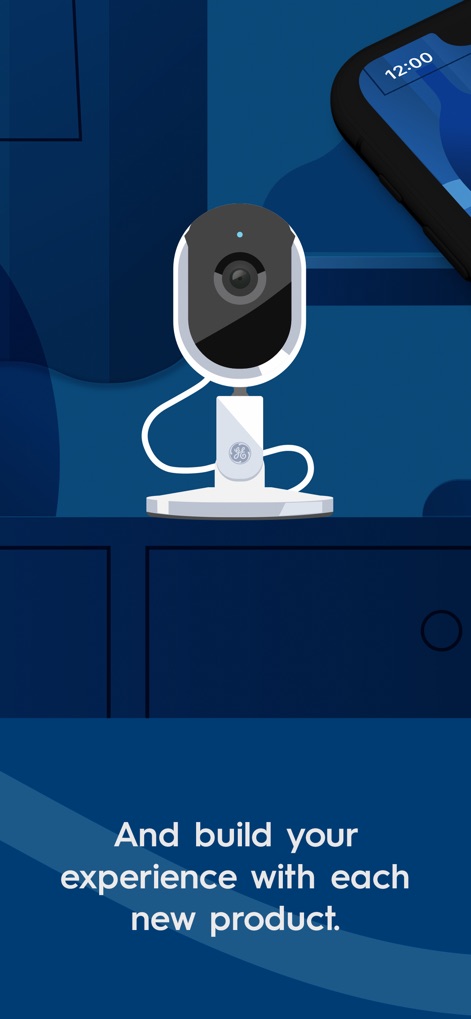
See how the app integrates new products, exemplified by the sleek design of the Indoor Smart Camera, to expand home automation.
Expand Your Smart Home
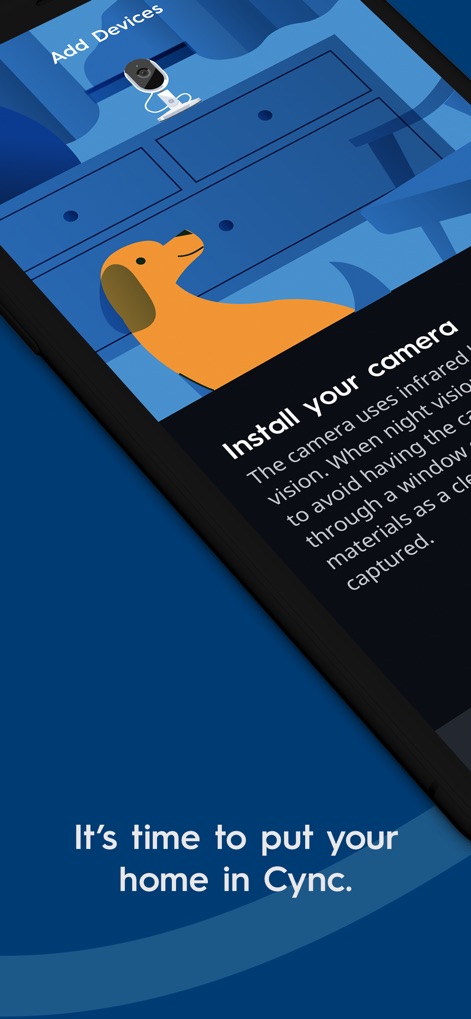
Follow the seamless camera installation guide, which includes details like the explanation of infrared vision for enhanced security.
Seamless Camera Integration
Description
Download
More Like This
Apps with similar features and user experience

TP-Link Tapo
TP-Link Systems Inc.

Дом с Алисой
DIRECT CURSUS COMPUTER SYSTEMS TRADING LLC

VeSync
Vesync Technology Corporation

Kasa Smart
TP-Link Systems Inc.

ecobee
ecobee Ltd.

Hubspace
Afero, Inc.

ADT Control ®
ADT LLC

First Alert by Resideo
Resideo Technologies, Inc.

Mibo Smart: Casa Inteligente
Intelbras S.A. Ind. de Telecom. Elet. Brasileira
This page is not an official page of the app or its developer, but an independent editorial publication created for informational and commentary purposes. Unless expressly stated otherwise, neither the app nor its developer is affiliated with, endorsed by, sponsored by, authorized by, or otherwise officially connected with MWM, Apple, Google Play, the app publisher, or the app's developer, and nothing on this page implies that the app was developed using MWM's services. Any trademarks, logos, screenshots, and other content remain the property of their respective owners.