
This page is not an official page of the app or its developer, but an independent editorial publication created for informational and commentary purposes. Unless expressly stated otherwise, neither the app nor its developer is affiliated with, endorsed by, sponsored by, authorized by, or otherwise officially connected with MWM, Apple, Google Play, the app publisher, or the app's developer, and nothing on this page implies that the app was developed using MWM's services. Any trademarks, logos, screenshots, and other content remain the property of their respective owners.

Daikin AC Monitoring Tool
Empower your service workflow with real-time data for VRV, SkyAir, and Split systems. Access inverter frequencies, expansion valve positions, and thermistor readings wirelessly to eliminate guesswork and minimize downtime.
Downloads
0User Rating
Total Ratings
0Publisher
Category
ProductivityLocales
3Latest Version
1.1.39Size
17.1 MBFirst Released
Jul 26, 2017Precision Diagnostics for HVAC Professionals
Streamline your service calls and commissioning with real-time access to critical Daikin system parameters right on your smartphone.
Live Performance Monitoring
Access real-time inverter frequencies, thermistor data, and expansion valve positions to pinpoint issues without manual testing.
Seamless Data Logging
Record operation data during commissioning or service to create a digital history and ensure the system is running at peak efficiency.
The following screenshots and description are sourced directly from the app's official store listing and are the property of the app developer.
App Store
Screenshots
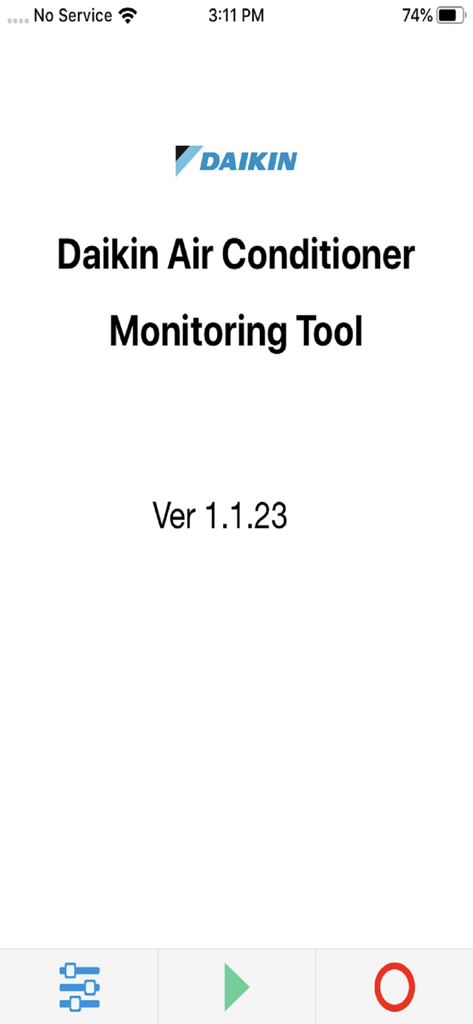
Daikin AC Monitoring Tool app home screen showing version number and navigation icons
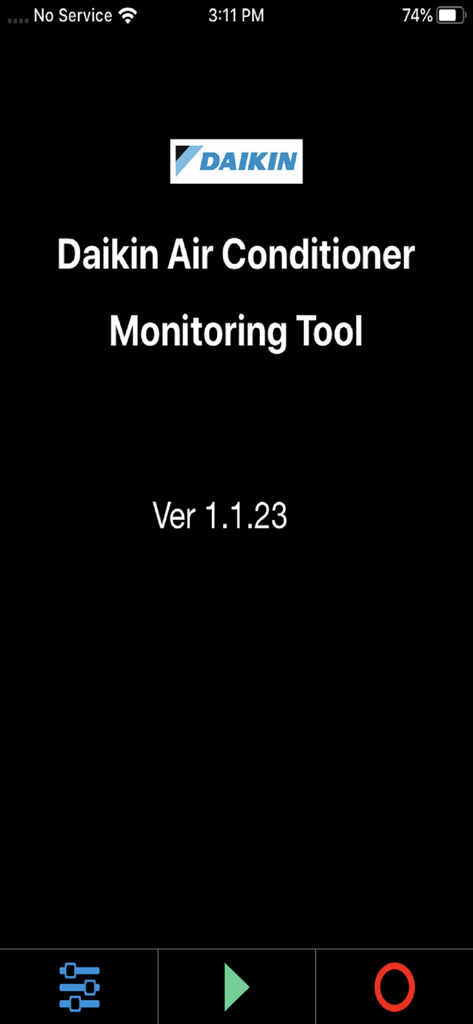
Splash screen of the Daikin Air Conditioner Monitoring Tool app version 1.1.23
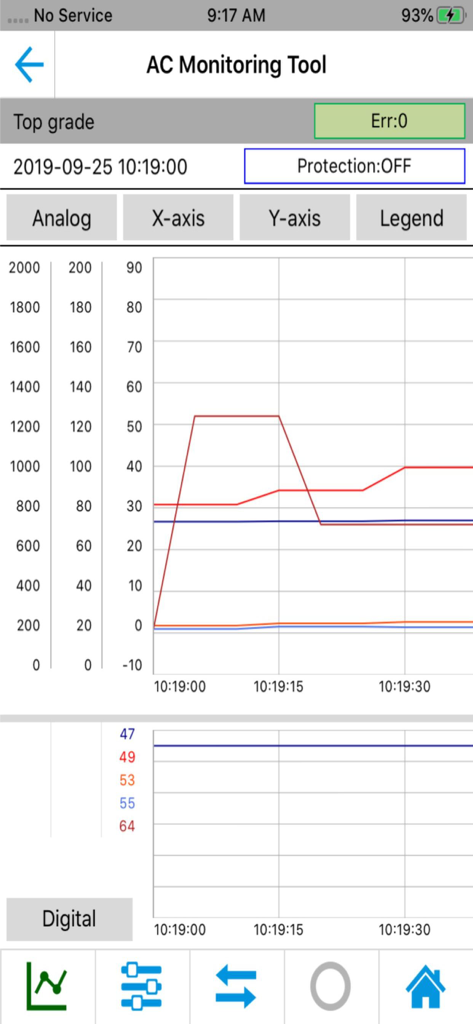
Daikin AC Monitoring Tool showing a live operation data graph
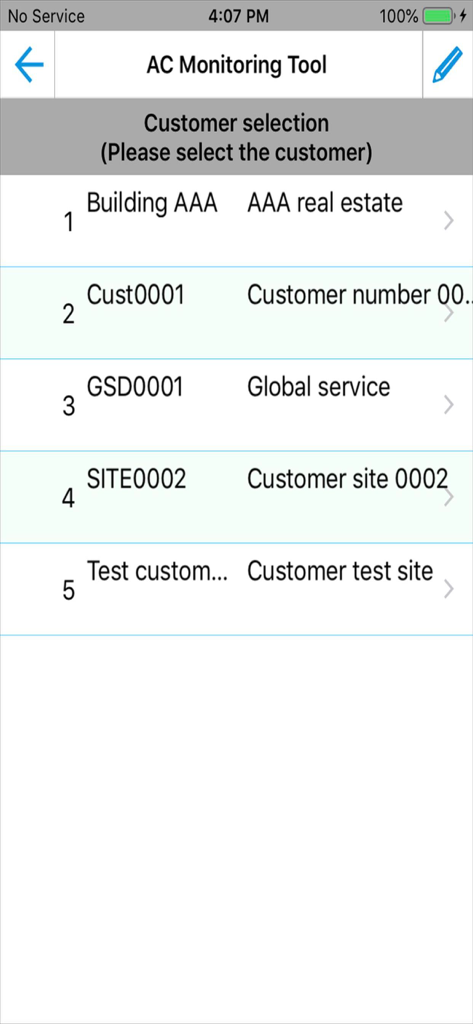
Daikin AC Monitoring Tool customer selection screen listing various service site names for HVAC technicians
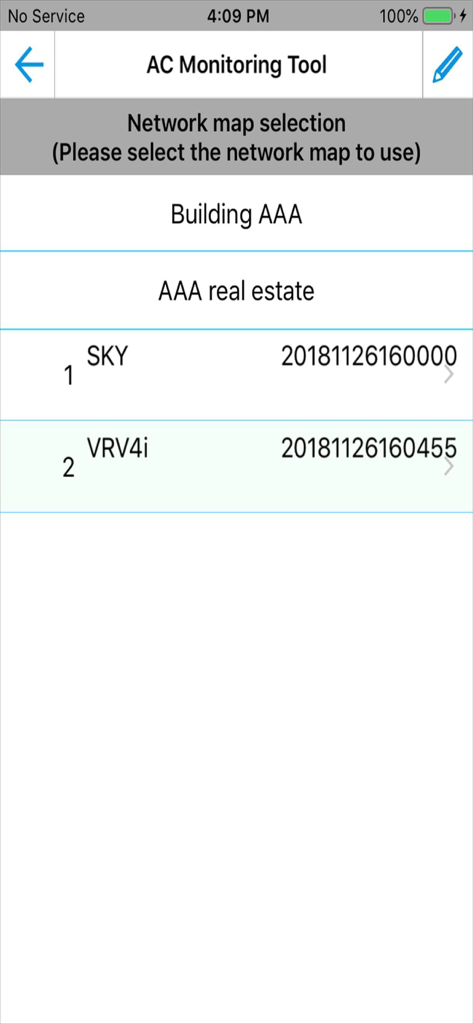
Network map selection screen in the Daikin AC Monitoring Tool showing a list of connected SKY and VRV4i air conditioning units for a building.
Description
Download
More Like This
Top-ranked apps in the same category

ChatGPT
OpenAI OpCo, LLC

Google Gemini
Google LLC

Claude by Anthropic
Anthropic PBC

Gmail - Email by Google
Google LLC

千问 - 阿里最强大模型官方AI助手
Shanghai Zhixin Puhui Technology Co., Ltd.

Grok - AI Chat & Video
X.AI Corporation
Google Drive
Google LLC

Microsoft Authenticator
Microsoft Corporation
Google Sheets
Google LLC
This page is not an official page of the app or its developer, but an independent editorial publication created for informational and commentary purposes. Unless expressly stated otherwise, neither the app nor its developer is affiliated with, endorsed by, sponsored by, authorized by, or otherwise officially connected with MWM, Apple, Google Play, the app publisher, or the app's developer, and nothing on this page implies that the app was developed using MWM's services. Any trademarks, logos, screenshots, and other content remain the property of their respective owners.