
This page is not an official page of the app or its developer, but an independent editorial publication created for informational and commentary purposes. Unless expressly stated otherwise, neither the app nor its developer is affiliated with, endorsed by, sponsored by, authorized by, or otherwise officially connected with MWM, Apple, Google Play, the app publisher, or the app's developer, and nothing on this page implies that the app was developed using MWM's services. Any trademarks, logos, screenshots, and other content remain the property of their respective owners.

DAY6 LIGHT BAND VER 3
Sync your seat, update your firmware, and become a part of the immersive light ocean. Connect your light band via Bluetooth to experience every beat and color in perfect harmony.
Downloads
0User Rating
Total Ratings
0Publisher
Category
LifestyleLocales
4Latest Version
1.6.0Size
52.1 MBFirst Released
Jan 21, 2024Elevate Your Concert Experience
Transform your DAY6 Light Band into a synchronized part of the performance and stay ready for every tour moment.
Precise Seat Mapping
Register your ticket info to sync your light band with the venue's central control for a breathtaking, unified light show.
Always Performance-Ready
Keep your gear current with the latest firmware updates via Bluetooth to ensure compatibility with every new stage effect.
The following screenshots and description are sourced directly from the app's official store listing and are the property of the app developer.
App Store
Screenshots
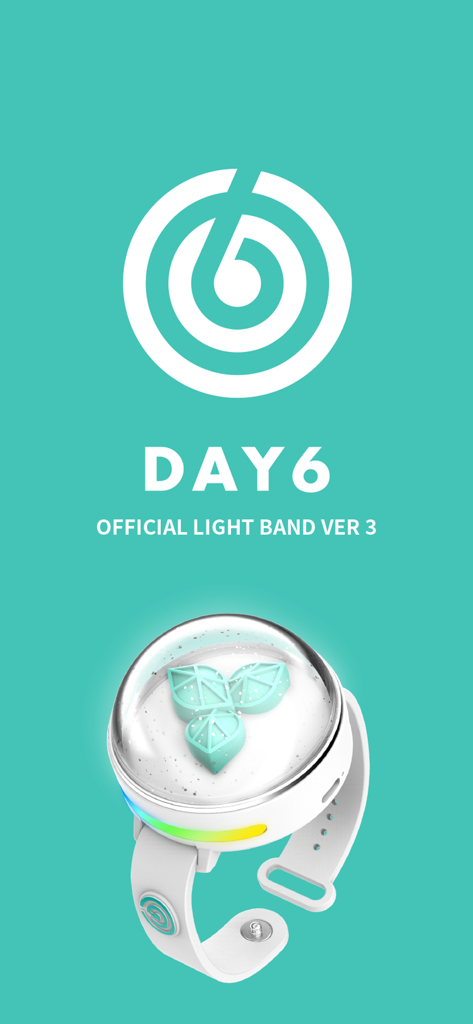
Splash screen of the DAY6 Official Light Band Version 3 app with band logo and physical wristband device.
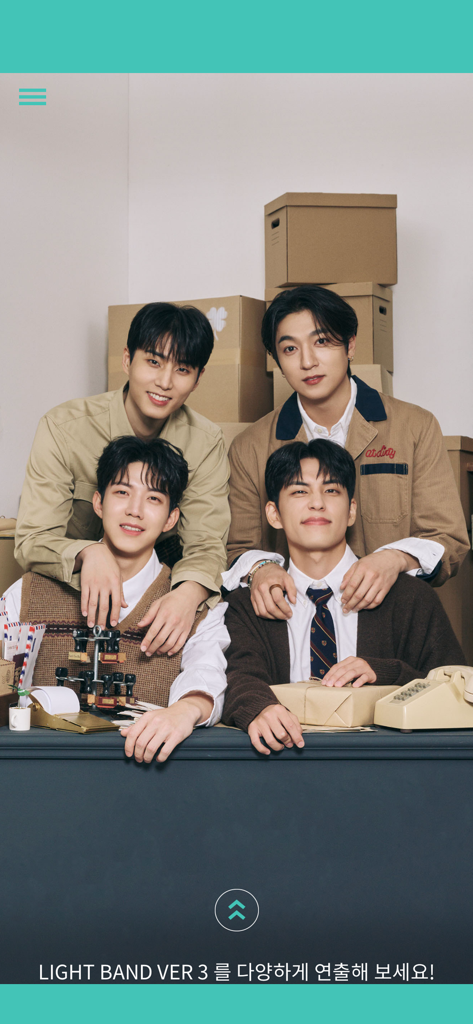
Promotional photo of DAY6 band members on the LIGHT BAND VER 3 app screen
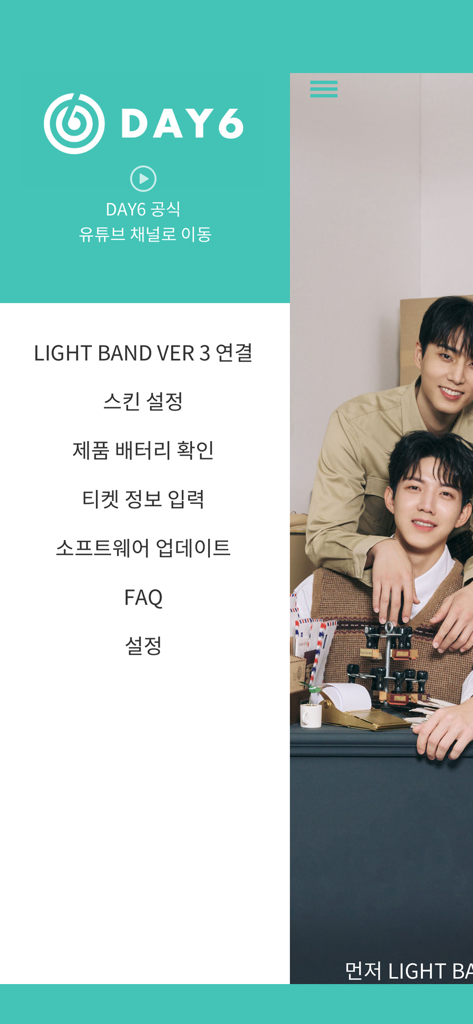
Main menu of the DAY6 LIGHT BAND VER 3 app featuring navigation options and a photo of the band members
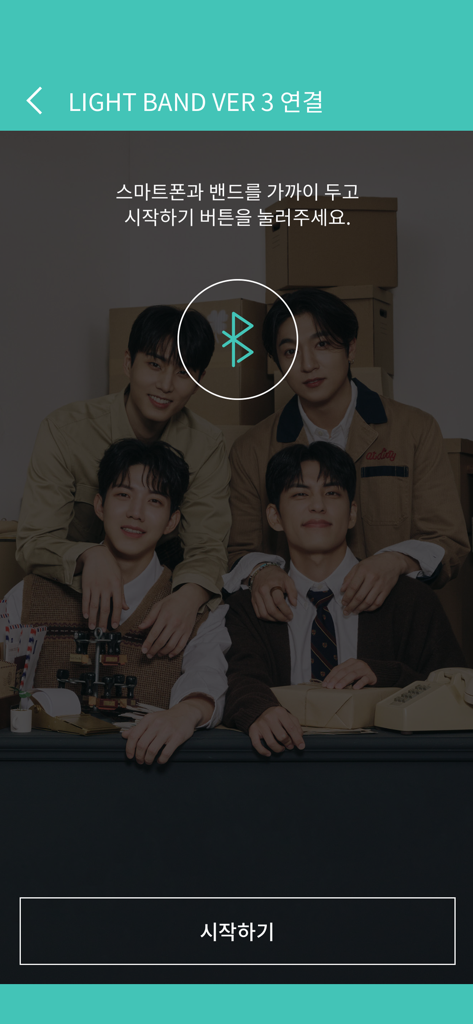
Bluetooth pairing screen for DAY6 LIGHT BAND VER 3 app with band member background
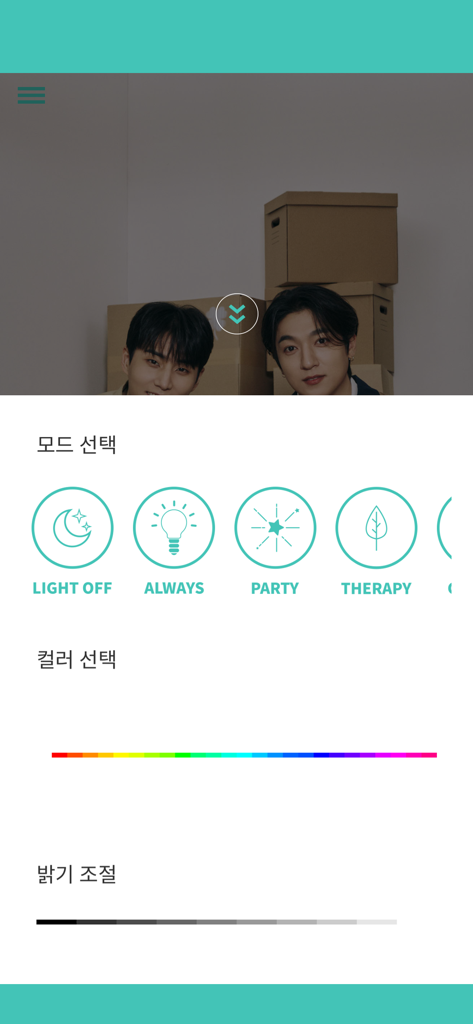
Interface for DAY6 Light Band Ver 3 showing modes like Party and Therapy plus color and brightness controls
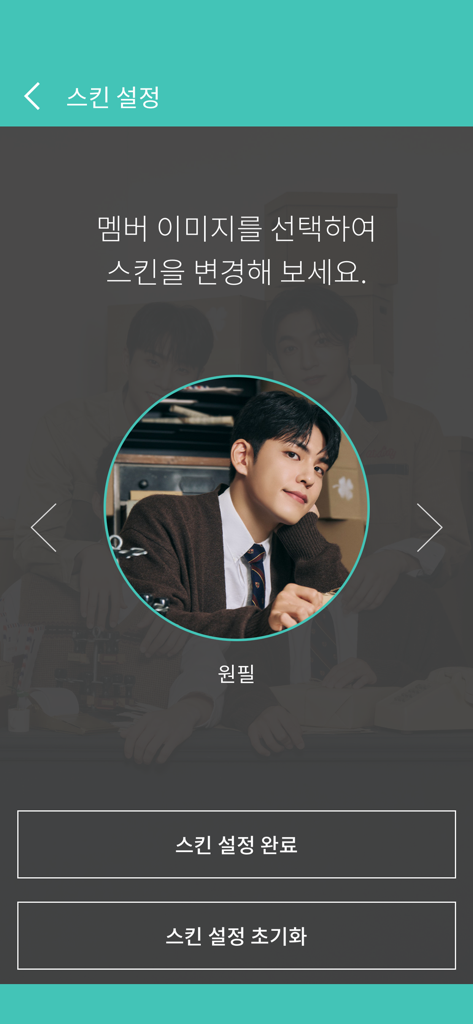
A screenshot of the DAY6 LIGHT BAND VER 3 app showing the skin setting screen with a circular profile photo of band member Wonpil
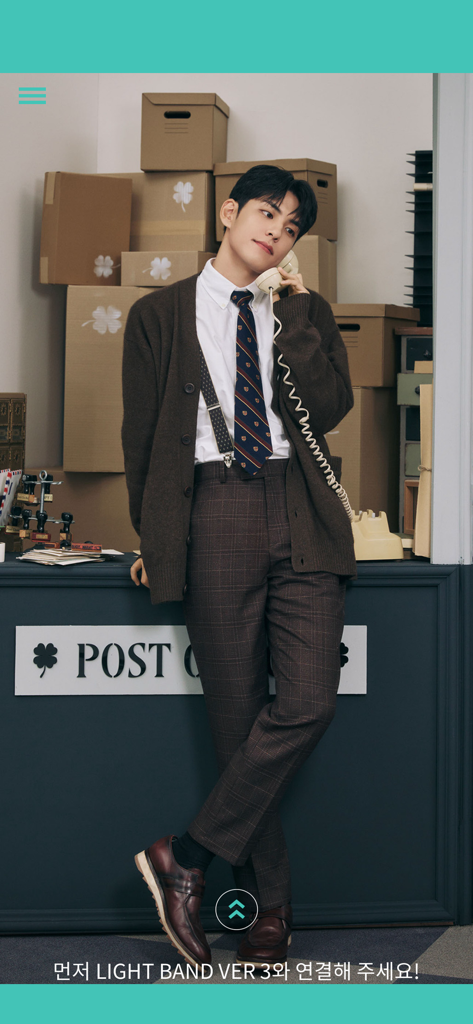
DAY6 member Wonpil featured on the Light Band Ver 3 app splash screen
Description
Download
More Like This
Top-ranked apps in the same category

Pinterest, Inc.

Alipay - Simplify Your Life
Alipay (Hangzhou) Technology Co., Ltd.

美团-美好生活小帮手
Sankuai Technology Co., Ltd.

Xiaomi Home
Beijing Xiaomi Co., Ltd

Dianping: Discover Good Places
Hanhai Information Technology (Shanghai) Co.Ltd

Tinder Dating App: Date & Chat
Tinder LLC

Lemon8 - Lifestyle Community
TIKTOK PTE. LTD.

SmartThings
Samsung Electronics Co., Ltd.

58同城-求职招聘找工作租房二手车
Beijing Chengshi Wanglin Information Technology Co., Ltd.
This page is not an official page of the app or its developer, but an independent editorial publication created for informational and commentary purposes. Unless expressly stated otherwise, neither the app nor its developer is affiliated with, endorsed by, sponsored by, authorized by, or otherwise officially connected with MWM, Apple, Google Play, the app publisher, or the app's developer, and nothing on this page implies that the app was developed using MWM's services. Any trademarks, logos, screenshots, and other content remain the property of their respective owners.