
This page is not an official page of the app or its developer, but an independent editorial publication created for informational and commentary purposes. Unless expressly stated otherwise, neither the app nor its developer is affiliated with, endorsed by, sponsored by, authorized by, or otherwise officially connected with MWM, Apple, Google Play, the app publisher, or the app's developer, and nothing on this page implies that the app was developed using MWM's services. Any trademarks, logos, screenshots, and other content remain the property of their respective owners.


Days • Countdown & Widgets
Elevate your home screen with aesthetic widgets. From dream vacations to special anniversaries, track your most anticipated milestones with style and ease.
Downloads
1M+User Rating
Total Ratings
29K+Publisher
Category
LifestyleLocales
10Latest Version
3.35Size
142.7 MBFirst Released
Feb 17, 2015Make Every Second Count
The most beautiful way to track the milestones that matter. Turn your anticipation into art with customizable widgets and stunning imagery.
Custom Aesthetic Widgets
Design a home screen that reflects your style with beautiful, glanceable countdowns that match your vibe.
Build the Hype
Whether it’s a dream vacation or a concert night, make the wait as exciting as the event itself with high-quality visuals.
Frequently Asked Questions
Everything you need to know about Days • Countdown & Widgets
What is the Days app?
Days is a countdown app that tracks and remembers special moments such as birthdays, anniversaries, and vacations. It provides features like widgets, recurring events, and reminders to keep users informed.
Does the Days app offer widgets?
Yes, the Days app offers both Lock Screen Widgets for iOS 16 and Home Screen widgets. These features enable users to view their countdowns directly from their device's screens.
Can the Days app track recurring events?
Yes, Days allows users to create recurring countdown events set to repeat yearly, monthly, or weekly. This feature ensures important dates like birthdays and anniversaries are consistently tracked.
Is the Days app free to download?
Yes, the Days app is free to download. Users can access and utilize its features without any initial purchase.
How does the Days app remind users about events?
The Days app reminds users about events through Countdown Reminders. These notifications inform users how far away an event is, even without opening the application.
Does the Days app have a night mode?
Yes, the Days app supports a night mode feature. Users can enable this option to view their events with a darker interface, optimizing visibility in low light.
Can users customize event images in the Days app?
Yes, users customize event images within the Days app. They can select photos from their own library or browse and choose images from Unsplash to personalize each countdown.
Can I share events from the Days app?
Yes, users share events from the Days app. The app provides options to share a link to the event or share the event cover with friends and contacts.
Where can I find the privacy policy for the Days app?
The privacy policy for the Days app is available on its official website. Users can find the complete terms, conditions, and privacy details at https://daysapp.co/privacy.
The following screenshots and description are sourced directly from the app's official store listing and are the property of the app developer.
App Store
Screenshots
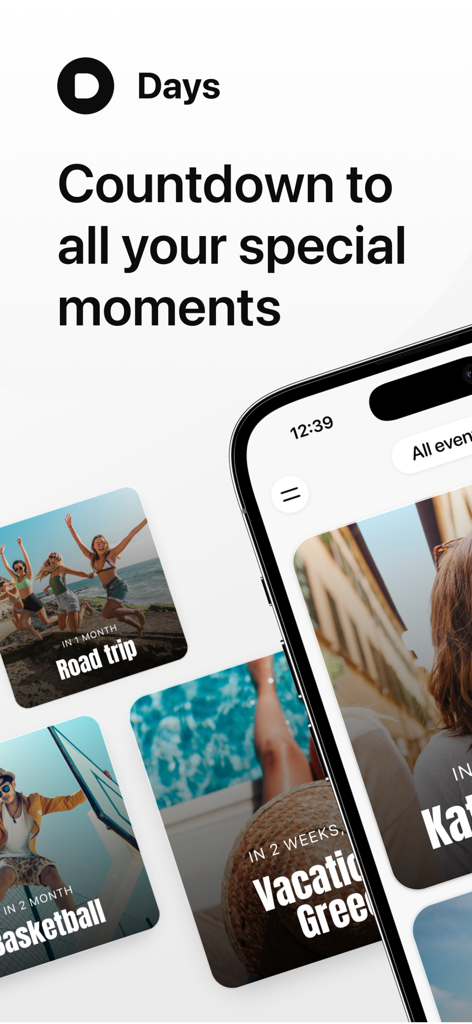
Days app interface showing colorful countdown cards for a road trip, vacation to Greece, and basketball.
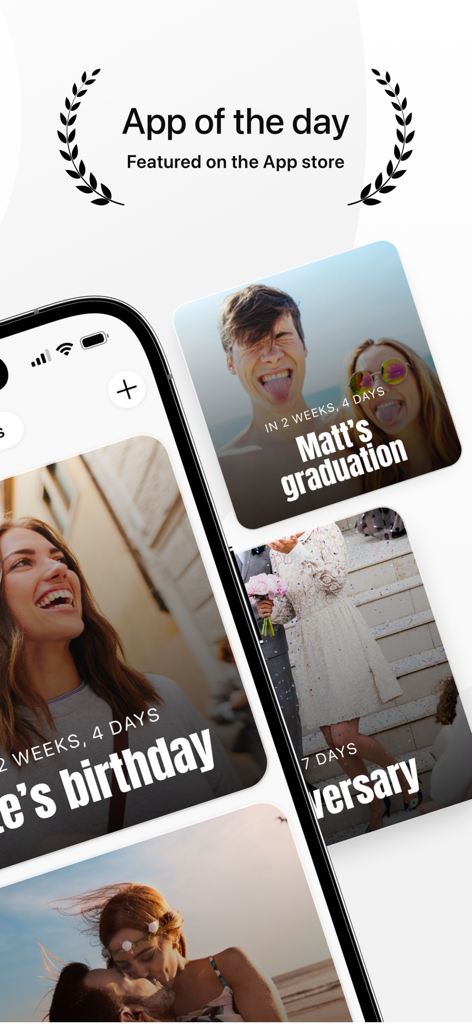
Days countdown app interface displaying aesthetic event widgets and App of the Day award
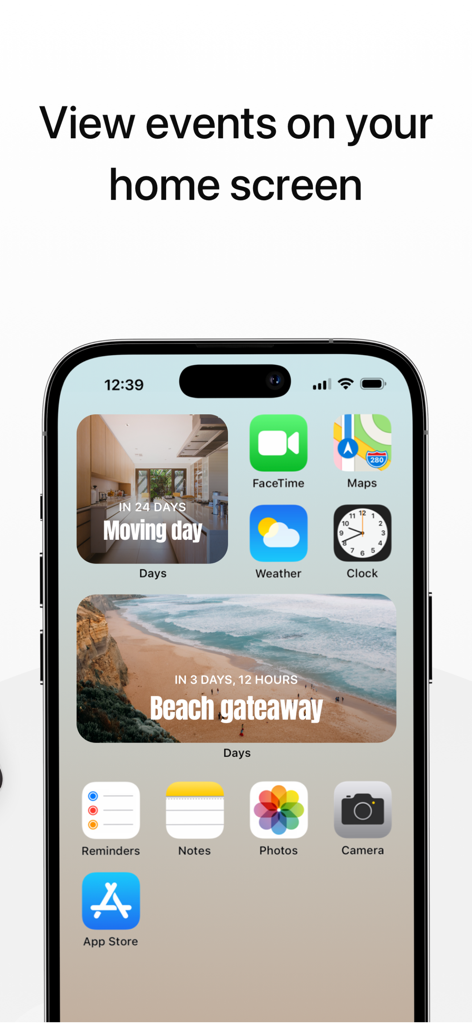
iPhone home screen featuring aesthetic countdown widgets for moving day and a beach getaway from the Days app
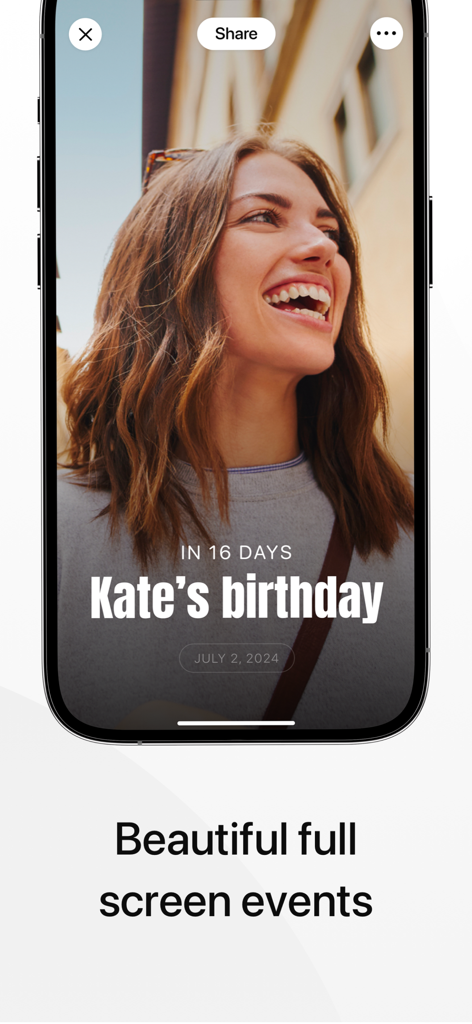
Full screen countdown for a birthday featuring a personalized photo on the Days app.
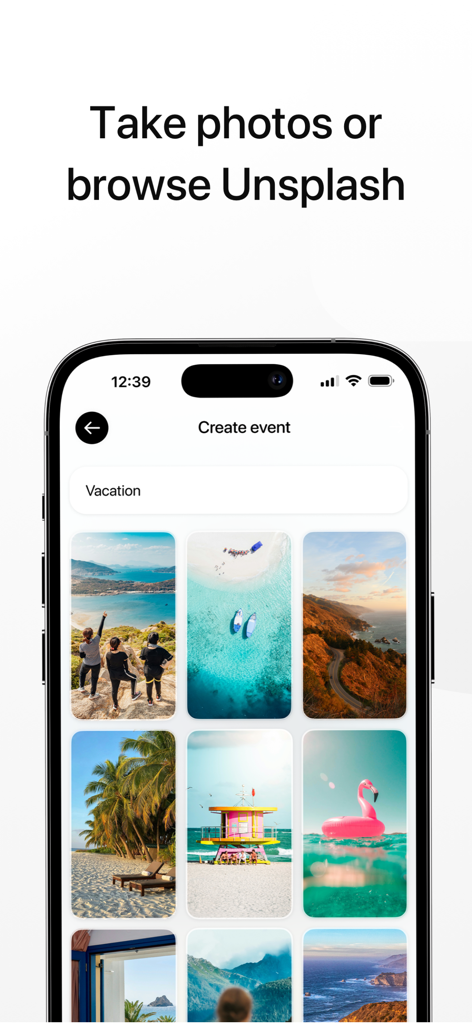
Selecting travel photos for a vacation countdown event in the Days app
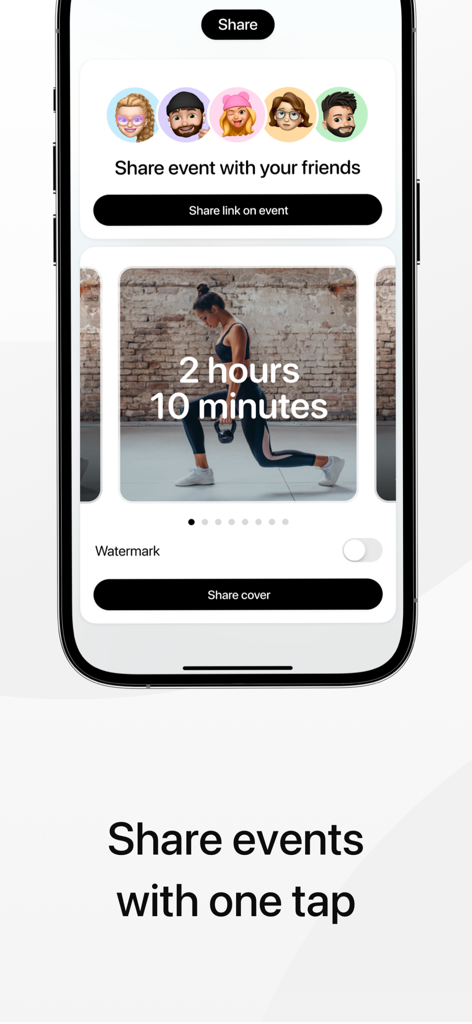
The share screen of the Days app showing options to send event links and covers to friends
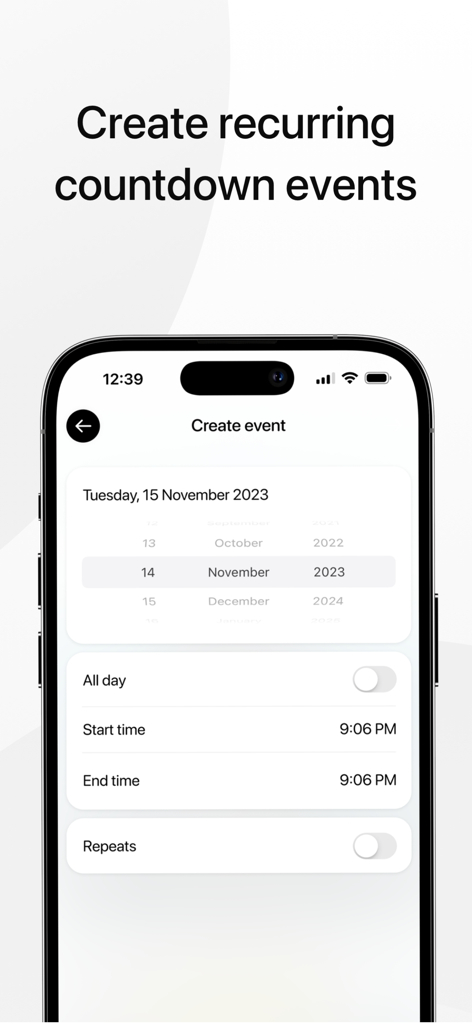
iPhone interface for creating a recurring countdown event in the Days app
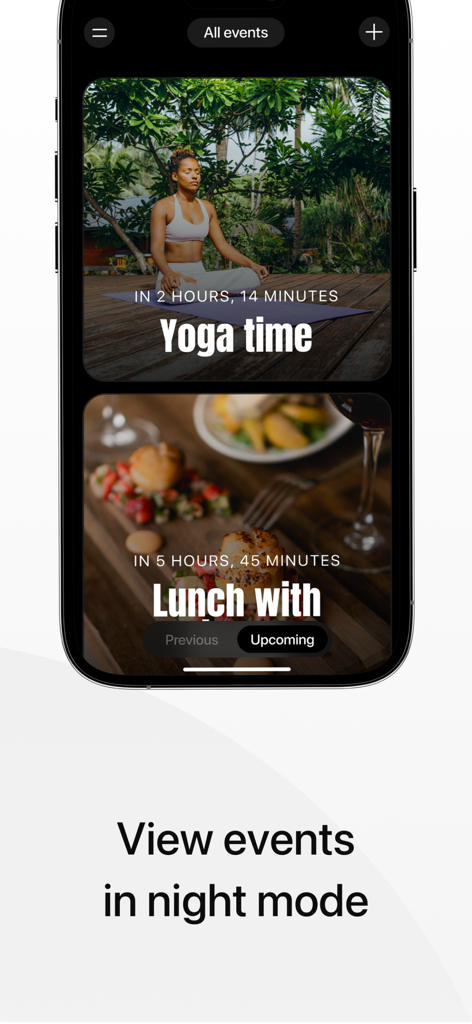
Smartphone showing the Days app interface with events displayed in a dark night mode theme
Description
Download
More Like This
Apps with similar features and user experience
倒数日 · Days Matter
iDaily Corp.
Countdown
Find Appiness LLC

Days since - Countdown
Inner Grow Limited
Countdown°
rongsheng li

Days Matter Air - Countdown
iDaily Corp.
MyDays - Countdown days life
凤 袁

Bears Countdown
Isuru Wanasinghe
Birthday Countdown • Reminder
HAPPYPIXEL - LDA

SomeDay - CountDown & CountUP
炯 李
This page is not an official page of the app or its developer, but an independent editorial publication created for informational and commentary purposes. Unless expressly stated otherwise, neither the app nor its developer is affiliated with, endorsed by, sponsored by, authorized by, or otherwise officially connected with MWM, Apple, Google Play, the app publisher, or the app's developer, and nothing on this page implies that the app was developed using MWM's services. Any trademarks, logos, screenshots, and other content remain the property of their respective owners.