Dcoder, code compiler IDE
Download on App Store

This page is not an official page of the app or its developer, but an independent editorial publication created for informational and commentary purposes. Unless expressly stated otherwise, neither the app nor its developer is affiliated with, endorsed by, sponsored by, authorized by, or otherwise officially connected with MWM, Apple, Google Play, the app publisher, or the app's developer, and nothing on this page implies that the app was developed using MWM's services. Any trademarks, logos, screenshots, and other content remain the property of their respective owners.

Logo of Dcoder, code compiler IDE
Download on App Store

Dcoder, code compiler IDE

Turn your mobile device into a powerful IDE. Master 35+ programming languages, solve industry-standard algorithms, and sharpen your skills anytime, anywhere.

Key Figures

Downloads

68K+

User Rating

3.3/5

Total Ratings

100

Publisher

Paprbit, inc.

Category

Productivity

Locales

1

Latest Version

2.1.2

Size

34.2 MB

First Released

Nov 27, 2019
Features

Code Beyond Your Desk

Transform your downtime into productive development sessions with a powerful, cloud-powered IDE that fits right in your pocket.

35+ Languages, Zero Setup

Run and compile everything from Python to Swift instantly. Dcoder handles the environment so you can focus on the logic.

Pro-Grade Mobile Editor

Write clean code with syntax highlighting, auto-indent, and intelligent autocomplete designed for efficient mobile typing.

The following screenshots and description are sourced directly from the app's official store listing and are the property of the app developer.

App Store

Screenshots
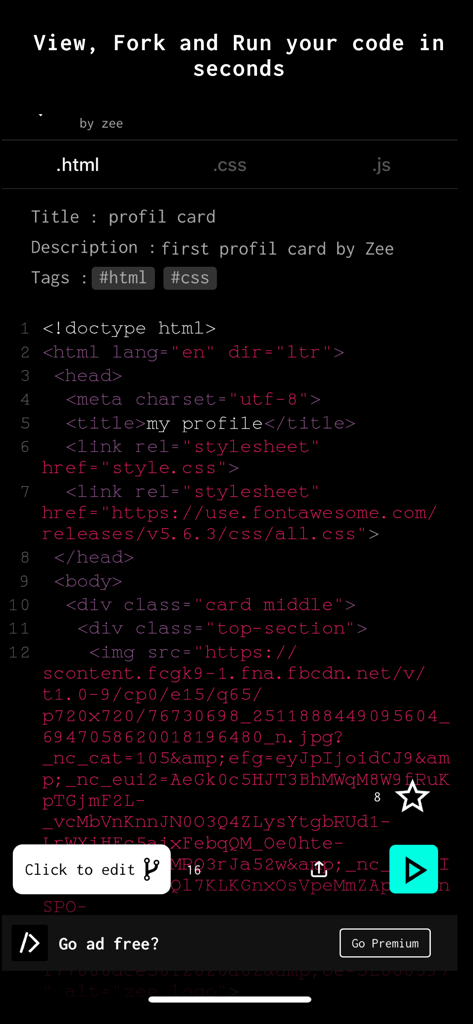
Dcoder, code compiler IDE - Dcoder app screen showing an HTML code editor with syntax highlighting
Dcoder app screen showing an HTML code editor with syntax highlighting

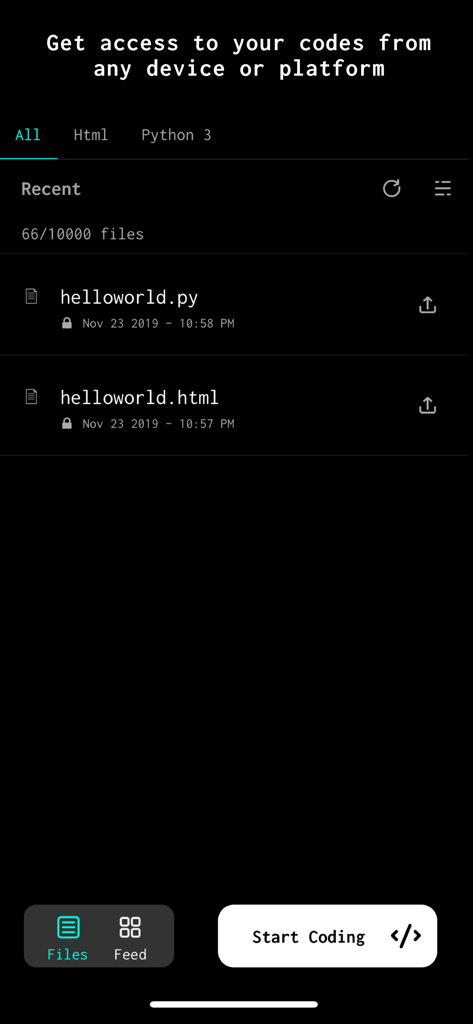
Dcoder, code compiler IDE - Dcoder code compiler interface displaying a list of recent files and the start coding button.
Dcoder code compiler interface displaying a list of recent files and the start coding button.

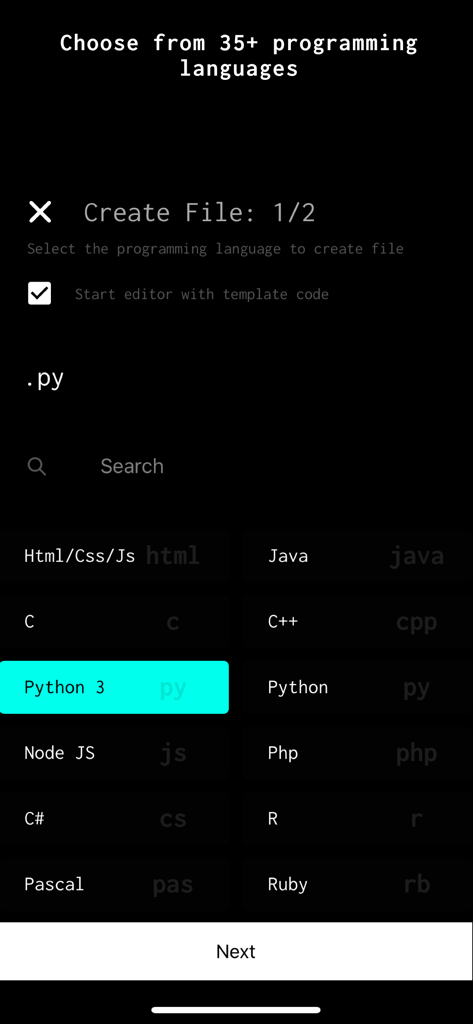
Dcoder, code compiler IDE - Screen for selecting a programming language from over 35 options in the Dcoder mobile IDE
Screen for selecting a programming language from over 35 options in the Dcoder mobile IDE

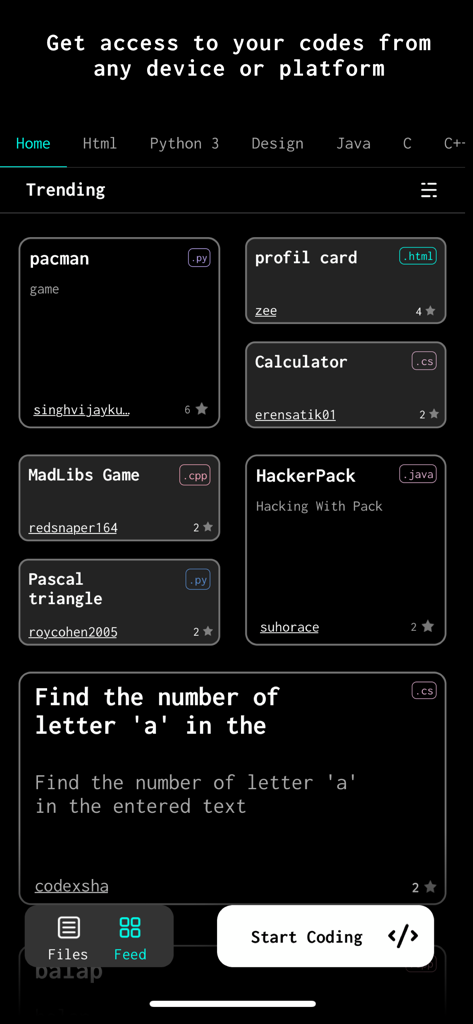
Dcoder, code compiler IDE - Dcoder app interface showing a feed of trending community coding projects in various languages like Python, HTML, and Java.
Dcoder app interface showing a feed of trending community coding projects in various languages like Python, HTML, and Java.

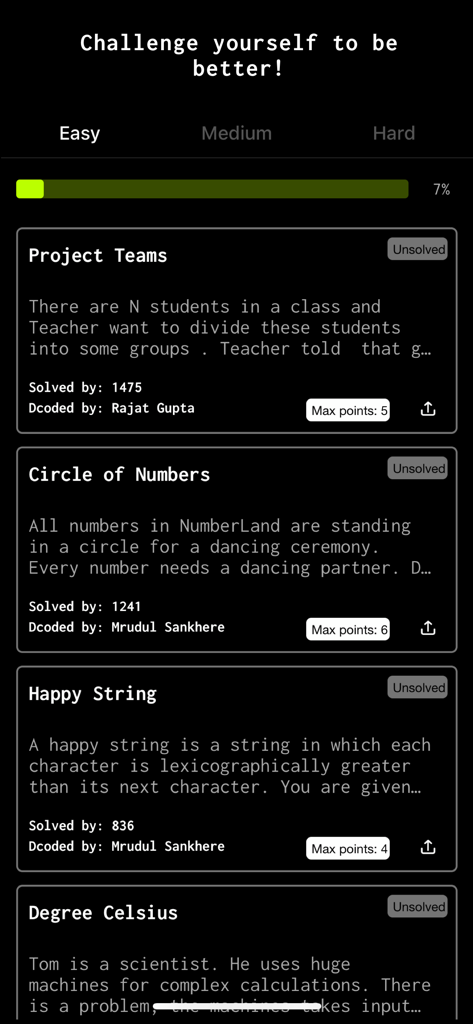
Dcoder, code compiler IDE - Screenshot of the Dcoder app showing a list of easy algorithm coding challenges for developers.
Screenshot of the Dcoder app showing a list of easy algorithm coding challenges for developers.

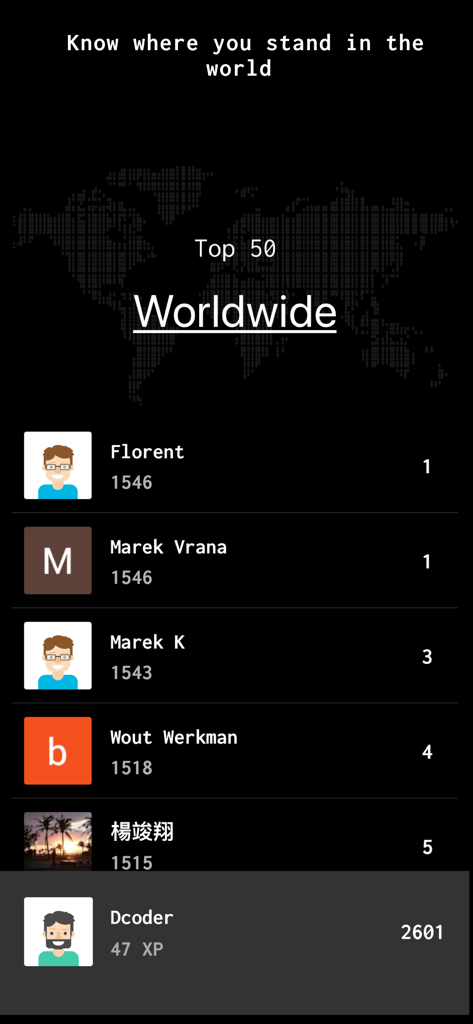
Dcoder, code compiler IDE - Global leaderboard in the Dcoder app showing developer rankings worldwide.
Global leaderboard in the Dcoder app showing developer rankings worldwide.

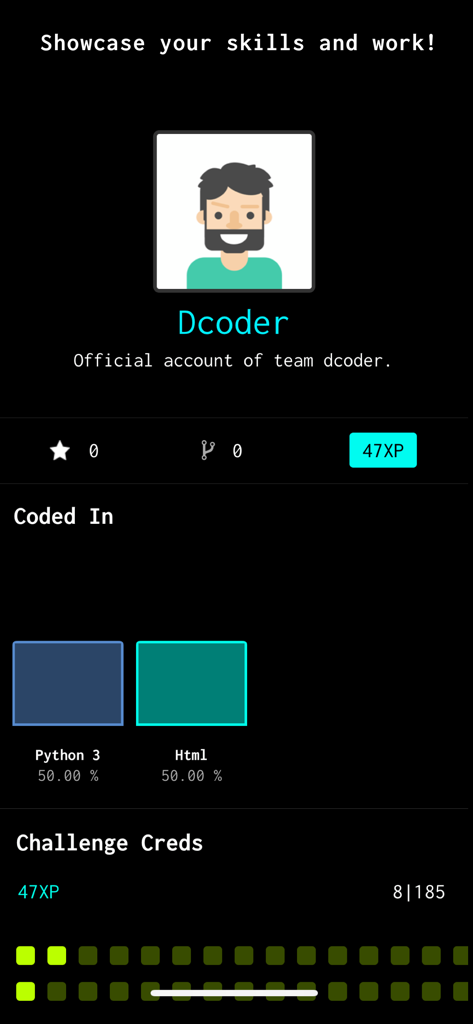
Dcoder, code compiler IDE - Dcoder app user profile interface showing coding stats experience points and language proficiency for Python and HTML

Dcoder app user profile interface showing coding stats experience points and language proficiency for Python and HTML

Description

Dcoder is a mobile first coding IDE ( Compiler for mobile ), where one can code and learn algorithms using programming on mobile. Tailored to enhance your coding skills, via the use of code compilation and algorithm solving. Now learn to code anytime, anywhere and on the go. Choose any or all languages to work with: 1. C : learn C programming, a powerful general-purpose language. 2. C++ : GCC compiler 7.4.0 3. Java : best Java Programming ide, JDK11.0.4 4. Python : learn Python 2.7.15+ and Python 3..6.8 5. C# : Mono jit Compiler 6.0.0.319 6. Php : Php Interpreter 7.2.19 7. Objective-C : GCC compiler 8. Ruby : Ruby version 2.5.1 9. Lua : Lua Interpreter 5.3.3 10. JS/NodeJS : Node.js engine 10.16.1 11. Go : Go Lang 3.4.4 12. VB.Net 13. F# 14. Common Lisp 15. R 16. Scala 17. Perl 18. Pascal 19. Swift 20. Tcl 21, Prolog 22. Assembly 23. Haskell 24. Clojure 25. Kotlin 26. Groovy 27. Scheme 28. Rust 29. Bf 30. Html 31. Css Added bonus: Dcoder uses a Rich Text Editor supporting syntax highlight and packed with the necessary tools to offer you all the edge that an IDE or code compiler is supposed to. It’s the fastest code compiler (IDE), coding and programming app and now available on iOS. With Dcoder one can: Write a program/code in any of the available 35+ Programming Languages. Code and Debug the code, see compilation results and errors at the same time on the same screen. Enjoy the power and ease of coding on your favorite Code Editor like Notepad++ or Sublime Text with compilation power, makes it equivalent to a powerful Ide like eclipse. Test your problem solving skills by solving challenges from the number of algorithm based challenges available in challanges section. Learn Html, Css, JavaScript, Ruby programming, C Programming, Python and Java in the app along with many more programming languages. Irrespective of your coding skills be it beginner or expert Dcoder helps you to learn code and improve your skills while in a boring lecture or whenever you feel like. The main features include: 1. Rich Text Editor with Syntax highlighting.(Code Editor) 2. Line number, Auto indent, Autocomplete Parenthesis. 3. Undo Redo. 4. File Open/Save. 5. Custom Suggestion View. 6. Multiple Language Support. 7. User input for languages like C, C++, Java, Php, JavaScript, Node.js and others. 8. Active debug view for faster access to Output. 9. Thoroughly designed Algorithm problems to improve coding Skills and make programmers industry ready. 10. Leaderboard: To know where you stand amongst the vast Dcoder community. 11. Custom Menu Drawer, Custom Code Editor Themes, Editable font Size for Editor and much more!! Disclaimer: Dcoder uses array of strong cloud based compilers to compile the code and display output, it is the fastest one and has helped to bring app size to ~20 MB, Please don't rate low or demand offline feature that is not possible here. Also instead of rating low, you can write your problems to us at support@dcoder.tech that will let us help you better. Dcoder is an online compiler, now run, compile and execute your code snippets on your own mobile devices. You can review our terms of service and privacy policy on https://dcoder.tech/termsofuse.html & https://dcoder.tech/privacy.html

Download

Download on App Store

This page is not an official page of the app or its developer, but an independent editorial publication created for informational and commentary purposes. Unless expressly stated otherwise, neither the app nor its developer is affiliated with, endorsed by, sponsored by, authorized by, or otherwise officially connected with MWM, Apple, Google Play, the app publisher, or the app's developer, and nothing on this page implies that the app was developed using MWM's services. Any trademarks, logos, screenshots, and other content remain the property of their respective owners.








