
This page is not an official page of the app or its developer, but an independent editorial publication created for informational and commentary purposes. Unless expressly stated otherwise, neither the app nor its developer is affiliated with, endorsed by, sponsored by, authorized by, or otherwise officially connected with MWM, Apple, Google Play, the app publisher, or the app's developer, and nothing on this page implies that the app was developed using MWM's services. Any trademarks, logos, screenshots, and other content remain the property of their respective owners.

Desmos Scientific Calculator
Master everything from algebra to statistics with a powerful, ad-free tool designed for the modern student. Experience intuitive calculations, offline access, and professional-grade functions—all completely free.
Downloads
1M+User Rating
Total Ratings
300Publisher
Category
EducationLocales
18Latest Version
7.43.0Size
16.6 MBFirst Released
Oct 25, 2018The Smarter Way to Do Math
Unlock a beautiful, ad-free calculator that makes trigonometry, statistics, and complex equations easier to master during your homework and on test day.
See Math Naturally
Stop struggling with one-line text inputs. Our natural display renders fractions, radicals, and exponents exactly as they look in your textbook.
Keep Your History
Never lose track of a calculation. View all your previous work on one screen and use the interactive 'Ans' key to build on your last result instantly.
Frequently Asked Questions
Everything you need to know about Desmos Scientific Calculator
Is the Desmos Scientific Calculator free to use?
Yes, the Desmos Scientific Calculator is completely free to download and use. It offers a full range of powerful mathematical features without any cost.
What types of calculations can the Desmos Scientific Calculator perform?
The Desmos Scientific Calculator performs arithmetic, trigonometry, statistics, and combinatorics. It supports exponentiation, radicals, logarithms, percentages, and evaluates functions like sine, cosine, and tangent.
Can I define my own functions and variables in the Desmos Scientific Calculator?
Yes, the Desmos Scientific Calculator allows users to create and evaluate their own functions using familiar notation. Users can also assign values to variables for later use.
Does the Desmos Scientific Calculator work offline?
Yes, the Desmos Scientific Calculator works offline. An internet connection is not required to use its features and perform calculations, ensuring accessibility anywhere.
Does the Desmos Scientific Calculator include graphing capabilities?
No, the Desmos Scientific Calculator does not include graphing capabilities. It provides a streamlined set of features focused purely on scientific calculations, distinct from Desmos's graphing calculator.
How does the Desmos Scientific Calculator display previous calculations?
The Desmos Scientific Calculator keeps all previous work visible by displaying multiple expressions simultaneously. Its "ans" key automatically holds and updates the value of the last computation.
The following screenshots and description are sourced directly from the app's official store listing and are the property of the app developer.
App Store
Screenshots
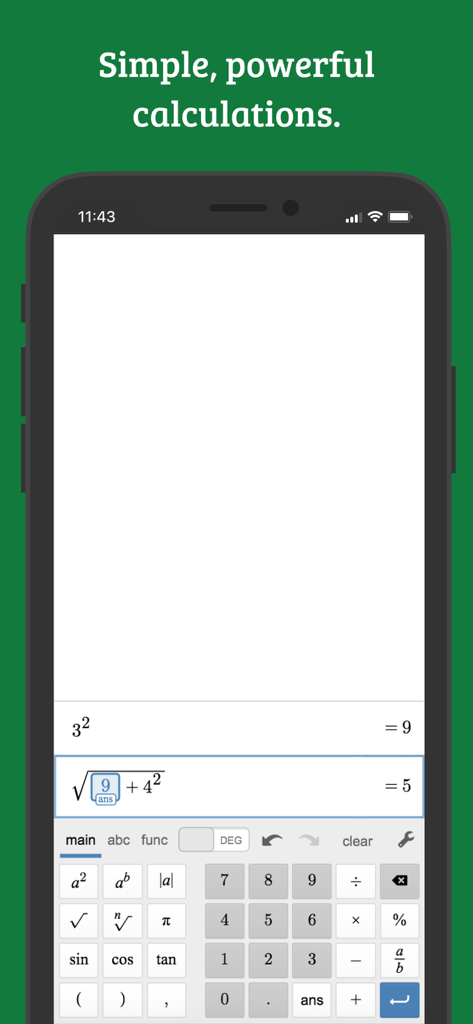
Interface of Desmos Scientific Calculator app showing mathematical equations on a smartphone screen
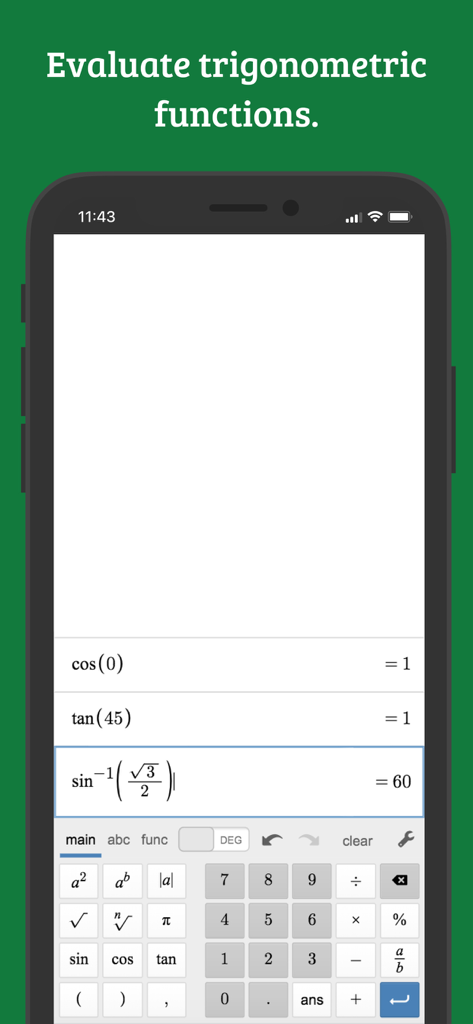
Desmos Scientific Calculator interface showing evaluations of trigonometric functions like sine and cosine
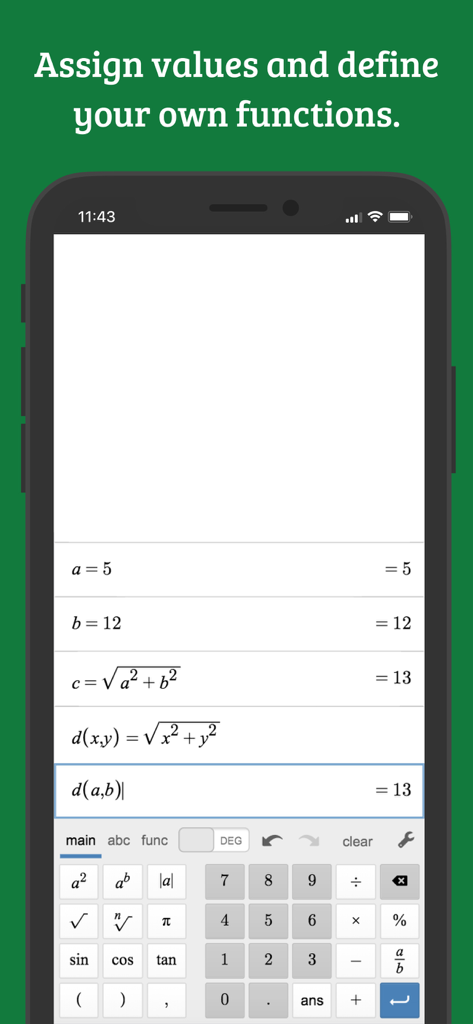
The Desmos Scientific Calculator app interface showing variables assigned to values and defined mathematical functions
Description
Download
More Like This
Apps with similar features and user experience

Calculate84
Century Light LLC

Calculator ∞
An Truong

数字ּּ统量
振龙 张

Scientific Calculator fx-991
Dinh Phuc

Desmos Graphing Calculator
Desmos, Inc.
NCalc Scientific Calculator +
Tran Duy

HiPER Scientific Calculator
Jindrich Houska
Panecal Scientific Calculator
Noriyasu Kutsuzawa

Calculator #
An Truong
This page is not an official page of the app or its developer, but an independent editorial publication created for informational and commentary purposes. Unless expressly stated otherwise, neither the app nor its developer is affiliated with, endorsed by, sponsored by, authorized by, or otherwise officially connected with MWM, Apple, Google Play, the app publisher, or the app's developer, and nothing on this page implies that the app was developed using MWM's services. Any trademarks, logos, screenshots, and other content remain the property of their respective owners.