
This page is not an official page of the app or its developer, but an independent editorial publication created for informational and commentary purposes. Unless expressly stated otherwise, neither the app nor its developer is affiliated with, endorsed by, sponsored by, authorized by, or otherwise officially connected with MWM, Apple, Google Play, the app publisher, or the app's developer, and nothing on this page implies that the app was developed using MWM's services. Any trademarks, logos, screenshots, and other content remain the property of their respective owners.


Device Monitor Z: CPU x RAM OS
Empower your iPhone with a comprehensive toolkit. Track real-time CPU/GPU usage, analyze network latency, and benchmark your hardware with precision-engineered widgets and professional diagnostics.
Downloads
61K+User Rating
Total Ratings
0Publisher
Category
Developer ToolsLocales
5Latest Version
26.0Size
38.8 MBFirst Released
Jul 13, 2023Master Your Hardware's Performance
Unlock deep-dive technical insights with professional-grade monitoring, network diagnostics, and hardware benchmarking tools designed for power users.
Live System Monitoring
Track CPU, RAM, and Disk usage in real-time. Identify resource bottlenecks and keep your device running at peak efficiency with high-density data.
Pro Network Toolkit
Go beyond basic speed tests. Analyze local networks, perform DNS lookups, and use port scanners to optimize your connectivity and gaming latency.
The following screenshots and description are sourced directly from the app's official store listing and are the property of the app developer.
App Store
Screenshots
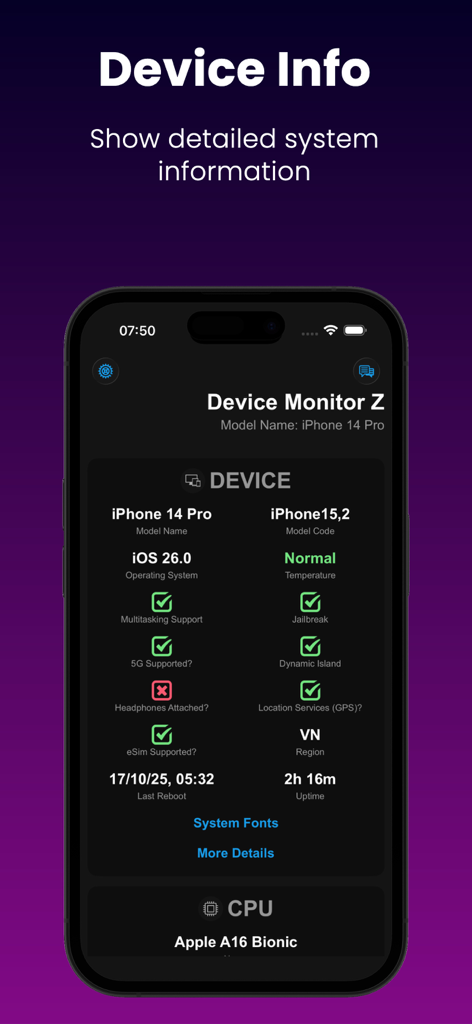
Device Monitor Z app displaying detailed system and CPU information on an iPhone.
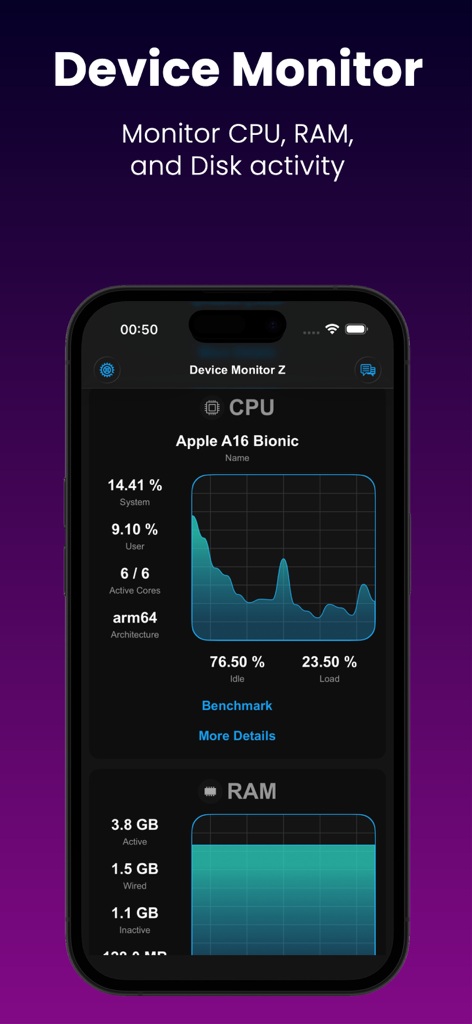
Real-time CPU and RAM monitoring dashboard in the Device Monitor Z app for iPhone.
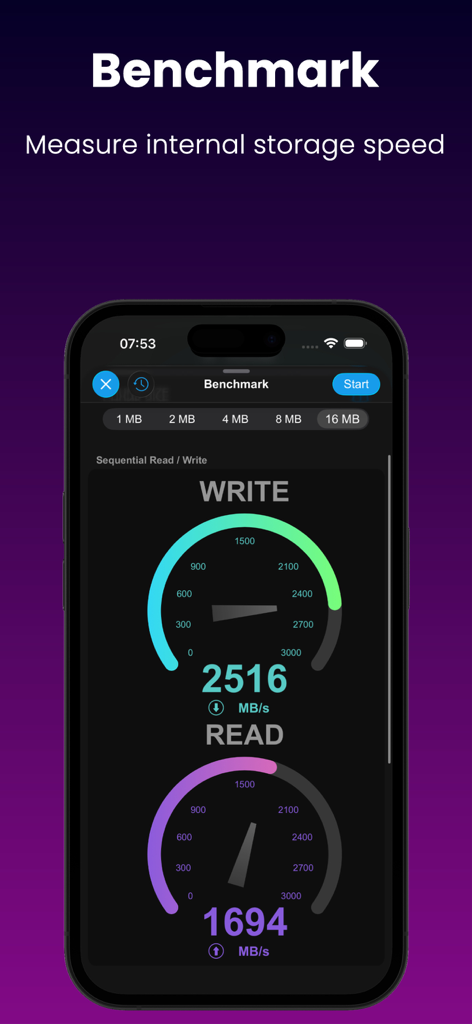
Mobile app screen showing a disk benchmark tool measuring sequential read and write speeds with visual gauges.
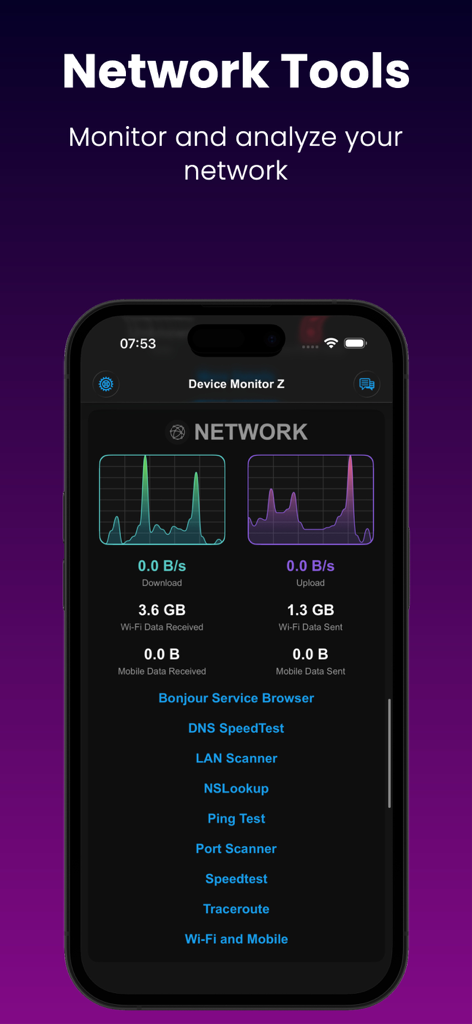
Device Monitor Z app screen showing real-time network download and upload graphs with a list of diagnostic tools
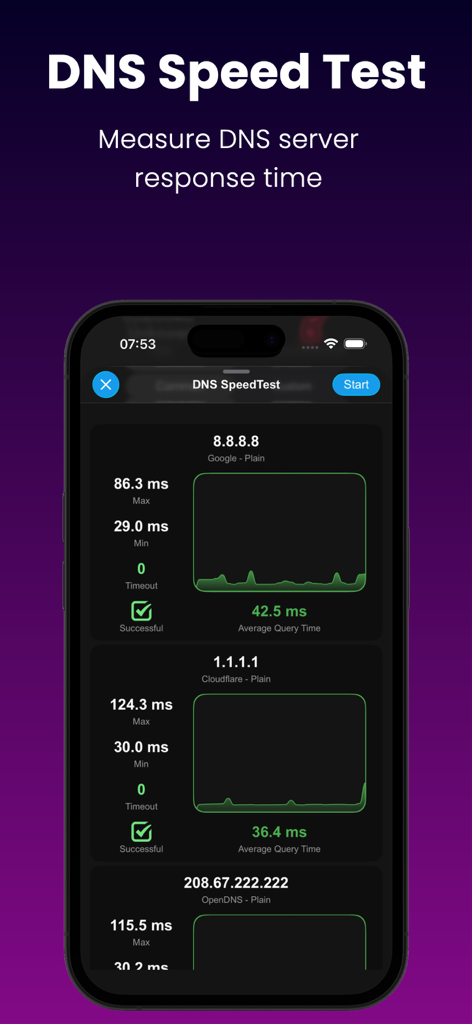
Interface of Device Monitor Z app showing a DNS Speed Test comparing response times of Google, Cloudflare, and OpenDNS servers.
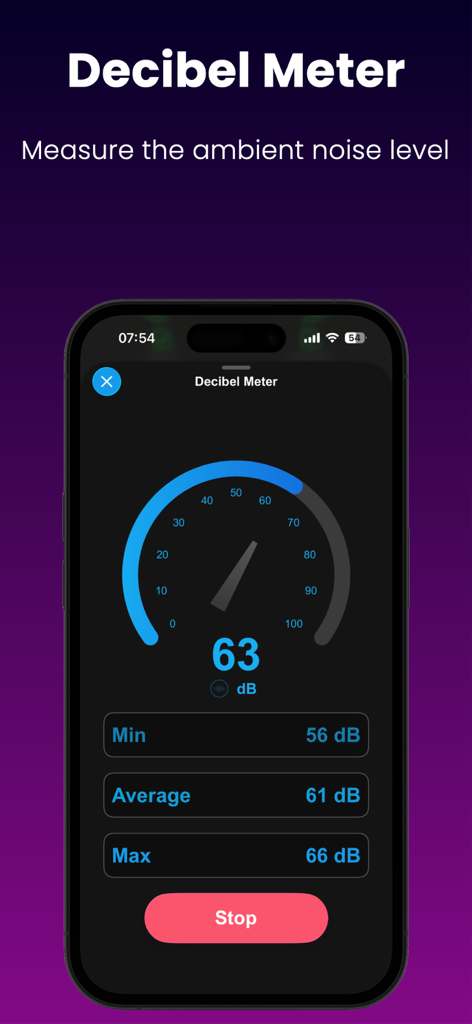
Decibel meter interface in Device Monitor Z app showing real time ambient noise levels
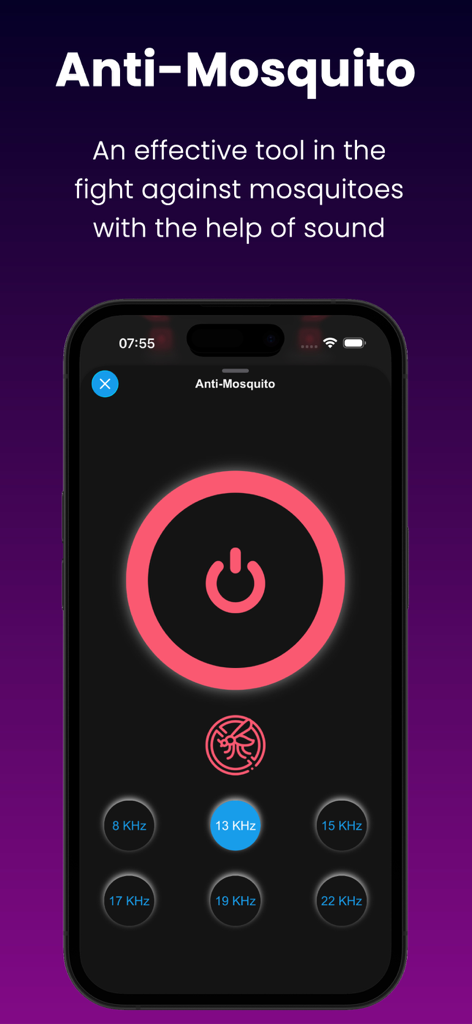
Interface of the Anti Mosquito tool showing various sound frequency options
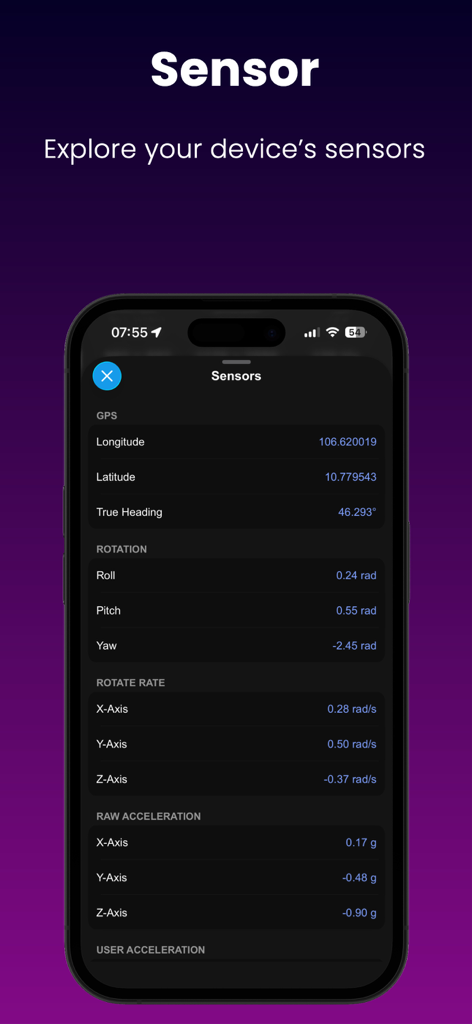
Device Monitor Z app displaying real-time sensor data for GPS rotation and acceleration
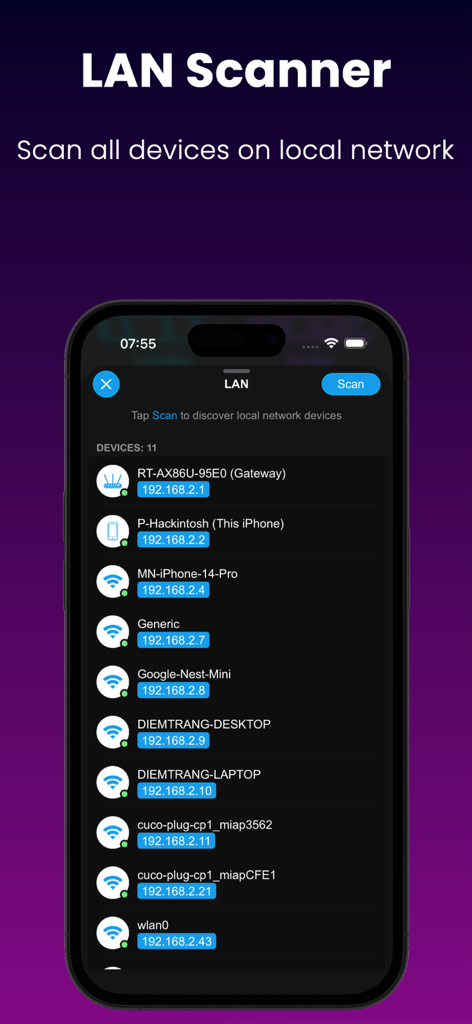
LAN Scanner interface listing devices and IP addresses on a local network.
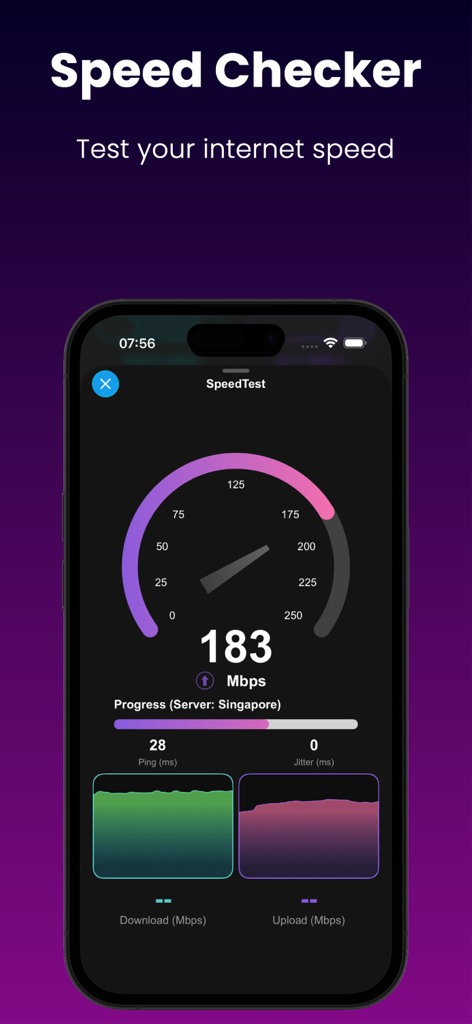
Smartphone screen showing an internet speed test with download and upload metrics
Description
Download
More Like This
Top-ranked apps in the same category

TestFlight
Apple Inc.

Replit: Vibe Code Apps
Replit, Inc

GitHub
GitHub

O-KAM Pro
Shenzhen VeePai IoT Intelligent Technology LLC

Apple Developer
Apple Inc.

Expo Go
650 Industries, Inc.

Scriptable
Simon Stovring

App Store Connect
Apple Inc.

Sekai: Create · Remix · Play
Versa AI, Inc.
This page is not an official page of the app or its developer, but an independent editorial publication created for informational and commentary purposes. Unless expressly stated otherwise, neither the app nor its developer is affiliated with, endorsed by, sponsored by, authorized by, or otherwise officially connected with MWM, Apple, Google Play, the app publisher, or the app's developer, and nothing on this page implies that the app was developed using MWM's services. Any trademarks, logos, screenshots, and other content remain the property of their respective owners.