
This page is not an official page of the app or its developer, but an independent editorial publication created for informational and commentary purposes. Unless expressly stated otherwise, neither the app nor its developer is affiliated with, endorsed by, sponsored by, authorized by, or otherwise officially connected with MWM, Apple, Google Play, the app publisher, or the app's developer, and nothing on this page implies that the app was developed using MWM's services. Any trademarks, logos, screenshots, and other content remain the property of their respective owners.


電話帳ナビ-迷惑電話やメールを自動判定(迷惑電話ブロック)
Identify unknown callers and stop robocalls in real-time without ever sharing your contact list. Experience the security of a 23-billion number database with zero registration required.
Downloads
2M+User Rating
Total Ratings
13K+Publisher
Category
UtilitiesLocales
2Latest Version
6.3.10Size
62.4 MBFirst Released
Aug 28, 2015Stop Spam. Protect Your Privacy.
Experience the world’s most accurate caller ID database. Stay safe from scammers while ensuring you never miss a legitimate business or delivery call.
Privacy-First Security
Unlike other apps, we never upload your contact list or require registration. Your personal data stays on your device where it belongs.
Instant Fraud Detection
Detect fraudulent calls within 2 minutes of them going live. Our database of 23 billion numbers blocks scams before they reach you.
Frequently Asked Questions
Everything you need to know about 電話帳ナビ-迷惑電話やメールを自動判定(迷惑電話ブロック)
What is the 電話帳ナビ (Telnavi) app?
電話帳ナビ (Telnavi) is a free app that identifies unknown phone numbers, including nuisance calls, by accessing information from its database. It also features a free SMS filter to prevent phishing scams.
Is the 電話帳ナビ (Telnavi) app free to use?
Yes, the core functions of the 電話帳ナビ (Telnavi) app are free. It provides high-precision judgment for nuisance calls and a free SMS filter.
How does 電話帳ナビ (Telnavi) identify unknown calls?
電話帳ナビ (Telnavi) retrieves information from its extensive database to display details about unknown callers, including nuisance calls, even if the number is not in your smartphone's contacts.
Does 電話帳ナビ (Telnavi) block nuisance calls automatically?
The PRO version of 電話帳ナビ (Telnavi) offers an automatic nuisance call blocking function. The free version identifies them, allowing users to choose to reject.
How do I perform the initial setup for 電話帳ナビ (Telnavi) on iPhone?
After installing 電話帳ナビ (Telnavi), enable all nine extensions in iPhone Settings > Apps > Phone > Call Blocking & Identification. Then, update phone number information from the app's maintenance screen.
How can I test if the 電話帳ナビ (Telnavi) app is working correctly?
To test 電話帳ナビ (Telnavi), dial '099-999-9999' in your standard phone app. If '電話帳ナビ:テスト番号' (Telnavi: Test Number) appears below the number, the app functions normally.
Can 電話帳ナビ (Telnavi) identify and block SMS messages?
Yes, 電話帳ナビ (Telnavi) includes a free SMS filter function to prevent phishing scams. This feature helps protect against information leakage.
Is it safe to use the 電話帳ナビ (Telnavi) app regarding personal information?
Yes, 電話帳ナビ (Telnavi) does not acquire personal information or require user registration. It operates exclusively for Japan and does not send data to overseas servers.
Does 電話帳ナビ (Telnavi) send my phonebook data externally?
No, 電話帳ナビ (Telnavi) does not send your phonebook data externally. It only accesses contacts during incoming calls to prevent identifying registered numbers as nuisance calls.
Can I use 電話帳ナビ (Telnavi) with a landline phone?
Yes, you can use 電話帳ナビ (Telnavi) with a landline by forwarding incoming calls to a smartphone with the app installed. No contract or wiring work is required.
Why does the call identification not work with data communication calls on 電話帳ナビ (Telnavi)?
電話帳ナビ (Telnavi) cannot display caller information for calls made using data communication plans (e.g., some Rakuten Mobile or MVNO SIMs) because these calls do not use a phone line.
What features are included in the PRO version of 電話帳ナビ (Telnavi)?
The PRO version of 電話帳ナビ (Telnavi), available via in-app purchase, includes automatic nuisance call rejection and the removal of in-app advertisements.
How do I troubleshoot if call ID display is not working with 電話帳ナビ (Telnavi)?
If call ID display is not working or stuck, reset the database via '電話番号情報をリセット' in app settings. If the issue persists, restart your device.
Does 電話帳ナビ (Telnavi) update its phone number information automatically?
Yes, with '自動更新をON' (Auto-update ON) in the maintenance screen and the app running in the background, 電話帳ナビ (Telnavi) automatically updates number information while charging and in sleep mode.
What kind of phone numbers can 電話帳ナビ (Telnavi) identify?
電話帳ナビ (Telnavi) identifies various unknown numbers, including nuisance calls, suspicious fraud numbers, and legitimate contacts like delivery services or recruiters, with high accuracy.
The following screenshots and description are sourced directly from the app's official store listing and are the property of the app developer.
App Store
Screenshots
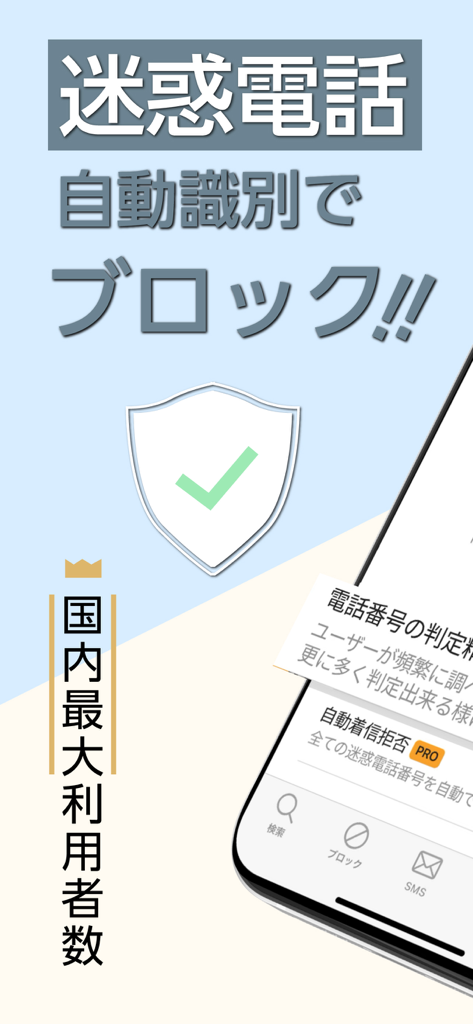
TelNavi app screenshot featuring a security shield and Japanese text for automatic spam call blocking.
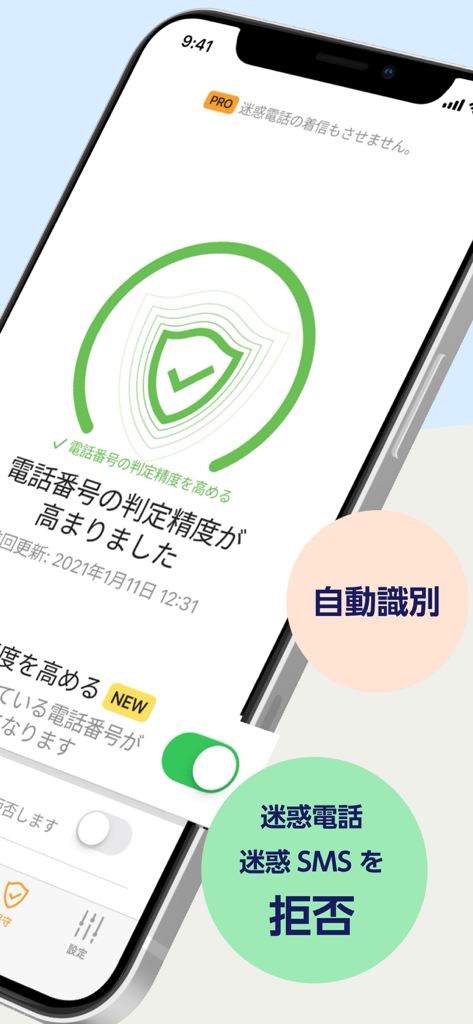
TelNavi mobile app screen showing automatic identification and blocking features for spam calls and SMS.
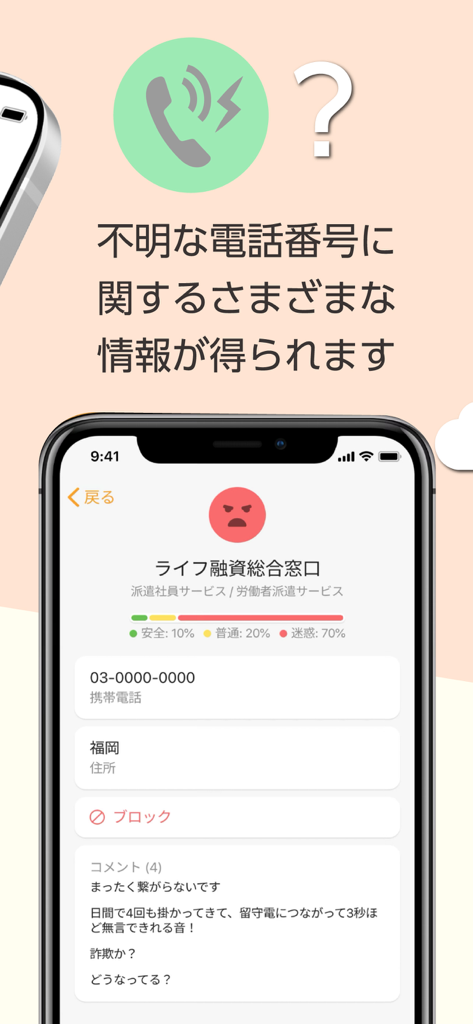
Mobile app interface showing detailed identification and nuisance rating for an unknown phone number
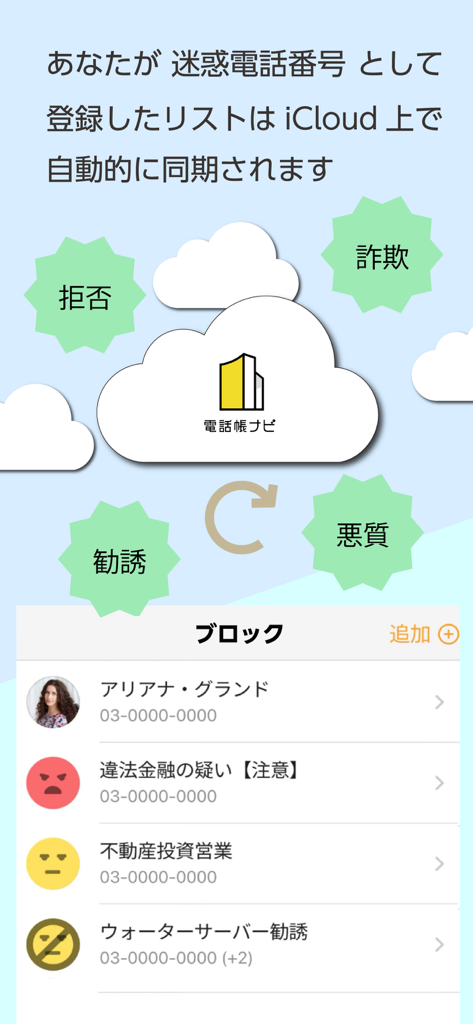
TelNavi mobile app interface showing iCloud synchronization for nuisance call block lists and spam identification categories
Description
Download
More Like This
Apps with similar features and user experience

Whoscall: Safer Together
GOGOLOOK CO., LTD.

Saracroche : bloqueur d'appels
Camille Bouvat

Junkman: AI Spam SMS Blocker
AKE Software GmbH

Getcontact
GETVERIFY LDA

Verizon Call Filter
Verizon Wireless

Robokiller: Spam Call Blocker
Mosaic S.r.l.

Begone: Spam Call Blocker
AKE Software GmbH

GetCaller: True Caller ID
MALKAN LLC

Reverse Lookup
Orave Technologies (P) Ltd
This page is not an official page of the app or its developer, but an independent editorial publication created for informational and commentary purposes. Unless expressly stated otherwise, neither the app nor its developer is affiliated with, endorsed by, sponsored by, authorized by, or otherwise officially connected with MWM, Apple, Google Play, the app publisher, or the app's developer, and nothing on this page implies that the app was developed using MWM's services. Any trademarks, logos, screenshots, and other content remain the property of their respective owners.