Digi Scan App
Digi Scan App
Download on App Store

This page is not an official page of the app or its developer, but an independent editorial publication created for informational and commentary purposes. Unless expressly stated otherwise, neither the app nor its developer is affiliated with, endorsed by, sponsored by, authorized by, or otherwise officially connected with MWM, Apple, Google Play, the app publisher, or the app's developer, and nothing on this page implies that the app was developed using MWM's services. Any trademarks, logos, screenshots, and other content remain the property of their respective owners.

Logo of Digi Scan App
Download on App Store

Digi Scan App

Transform your mobile device into a secure, professional scanning powerhouse. Automate data extraction and integrate with your existing workflows—no coding required.

Key Figures

Downloads

0

User Rating

1.0/5

Total Ratings

0

Publisher

DIGI-TEXX VIETNAM

Category

Developer Tools

Locales

1

Latest Version

v1.0.23

Size

66.8 MB

First Released

Aug 9, 2024
Features

Powering Your Digital Transformation

Digi Scan transforms your mobile device into a secure, enterprise-grade document hub with zero coding required and instant system integration.

Intelligent Document Processing

Automate your workflow with smart indexing, data extraction, and automatic blank page detection for error-free mobile scanning.

Secure Enterprise Governance

Maintain total control with role-based access, encrypted uploads, and multi-factor authentication for sensitive corporate data.

The following screenshots and description are sourced directly from the app's official store listing and are the property of the app developer.

App Store

Screenshots
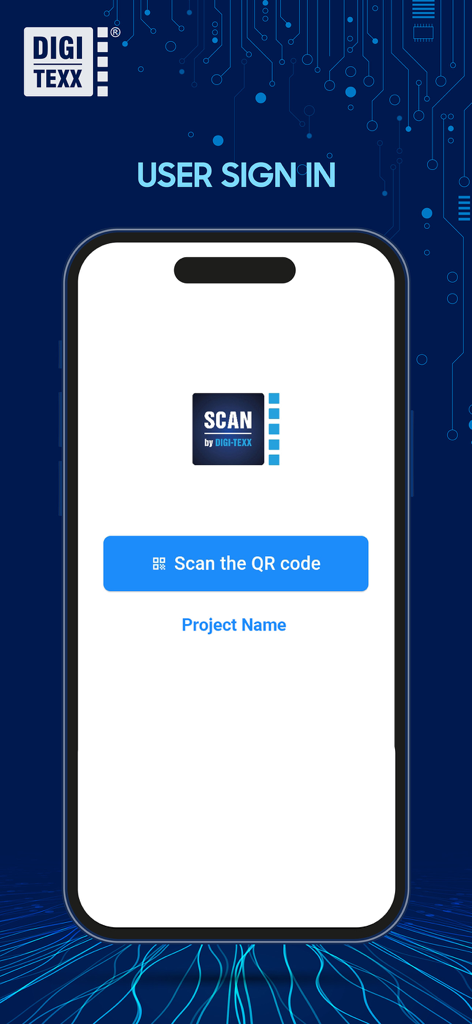
Digi Scan App - Digi Scan App user sign in screen with QR code login option
Digi Scan App user sign in screen with QR code login option

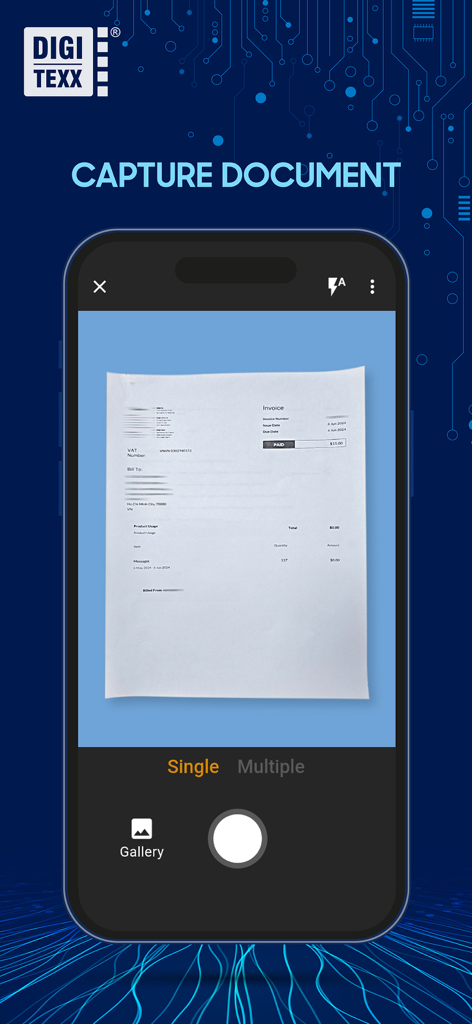
Digi Scan App - Digi Scan App mobile interface showing the capture document screen with a scanned invoice
Digi Scan App mobile interface showing the capture document screen with a scanned invoice

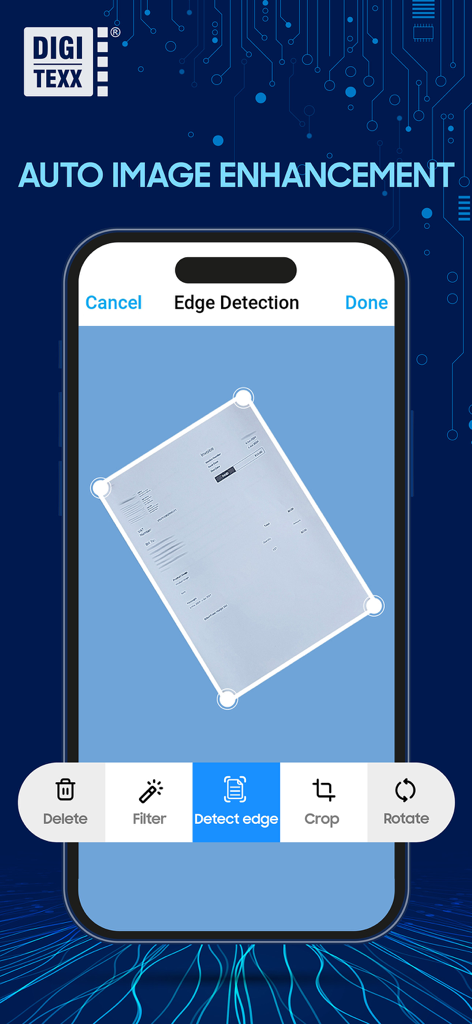
Digi Scan App - Digi Scan App mobile interface showing automatic document edge detection and image enhancement features.
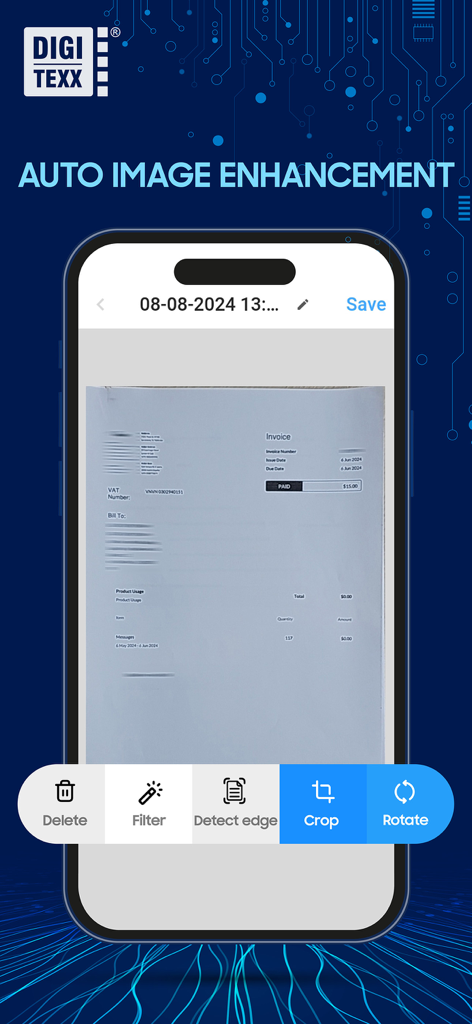
Digi Scan App mobile interface showing automatic document edge detection and image enhancement features.

Digi Scan App - iPhone screen displaying the Digi Scan App with auto image enhancement and document editing tools on a scanned invoice
iPhone screen displaying the Digi Scan App with auto image enhancement and document editing tools on a scanned invoice

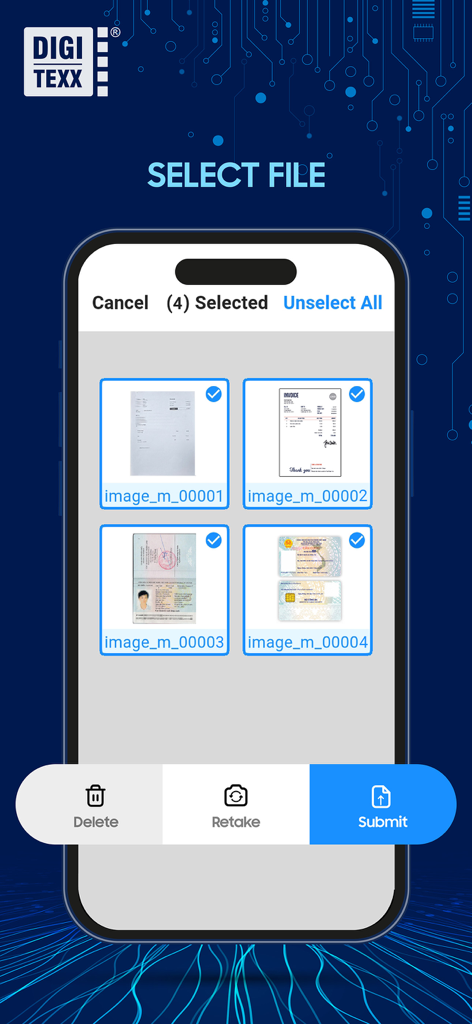
Digi Scan App - Digi Scan App mobile interface showing multiple scanned documents selected for submission with options to delete retake or submit
Digi Scan App mobile interface showing multiple scanned documents selected for submission with options to delete retake or submit

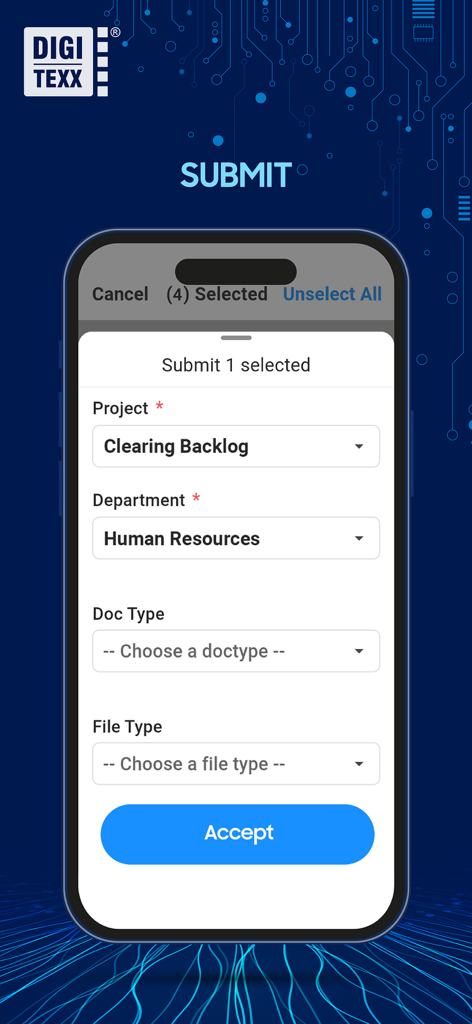
Digi Scan App - Digi Scan App interface showing document submission fields for project and department selection.

Digi Scan App interface showing document submission fields for project and department selection.

Description

1. WHAT IS DIGI-SCAN? - DIGI-SCAN provides a channel to capture, receive, and transfer electronic format images anytime, anywhere with any device. The solution centralizes users from different locations to work on a standardized business process platform. - DIGI-SCAN is a customizable solution built by DIGI-TEXX Vietnam helping reconstruct business processes with zero coding necessary. 2. KEY FEATURES - Mobile Capture and Image Processing: capture images using iOS devices, with automatic image processing features like de-skewing and blank page detection. - System setup and Authentication: set up authentication policies with options like password policies, 2FA, OTP, etc. - Scan-Profile Management: + Set up scan profiles in projects. + Role management within the admin panel, granting access permissions to company users. - Document Scanning and Importing: seamlessly scan documents using various methods (scanner machine, mobile phone) and import files from users' computers. - Advanced Document Processing: auto-separation of document sets, automatic detection of blank pages, and support for indexing and data extraction. - Document sets Editing: user-friendly tools for swift document set editing, including image rotation, deletion, and splitting. - Secured Document Uploading: ensure secure document uploading with encryption from the client computer to decryption on the data server. - User and Project Management: + Manage user profiles, allowing personal information editing and password changes. + Admin panel features for comprehensive project management, including creation, updates, deletion, and user assignments. - Multi-Page Scanning: scanning apps support multi-page scanning, allowing users to capture multiple pages of a document in a single scan session. This feature streamlines the scanning process for longer documents or multi-page. - Document Organization: scanning apps include features for organizing and managing scanned documents. Users can input metadata for documents or document sets. - Integration with Other Services: integration with other services and online platforms enables users to directly import scanned documents into data extraction systems, document management systems (DMS), or other web-based applications via API. 3. WHY DIGI-SCAN? - Fast setup and installment without involving IT’s resources and time - Seamless integration. Direct integration can be achieved with some development work - Flexible pricing (per license, actual transaction) and no volume restrictions - Scalability – No limits on user accounts - Works with any kind of scanner

Download

Download on App Store

This page is not an official page of the app or its developer, but an independent editorial publication created for informational and commentary purposes. Unless expressly stated otherwise, neither the app nor its developer is affiliated with, endorsed by, sponsored by, authorized by, or otherwise officially connected with MWM, Apple, Google Play, the app publisher, or the app's developer, and nothing on this page implies that the app was developed using MWM's services. Any trademarks, logos, screenshots, and other content remain the property of their respective owners.