
This page is not an official page of the app or its developer, but an independent editorial publication created for informational and commentary purposes. Unless expressly stated otherwise, neither the app nor its developer is affiliated with, endorsed by, sponsored by, authorized by, or otherwise officially connected with MWM, Apple, Google Play, the app publisher, or the app's developer, and nothing on this page implies that the app was developed using MWM's services. Any trademarks, logos, screenshots, and other content remain the property of their respective owners.

Digital Signature Stamp E Sign
Stop printing and scanning. Create professional signatures by drawing or typing, add official stamps, and finalize your documents on the go with the most intuitive e-signature tool for busy professionals.
Downloads
0User Rating
Total Ratings
0Publisher
Category
ProductivityLocales
1Latest Version
6.0.7Size
81.3 MBFirst Released
Dec 8, 2020Professional Signing Made Simple
Empowering solopreneurs and mobile professionals to sign, stamp, and manage PDFs without the need for expensive enterprise subscriptions.
Instant Signature Generation
No more messy finger-drawing. Type your name and instantly generate dozens of professional, elegant signature styles that look perfect on official documents.
Full PDF & Stamp Toolkit
The complete administrative suite. Add signatures, manual initials, or official stamps like 'PAID' and 'RECEIVED' to any PDF attachment in seconds.
The following screenshots and description are sourced directly from the app's official store listing and are the property of the app developer.
App Store
Screenshots
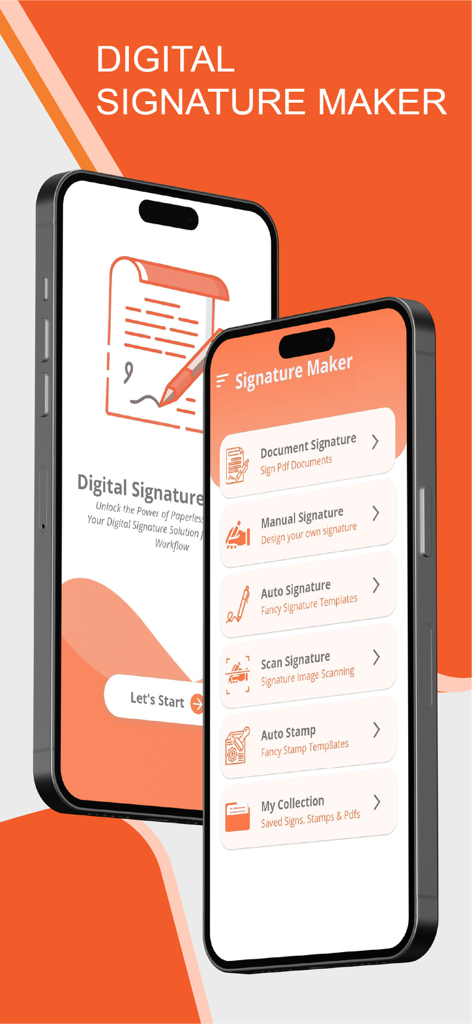
Mobile app interface of Digital Signature Maker showing document signing and stamp creation options on two smartphones
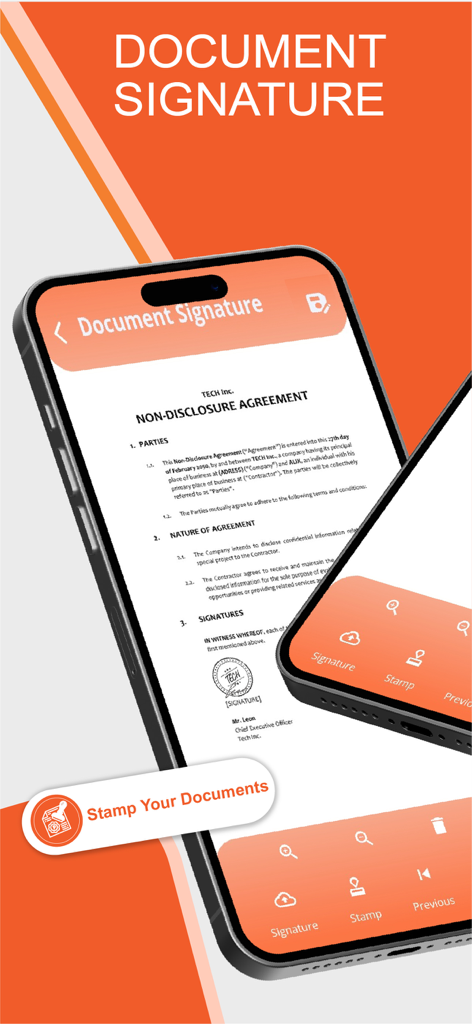
Digital signature and stamp app interface showing an NDA on an iPhone
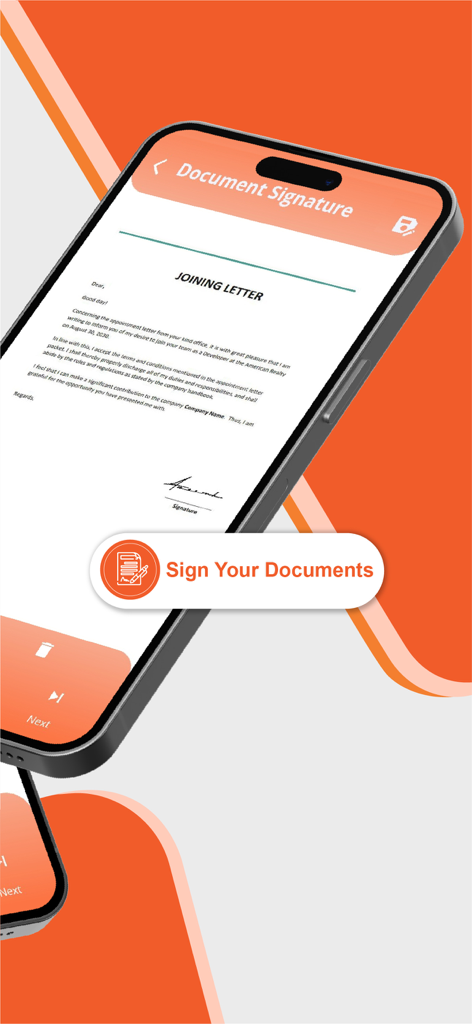
Mobile app interface showing a joining letter being digitally signed on a smartphone screen
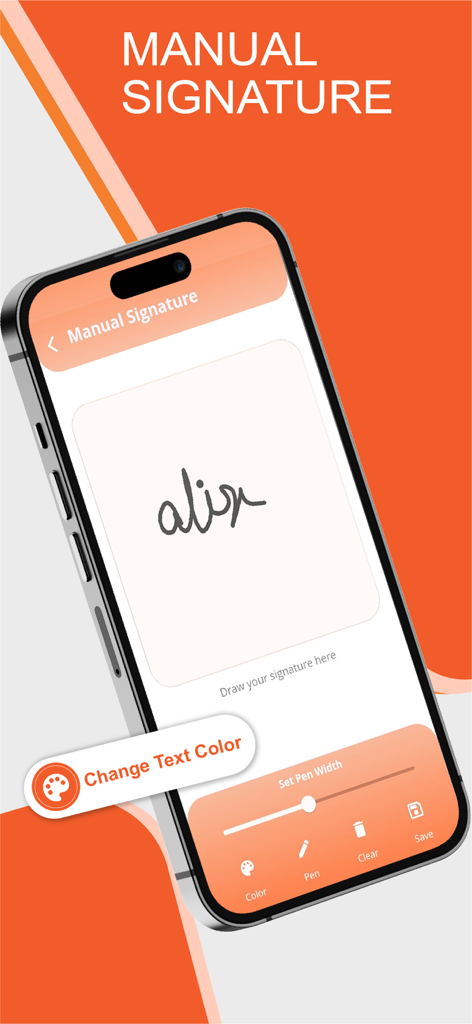
iPhone screen showing the manual signature drawing feature with pen customization options in the Digital Signature app.
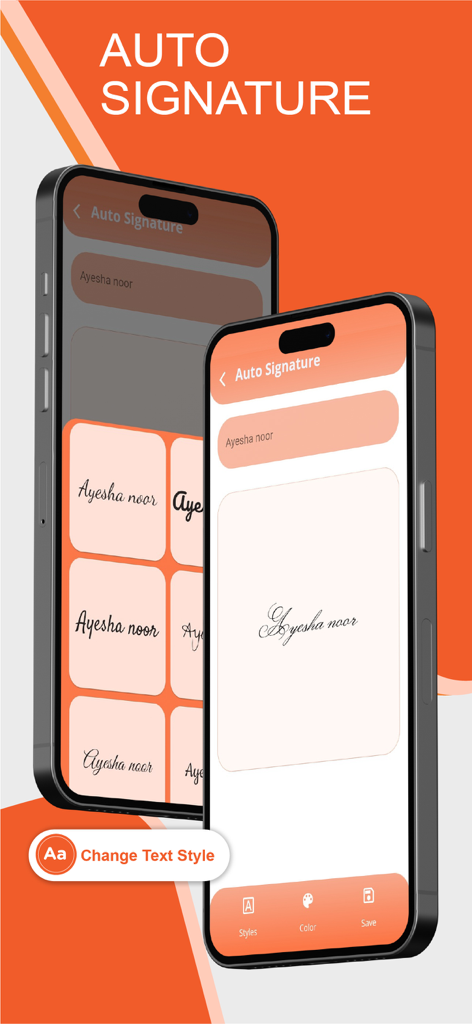
Mobile app interface showing automatic signature generation from typed text with various font styles
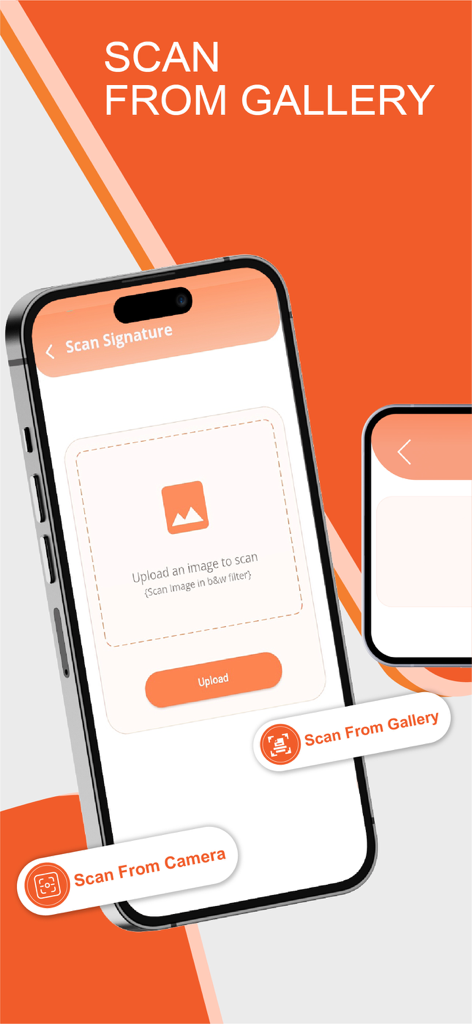
A smartphone interface showing the scan signature feature with options to upload from gallery or use the camera.
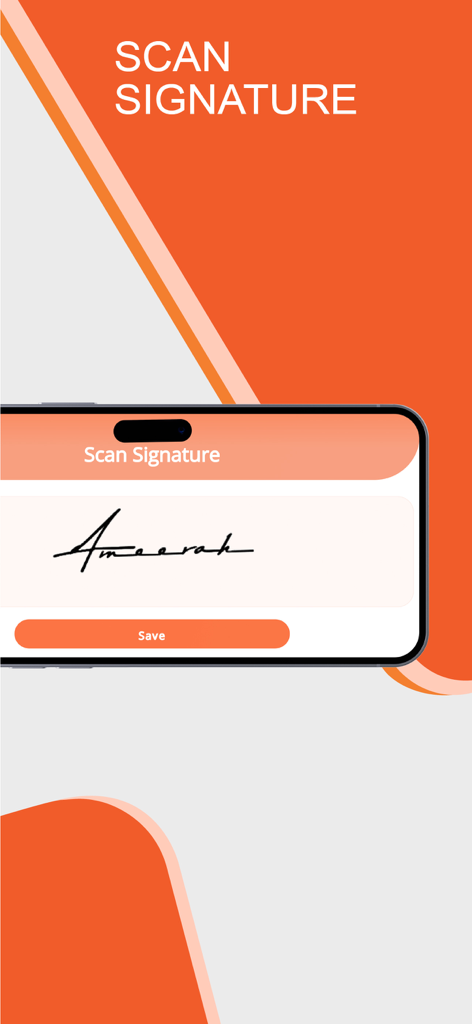
A mobile interface showing a scanned handwritten signature for digital use.
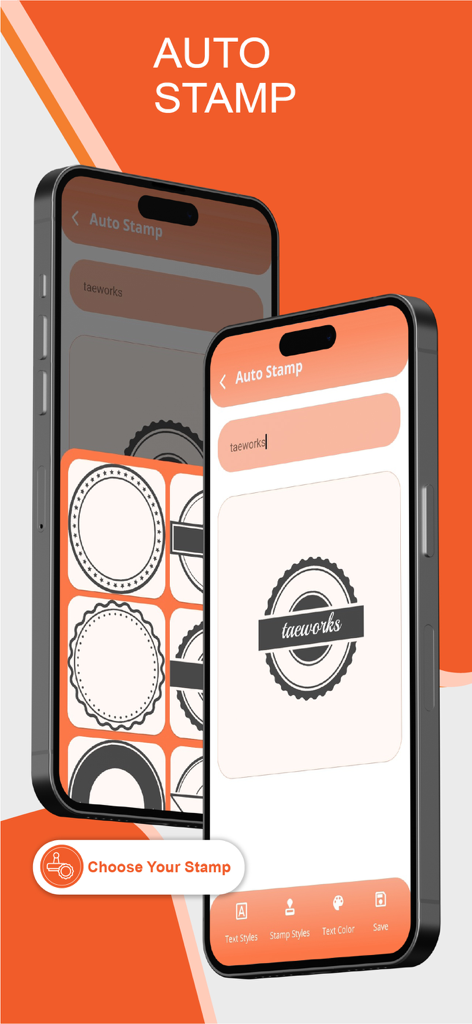
App interface displaying the auto stamp feature with various professional stamp templates
Description
Download
More Like This
Top-ranked apps in the same category

ChatGPT
OpenAI OpCo, LLC

Google Gemini
Google LLC

Grok
X.AI Corporation

Gmail - Email by Google
Google LLC

千问 - 阿里最强大模型官方AI助手
Shanghai Zhixin Puhui Technology Co., Ltd.

Google Drive
Google LLC

Microsoft Authenticator
Microsoft Corporation

Google Sheets
Google LLC

Google Docs
Google LLC
This page is not an official page of the app or its developer, but an independent editorial publication created for informational and commentary purposes. Unless expressly stated otherwise, neither the app nor its developer is affiliated with, endorsed by, sponsored by, authorized by, or otherwise officially connected with MWM, Apple, Google Play, the app publisher, or the app's developer, and nothing on this page implies that the app was developed using MWM's services. Any trademarks, logos, screenshots, and other content remain the property of their respective owners.