
This page is not an official page of the app or its developer, but an independent editorial publication created for informational and commentary purposes. Unless expressly stated otherwise, neither the app nor its developer is affiliated with, endorsed by, sponsored by, authorized by, or otherwise officially connected with MWM, Apple, Google Play, the app publisher, or the app's developer, and nothing on this page implies that the app was developed using MWM's services. Any trademarks, logos, screenshots, and other content remain the property of their respective owners.


dot ART - Mosaic Effects App
Level up your aesthetic with 8-bit pixels, halftone dots, and vibrant pop art filters. Create scroll-stopping content for TikTok and Instagram with simple sliders and professional artistic effects.
Downloads
45K+User Rating
Total Ratings
100Publisher
Category
Photo & VideoLocales
2Latest Version
2.4Size
4.0 MBFirst Released
Sep 18, 2014Unleash Your Creative Edge
Transform your everyday photos and videos into eye-catching digital art with retro 8-bit, mosaic, and pop-art effects.
Retro 8-Bit & Mosaic Style
Turn any photo into a nostalgic masterpiece or a classic pixel-art video that stands out on any feed.
Dynamic Video Transformation
Apply artistic filters to your videos in real-time. Perfect for creating unique TikTok transitions and aesthetic Reels.
The following screenshots and description are sourced directly from the app's official store listing and are the property of the app developer.
App Store
Screenshots
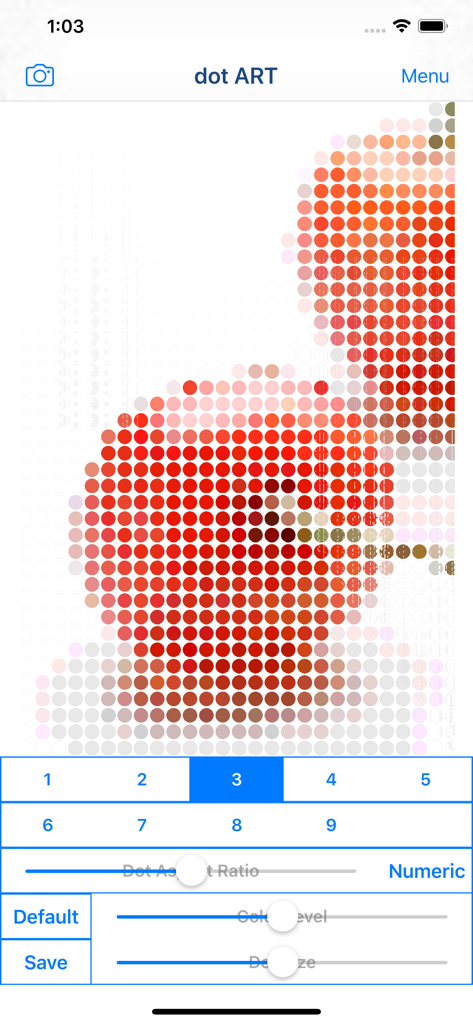
The dot ART app interface displaying a photo of apples transformed into a red dot mosaic pattern with editing sliders.
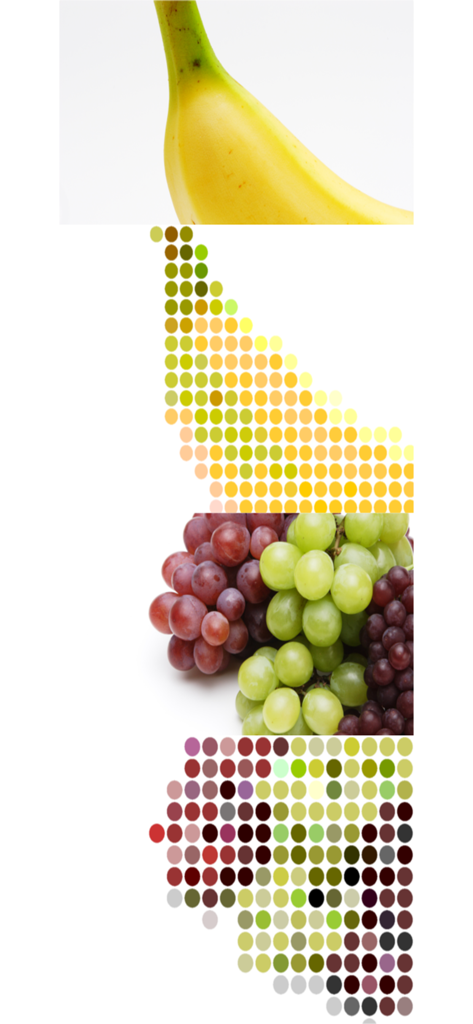
A comparison showing fruit photos transformed into colorful dot art and mosaic patterns.
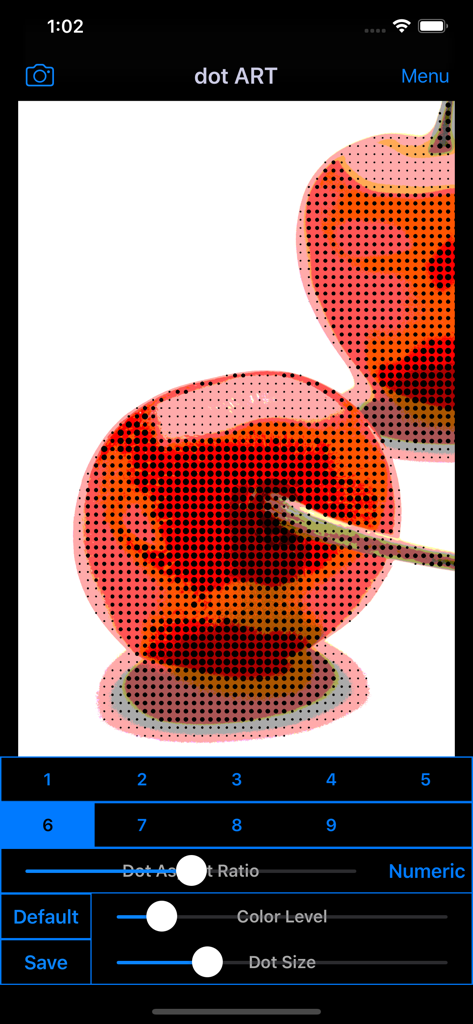
Interface of dot ART app showing a halftone effect on cherries with editing sliders for color and dot size
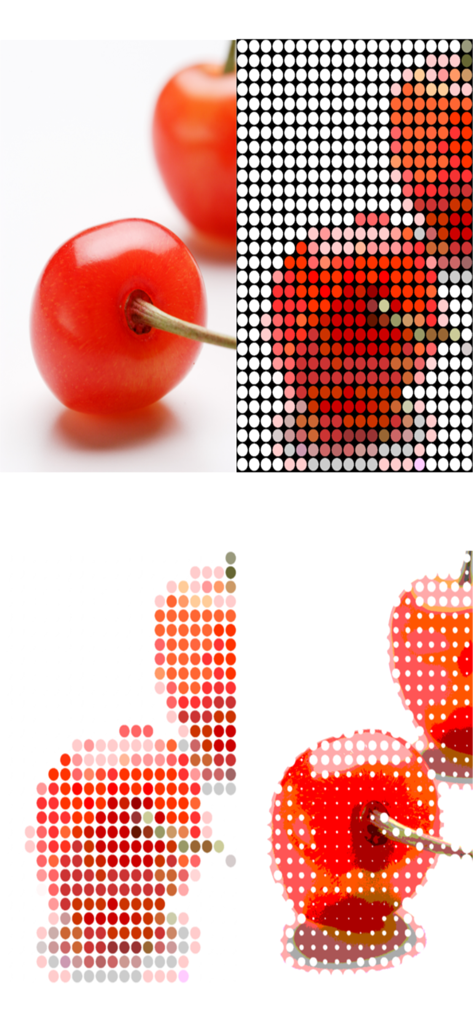
Mosaic and dot art effects applied to a photo of cherries.
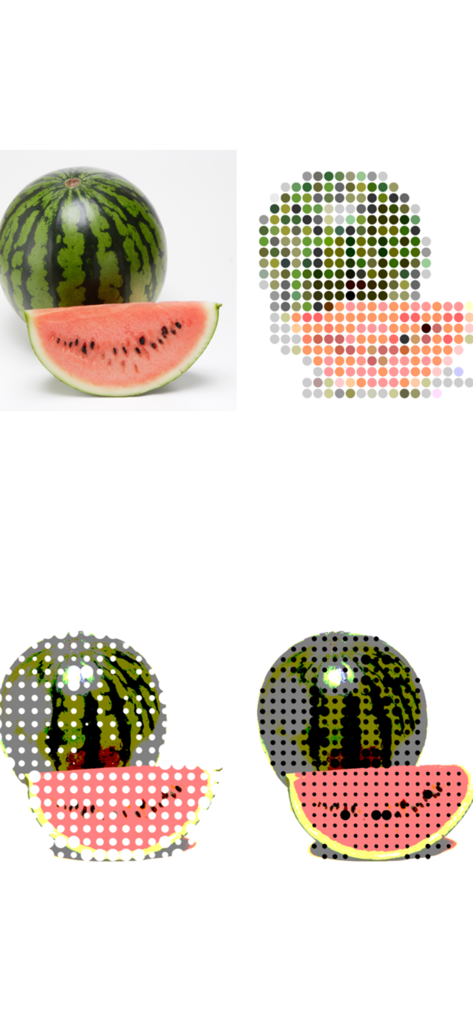
A comparison showing a watermelon original photo alongside mosaic and halftone dot art filter effects
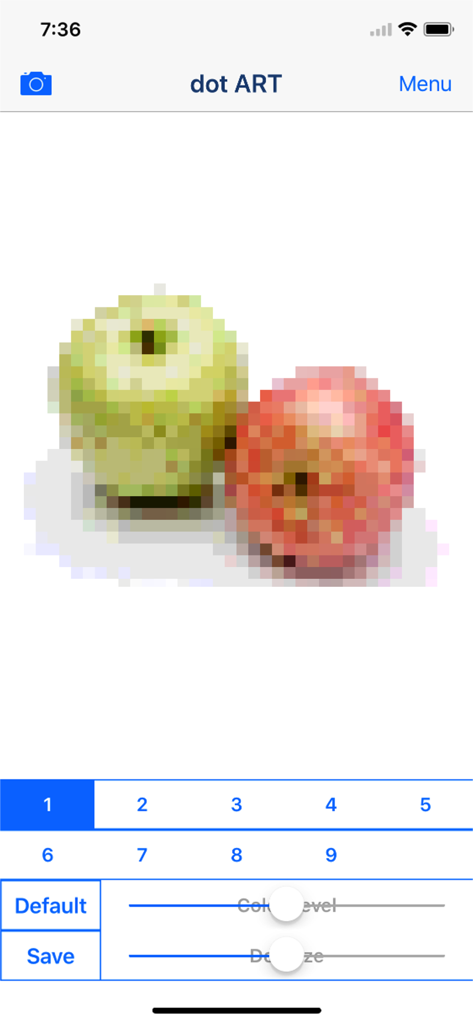
Screenshot of dot ART app showing a pixelated mosaic effect applied to an image of apples with editing sliders
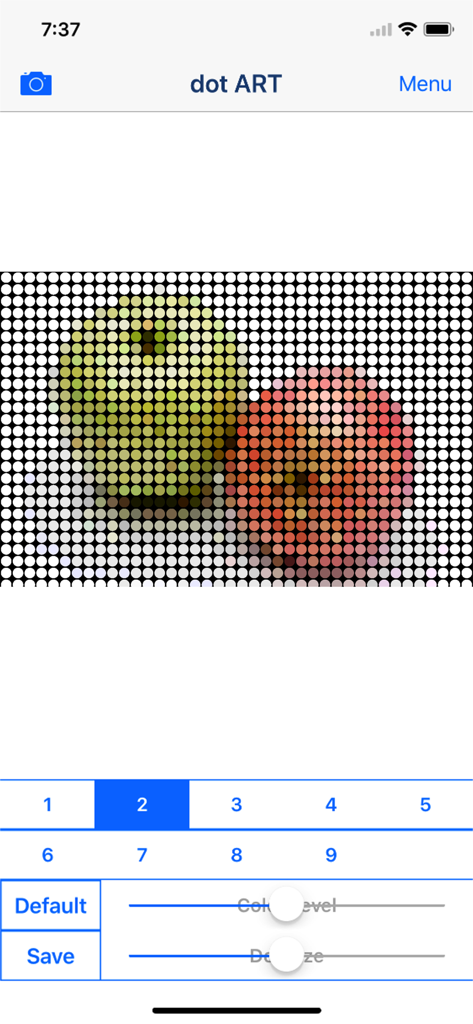
Mobile app interface showing a dot art mosaic effect applied to a photo of apples with adjustable sliders for color and size
Description
Download
More Like This
Top-ranked apps in the same category

CapCut: Photo & Video Editor
BYTEDANCE PTE. LTD.

Instagram, Inc.

YouTube
Google LLC

Canva: AI Photo & Video Editor
Canva Pty Ltd

Snapchat
Snap, Inc.

快手
Beijing Kwai Technology Co., Ltd.

Edits: Video Editor
Instagram, Inc.

Meitu- AI Photo & Video Editor
Xiamen Meitu Technology Co., Ltd.

Google Photos: Backup & Edit
Google LLC
This page is not an official page of the app or its developer, but an independent editorial publication created for informational and commentary purposes. Unless expressly stated otherwise, neither the app nor its developer is affiliated with, endorsed by, sponsored by, authorized by, or otherwise officially connected with MWM, Apple, Google Play, the app publisher, or the app's developer, and nothing on this page implies that the app was developed using MWM's services. Any trademarks, logos, screenshots, and other content remain the property of their respective owners.