
This page is not an official page of the app or its developer, but an independent editorial publication created for informational and commentary purposes. Unless expressly stated otherwise, neither the app nor its developer is affiliated with, endorsed by, sponsored by, authorized by, or otherwise officially connected with MWM, Apple, Google Play, the app publisher, or the app's developer, and nothing on this page implies that the app was developed using MWM's services. Any trademarks, logos, screenshots, and other content remain the property of their respective owners.

DrillRight
Stop worrying about crooked screens or damaged brick. Use our Augmented Reality guide to find the perfect first drill hole and install your Vogel's wall mount with professional confidence.
Downloads
86K+User Rating
Total Ratings
800Publisher
Category
LifestyleLocales
1Latest Version
1.8.29Size
205.0 MBFirst Released
Dec 4, 2023Mount Your TV with Absolute Confidence
Stop the guesswork and avoid costly mistakes. Our AR-powered guide ensures your Vogel's mount is perfectly positioned on brick or concrete walls every single time.
AR-Powered Precision
Visualize your TV on the wall before you drill. Use augmented reality to identify the exact spot for your first hole with pixel-perfect accuracy.
Optimized for Solid Walls
Eliminate the anxiety of drilling into brick or concrete. Our app is specifically engineered to handle the high stakes of mounting on solid surfaces.
The following screenshots and description are sourced directly from the app's official store listing and are the property of the app developer.
App Store
Screenshots
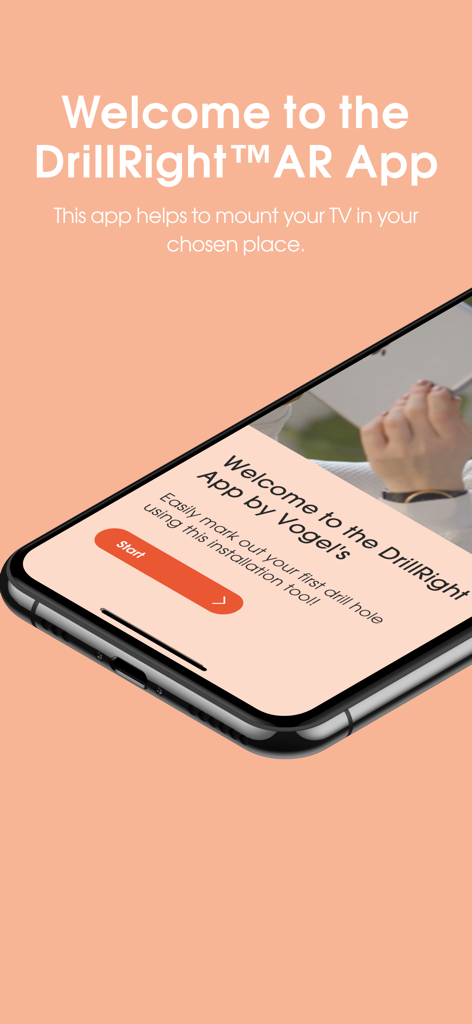
Welcome screen of the DrillRight AR app on a smartphone for TV wall mount installation
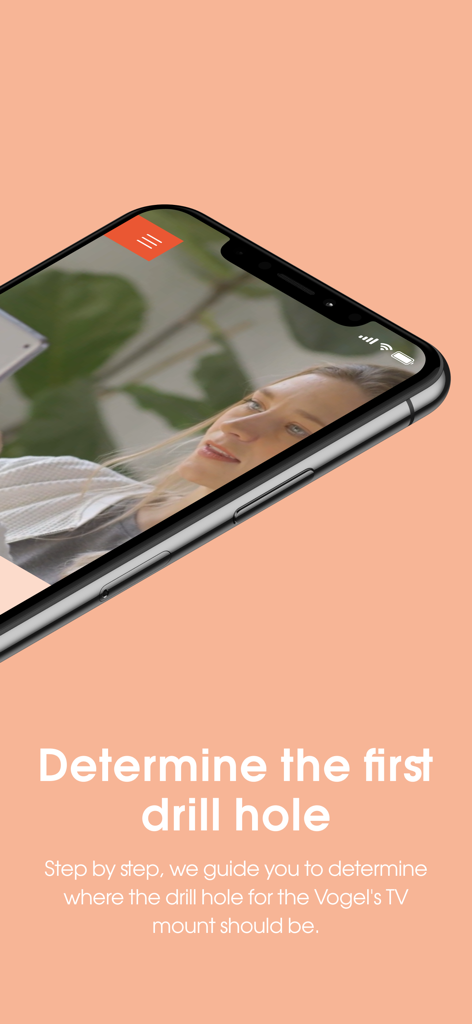
Screenshot of the DrillRight app showing step by step guidance to determine the first drill hole for a TV mount
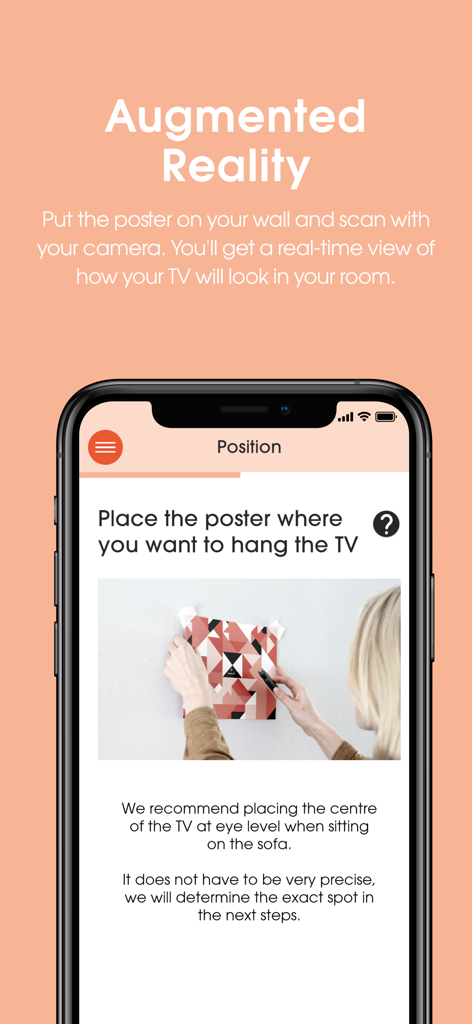
DrillRight app screen showing augmented reality instructions for placing a TV mount poster on a wall
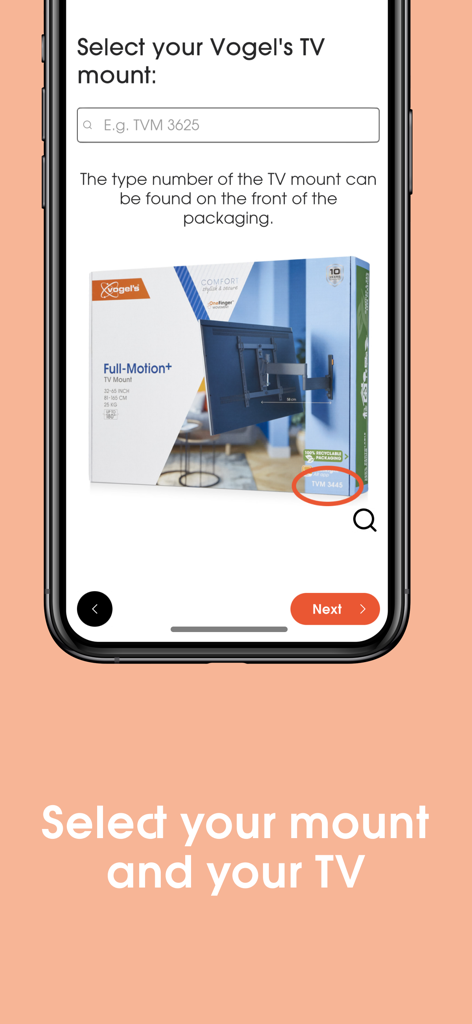
DrillRight app screen showing the selection process for a Vogel's TV wall mount with a search bar and product packaging example.
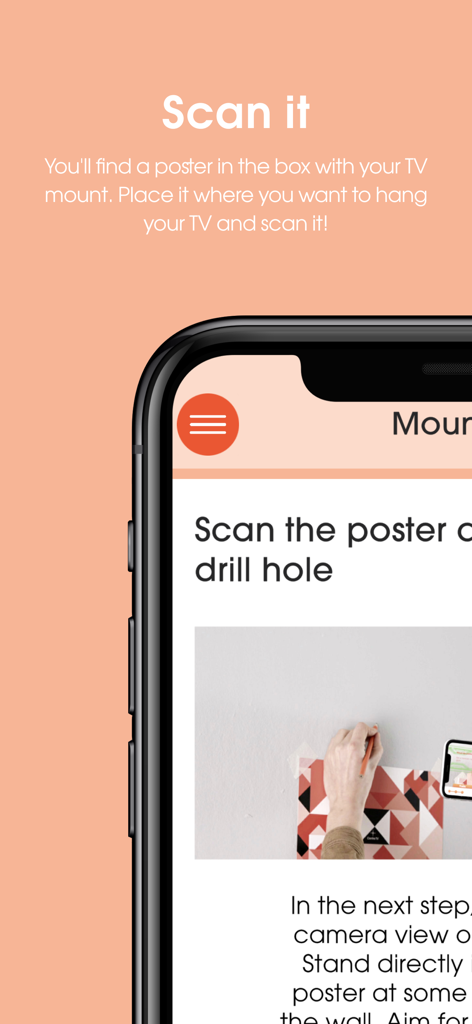
A mobile app screen showing how to scan a poster to determine a TV mount drill hole using AR
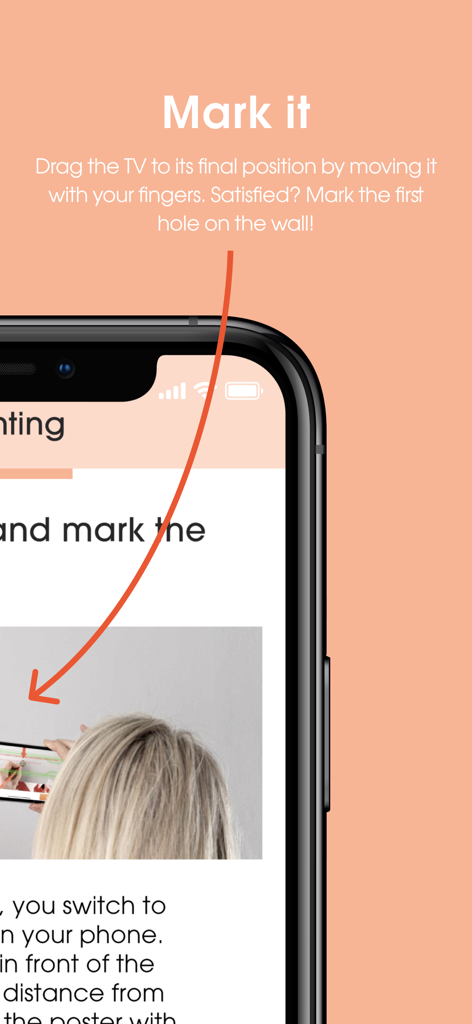
Smartphone screen showing the DrillRight AR app interface for marking a TV mount drill hole on a wall
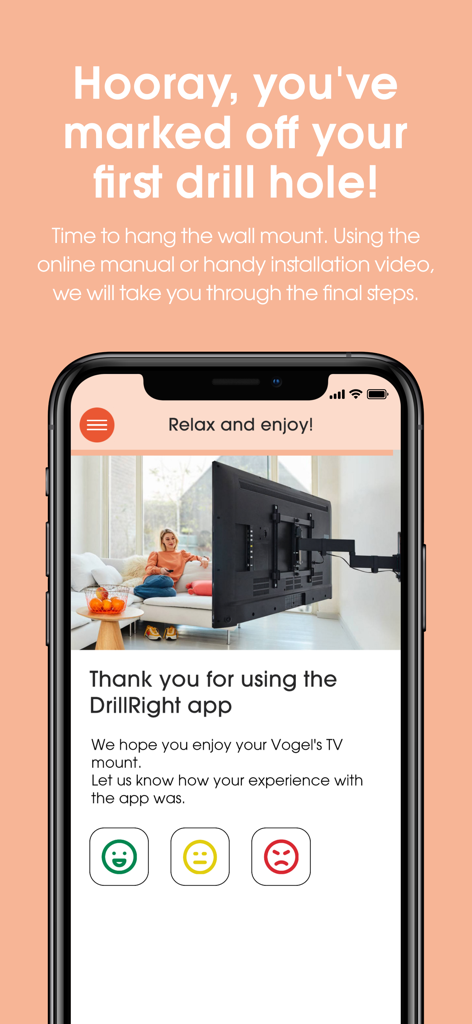
DrillRight app screen showing successful TV mounting completion and feedback request
Description
Download
More Like This
Top-ranked apps in the same category

Pinterest, Inc.

Alipay - Simplify Your Life
Alipay (Hangzhou) Technology Co., Ltd.

Dianping: Discover Good Places
Hanhai Information Technology (Shanghai) Co.Ltd

美团-美好生活小帮手
Sankuai Technology Co., Ltd.

Lemon8 - Lifestyle Community
TIKTOK PTE. LTD.

Xiaomi Home
Beijing Xiaomi Co., Ltd

Tinder Dating App: Date & Chat
Tinder LLC

SmartThings
Samsung Electronics Co., Ltd.

VNeTraffic
GLOBAL TECHNOLOGY - TELECOMMUNICATIONS CORPORATION
This page is not an official page of the app or its developer, but an independent editorial publication created for informational and commentary purposes. Unless expressly stated otherwise, neither the app nor its developer is affiliated with, endorsed by, sponsored by, authorized by, or otherwise officially connected with MWM, Apple, Google Play, the app publisher, or the app's developer, and nothing on this page implies that the app was developed using MWM's services. Any trademarks, logos, screenshots, and other content remain the property of their respective owners.