
DropCopy


Ditch the lag of cloud sync and the inconsistency of AirDrop. Experience instant, secure file transfers between Mac, iPhone, and iPad with our intuitive menu bar dropzone and automatic Wi-Fi discovery.
Publisher
Category
UtilitiesDownloads
400User Rating
Total Ratings
0Locales
1Discover the interface used by 400 users.
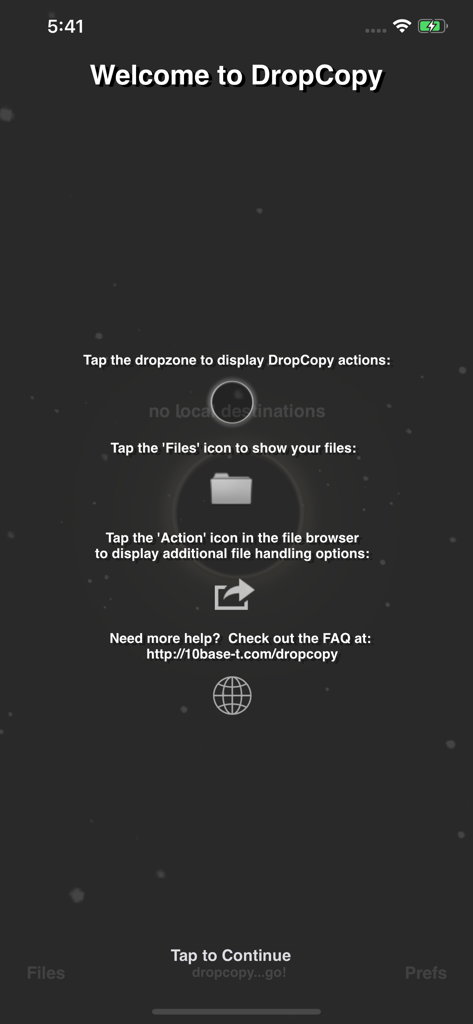
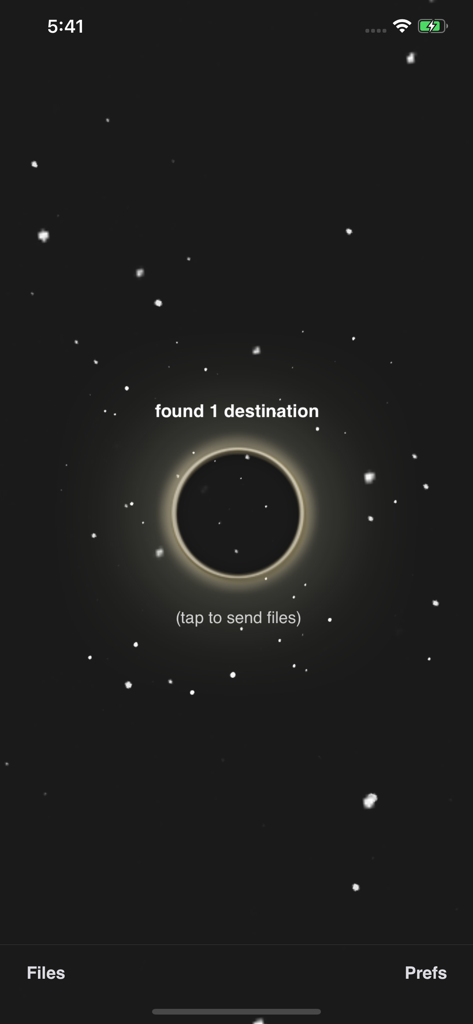
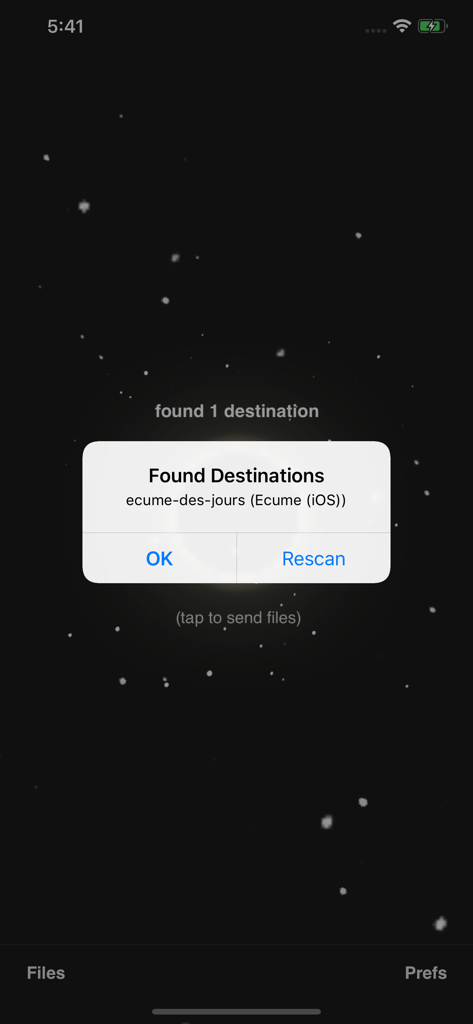
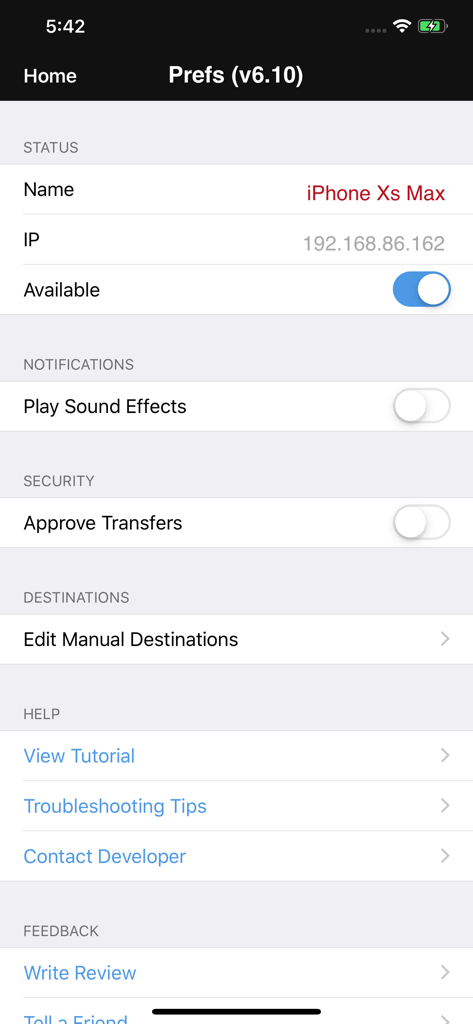
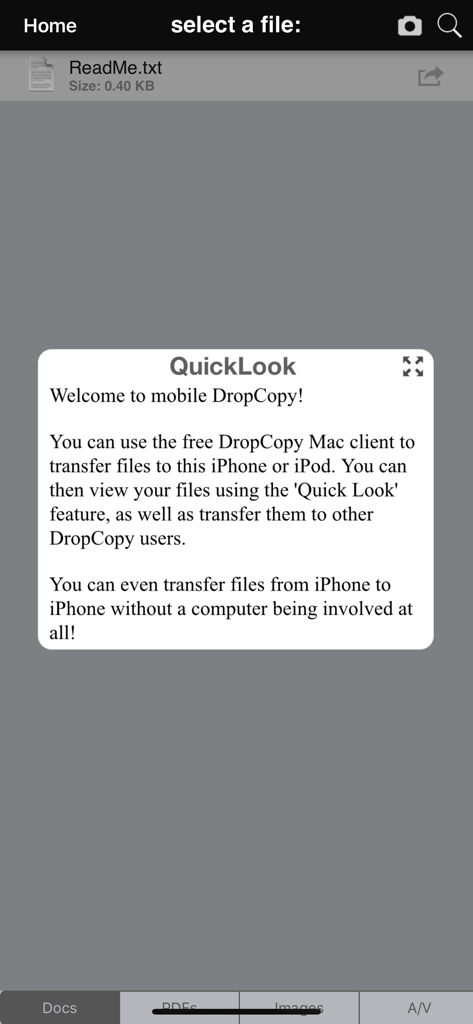
The tools that make this app stand out, trusted by 400 users.
Stop wasting time waiting for AirDrop to show up. Launch DropCopy on any local Wi-Fi network and your devices see each other instantly, every time.
Keep your creative flow going. Drag files directly into the discreet Mac menubar zone for immediate transfer to your iPhone or iPad without leaving your app.
Skip the cloud upload and protect your privacy. Transfers happen directly over your local network, ensuring maximum speed for large assets and total data security.
Everything you need to know about DropCopy.
Description
Latest Version
5.08
Size
7.1 MB
First Released
Dec 16, 2010
Join thousands of creative professionals who trust DropCopy for instant, reliable file transfers. Download now and bridge the gap between your Mac, iPhone, and iPad.
Top-ranked apps in the same category

Google LLC

Google LLC

China Mobile Online Services Co., Ltd.

Google LLC

Servicos e Informacoes do Brasil

DEEP FLOW SOFTWARE SERVICES - FZCO

Servicos e Informacoes do Brasil

Microsoft Corporation

YUNFAN TECHNOLOGY CO., LIMITED
App information, icons, screenshots, and descriptions displayed on this page are sourced from the Apple App Store and are the property of their respective developers. Download estimates and rankings are based on MWM's proprietary models and may not reflect actual figures. This page is provided for informational and analytical purposes only.
Believe this page infringes your intellectual property? File a dispute