
This page is not an official page of the app or its developer, but an independent editorial publication created for informational and commentary purposes. Unless expressly stated otherwise, neither the app nor its developer is affiliated with, endorsed by, sponsored by, authorized by, or otherwise officially connected with MWM, Apple, Google Play, the app publisher, or the app's developer, and nothing on this page implies that the app was developed using MWM's services. Any trademarks, logos, screenshots, and other content remain the property of their respective owners.

Duo Messenger Web Clone Plus
The all-in-one solution to manage multiple accounts, sync chats to your iPad, and unlock hidden messaging features for ultimate digital control.
Downloads
1M+User Rating
Total Ratings
30K+Publisher
Category
Social NetworkingLocales
11Latest Version
1.6.37Size
93.5 MBFirst Released
Sep 9, 2016Master Your Conversations with Pro-Level Tools
Duo Messenger bridges the gap between your devices, offering the multi-account flexibility and stealth features missing from standard apps.
Dual-Device Sync
Mirror your chats on your iPad or manage two separate accounts simultaneously. Perfect for balancing work and personal life without carrying two phones.
Stealth & Recovery
Recover deleted messages and hide your 'Last Seen' status. Enjoy the peace of mind that comes with complete privacy and total data visibility.
Frequently Asked Questions
Everything you need to know about Duo Messenger Web Clone Plus
What is Duo Messenger Web Clone Plus?
Duo Messenger Web Clone Plus is an application offering a guide for WhatsApp users and various tools like WA Web cloning, sending messages without saving numbers, and text utilities, enhancing the WhatsApp experience.
Can Duo Messenger Web Clone Plus connect to multiple WhatsApp accounts?
Yes, Duo Messenger Web Clone Plus enables users to open two WhatsApp accounts on the same device or one account on multiple devices by scanning the WhatsApp web QR code, providing a dual chat feature.
Does Duo Messenger Web Clone Plus offer a guide for WhatsApp features?
Yes, Duo Messenger Web Clone Plus includes a guide with tips for WhatsApp. It teaches users how to disable automatic image downloads, hide Last Seen, recover deleted messages, and change phone numbers without losing data.
How can I send a WhatsApp message without saving the number using Duo Messenger Web Clone Plus?
Duo Messenger Web Clone Plus includes a feature to send WhatsApp messages directly without saving the number. Users input the country code, number, and message into the "Direct Message" interface for sending.
What premium features are available in Duo Messenger Web Clone Plus?
Premium users of Duo Messenger Web Clone Plus access all described features. This includes unlimited messages, unlimited reminder messages, and the option to remove ads for a while within the application.
How do I manage my subscription for Duo Messenger Web Clone Plus?
Users manage their Duo Messenger Web Clone Plus subscription through their iTunes account. Subscriptions auto-renew, but cancellation or turning off auto-renew is possible at least 24 hours before renewal via iTunes account settings.
Can Duo Messenger Web Clone Plus create QR codes?
Yes, Duo Messenger Web Clone Plus features a built-in QR code creator. Users can generate custom QR codes for text, phone numbers, Google searches, and Facebook links directly within the application.
Does Duo Messenger Web Clone Plus have a dark mode?
Yes, Duo Messenger Web Clone Plus features a "Real 100% Native Dark Mode." Users can select this mode within the application's settings to change the interface's appearance.
Does Duo Messenger Web Clone Plus include an AI ChatBot?
Yes, Duo Messenger Web Clone Plus integrates a "Messenger AI ChatBot." This feature provides an interface where users can interact with an AI assistant for various queries or tasks.
Is Duo Messenger Web Clone Plus an official WhatsApp application?
No, Duo Messenger Web Clone Plus is not an official WhatsApp application. The developers explicitly state that it is not associated with WhatsApp Inc. in their disclaimer.
The following screenshots and description are sourced directly from the app's official store listing and are the property of the app developer.
App Store
Screenshots
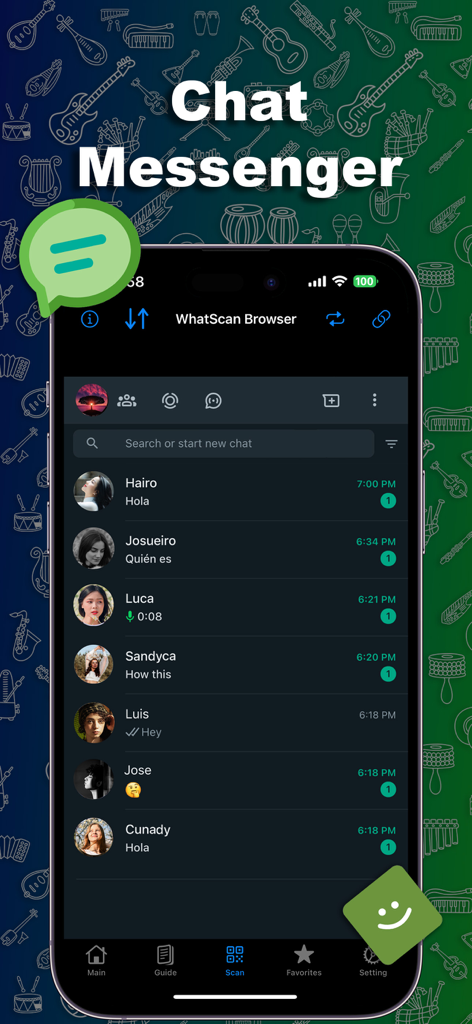
Duo Messenger Web Clone Plus app interface showing a list of active chat conversations
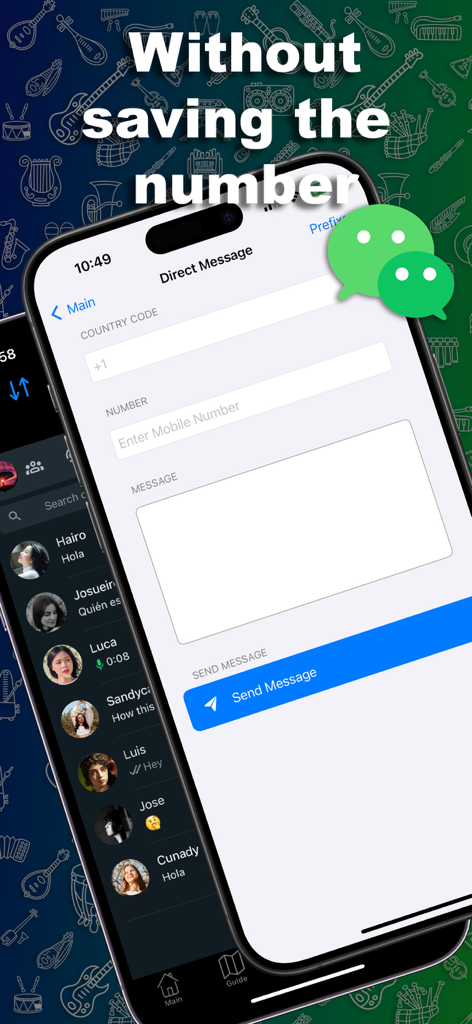
Duo Messenger app interface for sending direct messages without saving a phone number
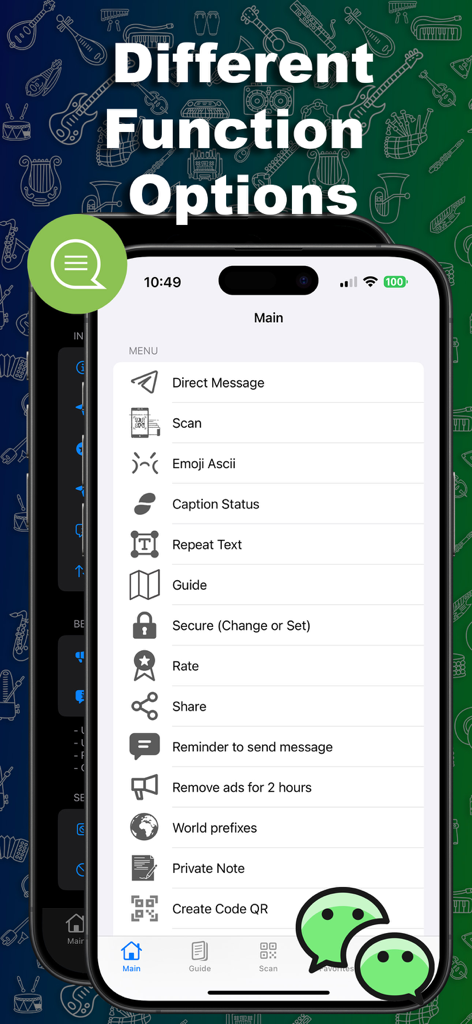
Main menu of the Duo Messenger app showing various features like Direct Message, Scan, and Text tools
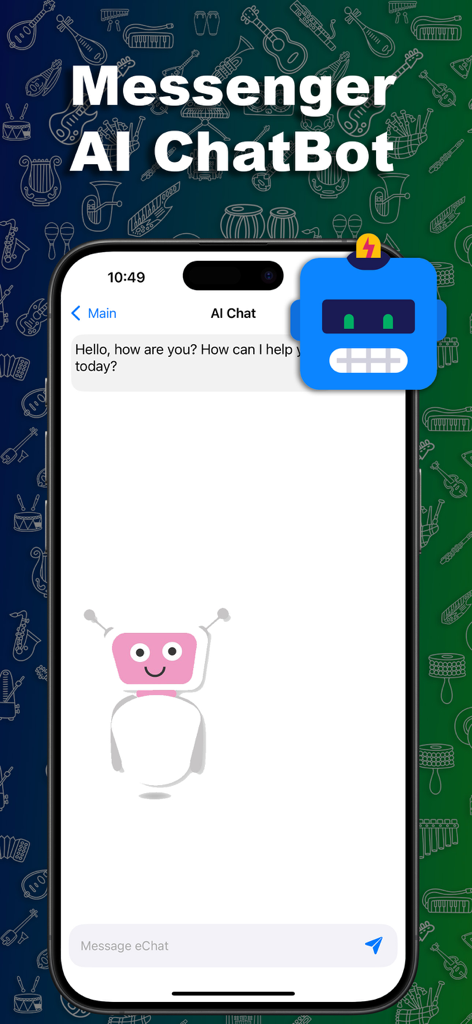
Duo Messenger AI chatbot screen with robot illustration and welcome message
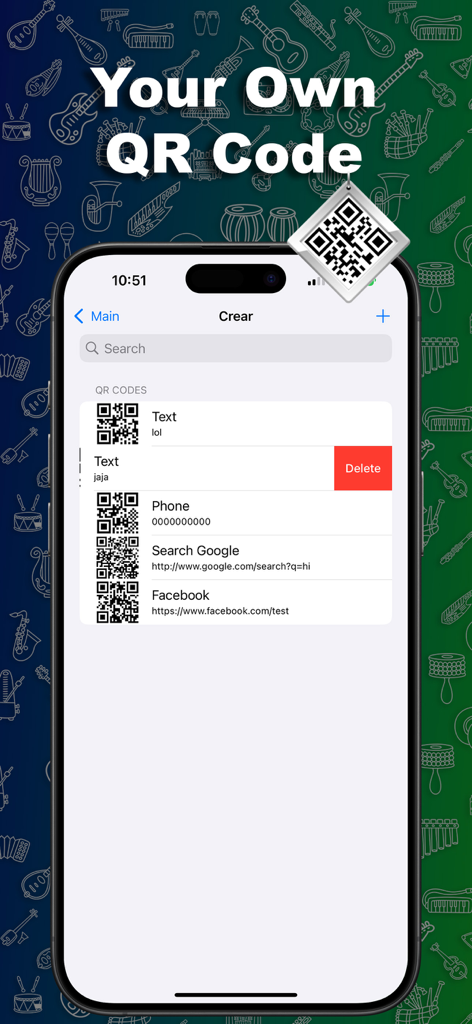
Mobile app interface displaying a list of custom QR codes for text, phone numbers, and web links.
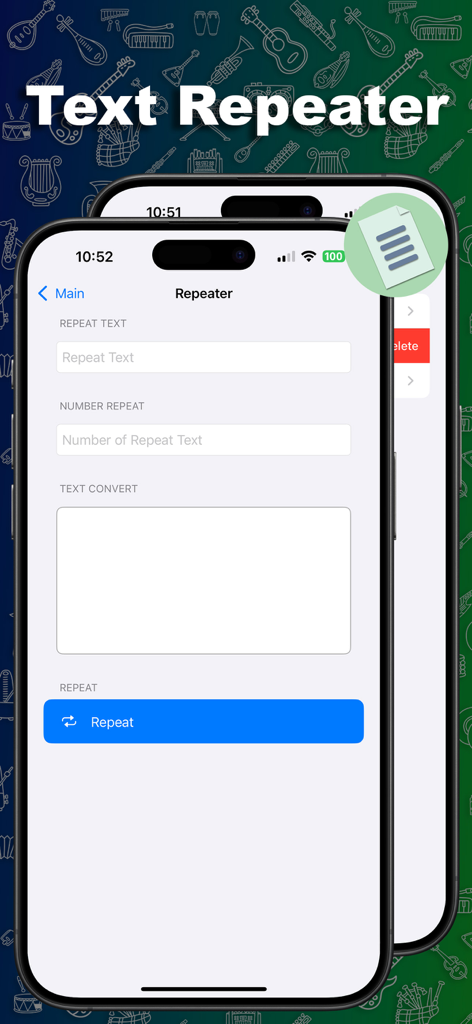
Mobile app interface showing the Text Repeater tool with input fields for text and repetition count
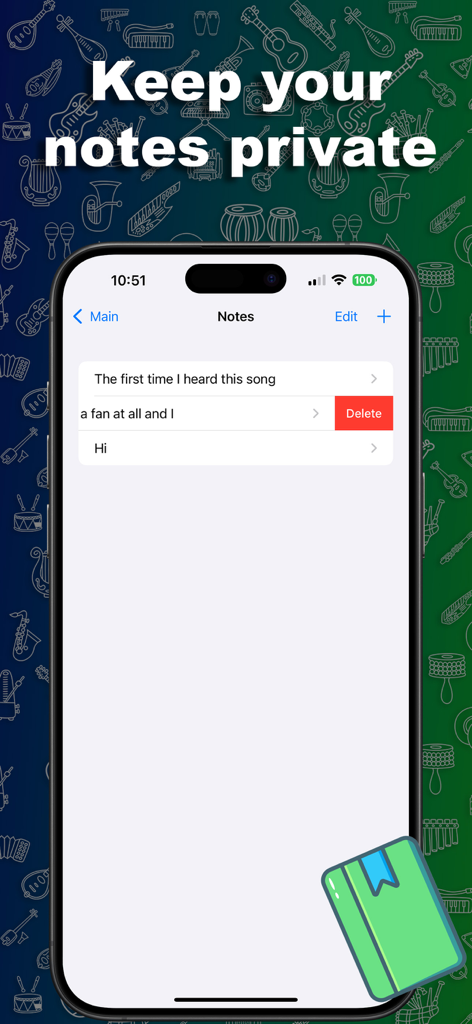
A smartphone screen displaying the private notes feature within the Duo Messenger app.
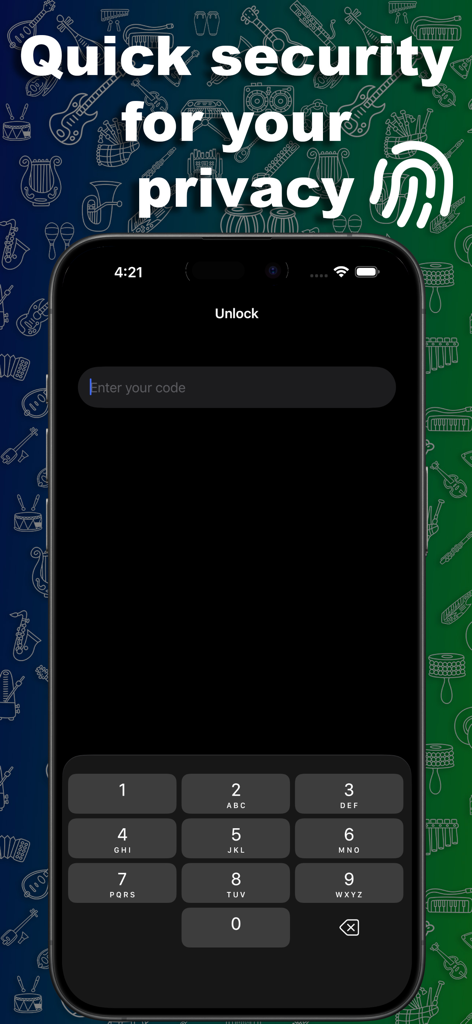
Duo Messenger security lock screen with passcode entry and privacy protection text
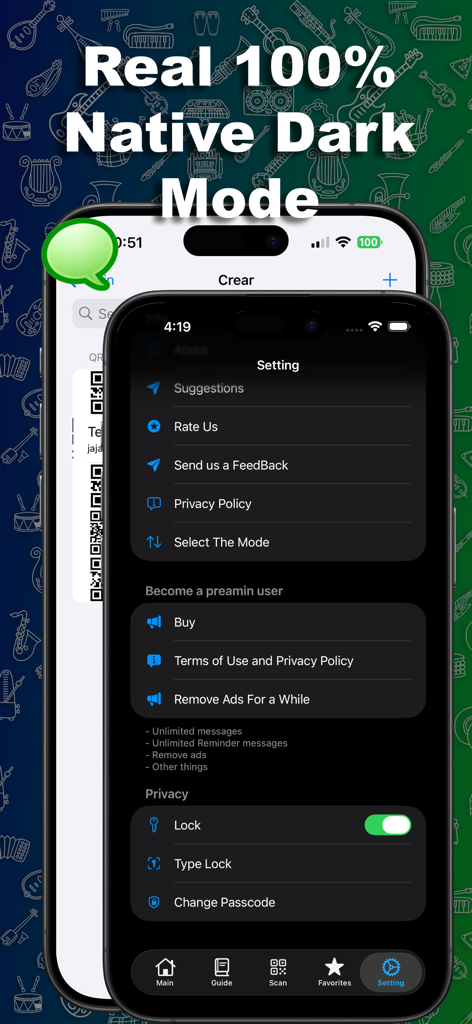
Duo Messenger app settings interface featuring native dark mode and privacy security lock options.
Description
Download
More Like This
Apps with similar features and user experience

WAAI: Web Messenger, Dual Chat
SEAMOBI TECH PTE LTD

WA Web - Dual Chat App
Guangdong Wuji Network Technology Co., Ltd.

Web scan 2024
Kanubhai Ukani

Whats Web - Dual App Messenger
Pravin Gondaliya

Status Saver WT - StoryBox
Pravin Gondaliya

WAMR - Undelete messages
Dweej Zalavadiya

WT Scan for Web 2026
Gaurang Radadiya

GB Version 2025
Javar Singh

Web Scan - Dual Chat
Ankur Kalkani
This page is not an official page of the app or its developer, but an independent editorial publication created for informational and commentary purposes. Unless expressly stated otherwise, neither the app nor its developer is affiliated with, endorsed by, sponsored by, authorized by, or otherwise officially connected with MWM, Apple, Google Play, the app publisher, or the app's developer, and nothing on this page implies that the app was developed using MWM's services. Any trademarks, logos, screenshots, and other content remain the property of their respective owners.