EasePDF Pro:PDF Editor Creator

EasePDF Pro:PDF Editor Creator

Download on App Store
Logo of EasePDF Pro:PDF Editor Creator

EasePDF Pro: Your Professional Mobile Office for Instant PDF Editing

Transform messy scans into polished documents in seconds. Boost your productivity with AI-powered OCR and seamless sharing—no account required.

Download on App Store

Publisher

BITTER CARROT LIMITED

Category

Utilities

Downloads

0

User Rating

1.0/5

Total Ratings

0

Locales

1

Your Professional Office, Visualized

Discover the interface used by 0 users.
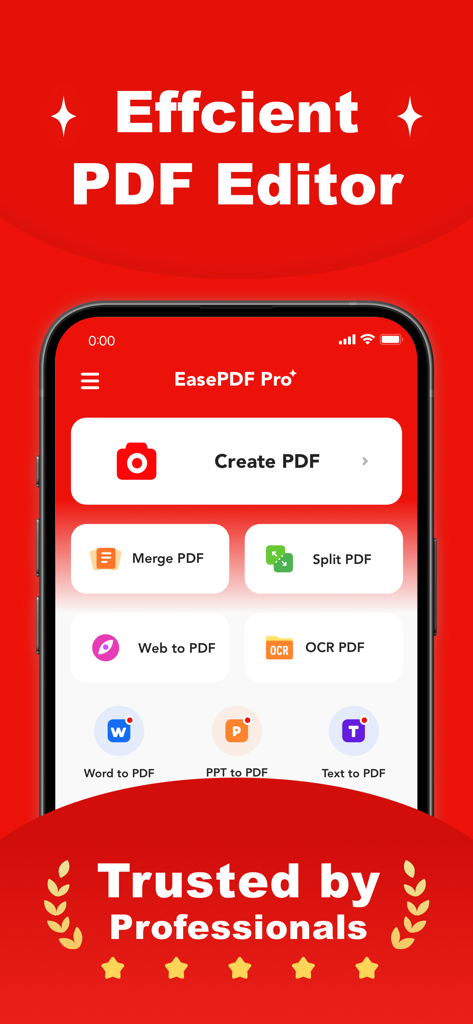
EasePDF Pro app dashboard displaying PDF tools including Create, Merge, and OCR.

EasePDF Pro app dashboard displaying PDF tools including Create, Merge, and OCR.

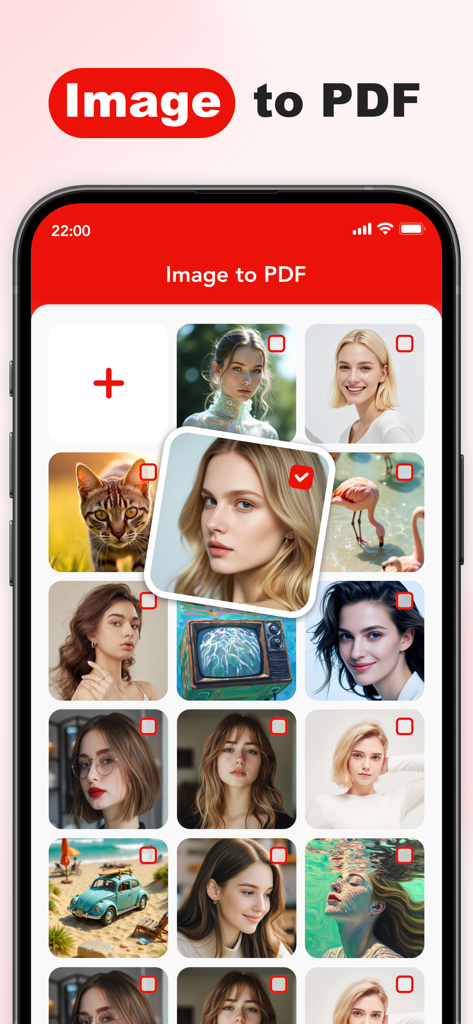
EasePDF Pro app interface showing multiple photo selection for image to PDF conversion.

EasePDF Pro app interface showing multiple photo selection for image to PDF conversion.

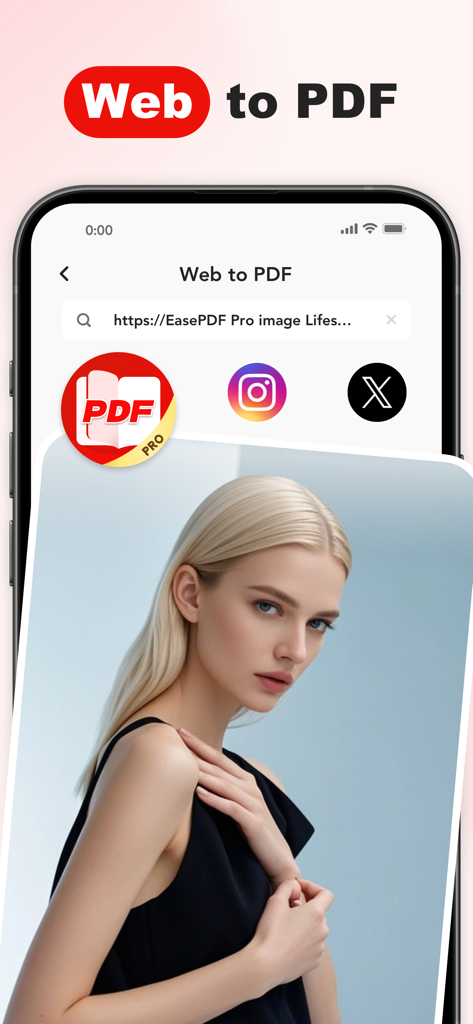
Screenshot of the EasePDF Pro mobile app displaying the Web to PDF conversion feature interface on a smartphone.

Screenshot of the EasePDF Pro mobile app displaying the Web to PDF conversion feature interface on a smartphone.

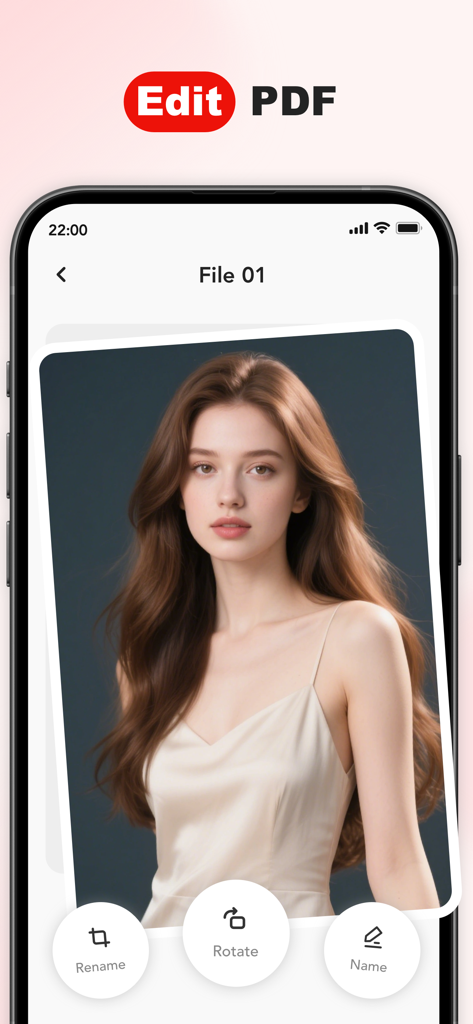
EasePDF Pro mobile app interface showing tools to edit rotate and rename documents

EasePDF Pro mobile app interface showing tools to edit rotate and rename documents

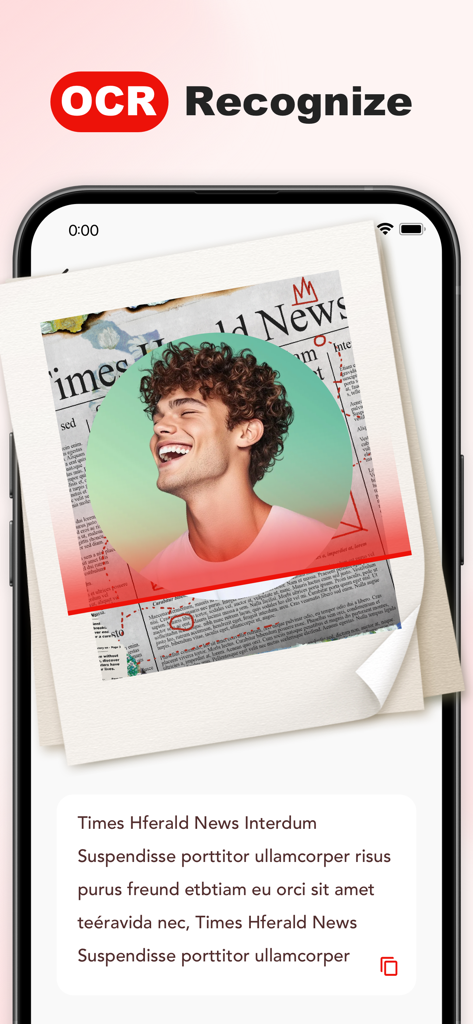
EasePDF Pro mobile app showing OCR text recognition from a scanned document

EasePDF Pro mobile app showing OCR text recognition from a scanned document

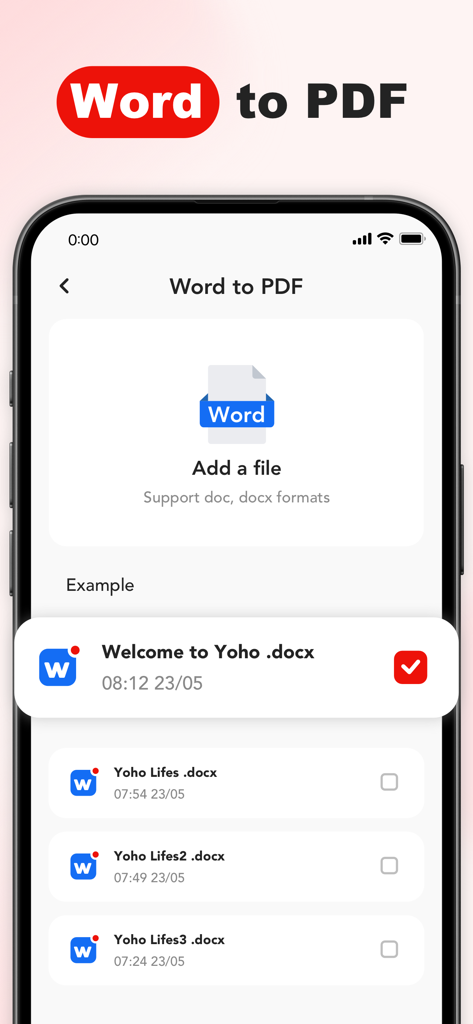
Mobile app interface for converting Word documents to PDF files

Mobile app interface for converting Word documents to PDF files

A Professional PDF Powerhouse in Your Pocket

The tools that make this app stand out, trusted by 0 users.

Instant Scan-to-PDF

Replace bulky hardware with an AI scanner that auto-crops and generates professional-grade documents in a rapid 3-step workflow.

🔍

Smart OCR Extraction

Stop retyping notes. Instantly convert handwritten memos and printed documents into searchable, editable text with high-precision optical character recognition.

💼

Mobile Office Efficiency

Generate professional invoices in under 20 seconds and manage your entire document library on the go—zero learning curve required.

About the app

Everything you need to know about EasePDF Pro:PDF Editor Creator.

Description

EasePDF Pro: PDF Editor Creator Instant Scanning, Editing & PDF Sharing Mobile Office Essential: Transform messy scans into professional documents anytime, anywhere ► Efficient Creation Camera-to-PDF: Scan documents with auto-cropping and one-click PDF generation Album-to-PDF: Merge multiple images into single files OCR Text Extraction: Convert handwritten notes → searchable & editable PDFs (direct text copying) Rapid Generation: Capture → Confirm → Create PDF (3-step process) ► Professional Editing Precision Adjustment: Freely crop page sizes, rotate document orientation Content Optimization: Built-in tools for easy text and layout editing ► Smart Management & Sharing Intelligent Library: Categorize and manage all local/created PDFs One-Tap Sharing: Instantly send files via email or share with others effortlessly ► Choice of Professionals 10× Efficiency: Generate invoices in 20 seconds (vs. 5 mins manually) Pro Features, Zero Learning Curve All-in-One Solution: Replaces scanners + converters + PDF editors ► Subscription Options EasePDF Pro offers flexible plans to match your workflow needs: Weekly Plan: $3.99 per week Monthly Plan: $9.99 per month — includes a 3-day free trial Annual Plan: $24.99 per year — includes a 3-day free trial After the trial period (if applicable), your subscription will automatically renew unless auto-renew is turned off at least 24 hours before the end of the current period. You can manage or cancel your subscription anytime in Account Settings after purchase. ► Privacy & Terms of Service EasePDF Pro respects your privacy and does not require account login. This app uses AdMob for ad-based revenue and Apple subscriptions for premium access. Analytics data is collected via Firebase to improve product experience. By using this app, you agree to our Terms of Service and Privacy Policy. For any questions or support, please contact us at: freebired234@163.com Effective Date: October 14, 2025 ► Redefine Your Document Workflow Download EasePDF Pro: PDF Editor Creator – Where Professionalism Meets Simplicity.

Latest Version

v1.1.3

Size

137.7 MB

First Released

May 9, 2023

Ready to Redefine Your Document Workflow?

Join thousands of professionals turning 5-minute tasks into 20-second wins. Start your 3-day free trial and experience the ultimate mobile office today.

Download on App Store

App information, icons, screenshots, and descriptions displayed on this page are sourced from the Apple App Store and are the property of their respective developers. Download estimates and rankings are based on MWM's proprietary models and may not reflect actual figures. This page is provided for informational and analytical purposes only.

Believe this page infringes your intellectual property? File a dispute